• $65.99
  • Free 30-day Returns
  • Price alert
    Shop it at NeweggBusiness.

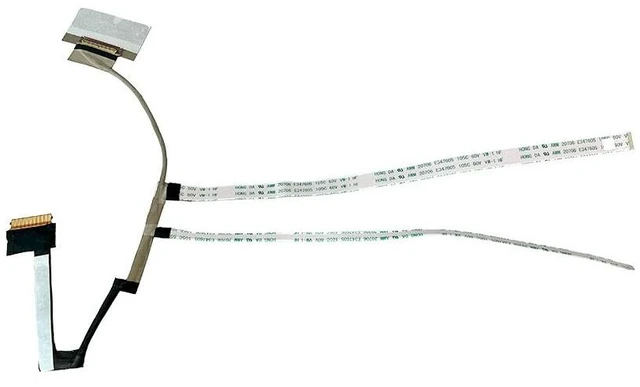
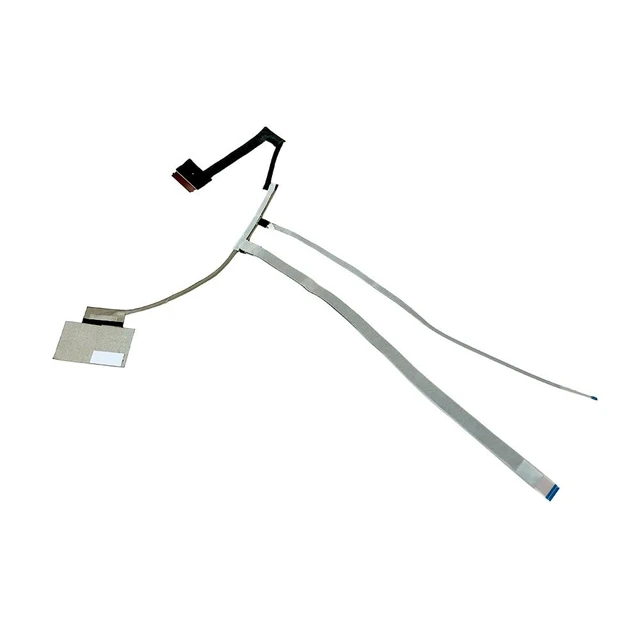
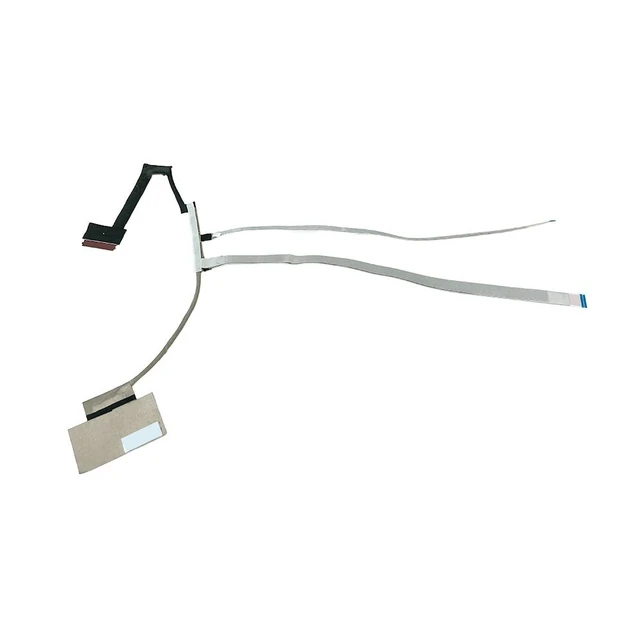
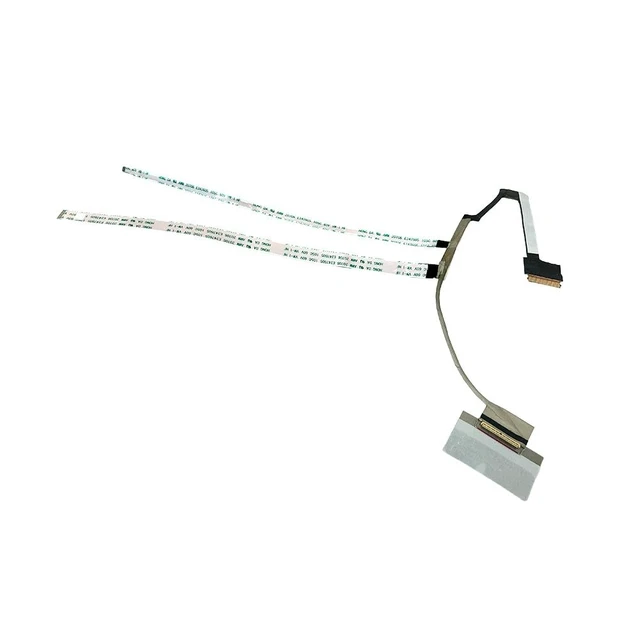
    Zahara 144HZ 165HZ 40pin LCD Screen Display Cable for HP OMEN 16-N 16-K

    • ZAHARA 40PIN 144HZ 165HZ LCD Screen Video Display Flex Cable Replacement for HP OMEN 16-N 16-K TPN-0281 N14109-001 DD0G3NLC000
    • Disassembly and InstallationLaptop disassembly is required for installation, professional skill is highly recommended.
    • Notice: Easy for you replace your faulty,cracked or broken one ,seller remind that you should replace this in the off state.
    • Compatibility Notice: Verify Before PurchaseCompatible ONLY with the models listed above. Purchasing the wrong item leads to returns. Check your model number now. Contact us if you need confirmation.
    • Pre-Tested & 24-Hour SupportShipped ready to use after rigorous testing. We stand behind our products with reliable, 24-hour customer service to protect your investment and experience.
    • Friendly Reminder: If you experience no signal or display issues during initial setup, gently wipe the metal contacts with a dry cloth or eraser to remove any oxidation. Then reinsert the device. This is a common connectivity is
    +
    +
    Overview
    Specs
    Reviews

    Any questions? Ask CelesteSM will help you find out quickly.

    ZAHARA 40PIN 144HZ 165HZ LCD Screen Video Display Flex Cable Replacement for HP OMEN 16-N 16-K TPN-0281 N14109-001 DD0G3NLC000 ^^ Disassembly and InstallationLaptop disassembly is required for installation, professional skill is highly recommended.
    ^^ Notice: Easy for you replace your faulty, cracked or broken one, seller remind that you should replace this in the off state.
    ^^ Compatibility Notice: Verify Before PurchaseCompatible ONLY with the models listed above. Purchasing the wrong item leads to returns. Check your model number now. Contact us if you need confirmation. ^^ Pre-Tested & 24-Hour SupportShipped ready to use after rigorous testing. We stand behind our products with reliable, 24-hour customer service to protect your investment and experience.
    ^^ Friendly Reminder: If you experience no signal or display issues during initial setup, gently wipe the metal contacts with a dry cloth or eraser to remove any oxidation. Then reinsert the device. This is a common connectivity issue unrelated to product quality. Please use with confidence.

    Warranty & Returns

    Warranty, Returns, And Additional Information

    Warranty

    • Please contact the Seller directly for warranty information. Warranty information may also be found on the Manufacturer's website.
    • CONTACT

    Return Policies

    Manufacturer Contact Info

    LOADING...