
Your Browsing History




Any questions? Our AI beta will help you find out quickly.
Note: The USB screen needs to be installed with a Driver to be used.
5 inch Manual & Driver download link
http//www.lcdwiki.com/5inch_PC_Sub_Display
7 inch Manual & Driver download link
http//www.lcdwiki.com/7inch_PC_Sub_Display
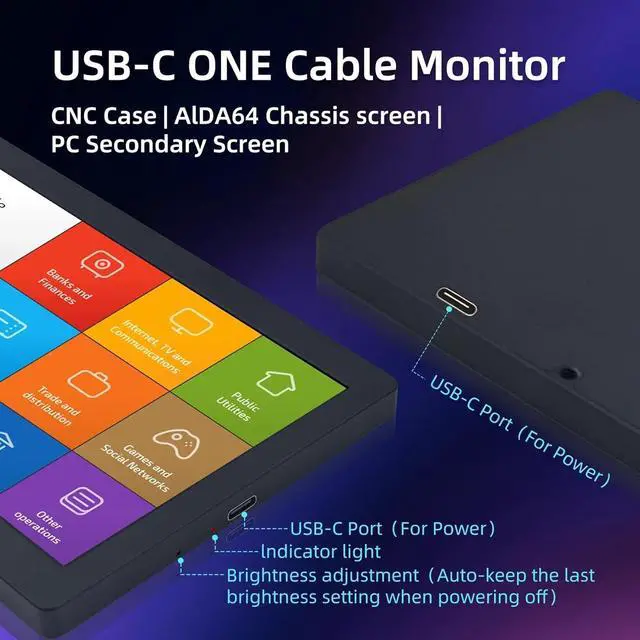
USB Single - Cable - Connection Display
Only one USB cable is needed to be connected to the computer's USB port for data communication and transmission of the computer screen. No HDMI or other connection cables are required.
Note: The USB single - cable - connection function only supports Windows 10/Windows 11 systems and requires the installation of drivers.
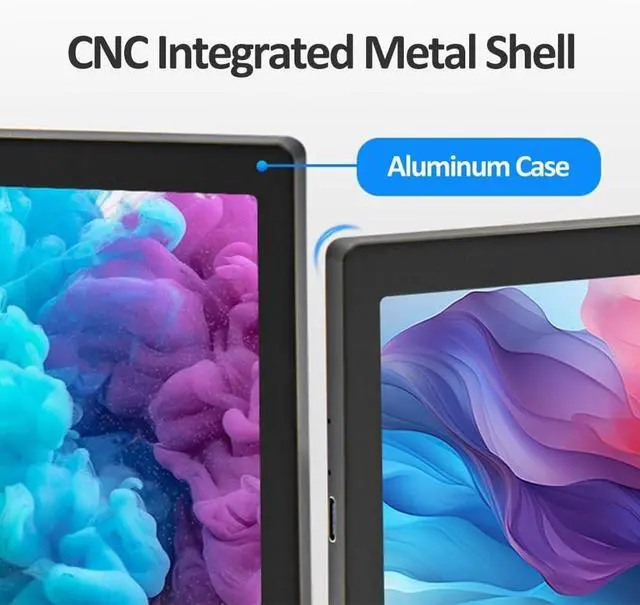
Integrated Shell with CNC Precision Carving
The shell is made of integrated aluminum through overall CNC carving, with a round and textured appearance, showing meticulous craftsmanship.
Supports Brightness Adjustment
The brightness is adjustable. When powered off, it automatically retains the previous brightness setting, which is convenient for DIY.
Application
DIY for Chassis Secondary Screen
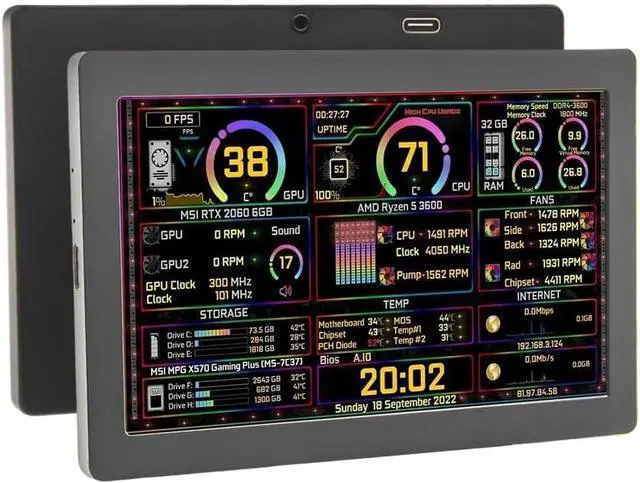
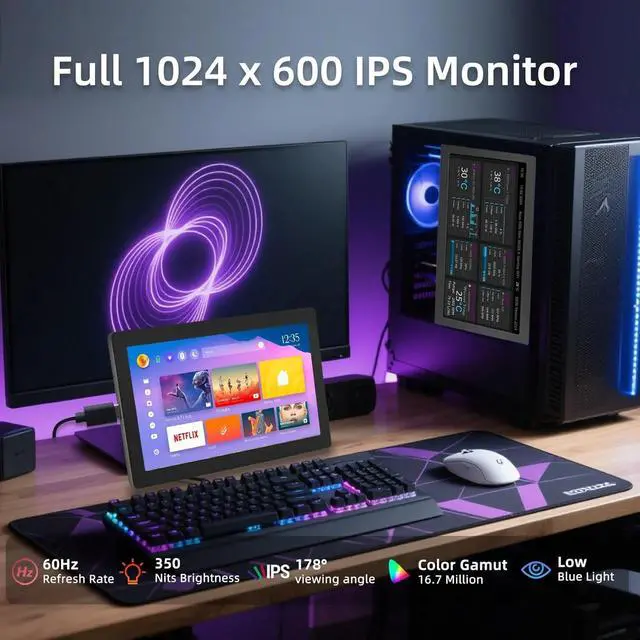
When combined with the AIDA64 software, it can be used as a USB secondary screen to display real - time running information such as CPU, memory, and hard drive status.
USB Computer Desktop Secondary Screen
Just connect one USB cable to any USB port of a Windows 10/11 computer. After installing the driver, it can be used as a computer secondary screen without occupying other HDMI/DVI/DP/VGA ports of the host.
Industrial Control Host Monitoring Screen
Connect it to the USB port of an industrial control host with Windows 10/11 system. It can be used as an industrial control host monitoring screen and for debugging parameters when going out. It features convenient connection, portability, simplicity, and high cost - effectiveness.
Name
Parameter
Display Type
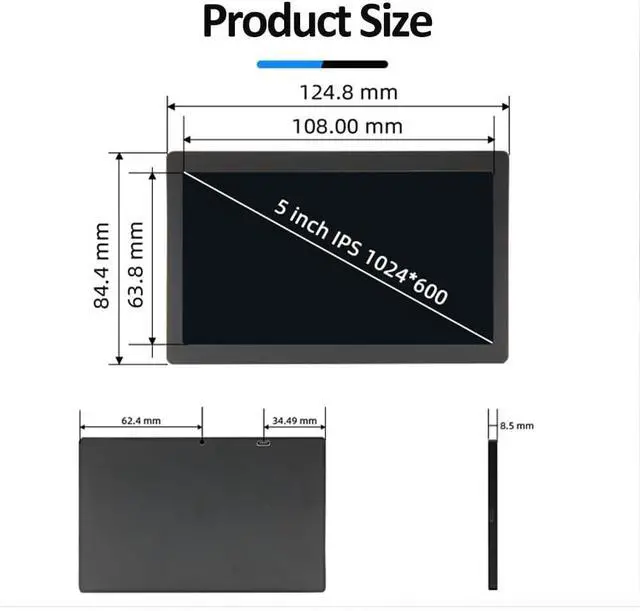
IPS
Resolution
1024x600
Brightness
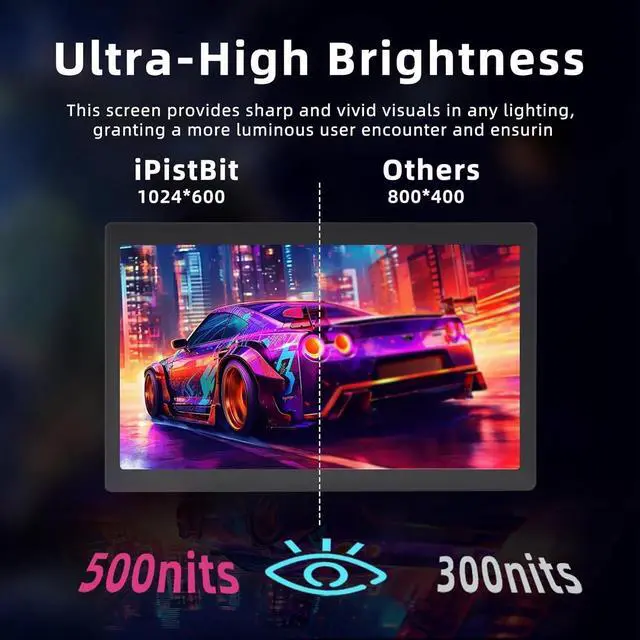
500
Touch Type
no touch
Refresh Rate
25Hz
Backlight Adjustment
adjusted (card pin required)
Power Supply
Type-C(5V)
Power
2.1W
FAQ: What should you do if you encounter a flower - screen or black - screen problem?
Solution:
When the screen is black, first check whether the light is on. If the light is not on, replace the Type - C data cable or switch the USB interface on the computer, and then test.
Right - click on the desktop to check whether the display settings have detected the screen. If the screen is not detected, you need to replace the Type - C data cable or switch the USB interface on the computer, and then test.
Confirm whether it is copy mode in the display settings. If it is copy mode, please change it to extended mode.
Open the task manager. In its processes, close the MS USB Display process, and then restart the program.
Confirm whether the config.int file has been replaced.
==========
Battery Included : No
High-concerned chemical : None
Compatible With : PC
Accessory Type : LCD Screen
Origin : Mainland China