Note:
1. Connect the receiver first, wait for the "UI" screen of the monitor to be displayed, and then connect the transmitter.
2.
If not properly projected: check whether the indicator lights of the transmitter and receiver are in a continuous light state (at least 5V 2A power supply); Then reconnect the transmitter and power cord.
3. Whether the resolution of the computer output is correct. ^^ Plug and Play -
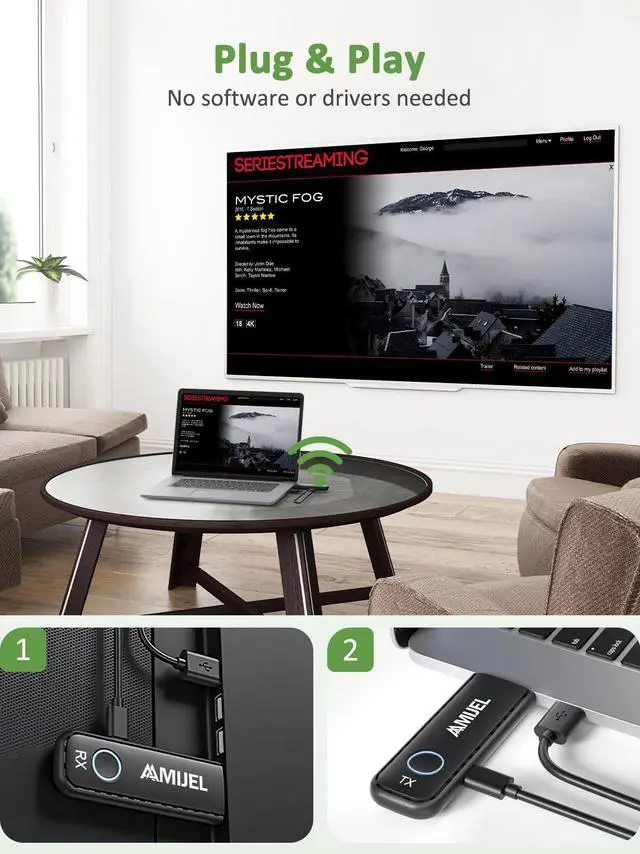
System Settings: Wireless HDMI has been paired when it leaves the factory, plug and play, no driver, no settings.
Note: If you need to modify the language, resolution and other settings, you need to enter the system settings, please refer to the video or manual.
^^ Usage Steps: 1. Connect the receiver to the HDMI port of the HDMI input device, and then connect the power supply. 2. Select the correct HDMI source input on the monitor, and wait for the UI picture to appear on the screen.
3. The transmitter is connected to the HDMI output device (laptop, camera, etc. ) and power supply.
4. Wait 5-30 seconds, the screen projection is successful.
Note: The transmitter and receiver LEDs are always on and in a normal state (when power is connected). ^^ 0.01 second delay - Transmission Distance 98FT/50m - 2.4 /5GHz
Dual Band: AAMIJEL carries a high-performance integrated chip, providing almost no delay in image or video, ideal for online games, courses, business meetings, video chat, etc. Wireless hdmi transmitter and receiver air-ground transmission distance up to 98FT/30M. HDMI wireless supports 2.4GH z/5GHz dual-band signal, wide coverage, more stable and fast signal. ^^ Equipped with 3 HDMI Adapters - 1 Receiver supports 8
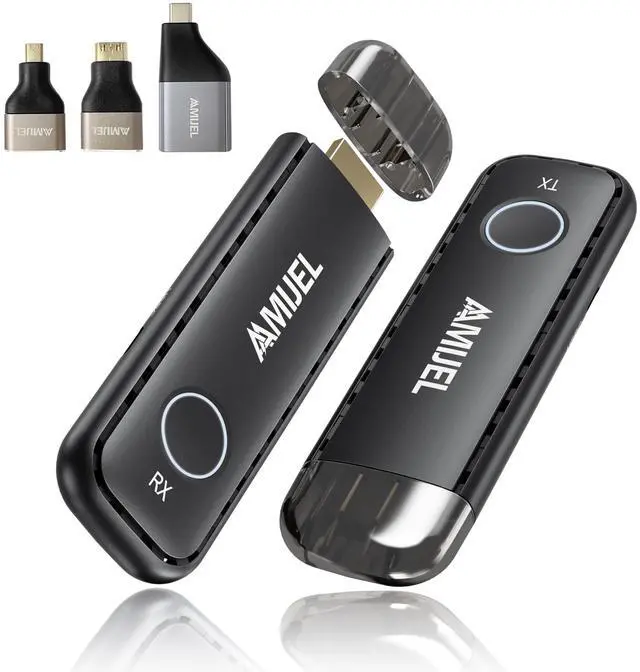
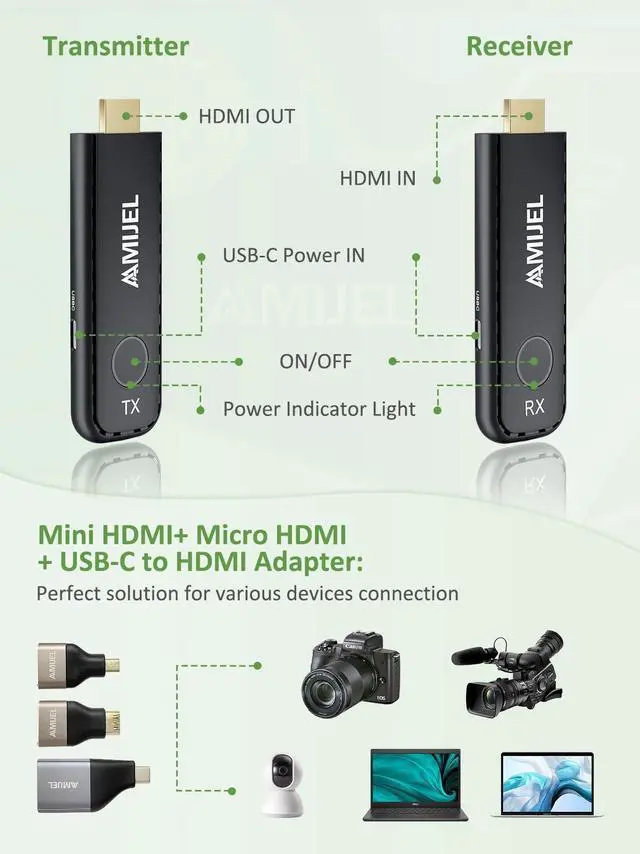
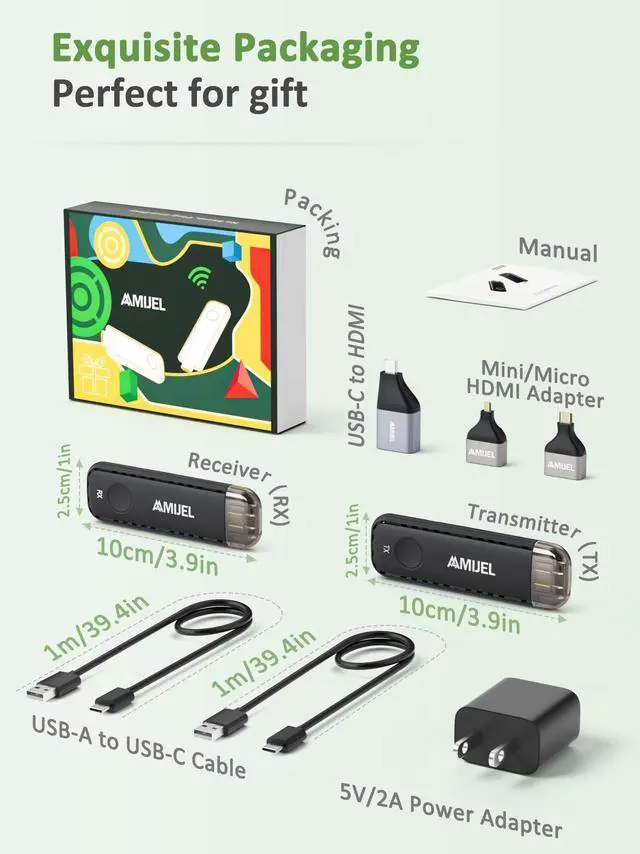
Transmitters: We consider that some customers may have different needs, so we added three additional
HDMI accessories: Mini HDMI, Micro HDMI and USB-C to HDMI adapter. This combination is suitable for almost all HDMI output devices on the market. 1 receiver supports up to 8 transmitters, and the transmitter can be switched with one button.
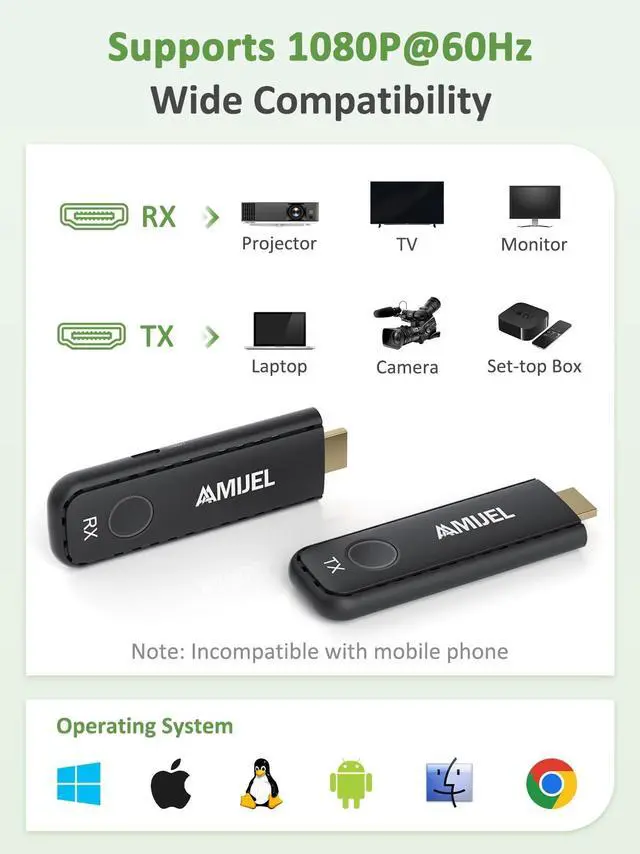
^^ Strong Compatibility: HDMI Wireless is compatible with various devices, systems, and app video sources. For example, laptop/PC/camera/PS3/PS4/PS5/HDTV/Blu-ray player/projector/4K TV/DVD/DVR/IPTV/SET-TOP BOX/CABLE/SATELLITE BOX, ETC. Suitable for Neflix/TikTok/YouTube/Setup Box/Blu-ray streaming, etc.





 here!
here!