

Your Browsing History
- Free 30-day Returns
- $5.99 Shipping ()
$57.99
Most customers receive within 5-9 days.


Meet Your Seller

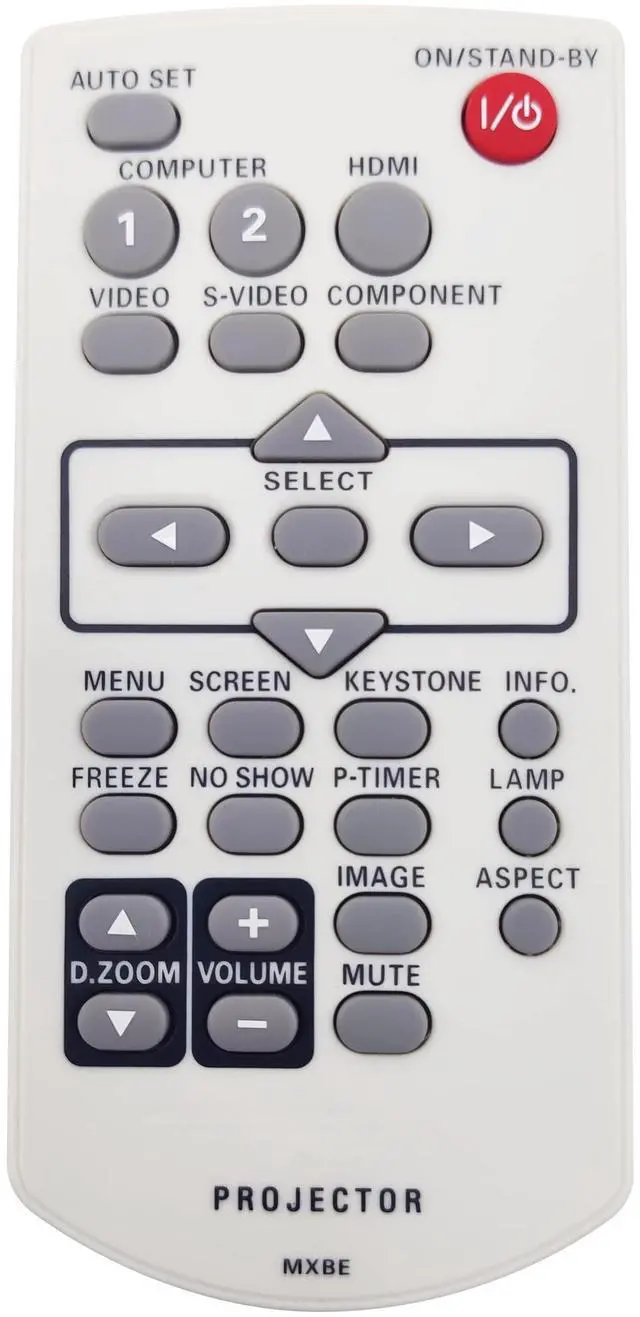
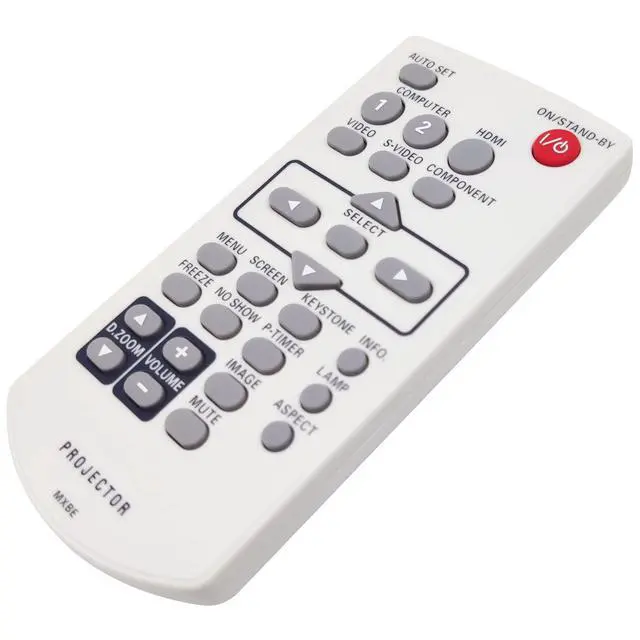
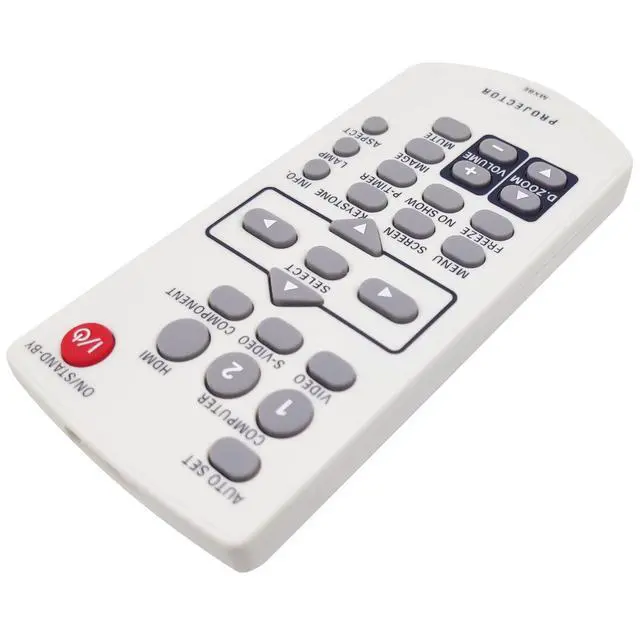
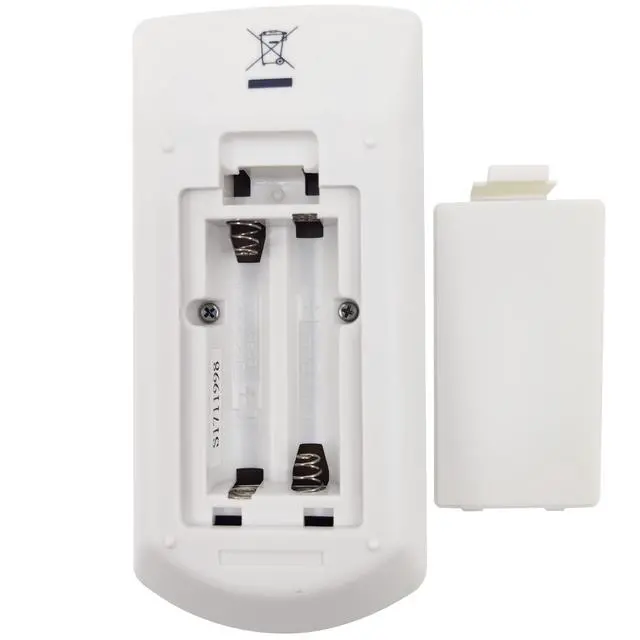


INTECHING MXBE Projector Remote Control for Promethean PRM-30, PRM-30A
- Fully functioning, excellent and durable replacement remote control, works out of packaging.
- Well responsive to every key press, ensuring the projector operates as expected without any hassles.
- A perfect replacement to your old or lost remote control; less cost with solid quality and better usage experience.
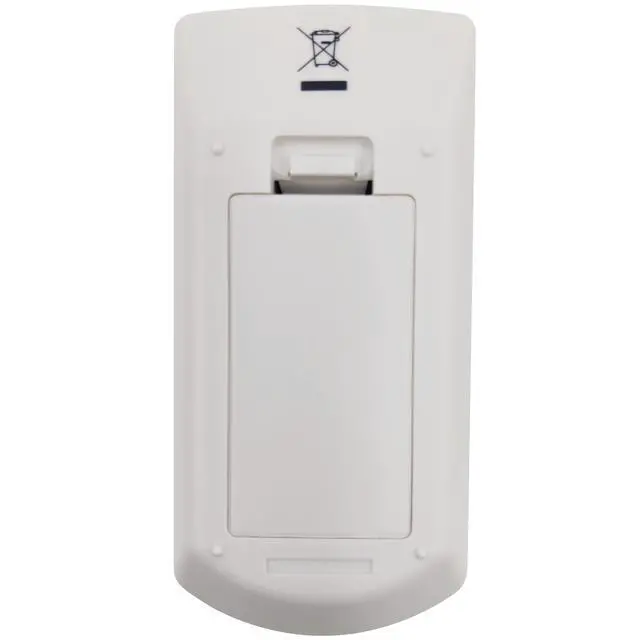
- Requires 2 AAA batteries (NOT Included); For use with Promethean PRM-30, PRM-30A projectors.
- Professional and nice customer service: messages will be replied by well-trained support team within 24 hours.
+
+
Overview
Specs
Reviews

Any questions? Our AI mode will help you find out quickly.
Try me now
The projector provides two different remote control codes: the factory-set initial code (Code 1) and the secondary code (Code 2). When operating the projector in Code 2, both the projector and the remote control must be switched to Code 2. To change the code for the projector: Select either Code 1 or Code 2 in the Setting Menu. To change the code for the remote control: Press and hold both the MENU and IMAGE buttons together for 5 seconds or more. After changing the code, make sure the remote control operates properly.
Note: When different codes are set on the projector and on the remote control, any operation cannot be made. In that case, switch the code on the remote control to fit the code on the projector. If the batteries are removed from the remote control for a long period of time, the remote control code will be reset.
Compatible projector models: Promethean
PRM-30Promethean PRM-30ANotice: Make sure there's no obstacle between the remote control and projector when operating the device.
Note: When different codes are set on the projector and on the remote control, any operation cannot be made. In that case, switch the code on the remote control to fit the code on the projector. If the batteries are removed from the remote control for a long period of time, the remote control code will be reset.
Compatible projector models: Promethean
PRM-30Promethean PRM-30ANotice: Make sure there's no obstacle between the remote control and projector when operating the device.
Warranty & Returns
Warranty, Returns, And Additional Information
Warranty
- Please contact the Seller directly for warranty information. Warranty information may also be found on the Manufacturer's website.
- CONTACT
Return Policies
- Return for refund within: 30 days
- Return for replacement within: 30 days
- This item is covered by Luhang Return Policy
Manufacturer Contact Info
- For a directory of all our manufacturers, please click below.
- Manufacturers Directory
LOADING...