• $68.99
  • Free 30-day Returns
  • Price alert
    Shop it at NeweggBusiness.

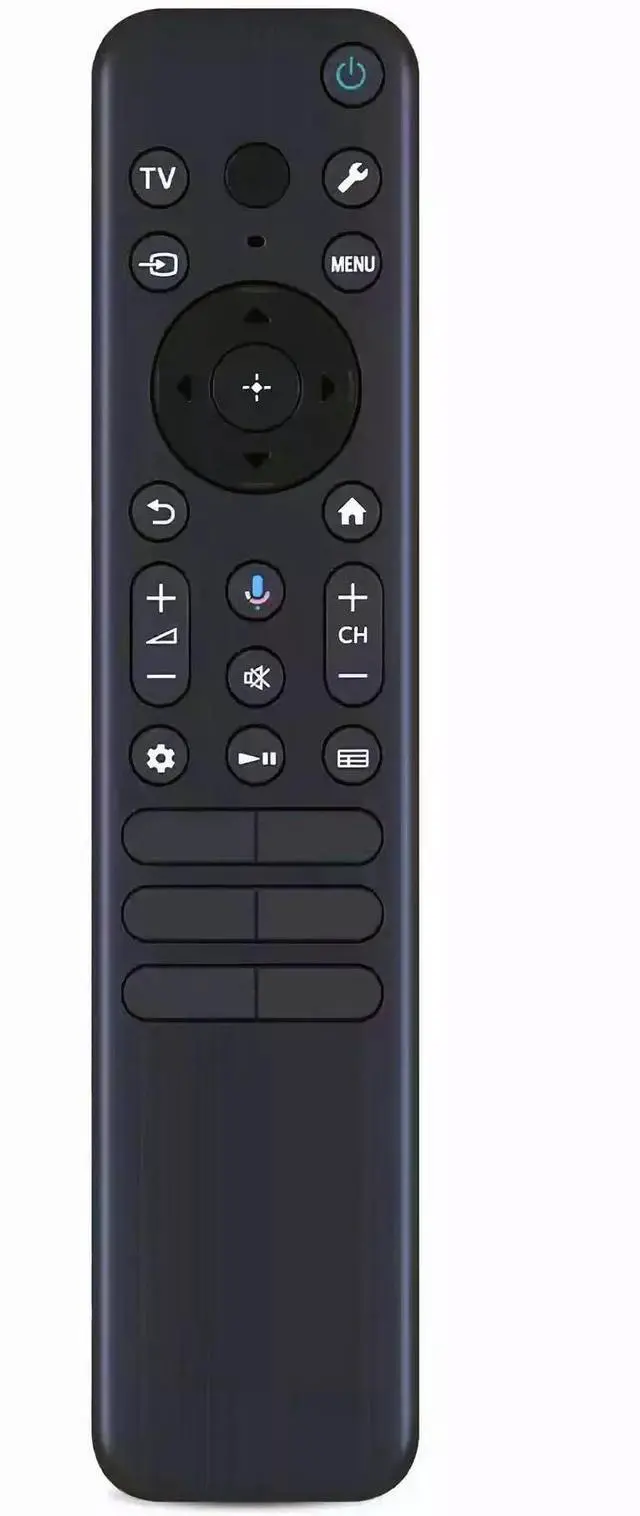
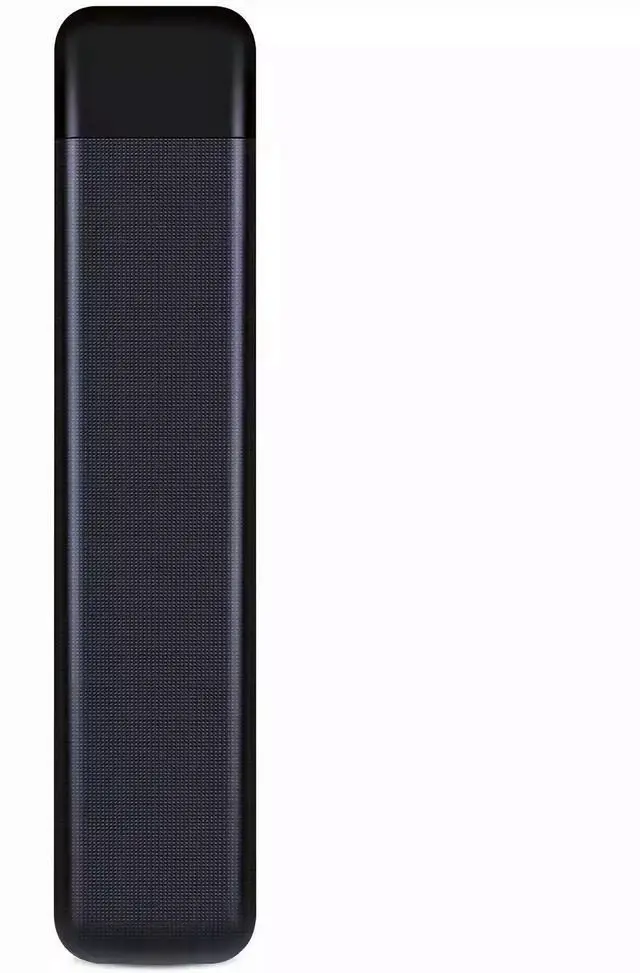
    INTECHING RMF-TX920U TV Voice Remote Control for Sony Bravia 3, 7, 8, 9 OLED 4K Ultra HD, K-50S30, K-55XR70, K-55XR80, K-65XR90 Smart Google TVs

    • Voice remote control with great compatibility, working with Sony Bravia 3/ 7/ 8/ 9 OLED 4K Ultra HD series smart Google TVs.
    • A perfect replacement to your old or lost remote control, voice control substitute for RMF-TX820U, RMF-TX920U remote control model, with solid quality and better usage experience.
    • Durable replacement remote control, works out of packaging, well responsive to every key press, ensuring the television operates as expected without any hassles; pairing is needed for voice search feature.
    • Requires 2 AAA batteries (NOT Included); For use with Sony K-43S30, K-50S30, K-55S30, K-65S30, K-75S30, K-85S30; K-43XR70, K-50XR70, K-55XR70, K-65XR70, K-75XR70, K-85XR70; K-45XR80, K-50XR80, K-55XR80, K-65XR80, K-75XR80, K-77XR80, K-85XR80; K-65XR90, K-75XR90, K-85XR90 and more models.
    • Warranty as long as 12 months (From Date of Purchase); professional and nice customer service, messages will be replied by well-trained support team within 24 hours.
    +
    +
    Overview
    Specs
    Reviews
    avatar

    Any questions? Our AI beta will help you find out quickly.

    To pair the voice remote with your television: 1. Press Power button to turn on the TV. 2. Press and hold the 'Vol-' and 'Google Assistant' buttons together for 2-3 seconds to initiate pairing with TV. 3. Follow the on-screen instructions to finish the process.
    Compatible TV models: Bravia
    3: K-43S30, K-50S30, K-55S30, K-65S30, K-75S30, K-85S30;
    Bravia 7: K-43XR70, K-50XR70, K-55XR70, K-65XR70, K-75XR70, K-85XR70;
    Bravia 8: K-45XR80, K-50XR80, K-55XR80, K-65XR80, K-75XR80, K-77XR80, K-85XR80;
    Bravia 9: K-65XR90, K-75XR90, K-85XR90.
    Notice: Please be kindly advised this is an aftermarket replacement remote from INTECHING, powered by 2 AAA batteries. Make sure there's no obstacle between the remote control and TV when operating the device.

    Warranty & Returns

    Warranty, Returns, And Additional Information

    Warranty

    • Please contact the Seller directly for warranty information. Warranty information may also be found on the Manufacturer's website.
    • CONTACT

    Return Policies

    Manufacturer Contact Info

    LOADING...