AOACE Gaming PC Desktop AMD Ryzen 7 5700X,RTX 5060 8G  16GB RAM and 1TB NVMe M.2 SSD, WiFi6E, ARGB Fan, Game Design Office console,Sea View Room Windows 11
  •  
  • $959.99 
  • Save: 43%
  • $45.99
  • Free 30-day Returns
  • Price alert
    Shop it at NeweggBusiness.

    Meet Your Seller

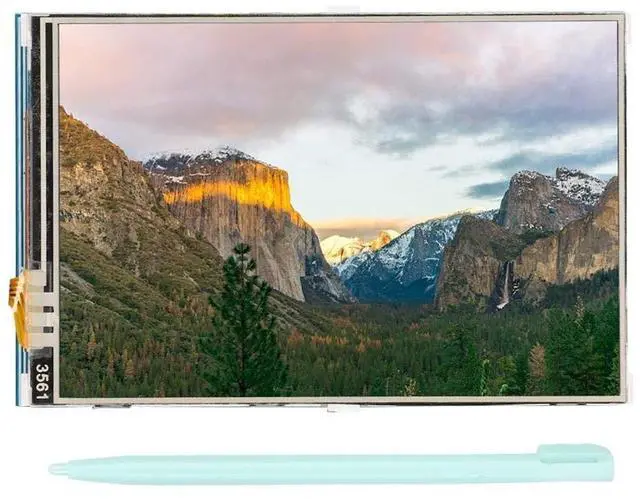
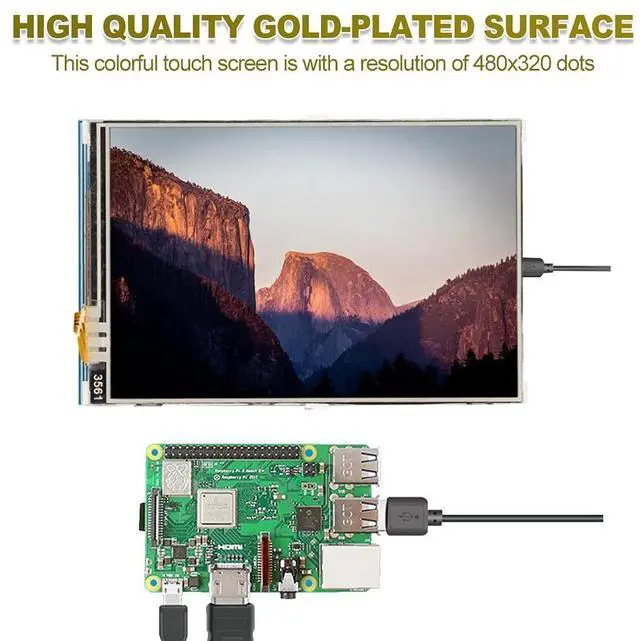
    fo sa Monitor Display 3.5 Inch 480x320 TFT LCD Display Resistor for with Pen, Size 85.42 x 55.60 mm

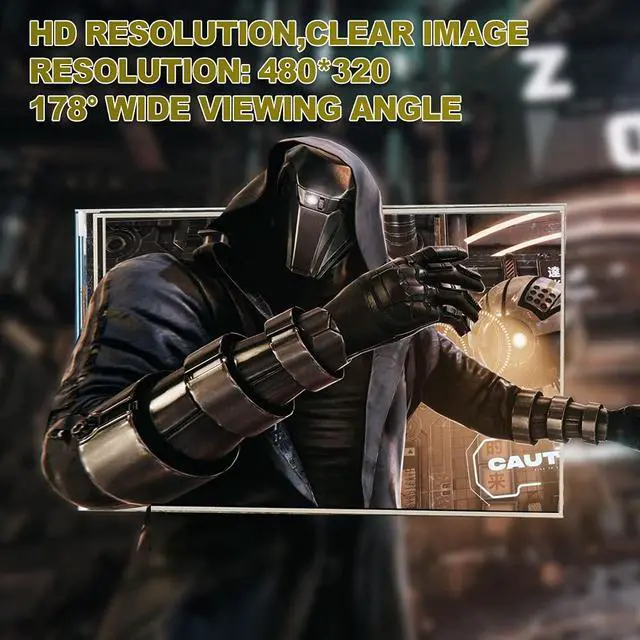
    • HDMI DISPLAY SCREEN: 3.5 inch HDMI display screen with 480x320 colorful resolution, high resolution picture, time. 178 large wide viewing angle gives you a crystal-clear viewing experience of all your content
    • TOUCHSCREEN MONITOR: It is a with , comes with a touch pen for convenient and easy to use. Compatible and can be plugged directly into all versions of motherboards. Built to strict quality control standards, design enhances durability
    • FOR SCREEN: Used as a for display, it supports the custom installation of for Raspbian, for Ubuntu image, which can be fully driven in simple steps. Support standard HDMI interface input, compatible and can be directly inserted into the for
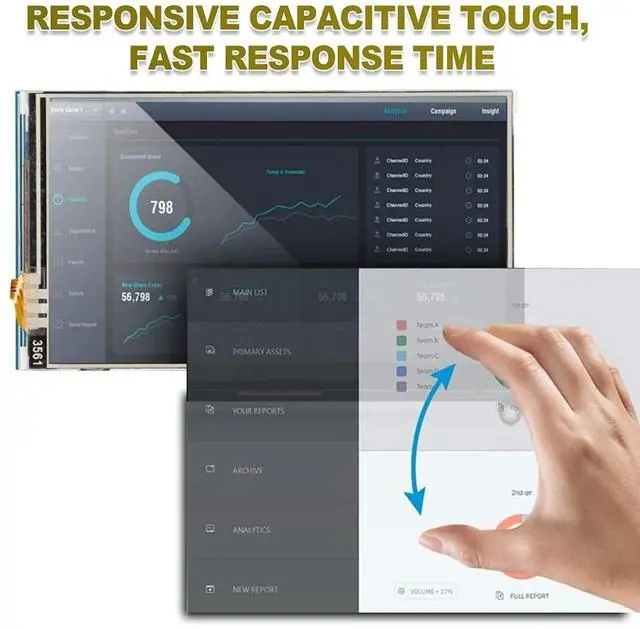
    • FOR UNIVERSAL HDMI DISPLAY: The mini monitor can be used as a general purpose HDMI display, such as a computer HDMI as a secondary display. USB capacitive touch control, no driver needed, plug and play
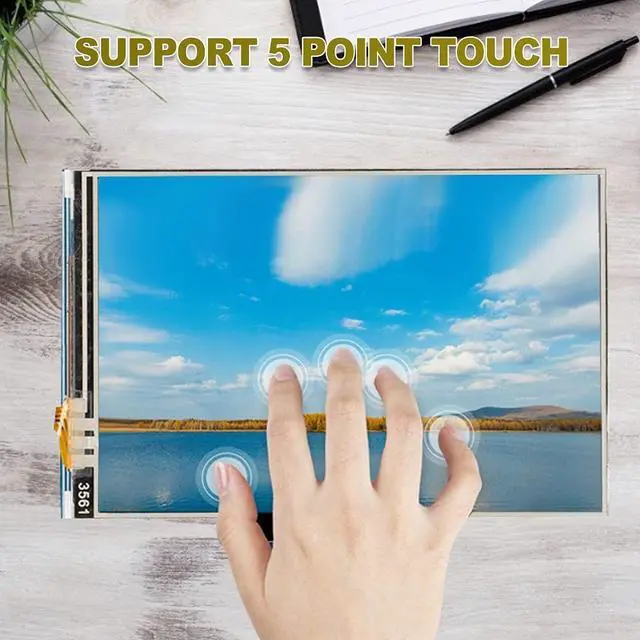
    • FOR COMPUTER MONITOR: Used as a computer monitor, support for / / system 5 point touch (for and older
    +
    +
    Overview
    Specs
    Reviews
    avatar

    Any questions? Our AI beta will help you find out quickly.

    Specification:
    Type:
    TouchscreenResolution: 480 x 320 (dots)
    Touchscreen type:
    Size: approximately 85.42 x 55.60 mm, 3.36 x 2.19 inchesPackage
    List: 1
    x1 xInstructions: This product supports the custom installation of Raspbian for Ubuntu Image, which can be completed in just two steps: Step
    1: Install the official Raspbian image1) Download the latest Raspbian image from the official2) Format the TF card with SDFormatter. 3) Use Win32DiskImager to burn the official image to the TF card.
    Step 2: Install the LCD driver

    Warranty & Returns

    Warranty, Returns, And Additional Information

    Warranty

    • Please contact the Seller directly for warranty information. Warranty information may also be found on the Manufacturer's website.
    • CONTACT

    Return Policies

    • Return for refund within: 30 days
    • Return for replacement within: 30 days
    • This item is covered by NexusGear Return Policy

    Manufacturer Contact Info

    LOADING...