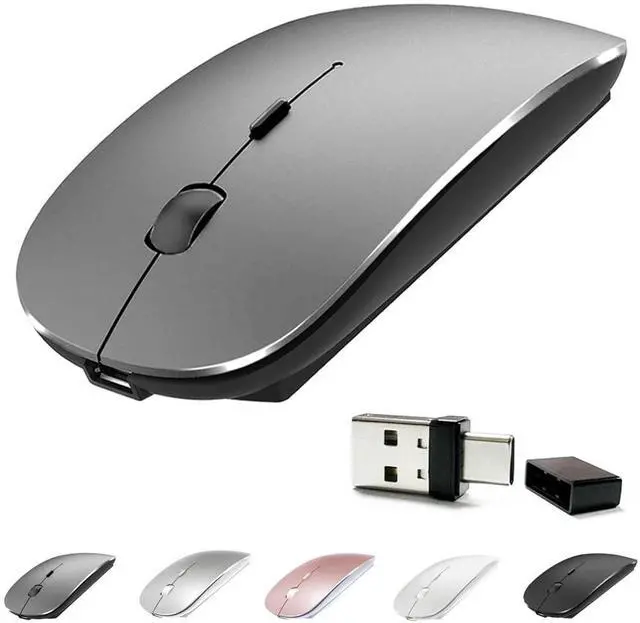
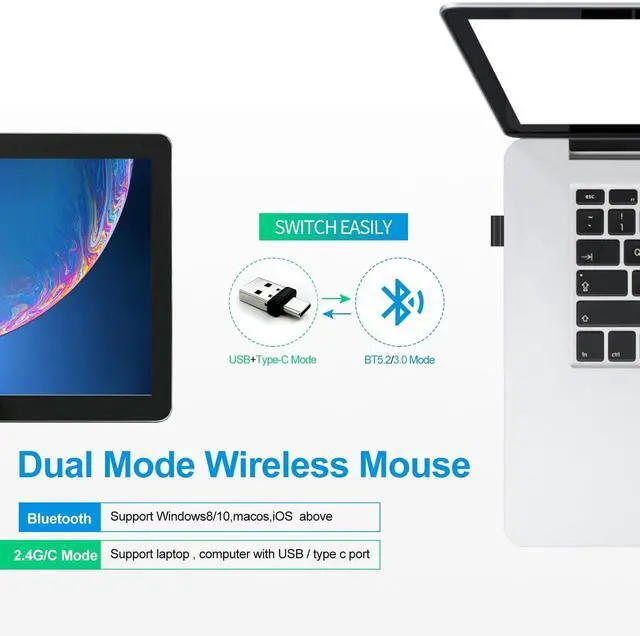
RECHARGEABLE DUAL MODE BLUETOOTH MOUSE(Bluetooth 3.0 / 5.2 +Usb- 2.4G /Type-C)It is compatible with Mac OS Windows XP, Vista, 7, 8, 10and is suitable for desktop, notebook, PC, Mac Macbook Pro/Air/ipad/iMac and other devices. How to use it
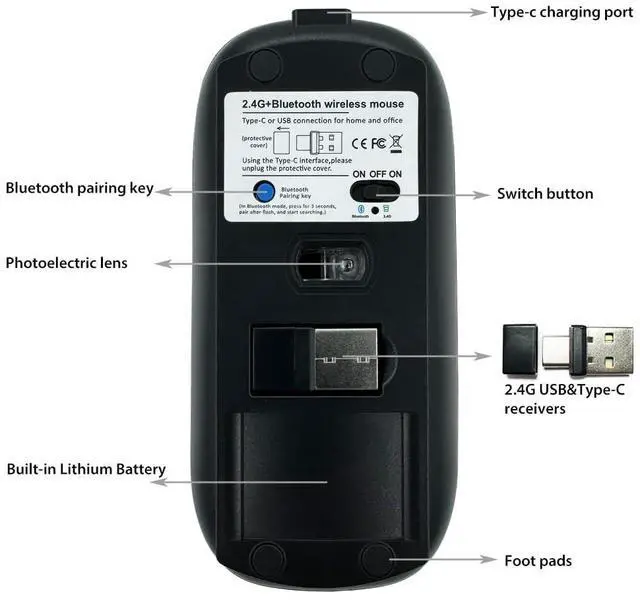
Bluetooth Mode: No need to occupy PC interface, fast and stable connection, Turn on the device's Bluetooth function, Switch to "ON/OFF" button to left (Bluetooth mode), Search the product of Bluetooth and find BT 5.2 / 3.0 Mouse to pair, It's ready to use. How to use it 2.4G hz
Mode: just take the USB/Type-C receiver from the bottom of the mouse, then insert the USB/Type-C receiver into the computer USB/Type-C port, Switch to "ON/OFF" button to right, Then you can use the mouse in 2.4GH z Mode. How to connect to iOS/iPad/Pro/Air/iPhone (ios 13/ios 14) via Bluetooth Mousefirst slide the button at the bottom of the mouse to the bluetooth " " position ( bluetooth mode), open tabletSettings >Accessibility > Touch > AssistiveTouch > Click to open An auxiliary dot will appear on the screen, Go back to Settings > Click on the bluetooth > Click to open > BT 5.2 / 3.0 MOUSE > connect and Pair.
PIN:
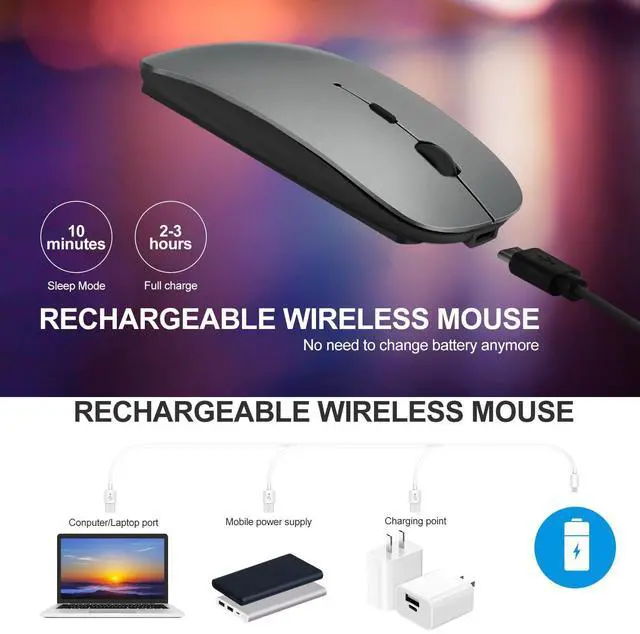
0000)Note: The mouse cursor will move slowly or stop moving when the mouse is low battery, Please charge it in time. The blue light beside the scroll wheel will be on while charging, and then goes off when the mouse is fully charged, It takes about 2.5 hours to fully charge.
Packing list: rechargeable dual-mode mouse *1USB charging line *1USB 2.4G /Type C Nano USB receiver *1 (hidden in the slot at the bottom of the mouse) Instructions*1.





 here!
here!