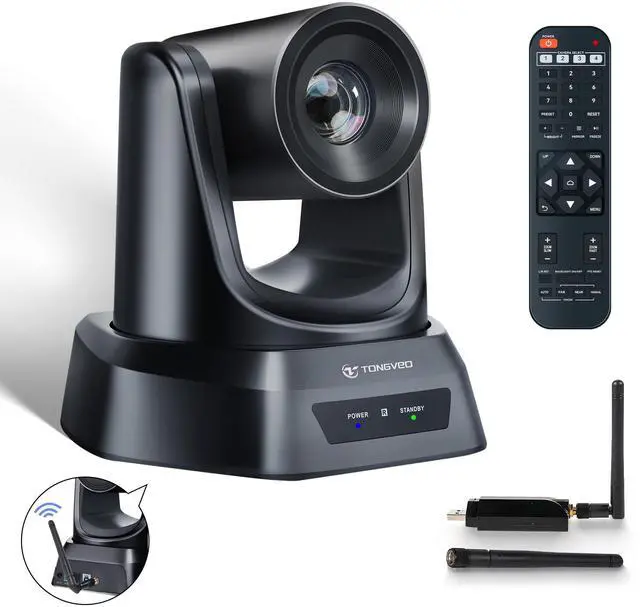
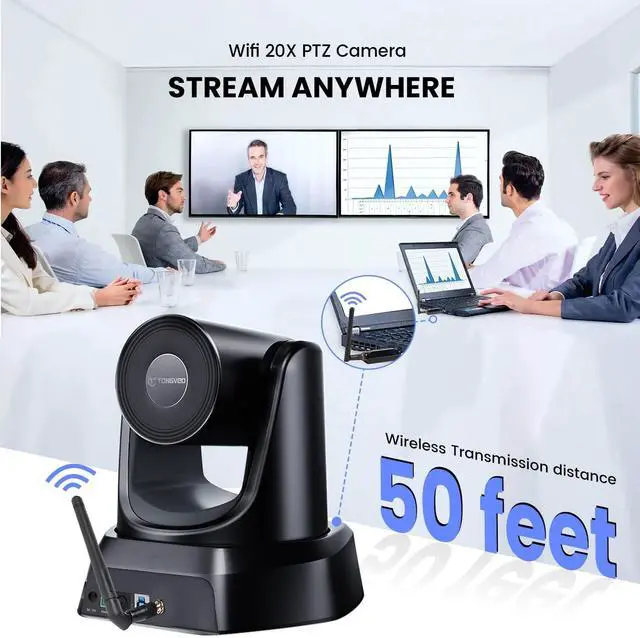
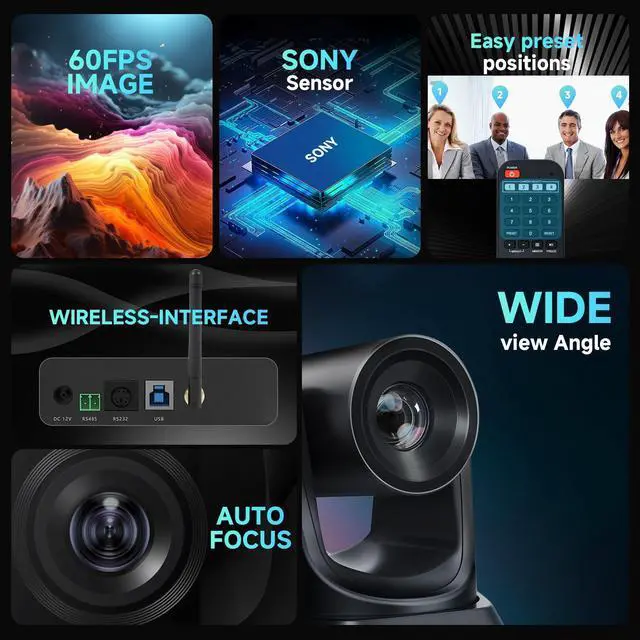
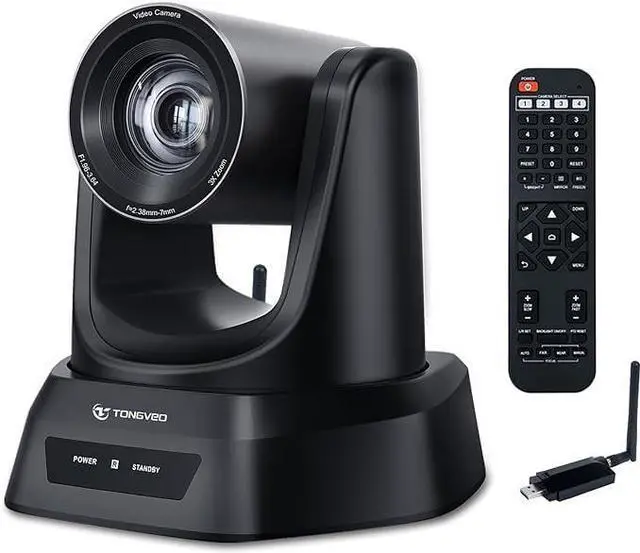
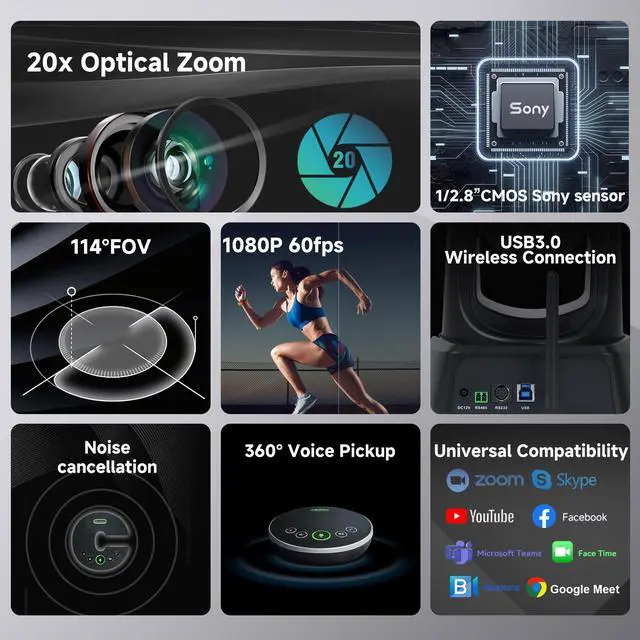
20X 1080P 60FPS USB 3.0 WIRELESS PTZ CAMERA OFFERS EASIER VIDEO CONFERENCE SOLUTIONS. With a 50ft transmission distance the TONGVEO wireless live streaming camera comes with a USB receiver, so you can expect clear, undistorted online working. The superior white balance and exposure mode make the video more vivid. The video compression format supports YUV, MJPG, and H. 264, which makes motion video vivid under low bandwidth conditions. ^^ EASY TO SET UP AND MULTIPLE WAYS OF CONTROLLING. Installation is fast with easy plug and play, no time is wasted, automatically recognized by the computer without the need to install drivers.
Anyone can easily set up this Wireless camera and control video conferencing, launching a video meeting with a wireless connection. It can be controlled by our remote, standard PTZ camera joystick ^^ QUIET PTZ CAMERA WITH WIRELESS CONNECTIVITY FOR VARIOUS USER SCENARIOS. This PTZ camera features silent movement and wireless connectivity, allowing for remote control with a 350 pan and 180 tilt. Operating on a 5.8GH z wireless frequency ensures a stable and interference-free connection. Ideal for video conferencing, education, live streaming, broadcasting, and religious services ^^ COMPATIBLE WITH POPULAR PC, MAC, LAPTOP, AND CONFERENCE APPS.
This webcam is designed to seamlessly work with a variety of operating systems, including Windows XP, Vista, 7/8/ 8.1, 10, and 11, as well as Mac 10.4 or higher. It is also compatible with laptops, LCDs, and smart TVs. Furthermore, it supports all major online conferencing software ^^ TONGVEO WIRELESS PTZ CAMERA OFFERS VARIOUS MOUNTING OPTIONS. This camera can be easily installed on a desk, monitor, wall, tripod, or even upside-down on the ceiling. It comes complete with a DC 12V power adaptor, a 5.8GH z USB receiver, an IR remote control, a user manual, a USB cable, as well as brackets and screws for installation.
^^ For a wireless connection, attach the camera's antenna to the rear wireless port and another antenna to the PCs dongle. Connect the antenna and dongle, then plug them into a USB port. After installing the camera and antennas, open the video conferencing software, select the camera, and start the meeting. Each wireless receiver and camera are uniquely paired. If the connection fails, unplug the receiver, fully power off and restart the camera, then reconnect the receiver.