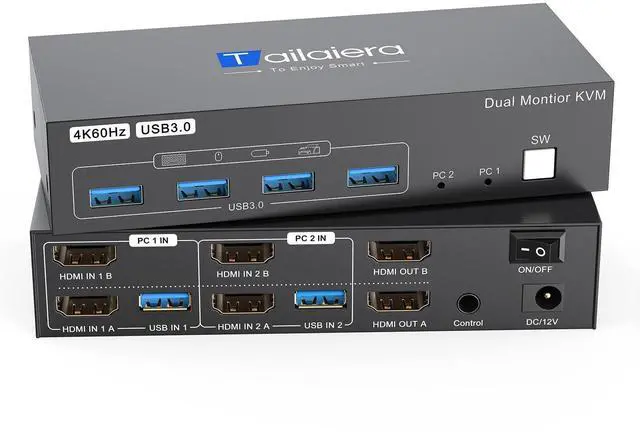
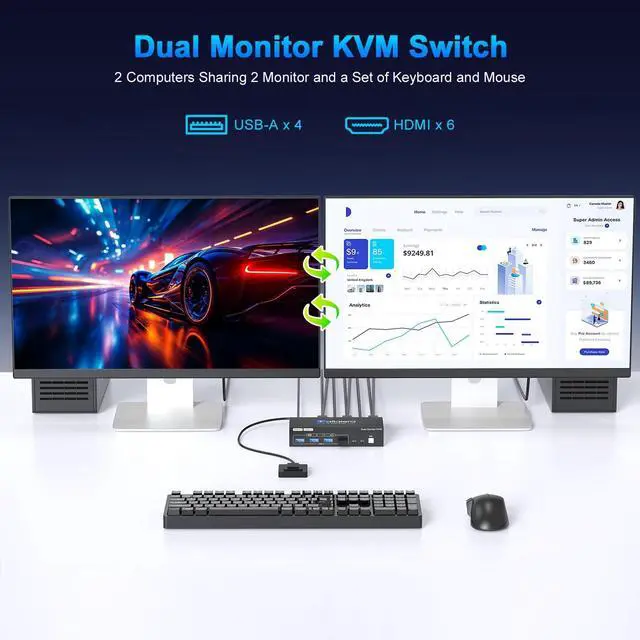
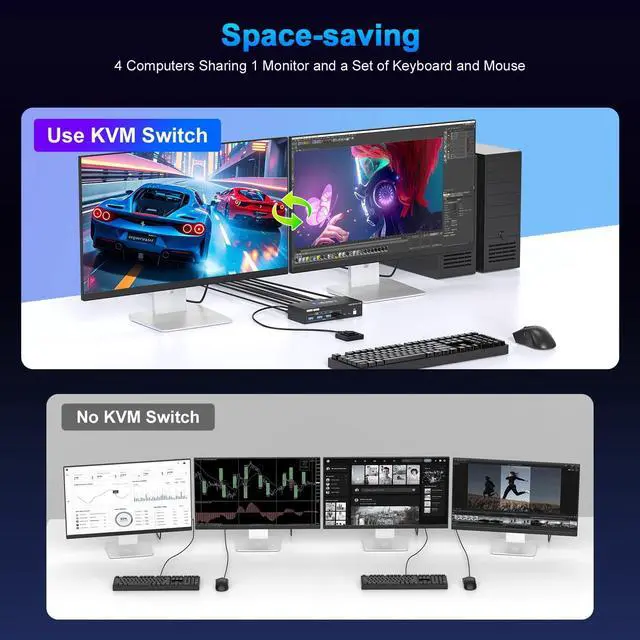
Dual Monitor KVM Switch: This HDMI KVM switch is equipped with two HDMI ports, enabling a single set of keyboard and mouse to control two computers sharing dual monitors. It integrates USB&HDMI dual switching functionality and is compatible with Windows 7/8/10/11/Vista/XP, Linux, Mac, PS4, and other gaming consoles ^^ HDMI KVM
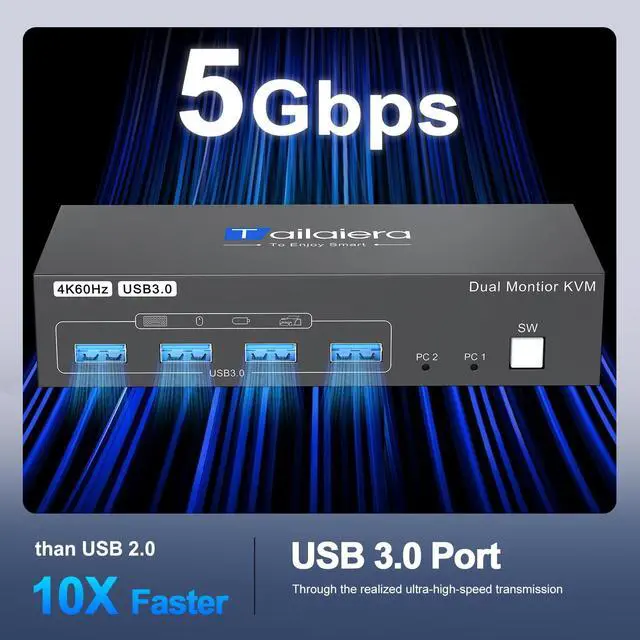
USB 3.0 Switch: In addition to two HDMI ports, this KVM switch also has four USB 3.0 ports with a data transfer rate up to 5Gbp/s, which is 10 times faster than USB 2.0 ports. USB 2.0 devices are compatible. It can be used to share USB devices such as printers, scanners, webcams, wired or wireless keyboards and mice, and more. Use of high-power USB devices requires use of the supplied 12V power supply. ^^ 4K Resolution and
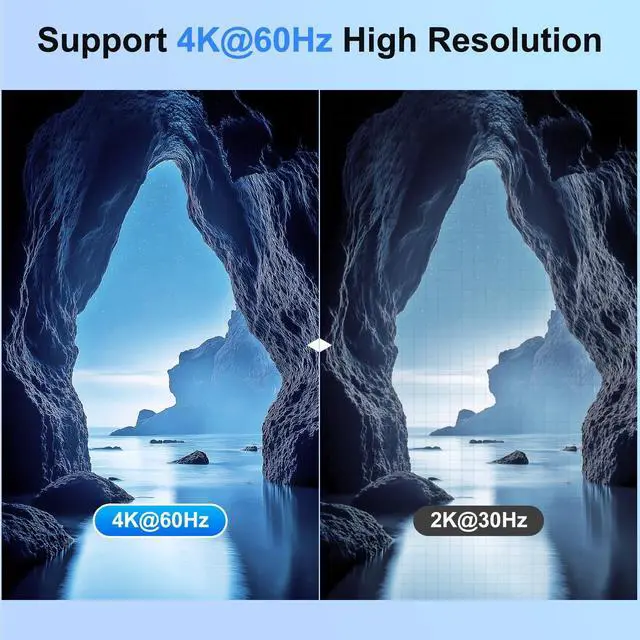
Adaptive EDID: This HDMI KVM switch delivers a top-notch visual experience with 4K@60Hz ultra-high definition resolution! It also features adaptive EDID functionality, which automatically matches the optimal display parameters without the need for manual adjustment, ensuring stable and smooth image transmission without lag. Additionally, it is compatible with 4K@30Hz, 2K, 3D, and 1080P, effortlessly meeting any display requirement and delivering exceptional image quality and a seamless experience. ^^ Two switching modes, plug
and play: This 4K HDMI KVM switch supports KVM button switching and wired remote control switching. The wired remote control allows you to hide or move the HDMI KVM switch away from your work desk to save space. The remote control can be placed on the desk for easy switching. Installation is simple, with no power supply or drivers required. Just plug in the cables to connect two computers and two monitors, and switch between computers with a single button. It's efficient and hassle-free ^^
HDCP 2.2: This switch complies with the HDCP 2.2 standard, allowing you to seamlessly view HDCP-protected content without interruption. Smooth playback and secure content transmission take your multimedia experience to the next level, eliminating concerns about image quality or security and satisfying your demand for high-quality content viewing ^^
PACKAGE LIST: 1* 4K HDMI USB KVM switch; 2*USB 3.0 Cable (1M); 1*Wired Remote( 1.5M ); 1*12V Power adapter and 1*User Manual. Any problem, pls tell us to solve.
^^ Product usage requirements:
1. Please ensure that both of your computers or laptops have two HDMI output ports and one USB A output port;
2. Please ensure that both of your monitors have one HDMI input port;
3. The KVM switch requires the use of HDMI 2.1 -compliant cables no longer than 6 feet in length to ensure proper video signal transmission;
Note: HDMI cables are not included in the packaging; please prepare them separately ^^
Product connection steps: Connect PC1 to the two HDMI ports on the KVM switch's PC1IN using two HDMI cables, then connect to the USB 3.0 port on PC1IN using a USB-A cable; connect PC2 to PC2IN in the same manner as PC1; connect the two monitors to the KVM's OUTA and OUTB ports using one HDMI cable each; connect the power supply to use;
Note: Do not use HDMI-to-DP cables or hubsIt is not compatible with MacBooks





 here!
here!