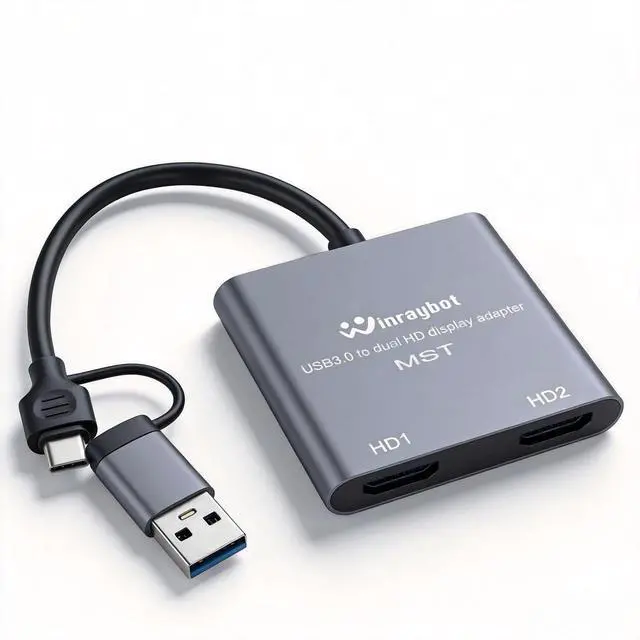
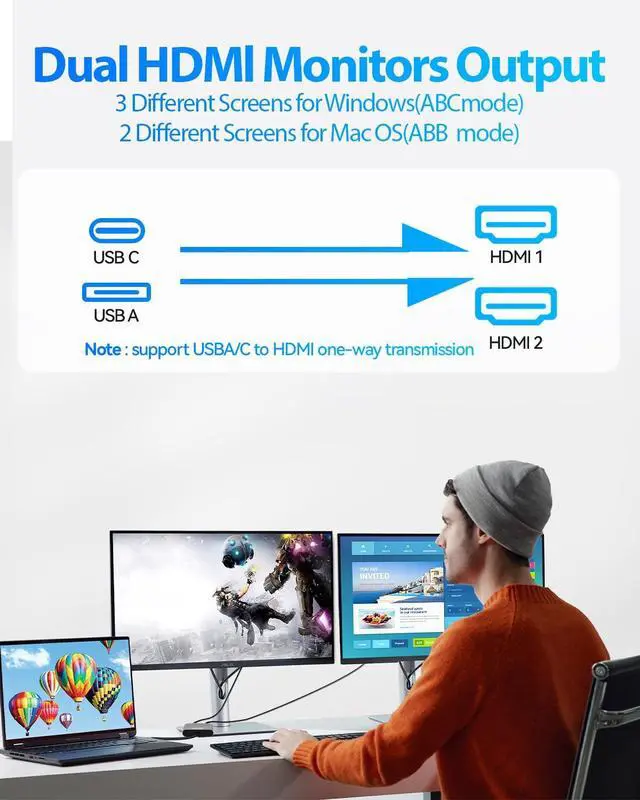
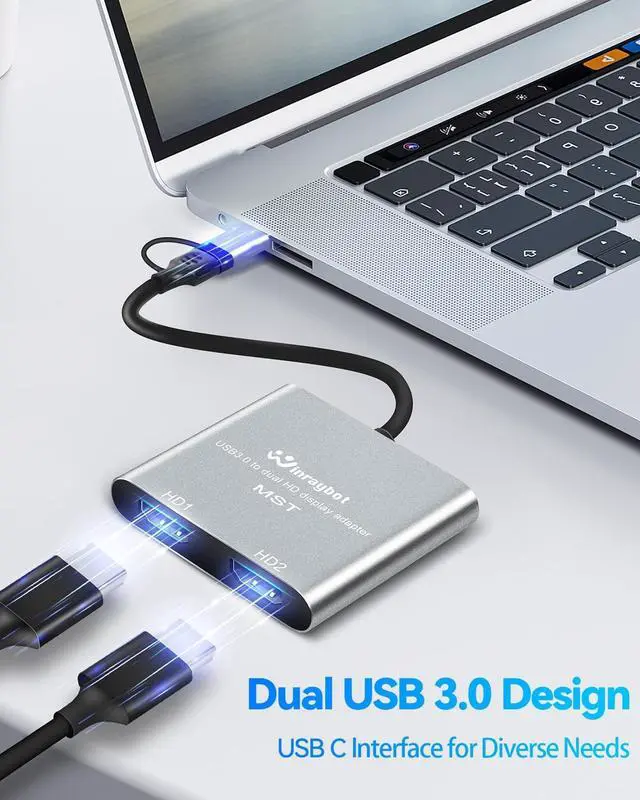
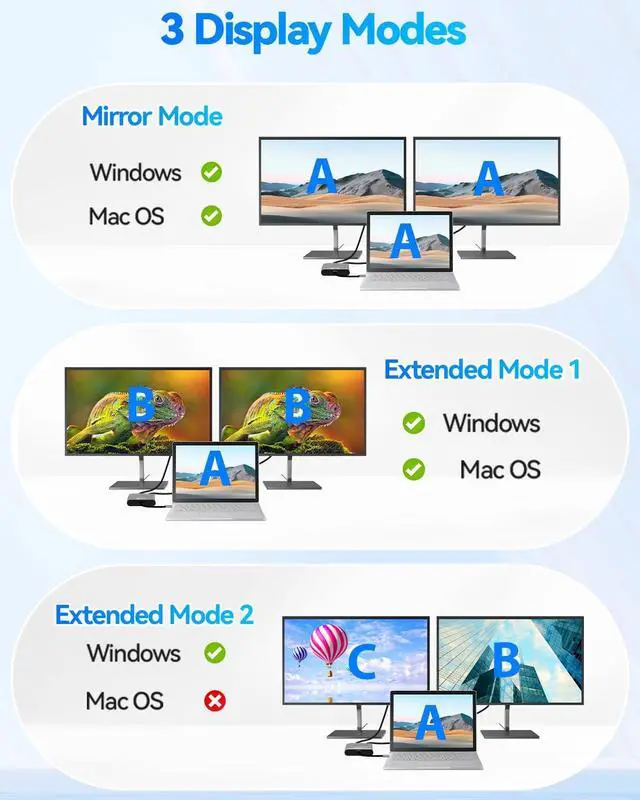
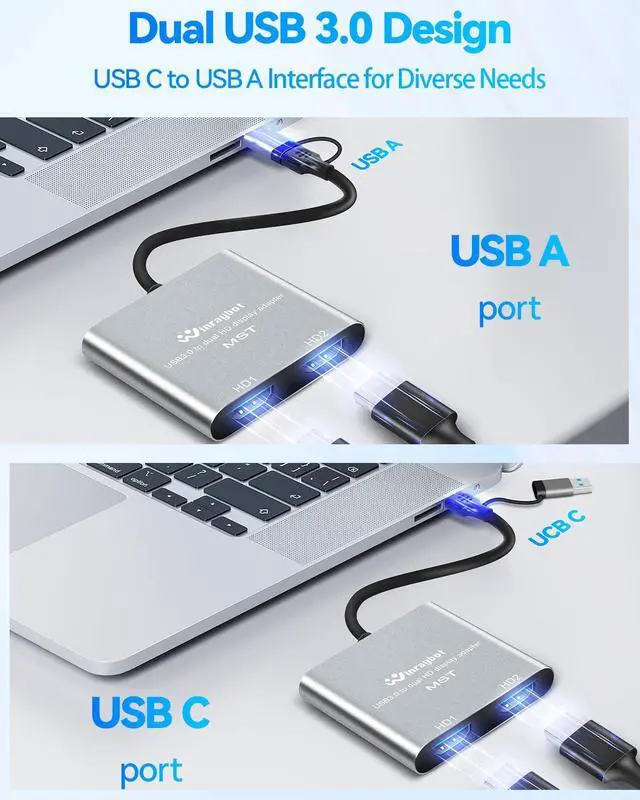
Extend your workspace with this USB 3.0 to HDMI Adapter for dual monitors external Graphics Adapter Add additional monitors without expensive, internal video card, This USB A /Type-C to dual HD adapter is used to connected USB device(laptop, desktop) with two HDMI devices (monitor, projector, TV) for multi-monitor solution, has extend/Mirror mode let your laptop for visibility of multiple tasks at the same time; This USB video adapter multiplies your computer's work area ^^ Full HD Resolution 1920x1080@60Hz with USB A +USB-C/Type-C port This dual hdmi adapter for 2 monitors Compatible devices with two kinds of hardware port: USB A to hdmi port and TYPE-C to hdmi port, USB C to HDMI adapter support hook up 2 main monitor by HDMI cable, the 2 HDMI output display both max up to 1080P@60Hz. USB-C to HDMI adapter is made from aluminum alloy case, it is stronger and more durable than a plastic case. ^^ High performance chips with wide compatibility: Compatible for Mac and Windows, For
windows: compatible with Windows7, 10, 11 or higher, support AAB, ABA, ABC, ABB modes.
For MacOS: compatible with Mac OS 10.15 or higher. support AAA, ABB, ABA, ABC mode;
Att: ChromeOS, Android, iOS, Linux, Unix or other systems are not supported with his USB 3.0 to dual HDMI adapter Part of laptop or
PC list compatibled with: such as MacBook Pro 2016-2023, MackBook Air 2018-2023, YOGA920, Think Book15G3ITL 2021, Think PadX1 Carbon GEN92021, MateBook XPro2021, Surface Pro 9 2022, Galaxy Book Flex2020, Lenovo Savior Y9000P2022, and more other laptop with USB C 3.0 /USB A 3.0 or above standard. ^^ Driver installation is required with Simple Operation The usb display adapter has a built-in installation driver, only need to install the driver once, then the HDMI adapter can be used at any time, plug and play, support hot plug.
^^ 1: @.: HDMI adapter Supporting MAX 1080P@60HZ, deliver high-definition video sources, NOTED that Not for all USB port, only compatible with USB A 3.0 or above/UsB c 3.0 or above connector can achieve HD 1080P, It just can be 720P if connect usb 2.0 port, or possible for the screen to slow down or flash, which is not product quality problem but an input interface mismatch. if you have to connect the USB 2.0 signal port in, recommend to use a resolution of 720P. Screen shake or latency can be avoided as much as possible.
^^ 2: The display works supported by the program, if it does not display after work for a period of time, the main reason is loss of the files (deleted by mistake or antivirus software deletion), you just need to uninstall the previous program in your application and reinstall it, the
complete process is: uninstall - restart your computer - reinstall the program - restart your computer, and then The product will work again. ^^ About "Frequently returned ", We hope to inform the reasons and work to make the best choice for you:
1: The product need to install driver whe first use(product built-in program), and it will be plug and play after you complete the first installation. Simple to following in listing details and user guide, Reasons above.