

Your Browsing History
- Free 30-day Returns
$80.99


Meet Your Seller

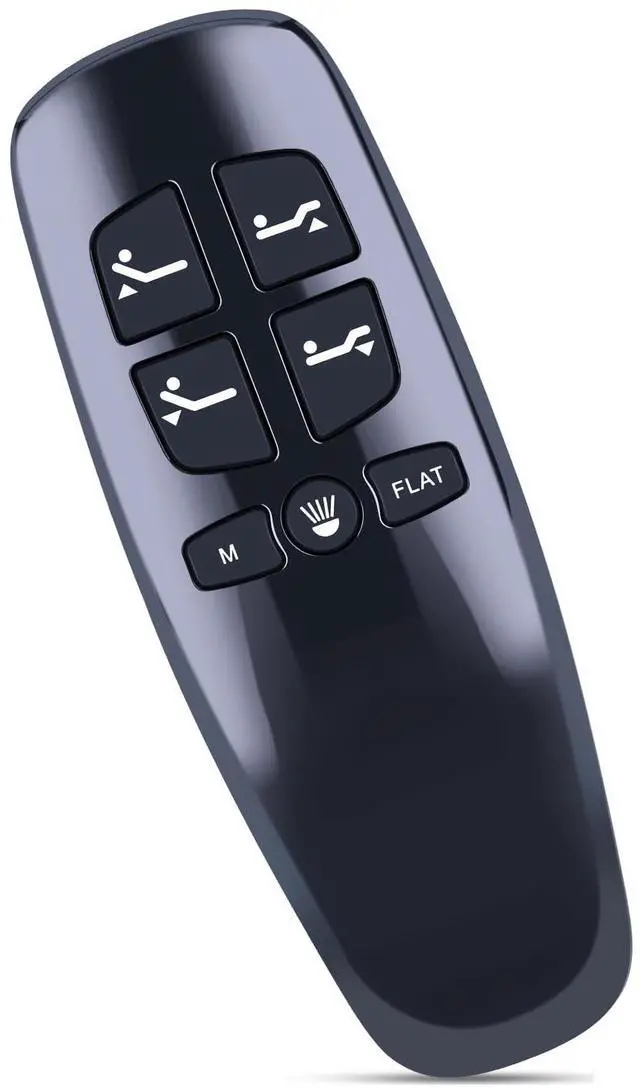
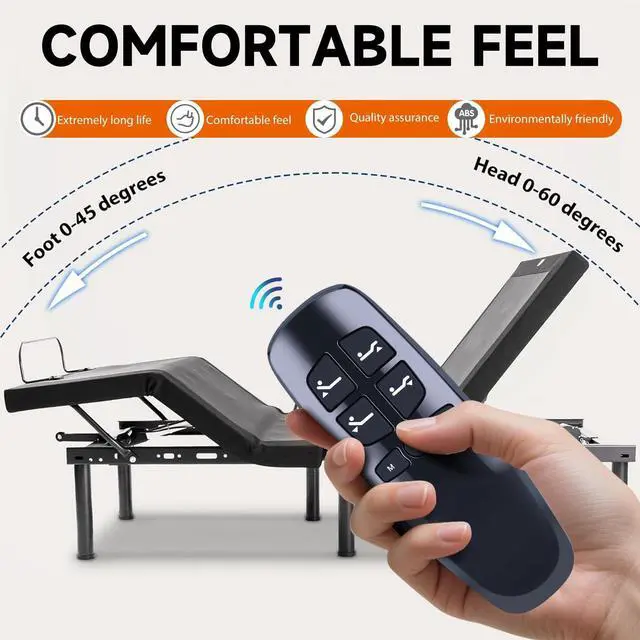
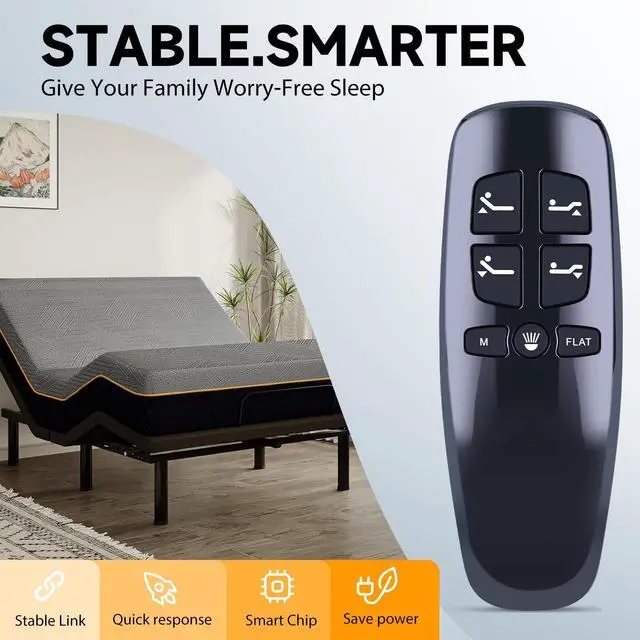
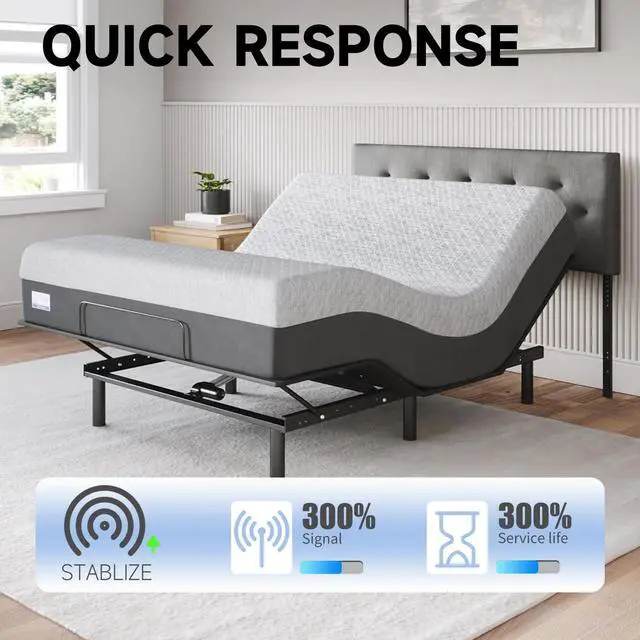
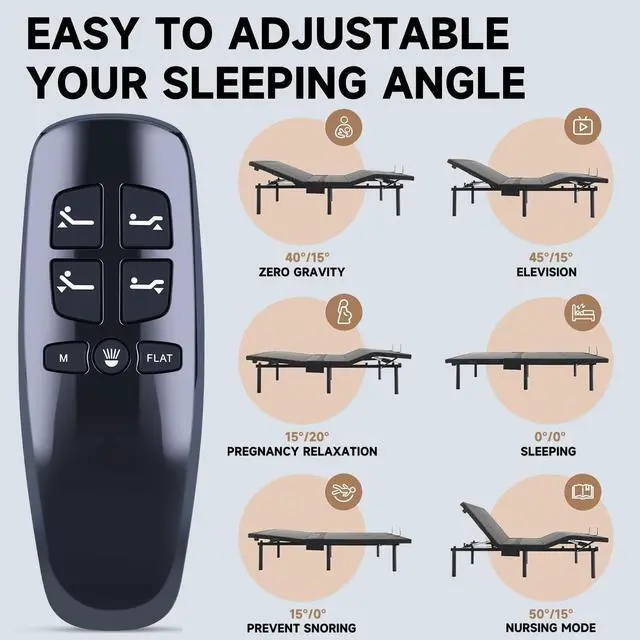


ZWP HJH13D Replacement Remote Control fit for Richmat HJH13D Adjustable Bed BaseNot Universal
- Compatible with Models:HJH13D Adjustable Bed base
- How to pairing: Step1: Plug the base into your outlet. Step2: Simultaneously press and hold the head up and foot up buttons. Step3: Press and hold the blue button on the control box cable. Step4: Press and button on the remote to test all functions.
- This remote is only for milemont and Lucid adjustable bed, not universal bed remote, cannot replace the other brand of adjustable beds.Package Included:1 x Remote Controller (Note: 2xAAA batteries and manual are not included)
- Note: There are several versions of this remote model HJH13D, different versions have different functions and buttons, please match your remote button, if the buttons are different from ours, this product will not replace your remote. This remote does not have a massage function. So if your adjustable bed has a massage function, then our remote can not be used.
- Any question, Please do not hesitate to contact us before leaving Feedback, We will help you resol
+
+
Overview
Specs
Reviews

Any questions? Our AI mode will help you find out quickly.
Try me now
How to pairing:
Step1: Plug the base into your outlet.
Step2: Simultaneously press and hold the head up and foot up buttons.
Step3: Press and hold the blue button on the control box cable.
Step4: Press and button on the remote to test all functions. Test all remote functions. If the remote buttons do not impact the adjustable base movements, please repeat the process again or try the steps to Disable the Child Lock because the remote may be locked.
Note: There are several versions of this remote model HJH13D, different versions have different functions and buttons, please match your remote button, if the buttons are different from ours, this product will not replace your remote. This remote does not have a massage function. So if your adjustable bed has a massage function, then our remote can not be used.
Step1: Plug the base into your outlet.
Step2: Simultaneously press and hold the head up and foot up buttons.
Step3: Press and hold the blue button on the control box cable.
Step4: Press and button on the remote to test all functions. Test all remote functions. If the remote buttons do not impact the adjustable base movements, please repeat the process again or try the steps to Disable the Child Lock because the remote may be locked.
Note: There are several versions of this remote model HJH13D, different versions have different functions and buttons, please match your remote button, if the buttons are different from ours, this product will not replace your remote. This remote does not have a massage function. So if your adjustable bed has a massage function, then our remote can not be used.
Warranty & Returns
Warranty, Returns, And Additional Information
Warranty
- Please contact the Seller directly for warranty information. Warranty information may also be found on the Manufacturer's website.
- CONTACT
Return Policies
- Return for refund within: 30 days
- Return for replacement within: 30 days
- This item is covered by GoBeRotie Return Policy
Manufacturer Contact Info
- For a directory of all our manufacturers, please click below.
- Manufacturers Directory
LOADING...