Team Group T-FORCE VULCAN Z 2.5" 1TB SATA III 3D NAND Internal Solid State Drive (SSD) T253TZ001T0C101
  •  
  • $151.99 
  • $59.99
  • Free 30-day Returns
  • Price alert
    Shop it at NeweggBusiness.

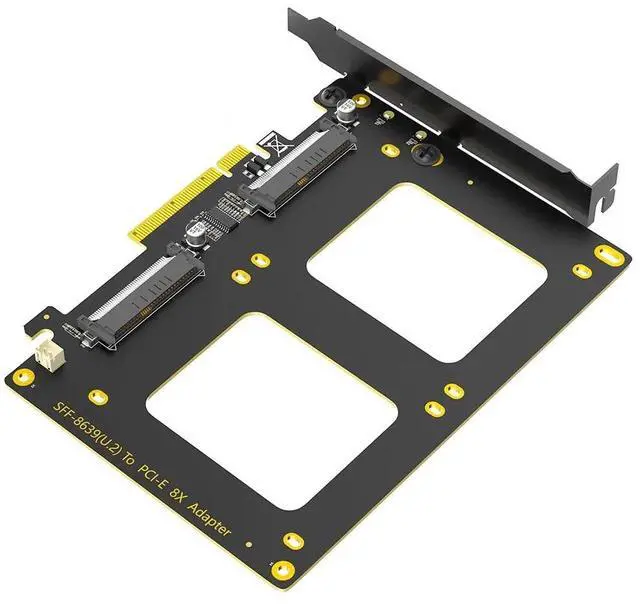
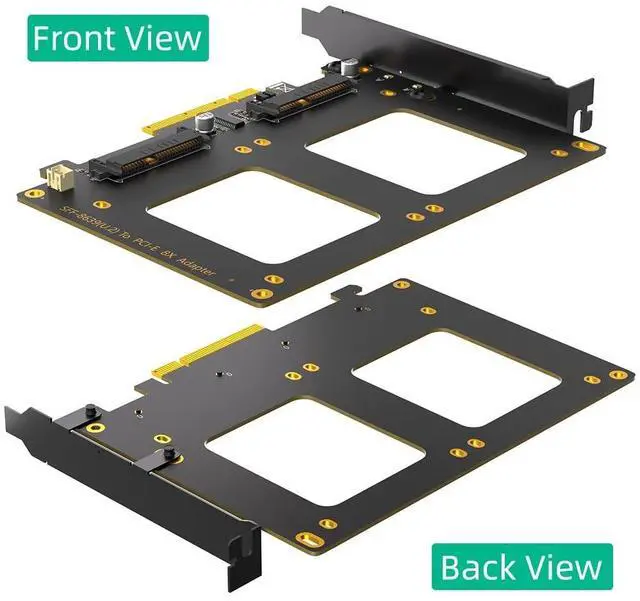
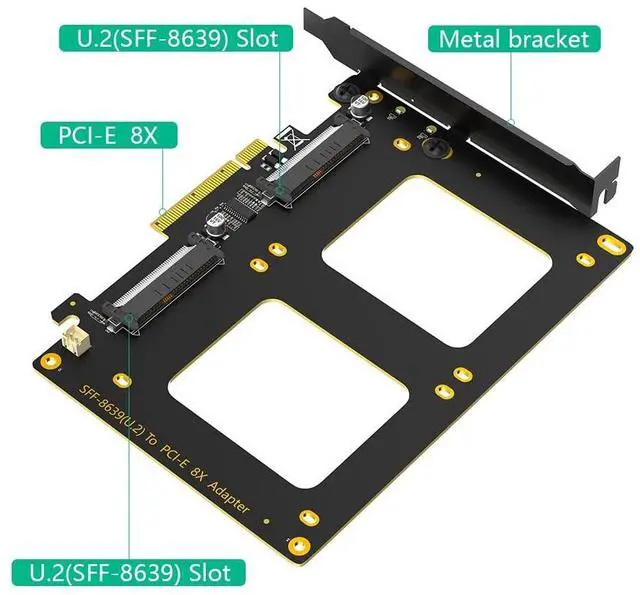
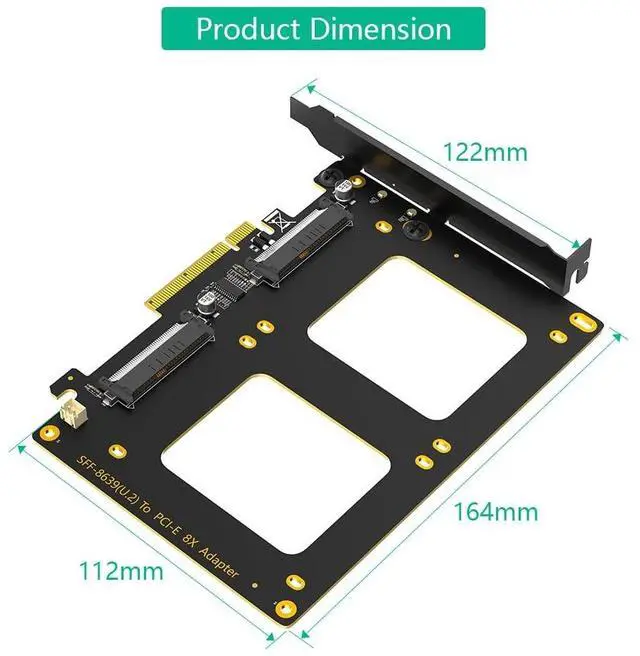
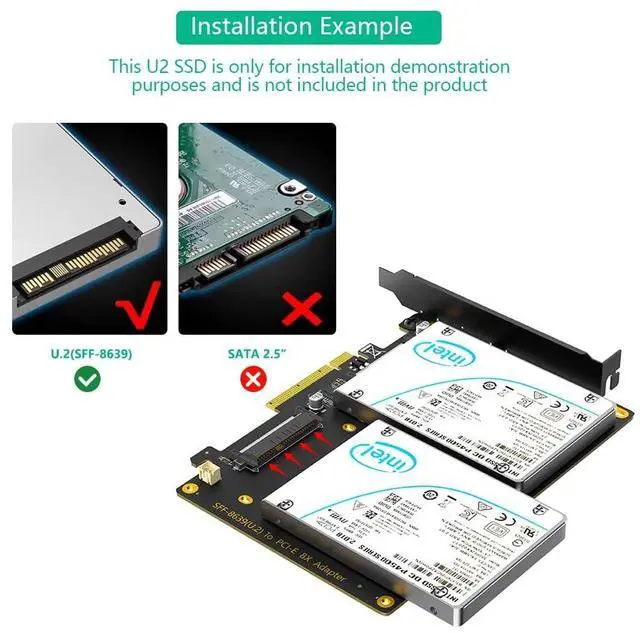
    Mustpoint Upgrade Version Dual U.2 SSD to PCIe 4.0 X8 Adapter, Support 2 x U.2 SSD or Soft Raid, Without PCI-e Splitter Function (PCIe Bifurcation Motherboard is Required)

    • 1.Dual U.2 to PCIe 4.0 X8 Adapter: By installing 2 x U.2 SSDs on this PCIe 4.0 X8 adapter, your computer will be able to access 2 x U.2 SSDs at the same time.
    • 2.Hardware Platform: Support Soft RAID in Intel/AMD platform, not support Mac Pro 5.1 (Note: To set up Intel's RAID-on-CPU (VROC), you need to purchase your license).
    • 3.Set the PCIe Bifurcation mode of the corresponding PCIe slot in the BIOS, support X4X4X4X4 or X4X4X8 or Hyper M.2 X16 mode (Note: Can not support X8X4X4 mode).
    • 4.Important: Because this adapter does not support PCIe Bifurcation, it requires a motherboard that supports PCIe Bifurcation. Otherwise, only the Port-1 port can recognize the U.2 SSD. Before purchasing, please check the PCIe expansion slot part of the motherboard manual on the motherboard manufacturer's website, or consult us directly.
    • 5.To reach PCIe 4.0 X4 (64Gbps) full speed, the CPU and motherboard PCIe slot and PCIe M.2 SSD should all be PCIe 4.0 features (Note: PCIe 4.0 is not supported
    +
    +
    Overview
    Specs
    Reviews
    avatar

    Any questions? Our AI beta will help you find out quickly.

    1. Dual U. 2 to PCIe 4.0
    X8 Adapter: By installing 2 x U. 2 SSDs on this PCIe 4.0 X8 adapter, your computer will be able to access 2 x U. 2 SSDs at the same time. ^^ 2.
    Hardware Platform: Support Soft RAID in Intel/AMD platform, not support
    Mac Pro 5.1 (Note: To set up Intel's RAID-on-CPU (VROC), you need to purchase your license). ^^ 3. Set the PCIe Bifurcation mode of the corresponding PCIe slot in the BIOS, support X4X4X4X4 or X4X4X8 or Hyper M.
    2 X16 mode (Note: Can not support X8X4X4 mode). ^^ 4.
    Important: Because this adapter does not support PCIe Bifurcation, it requires a motherboard that supports PCIe Bifurcation. Otherwise, only the Port-1 port can recognize the U. 2 SSD. Before purchasing, please check the PCIe expansion slot part of the motherboard manual on the motherboard manufacturer's website, or consult us directly. ^^ 5. To reach PCIe 4.0 X4 (64Gbps) full speed, the CPU and motherboard PCIe slot and PCIe M. 2 SSD should all be
    PCIe 4.0 features (Note: PCIe 4.0 is not supported on Intel CPUs below 11th generation).

    Warranty & Returns

    Warranty, Returns, And Additional Information

    Warranty

    • Please contact the Seller directly for warranty information. Warranty information may also be found on the Manufacturer's website.
    • CONTACT

    Return Policies

    Manufacturer Contact Info

    LOADING...