• $50.99
  • Free 30-day Returns
  • Sold by StarDragon
    Top Rated
    5 (2 seller ratings)

    Shipped by StarDragon

    Price alert
    Shop it at NeweggBusiness.

    Meet Your Seller

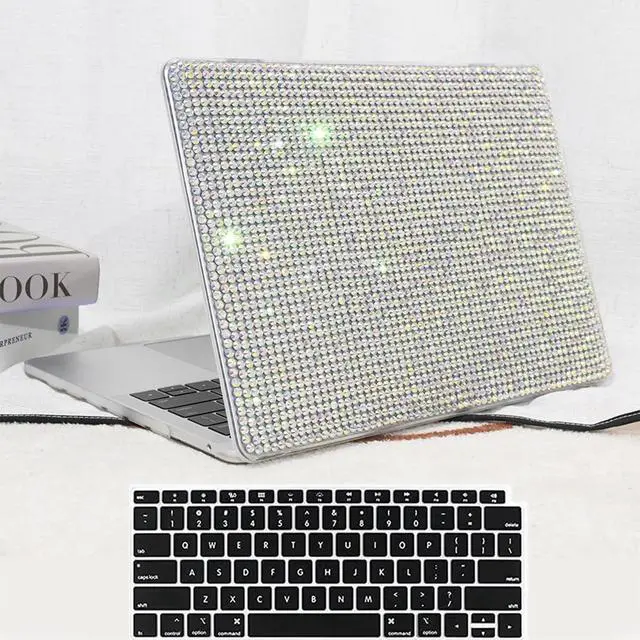
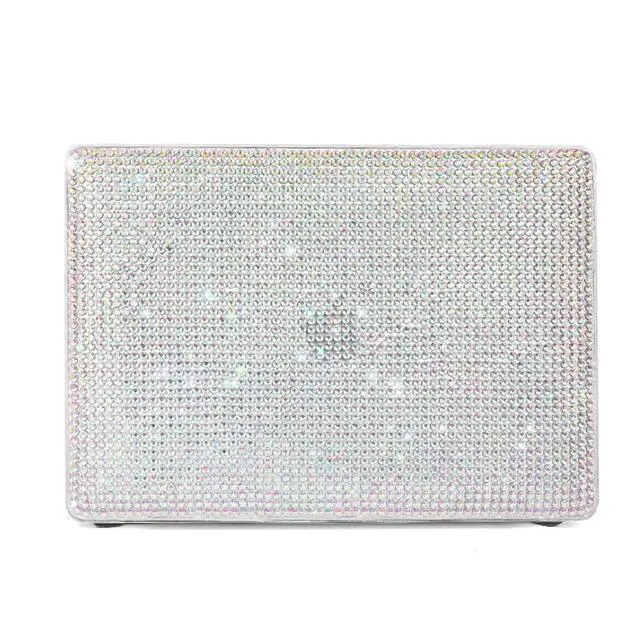
    iNOTOGG Compatible with MacBook Pro 13 Inch Case 2022-2016, A2338 M1 M2/A2289/A2251/A2159/A1989/A1706 with Touch Bar & Touch ID, Glittery Rhinestone Hard Plastic Case with Keyboard Cover, Diamond

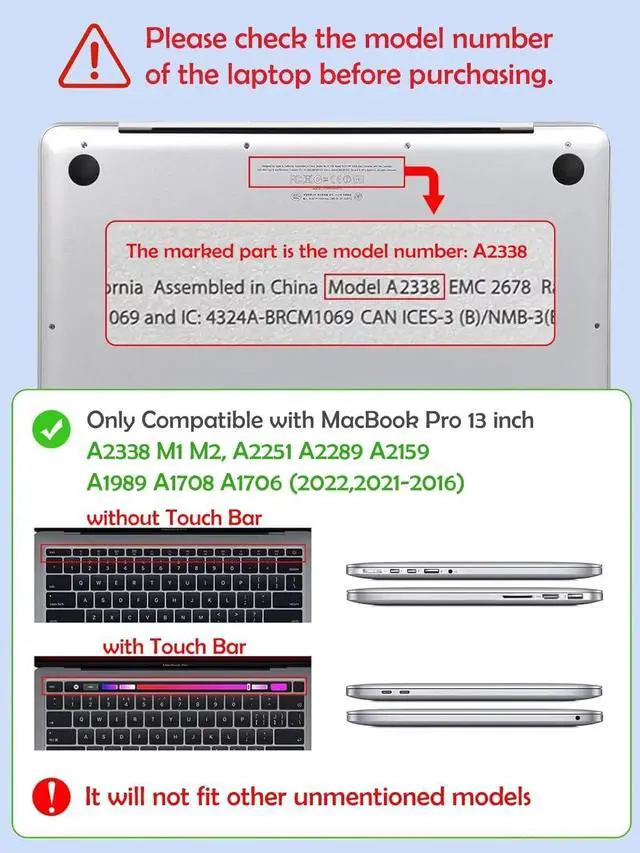
    • Pro 13 Case Compatibility: Compatible with Macbook Pro 13 Inch 2016-2022 release M1 M2 A2338 / A2289 / A2251 / A2159 / A1989 / A1706 with Touch Bar & Touch ID. Please check the model number "Axxxx" on the back of the laptop
    • Not Fit: This case is NOT compatible with 2016-2019 Release Macbook Pro 13 inch without Touch Bar, Model A1708 / Old Pro 13 inch with retina
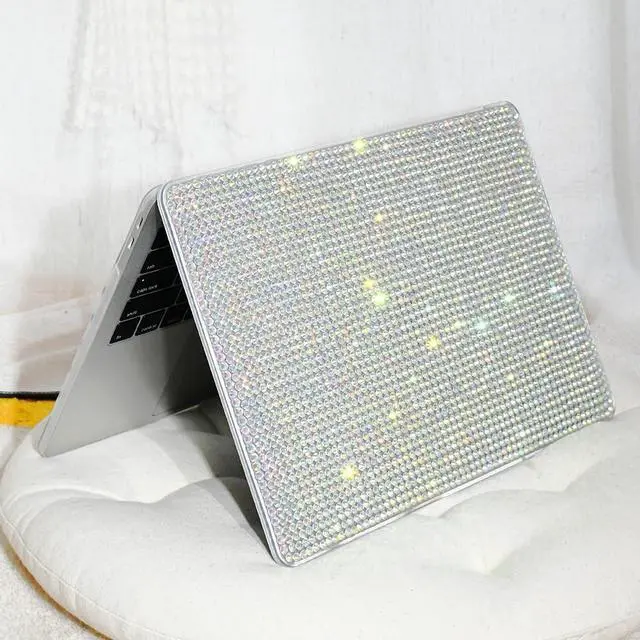
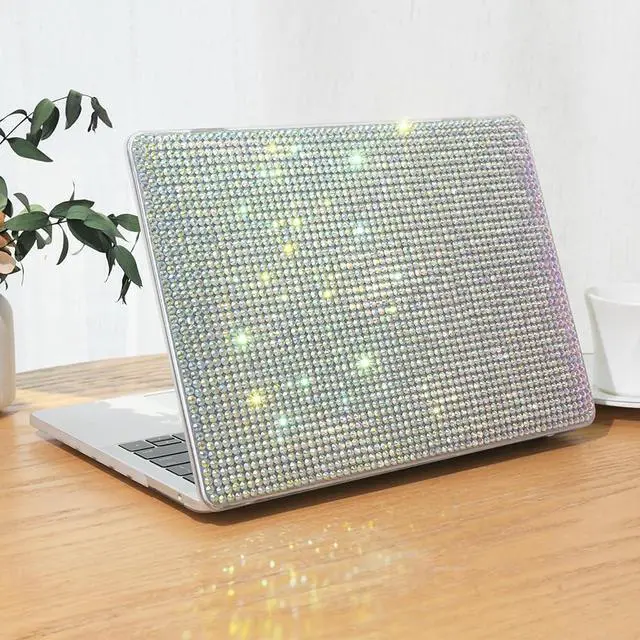
    • Sparkling Design: This case is made of hard plastic with shiny rhinestones embedded in the surface, which is very scratch-resistant and at the same time gives your device a unique look
    • Accurate Cutouts: Easy access to thunder bolt port and all other ports without removing the case. Bottom cover with vent slots to heat dissipation and raised rubberized feet to keep your laptop firmly on the place
    • Case Dimensions (LxWxH): 12.2 x 8.5 x 0.39 inches, diagonal: 13.3 inch. ATTENTION: The 13.3 inch is Measure the diagonal length of the case, not the length of the case
    +
    +
    Overview
    Specs
    Reviews
    avatar

    Any questions? Our AI beta will help you find out quickly.

    Package Include: 1 * Case for MacBook + 1 *
    Keyboard CoverLaptop Case Features:
    Protection: Made from hard plastic materials, and covered with Glittery Rhinestone to protect your laptop from scratches, dints, scrapes, spills and dirt, along with shiny & stylish looking.
    Heat dissipation: Designed with ventilation holes at the bottom piece part of the cover, ensure your Laptop in a safe condition.
    Perfect fit: Precise hole Design perfectly match your laptop, not disturb to use all ports and plugs.
    Laptop Case Install: Clear your laptop to remove the surface dust before installing the case. Place your laptop into bottom case and press all clips until secure.
    Note: Two clips on top, Two clips on the bottomInstall the top case with laptop half open and the logo facing you, snap on all clips until secure.

    Warranty & Returns

    Warranty, Returns, And Additional Information

    Warranty

    • Please contact the Seller directly for warranty information. Warranty information may also be found on the Manufacturer's website.
    • CONTACT

    Return Policies

    • Return for refund within: 30 days
    • Return for replacement within: 30 days
    • This item is covered by StarDragon Return Policy

    Manufacturer Contact Info

    LOADING...