Super Flower Leadex VIII Platinum PRO 1200W ATX 3.1&PCIe 5.1(Native 12V-2x6 Cable), Cybenetics PLATINUM, Smallest 125mm ATX PSU, Patent Super Connector, Full Modular, SF-1200F14SP
  •  
  • $189.99 
  • Save: 34%
  • $95.99
  • Free 30-day Returns
  • Sold by VersaCom

    Shipped by VersaCom

    Price alert
    Shop it at NeweggBusiness.

    Meet Your Seller

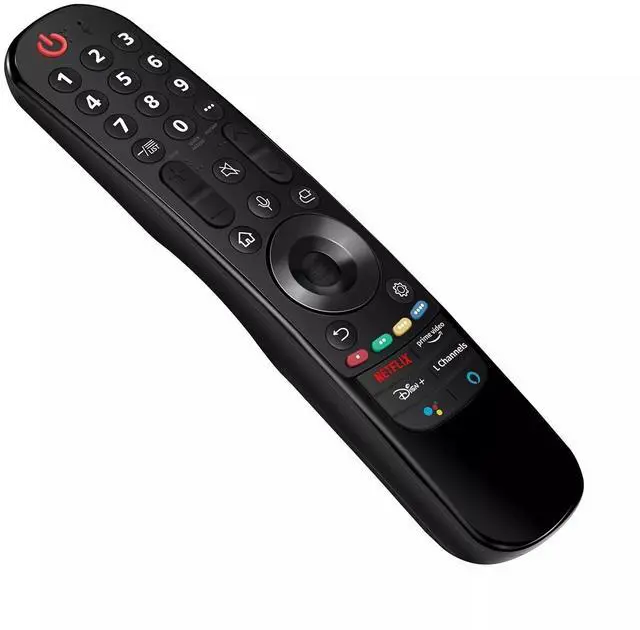
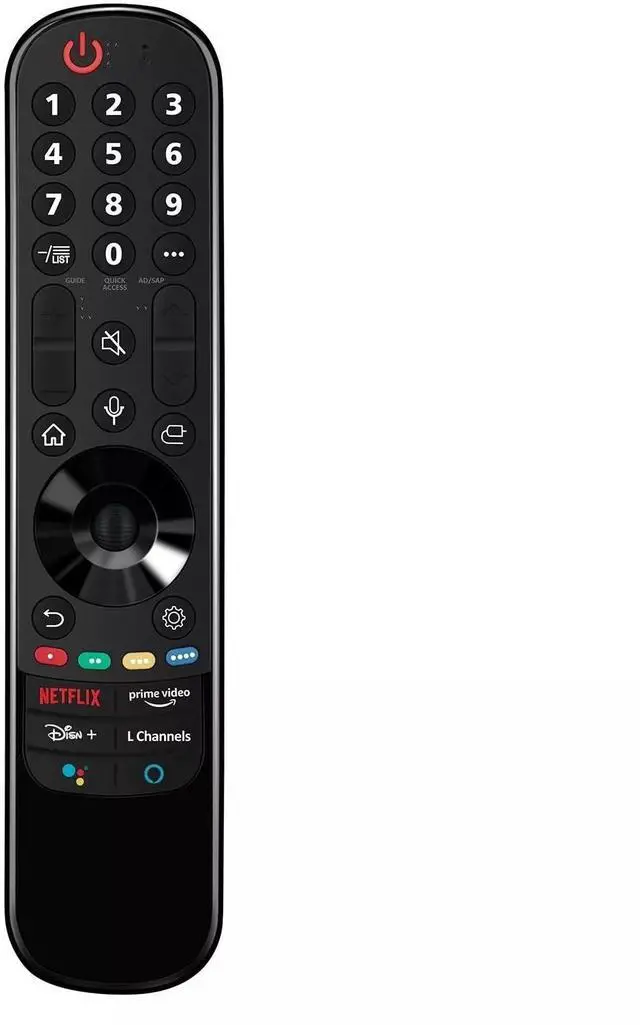
    Replacement Voice TV Remote Control Controller for LG OLED Evo C2 Series OLED77C2PUA 77, OLED83C2PUA 83" 4k Smart TV (2022)

    • Work with LG OLED Evo C2 Series OLED77C2PUA 77, OLED83C2PUA 83" 4k Smart TV (2022)
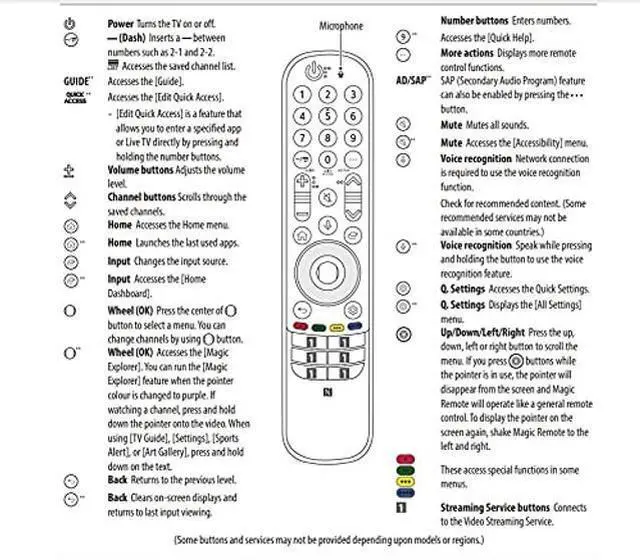
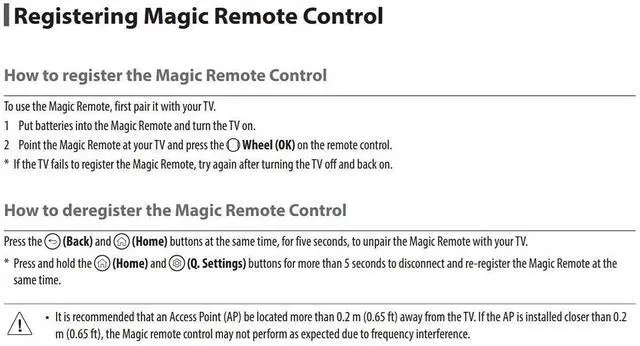
    • How to register (pair) the Magic Remote 1. Put the batteries into the remote and turn the TV on. 2. Point the magic reomte at your tv and press the "Wheel"(OK) onthe remotr control. - If the TV fails to register the remote , try again after turning the tv off and back on.
    • Power Supply: 2X 1.5V AAA Alkaline Battery
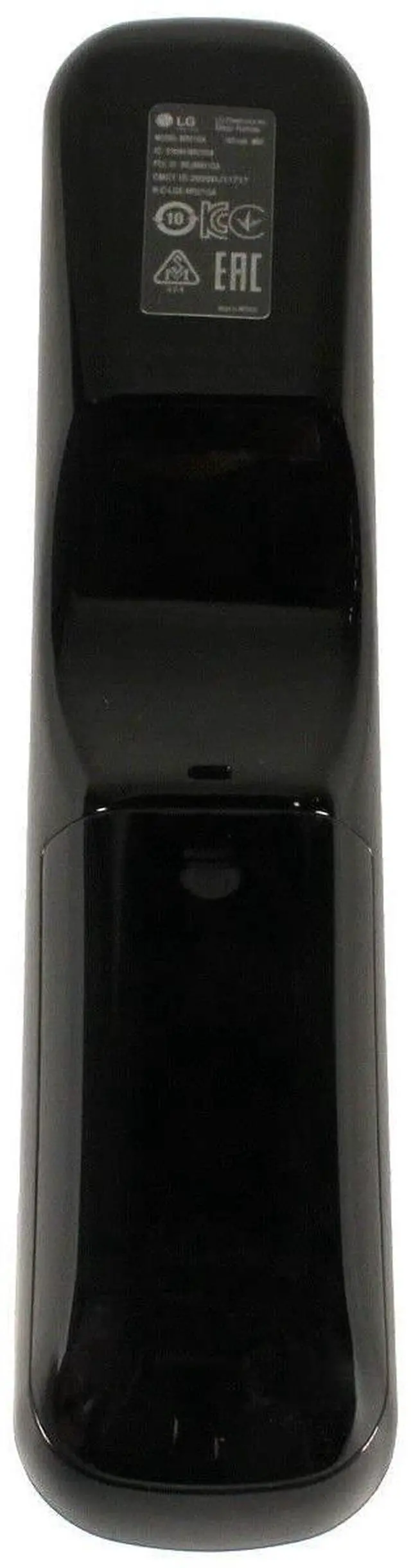
    • ***Battery and User Manual Not Included
    • AN-MR21GA
    +
    +
    Overview
    Specs
    Reviews
    avatar

    Any questions? Our AI beta will help you find out quickly.

    Replacement Remote Control Controller For LG OLED Evo C2 Series OLED77C2PUA 77'', OLED83C2PUA 83'' 4k Smart TV (2022) Compatible with LG 4K Smart
    OLED TV models: OLED48A1AUA OLED48A1PUA OLED48C1AUB OLED48C1PUB OLED55A1AUA OLED55A1PUA OLED55B1PUA OLED55C1AUB OLED55C1PUA OLED55C1PUB OLED55G1PUA OLED65A1AUA OLED65A1PUA OLED65B1PUA OLED65C1AUA OLED65C1AUB OLED65C1PUB OLED65G1PUA OLED77A1AUA OLED77A1PUA OLED77B1PUA OLED77C1AUA OLED77C1AUB OLED77C1PUB OLED77G1PUA OLED83C1AUA OLED83C1PUA RCLLGEMR21GA RCLLGEMR21GA
    Power Supply: 2X 1.5V AA Alkaline
    Battery Package Content: 1X Remote Control (Battery and User Manual Not Included) *************** How to register the Magic Remote Control To use the Magic Remote, first pair it with your TV. 1 Put batteries into the Magic Remote and turn the TV on. 2 Point the Magic Remote at your TV and press the Wheel (OK) on the remote control. * If the TV fails to register the Magic Remote, try again after turning the TV off and back on. *************** How to deregister the Magic Remote Control Press the (Back) and (Home) buttons at the same time, for five seconds, to unpair the Magic Remote with your TV. * Press and hold the (Home) and (Q. Settings) buttons for more than 5 seconds to disconnect and reregister the Magic Remote at the same time.

    Warranty & Returns

    Warranty, Returns, And Additional Information

    Warranty

    • Please contact the Seller directly for warranty information. Warranty information may also be found on the Manufacturer's website.
    • CONTACT

    Return Policies

    • Return for refund within: 30 days
    • Return for replacement within: non-replaceable
    • This item is covered by VersaCom Return Policy

    Manufacturer Contact Info

    LOADING...