

Your Browsing History

Meet Your Seller

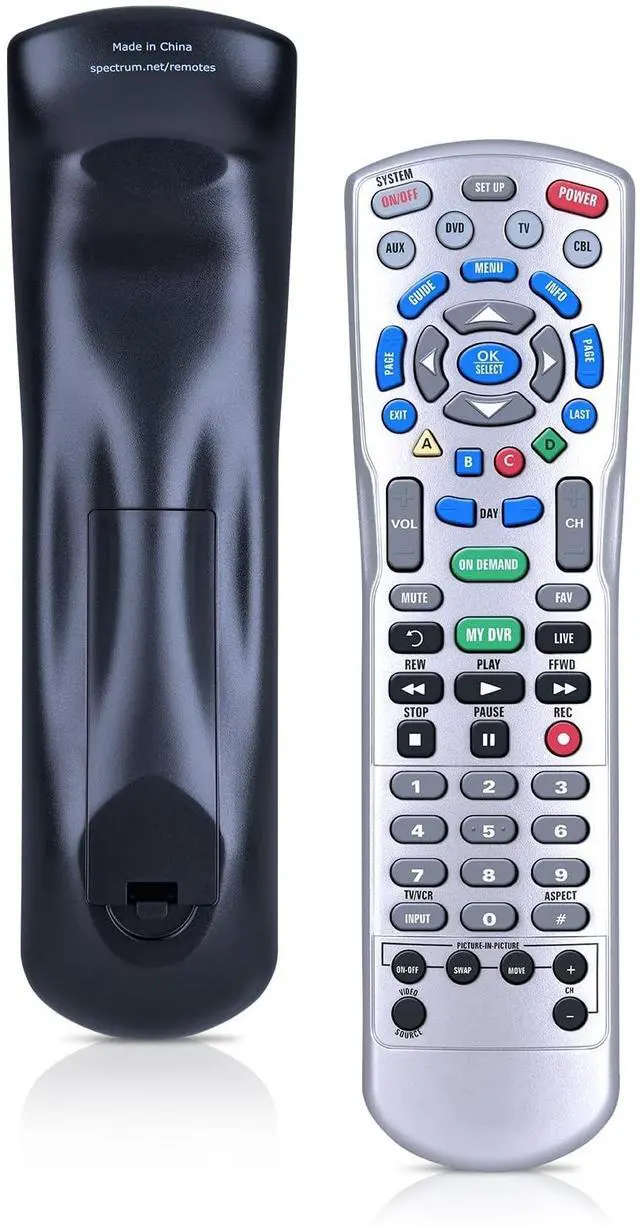
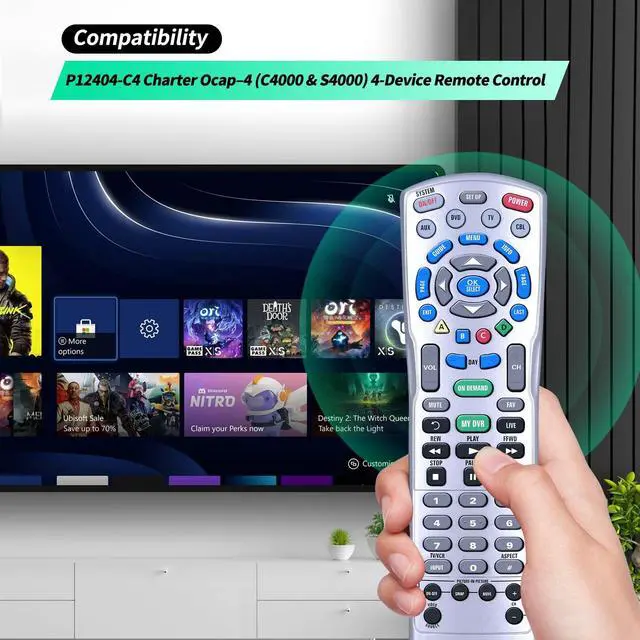
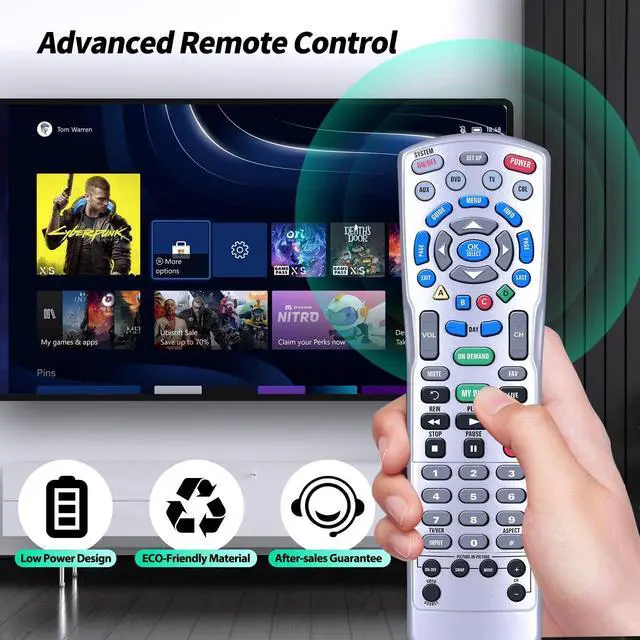
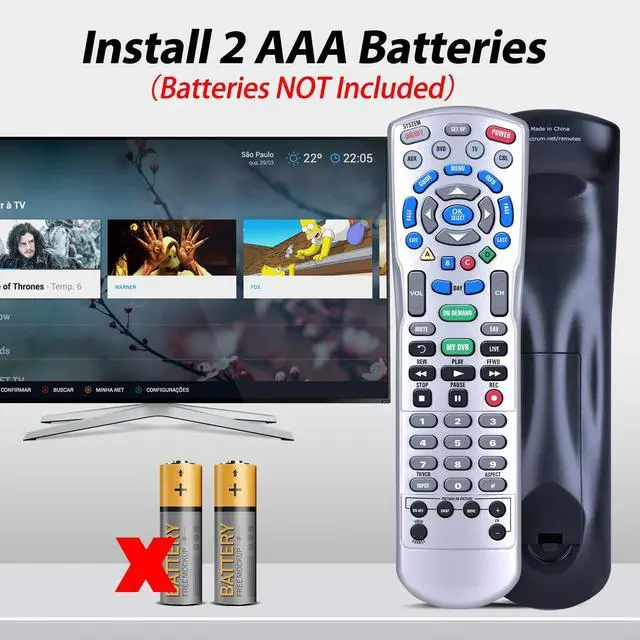


WDZP New Remote Control Replacement fit for SpectrumP12404-C4 Charter Ocap4 (C4000 & S4000) 4-Device
- Compatibility WDZP New Remote Control Replacement fit for SpectrumP12404-C4 Charter Ocap4 (C4000 & S4000) 4-device
- To program your remote to another device 1.Turn on a device and insert the appropriate video media, (DVD, Blu-ray, etc.), if applicable.2.Use the following tool to search for five-digit programming codes assigned to your device and brand: 3.On the remote control, press a device key once (i.e. AUX, DVD, TV, CBL or STB). 4.Press and hold SETUP until the selected mode key blinks twice. 5.Enter a five-digit code listed for your device. The selected mode key will blink twice.
- 6.If the selected mode key emits a long blink, repeat steps 3-5 and try entering the same code again. 7.Aim the remote control at the device and press Power (or Play) once. The device should turn off. If the device doesn't turn off, repeat steps 2-5, until you find a code that works. If it still doesn't respond, refer to the Troubleshooting section.(Note: Repeat steps 1-4 for each device you want the
+
+
Overview
Specs
Reviews

Any questions? Our AI mode will help you find out quickly.
Try me now
Compatibility WDZP New Remote Control Replacement fit for SpectrumP12404-C4 Charter Ocap4 (C4000 & S4000) 4-device ^^ To program your remote to another device 1. Turn on a device and insert the appropriate video media, (DVD, Blu-ray, etc. ), if applicable. 2. Use the following tool to search for five-digit programming codes assigned to your device and brand: 3. On the remote control, press a device key once (i. e. AUX, DVD, TV, CBL or STB). 4. Press and hold SETUP until the selected mode key blinks twice. 5. Enter a five-digit code listed for your device. The selected mode key will blink twice. ^^ 6. If the selected mode key emits a long blink, repeat steps 3-5 and try entering the same code again. 7. Aim the remote control at the device and press Power (or Play) once. The device should turn off. If the device doesn't turn off, repeat steps 2-5, until you find a code that works. If it still doesn't respond, refer to the Troubleshooting section.
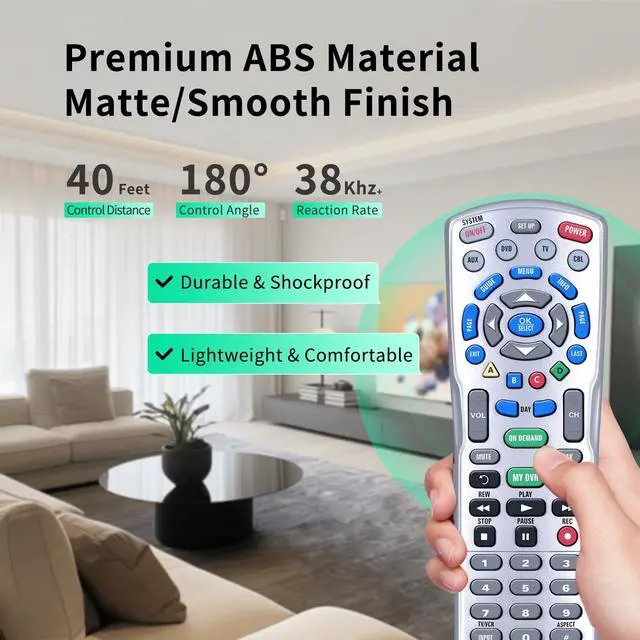
(Note: Repeat steps 1-4 for each device you want the remote control to operate. ) ^^ ABS materialThis smart remote made of high quality ABS material to make this smart remote more durable. This replacement remote only comes with 0.10 kg ( 0.22 lb. ), wear-resistant and durable. ^^ Lifetime Warranty & Exceptional ServiceDoesn't match your Treadmill? Quality problem? Don't worry!! We offer 6-MONTH warranty, free exchange or refund))
(Note: Repeat steps 1-4 for each device you want the remote control to operate. ) ^^ ABS materialThis smart remote made of high quality ABS material to make this smart remote more durable. This replacement remote only comes with 0.10 kg ( 0.22 lb. ), wear-resistant and durable. ^^ Lifetime Warranty & Exceptional ServiceDoesn't match your Treadmill? Quality problem? Don't worry!! We offer 6-MONTH warranty, free exchange or refund))
Warranty & Returns
Warranty, Returns, And Additional Information
Warranty
- Please contact the Seller directly for warranty information. Warranty information may also be found on the Manufacturer's website.
- CONTACT
Return Policies
- Return for refund within: 30 days
- Return for replacement within: 30 days
- This item is covered by HyperCore Return Policy
Manufacturer Contact Info
- For a directory of all our manufacturers, please click below.
- Manufacturers Directory
LOADING...