Your Browsing History
Meet Your Seller
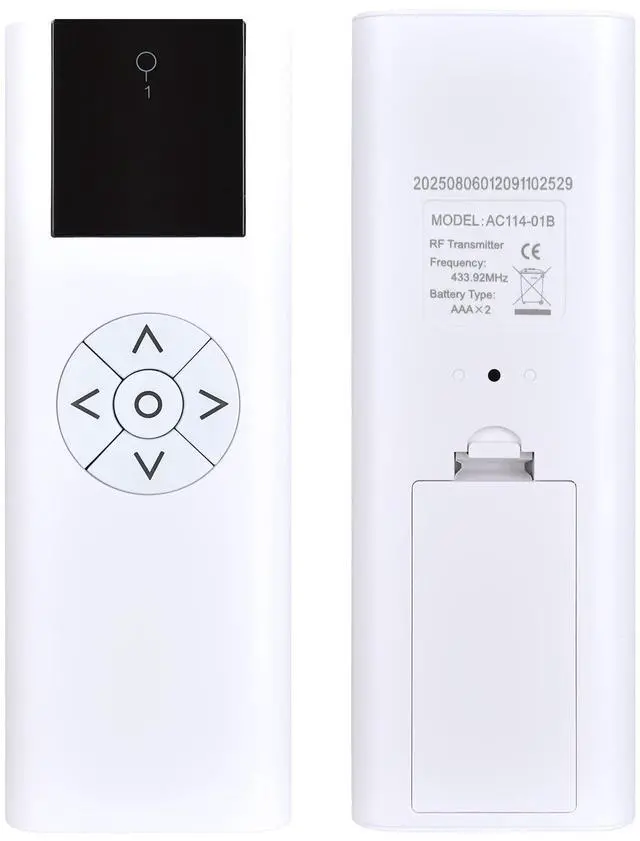
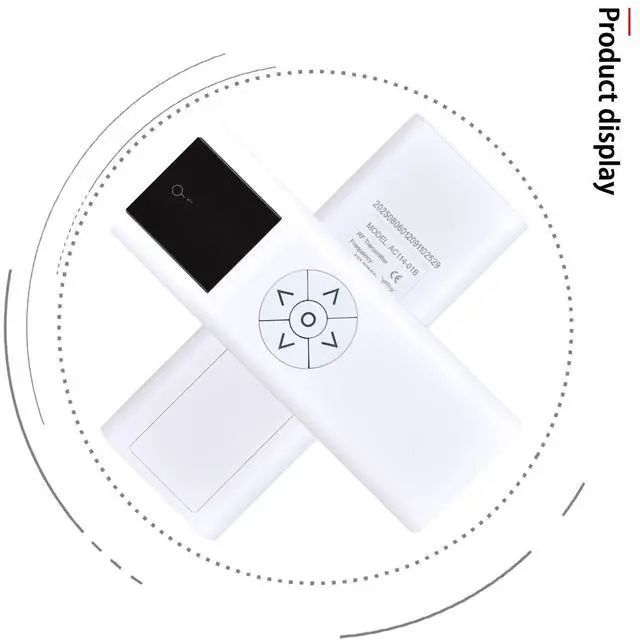
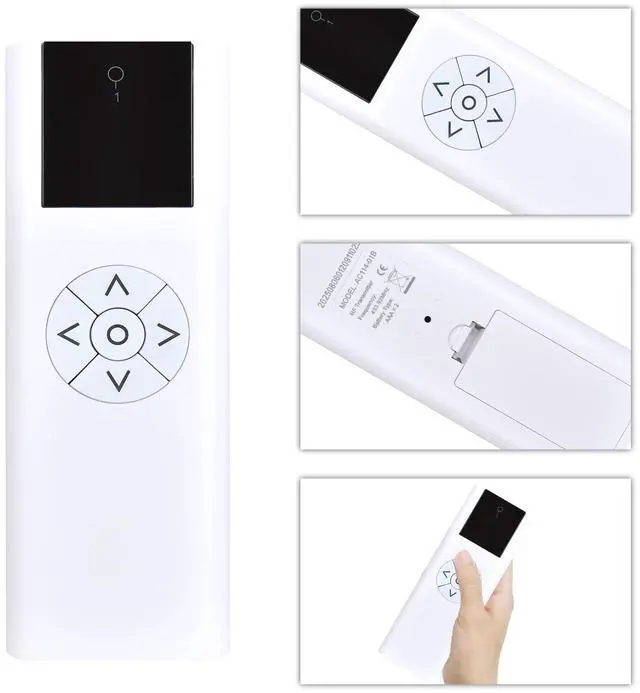
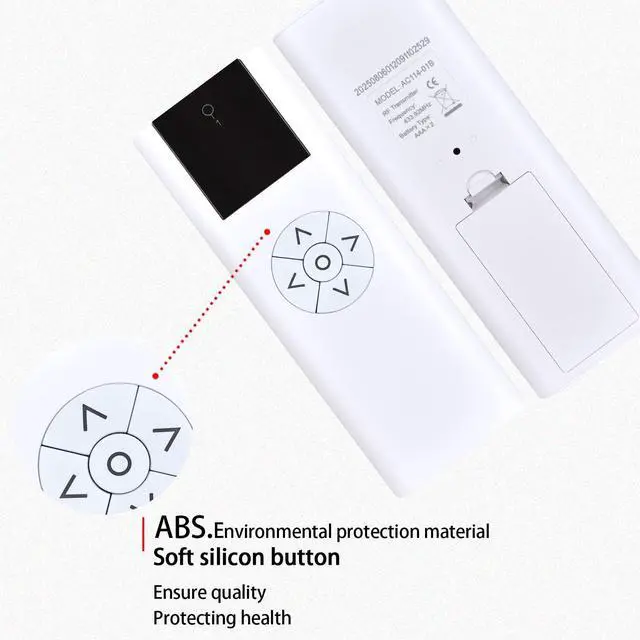
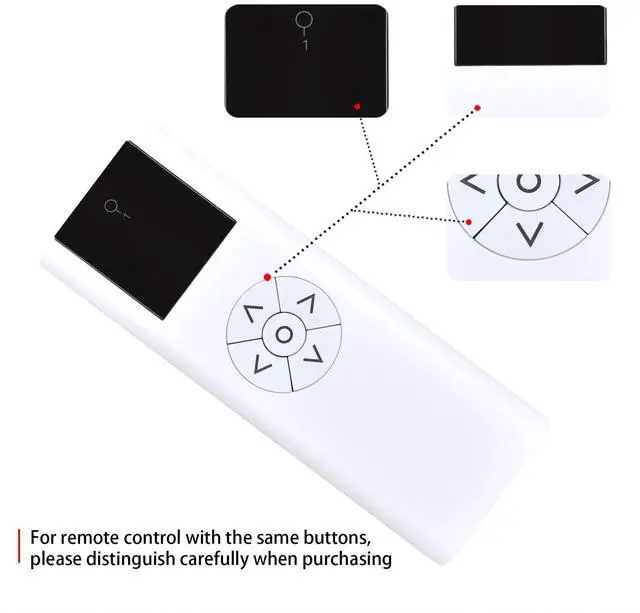
SJUIF AC114-01B 01 Replacement Remote Control 1 Channel Wireless Blinds Controller for Motorized Roller Shades and Blinds
- Compatible ModelsThis New Replacement Remote Control Compatible with Motorized Roller Shades and Blinds 1 Channel Wireless Blinds
- How to Pair and Reset to Defaults: 1) Use a paperclip or small screwdriver to press and hold the PROG button on the motor; the motor will rotate briefly once. 2) Press the [] button on the remote control once; the motor will run briefly, and pairing is complete. 3) To reset the remote control, press and hold the PROG button on the motor for 7 seconds; the motor will run once per second, then run twice, indicating that all limits have been cleared
- How to set the upper and lower limits: 1) Press and hold the recessed button on the back of the remote control; the roller shade will rotate briefly once to enter limit setting mode. 2) Press the [] or [] button to adjust to your desired position. 3) Press the setting button on the back again; the roller shade will rotate briefly up and down, and the limit settings are complete
- Troubleshooting: If th
+
+
Overview
Specs
Reviews
Any questions? Our AI beta will help you find out quickly.
Try me now
SJUIF AC114-01B 01 Replacement Remote Control 1 Channel Wireless Blinds Controller for Motorized Roller Shades and Blinds
Warranty & Returns
Warranty, Returns, And Additional Information
Warranty
- Please contact the Seller directly for warranty information. Warranty information may also be found on the Manufacturer's website.
- CONTACT
Return Policies
- Return for refund within: 30 days
- Return for replacement within: non-replaceable
- This item is covered by VersaCom Return Policy
Manufacturer Contact Info
- For a directory of all our manufacturers, please click below.
- Manufacturers Directory
LOADING...