

Your Browsing History
- Free 30-day Returns
$46.99

Meet Your Seller

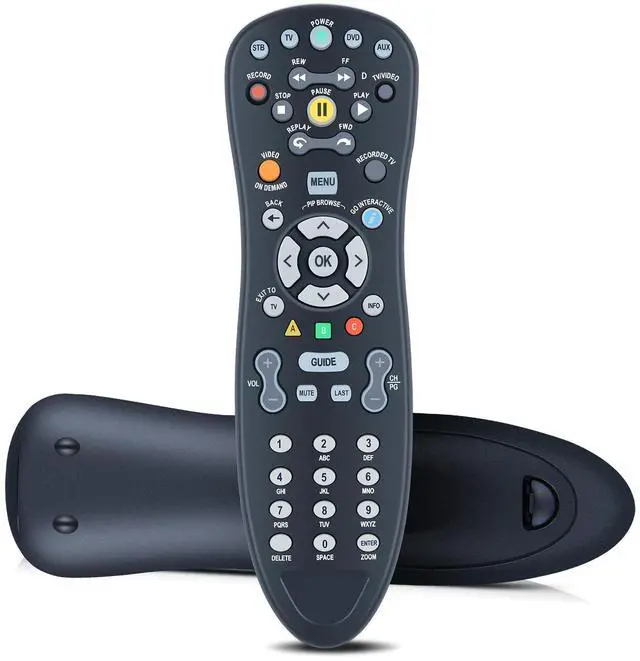
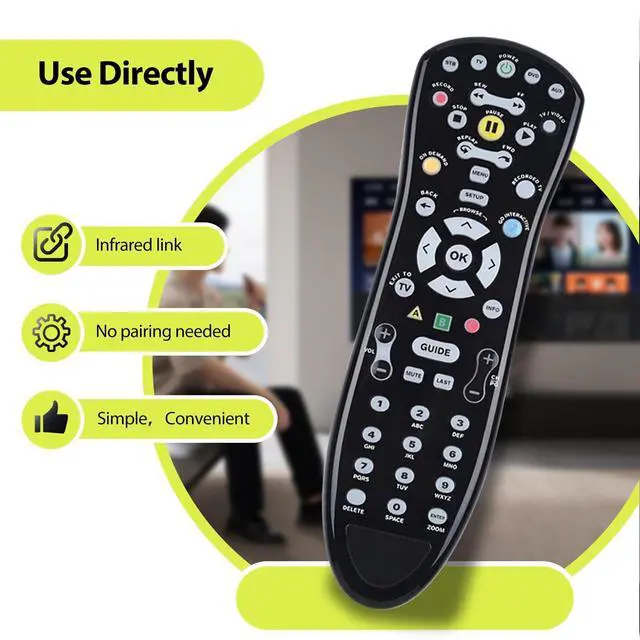
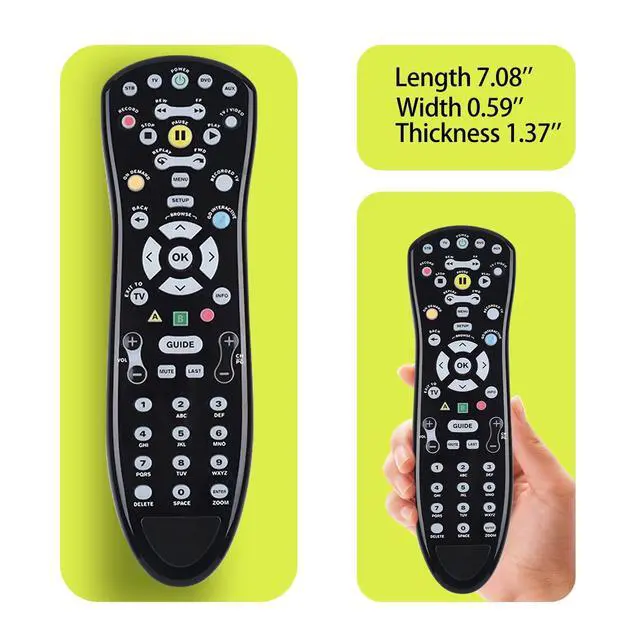


RYQIF Replacement Remote Control fits AT&T S10-S4 Remote Control Compatible with U-Verse Uverse
- Remote CompatibilityCompatible with model S10-S4 U-Verse
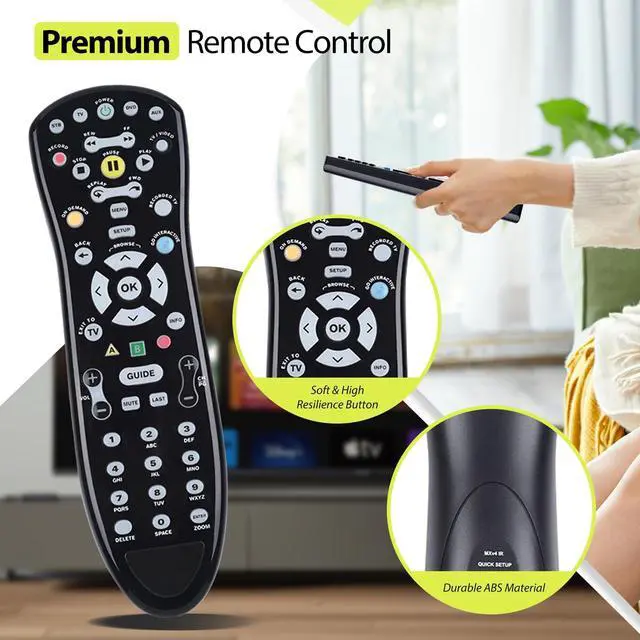
- Ergonomic DesignCompact and lightweight, with a comfortable hand feel. The smooth edges and anti-slip surface provide a safe grip and reduce the chance of accidental drops during use.
- Easy To Match1,Turn on your TV and FibreOP receiver.2,Point your FibreOP TV remote at your receiver.3,Press the STB button on your FibreOP TV remote.4,Press and hold the SETUP button until the STBbutton blinks twice.5,Press the TV button.6,Enter the 1-digit code from the table above using your remote's number buttons,7,If programming is successful, your TV turns off and the remote's TV button will blink twice.
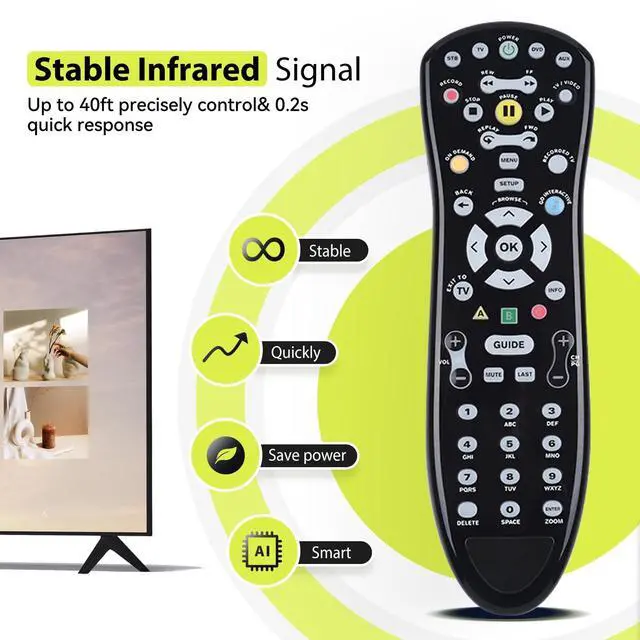
- Precise ControlOptimal control distance between the device and remote control: 26 feet
- Excellent After- Sale ServiceProviding high-quality products and services is our top priority. If you have any questions about the remote control (purchase/use), we will answer them for you as soon as possible. Thank you!
+
+
Overview
Specs
Reviews

Any questions? Our AI mode will help you find out quickly.
Try me now
Remote CompatibilityCompatible with model S10-S4 U-Verse ^^ Ergonomic DesignCompact and lightweight, with a comfortable hand feel. The smooth edges and anti-slip surface provide a safe grip and reduce the chance of accidental drops during use. ^^ Easy To Match1, Turn on your TV and FibreOP receiver. 2, Point your FibreOP TV remote at your receiver. 3, Press the STB button on your FibreOP TV remote. 4, Press and hold the SETUP button until the STBbutton blinks twice. 5, Press the TV button. 6, Enter the 1-digit code from the table above using your remote's number buttons, 7, If programming is successful, your TV turns off and the remote's TV button will blink twice.
^^ Precise ControlOptimal control distance between the device and remote control: 26 feet ^^ Excellent After- Sale ServiceProviding high-quality products and services is our top priority. If you have any questions about the remote control (purchase/use), we will answer them for you as soon as possible. Thank you!
^^ Precise ControlOptimal control distance between the device and remote control: 26 feet ^^ Excellent After- Sale ServiceProviding high-quality products and services is our top priority. If you have any questions about the remote control (purchase/use), we will answer them for you as soon as possible. Thank you!
Warranty & Returns
Warranty, Returns, And Additional Information
Warranty
- Please contact the Seller directly for warranty information. Warranty information may also be found on the Manufacturer's website.
- CONTACT
Return Policies
- Return for refund within: 30 days
- Return for replacement within: 30 days
- This item is covered by FortressTek Return Policy
Manufacturer Contact Info
- For a directory of all our manufacturers, please click below.
- Manufacturers Directory
LOADING...