

Your Browsing History

Meet Your Seller

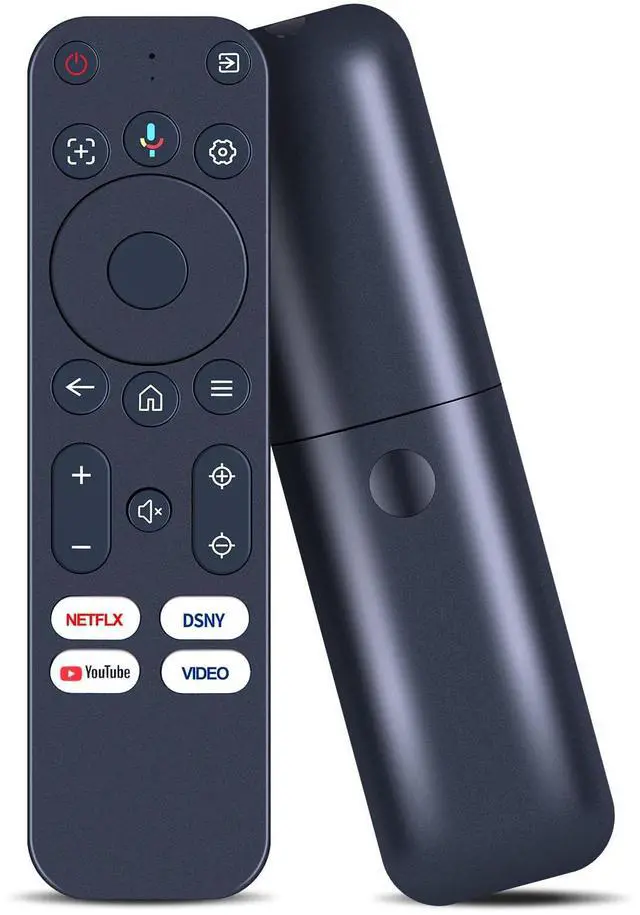
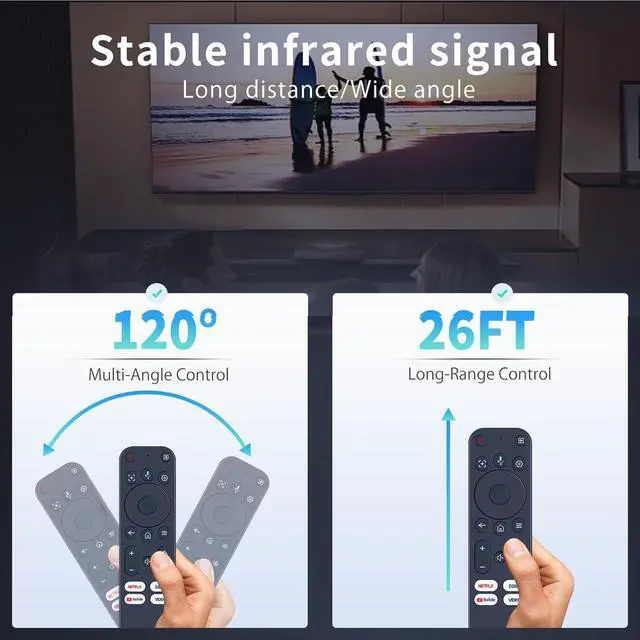


Replacement Remote Control with Voice Compatible with Yaber K3, K3 pro, K2s, T2, T2 Plus Projector, for TOPTRO Smart Mini Movie Projector
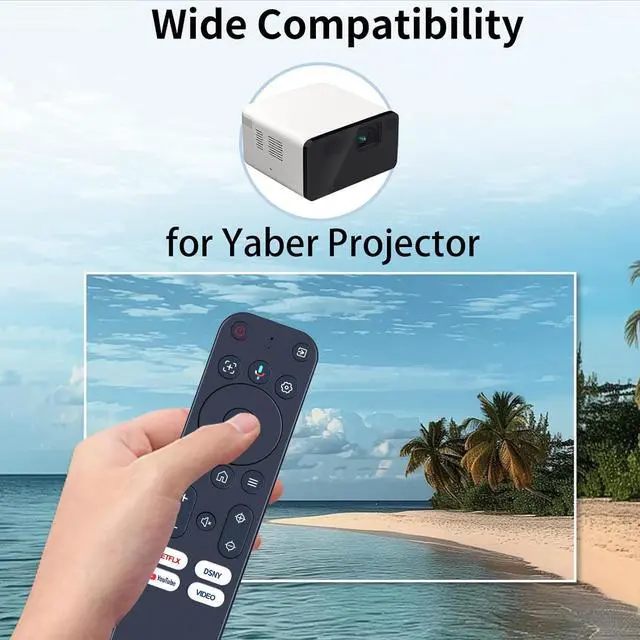
- Compatibility - Only Compatible with Yaber K3, K3 pro, K2s, T2, T2 Plus Projector.
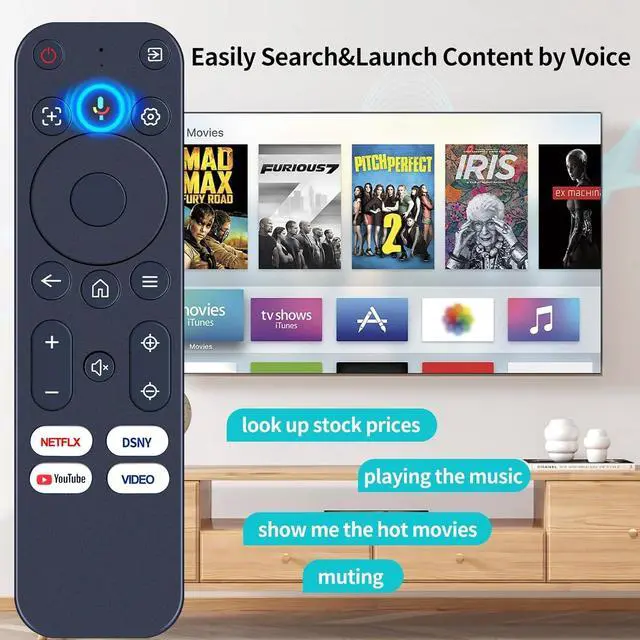
- Included shortcut hot keys - access multiple apps,YouTube, Netflix, Disney+ Prime video; and once the remote is paired, just press and hold the voice button to speak and jump to your favorite content in seconds.
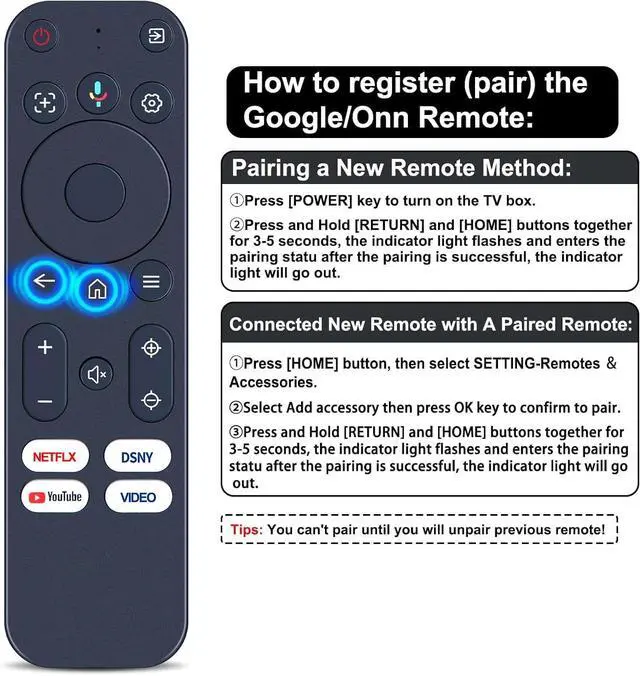
- How to register (pair) the Google/Onn Remote - Pairing a New Remote Method: Press [POWER] key to turn on the TV box. Press and Hold [RETURN] and [HOME] buttons together for 3-5 seconds, the indicator light flashes and enters the pairing statu after the pairing is successful, the indicator light will go out.
- Connected New Remote with A Paired Remote - Press [HOME] button, then select SETTING-Remotes Accessories. Select Add accessory then press OK key to confirm to pair. Press and Hold [RETURN] and [HOME] buttons together for 3-5 seconds, the indicator light flashes and enters the pairing statu after the pairing is successful, the indicator light will go out. (Tips: You can't pair until
+
+
Overview
Specs
Reviews

Any questions? Our AI mode will help you find out quickly.
Try me now
Compatibility - Only Compatible with Yaber K3, K3 pro, K2s, T2, T2 Plus Projector. ^^ Included shortcut hot keys - access multiple apps, YouTube, Netflix, Disney+ Prime video; and once the remote is paired, just press and hold the voice button to speak and jump to your favorite content in seconds. ^^ How to register (pair) the Google/Onn Remote - Pairing a New
Remote Method: Press [POWER] key to turn on the TV box. Press and Hold [RETURN] and [HOME] buttons together for 3-5 seconds, the indicator light flashes and enters the pairing statu after the pairing is successful, the indicator light will go out. ^^ Connected New Remote with A Paired Remote - Press [HOME] button, then select SETTING-Remotes Accessories. Select Add accessory then press OK key to confirm to pair. Press and Hold [RETURN] and [HOME] buttons together for 3-5 seconds, the indicator light flashes and enters the pairing statu after the pairing is successful, the indicator light will go out.
(Tips: You can't pair until you will unpair previous remote! ) ^^
Package Content: 1 * Remote Control Instruction ( 2 x AAA Battery Not Included )
Remote Method: Press [POWER] key to turn on the TV box. Press and Hold [RETURN] and [HOME] buttons together for 3-5 seconds, the indicator light flashes and enters the pairing statu after the pairing is successful, the indicator light will go out. ^^ Connected New Remote with A Paired Remote - Press [HOME] button, then select SETTING-Remotes Accessories. Select Add accessory then press OK key to confirm to pair. Press and Hold [RETURN] and [HOME] buttons together for 3-5 seconds, the indicator light flashes and enters the pairing statu after the pairing is successful, the indicator light will go out.
(Tips: You can't pair until you will unpair previous remote! ) ^^
Package Content: 1 * Remote Control Instruction ( 2 x AAA Battery Not Included )
Warranty & Returns
Warranty, Returns, And Additional Information
Warranty
- Please contact the Seller directly for warranty information. Warranty information may also be found on the Manufacturer's website.
- CONTACT
Return Policies
- Return for refund within: 30 days
- Return for replacement within: 30 days
- This item is covered by Luhang Return Policy
Manufacturer Contact Info
- For a directory of all our manufacturers, please click below.
- Manufacturers Directory
LOADING...