• $47.99
  • Free 30-day Returns
  • Sold by AetherWide

    Shipped by AetherWide

    Price alert
    Shop it at NeweggBusiness.

    Meet Your Seller

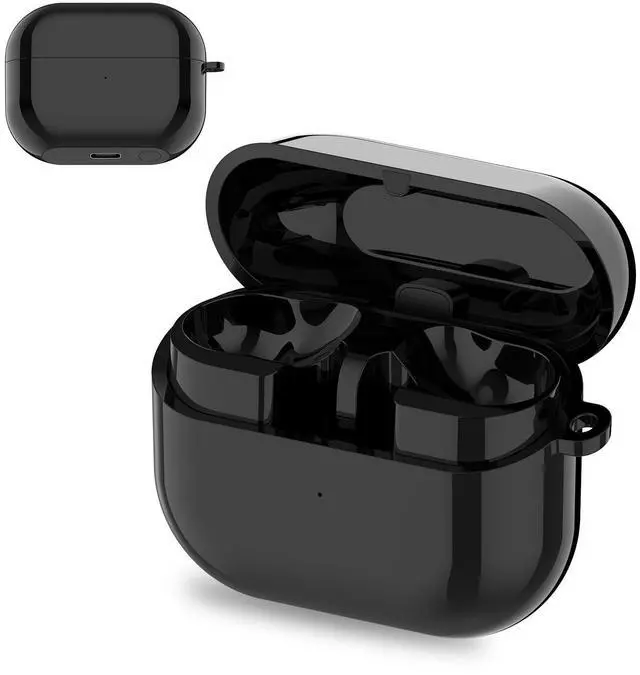
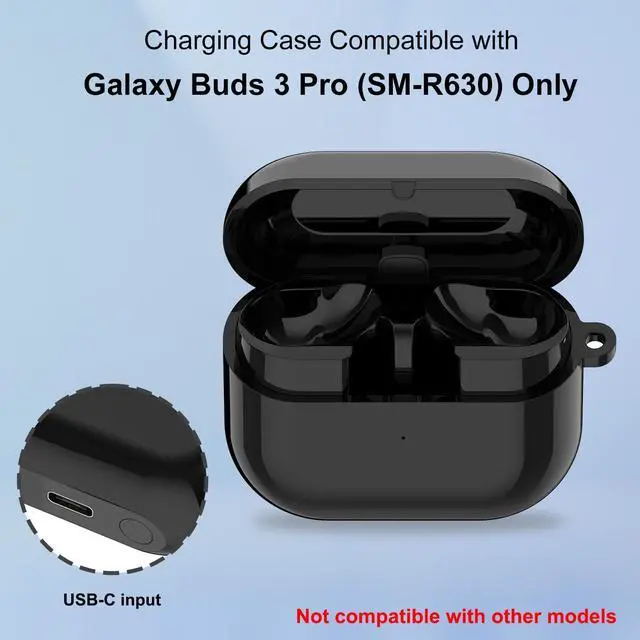
    Charging Case for Samsung Galaxy Buds3 Pro (SM-R630), Replacement Charger Case Dock Station with USB C Cable for Galaxy Buds3 Pro Earbuds (not for Buds3 SM-R530)

    • Replacement Charging Case for Samsung Galaxy Buds3 Pro This charging case is specifically designed for the Samsung Galaxy Buds3 Pro and is not compatible with other earbuds models. Note: The earbuds are not included in the scope of delivery. The case supports both cable charging via USB-C and wireless charging.
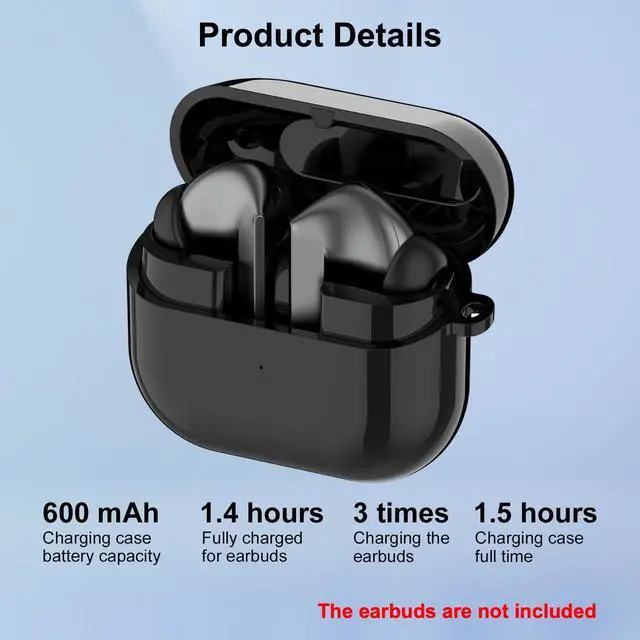
    • High-Capacity Battery with 600 mAh Equipped with a powerful 600 mAh battery, the case enables up to 3 complete charging cycles for your Buds3 Pro. Perfect for travel, work, or commuting keeping your earpods powered all day long.
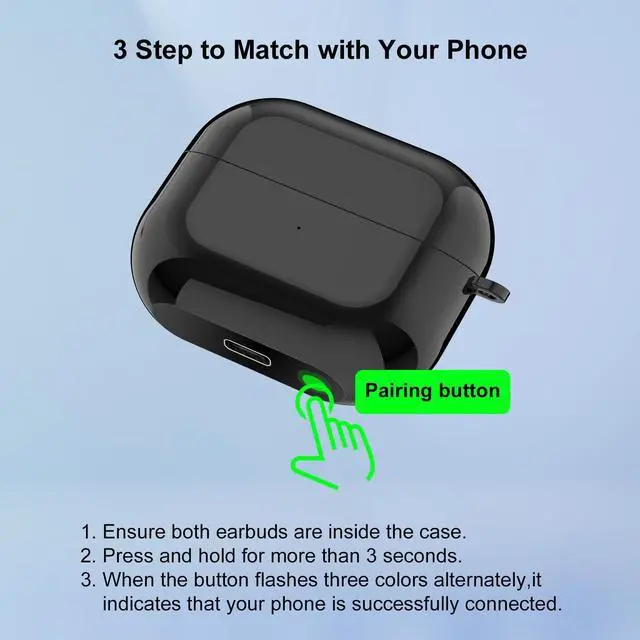
    • Intelligent LED Indicator & Easy Pairing Easily readable LED indicators display the charging status: Red during charging, Green when fully charged. To start pairing mode, simply press and hold the button for 3 seconds. A blinking RGB light signals that the case is ready to pair.
    • Exclusive Samsung Pop-Up Support Open the lid near a previously connected Samsung smartphone to immediately view the real-time battery st
    +
    +
    Overview
    Specs
    Reviews
    avatar

    Any questions? Our AI beta will help you find out quickly.

    Specifications

    : Battery
    Capacity: 600 mAhCharging
    Methods: Type-C charging port, supports wireless chargingFull
    Charge Time (Case): Approximately 1.5 hours via Type-C (at 330 mA current)
    Charging Indicator (Case): Red light while charging, green when fully chargedCharging
    Indicator (Earbuds): Red light for 5 seconds after closing the lid (only if earbuds are inside the case), green
    when fully chargedNote: Press the button or open the lid to activate the indicator. Max.
    Charging Cycles for Earbuds: Up to 3 complete chargesEarbuds
    Full Charge Time: Approximately 1.4 hoursPairing
    Mode: Place both earbuds in the case, then press and hold the button for more than 3 seconds. The indicator will blink red, green, and blue, signaling that pairing mode is active. Pop-up Notification (Samsung
    Devices Only): When the lid is opened and the earbuds have been previously connected, compatible Samsung phones will display the real-time battery level and charging status of the charging case.

    Warranty & Returns

    Warranty, Returns, And Additional Information

    Warranty

    • Please contact the Seller directly for warranty information. Warranty information may also be found on the Manufacturer's website.
    • CONTACT

    Return Policies

    • Return for refund within: 30 days
    • Return for replacement within: 30 days
    • This item is covered by AetherWide Return Policy

    Manufacturer Contact Info

    LOADING...