Your Browsing History
- Free 30-day Returns
$76.99
Meet Your Seller
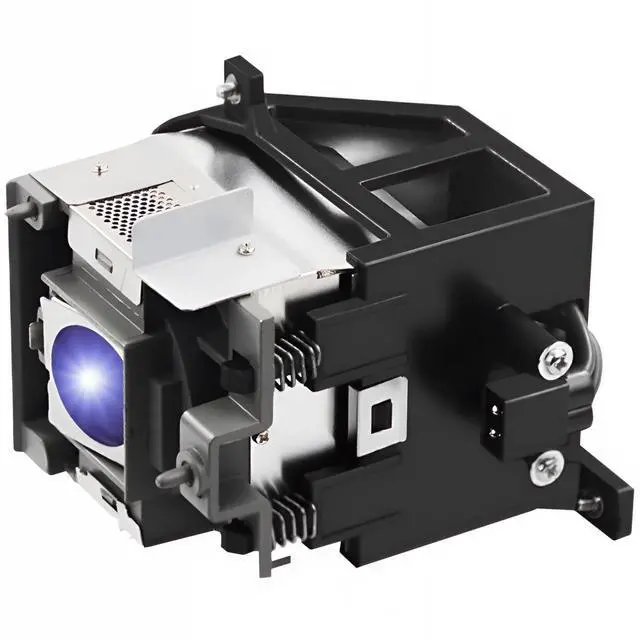
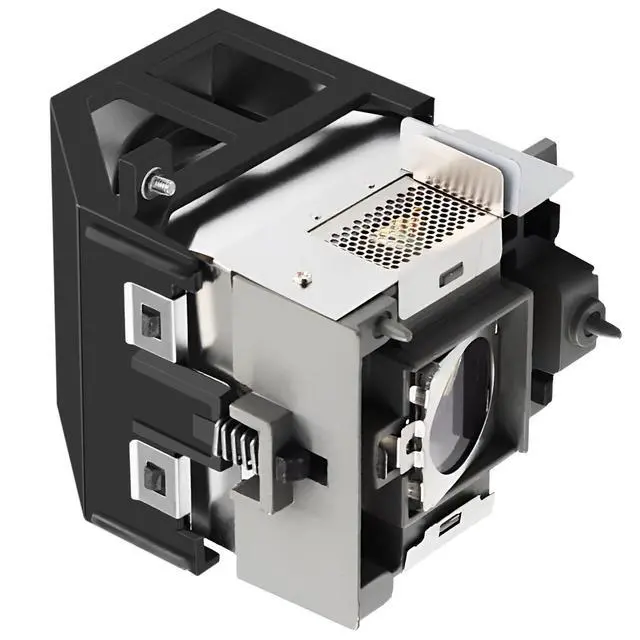
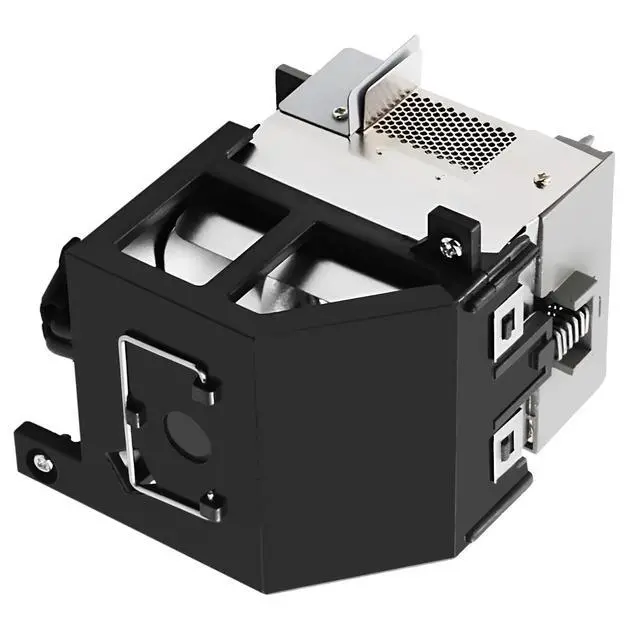
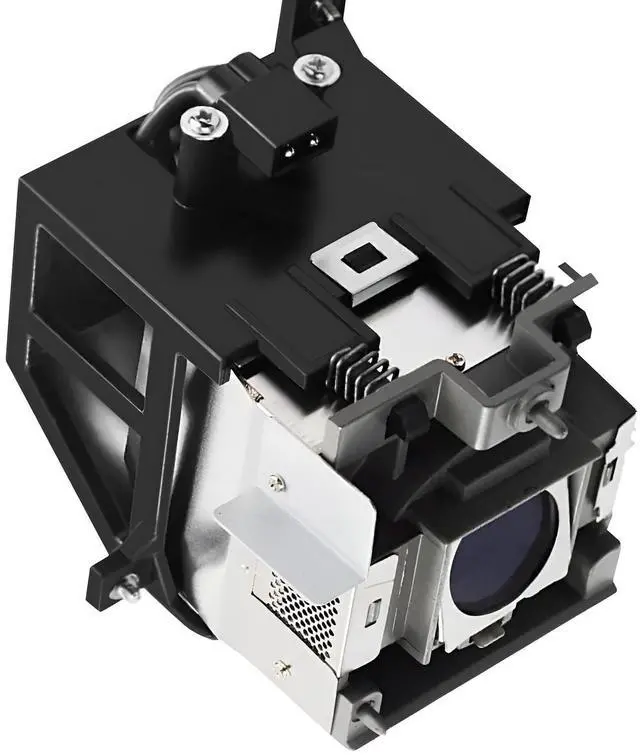
CHNPOFNT Replacement Projector Lamp Bulb with Housing 5J.J4D05.001 for Projector SP891benq 891 Projector Bulb 5j.j4d05.001
- 1.NEW Projector Lamp for 5J.J4D05.001 bulb with Housing
- 2.Compatible ModelsProjector SP891
- 3.In order to improve the brightness of the light bulb and extend its service life, our engineers have been continuously striving, and now we can provide customers with what they want
- 4.Provides 180 days free replacement service. Any problem will be solved perfectly, and all emails will be replied within 12 hours
- 5.The packaging is sturdy and collision resistant.and Transport to your home by the safest and fastest express
+
+
Overview
Specs
Reviews
Any questions? Our AI beta will help you find out quickly.
Try me now
CHNPOFNT 5J. J4D 05.001 Replacement Projector Lamp Compatible with BenQ SP891 ProjectorsLamp ReplacementProjector
Lamp Part Number: 5J. J4D 05.001S uitable for projectors for
BenQ SP891 ProjectorsType: Compatible Bulb
Lamp with HousingCondition:
NewWarranty: 180
days warrantyPackage: Durable, waterproof, and
shockproof solid boxApply to: For Home/School/Business PresentationSteps to
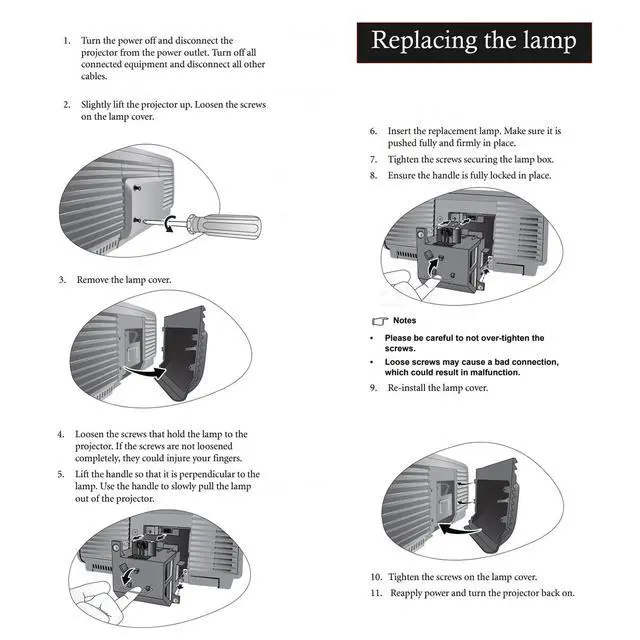
Install Your Projector Lamps: To install a projector lamp with the housing, just follow the easy steps below: 1. Make sure the projector is unplugged and sitting on a flat surface2. Loosen the screw holding the projector lamp module cover in place and remove the panel3. Unplug the old projector lamp and remove it from the projector4. Plug the new projector lamp securely into place5. Attach the panel back onto the projector and tighten the screw

Lamp Part Number: 5J. J4D 05.001S uitable for projectors for
BenQ SP891 ProjectorsType: Compatible Bulb
Lamp with HousingCondition:
NewWarranty: 180
days warrantyPackage: Durable, waterproof, and
shockproof solid boxApply to: For Home/School/Business PresentationSteps to
Install Your Projector Lamps: To install a projector lamp with the housing, just follow the easy steps below: 1. Make sure the projector is unplugged and sitting on a flat surface2. Loosen the screw holding the projector lamp module cover in place and remove the panel3. Unplug the old projector lamp and remove it from the projector4. Plug the new projector lamp securely into place5. Attach the panel back onto the projector and tighten the screw
Warranty & Returns
Warranty, Returns, And Additional Information
Warranty
- Please contact the Seller directly for warranty information. Warranty information may also be found on the Manufacturer's website.
- CONTACT
Return Policies
- Return for refund within: 30 days
- Return for replacement within: non-replaceable
- This item is covered by SIMPLIZED Return Policy
Manufacturer Contact Info
- For a directory of all our manufacturers, please click below.
- Manufacturers Directory
LOADING...