Your Browsing History
Meet Your Seller
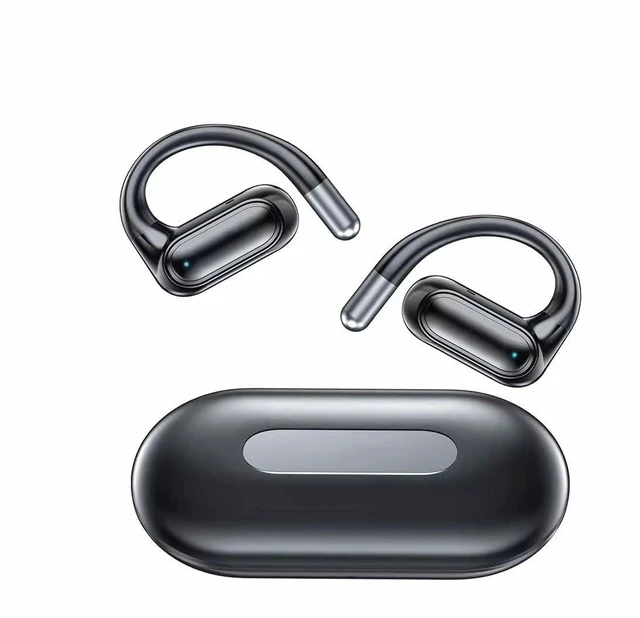
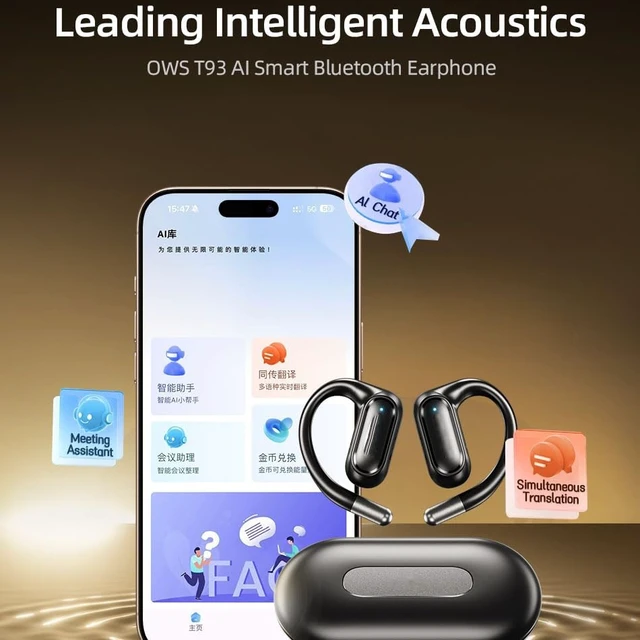
KENKUO AI Translation Earbuds Real time,144 Language & Accent Translator Earbuds, Translator Device with APP Translation Headphones audifonos traductores ingles espanol for Travel Business Learning
- Real-time Translation : Advanced earbuds featuring instant language translation capabilities for seamless communication across different languages.
- Wireless Connectivity : Bluetooth-enabled earbuds providing stable and reliable connection for hassle-free translation experience.
- Battery Life : Long-lasting battery performance ensuring extended usage during travel and international conversations.
- Language Support : Compatible with multiple languages allowing for versatile communication in various global settings.
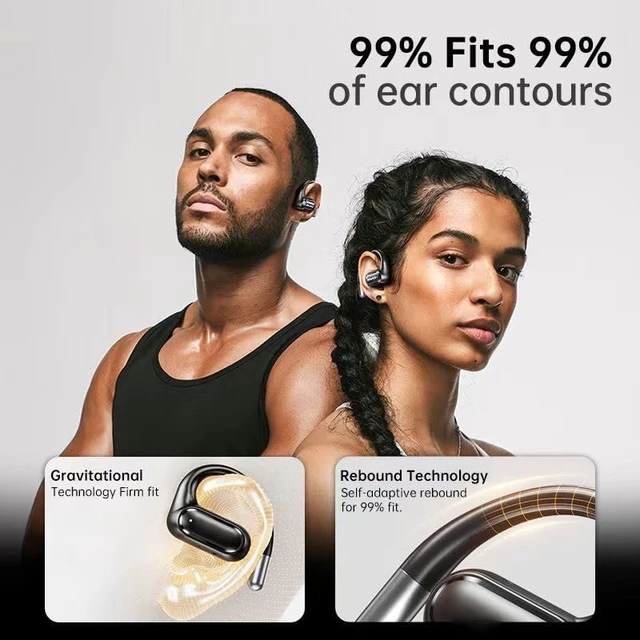
- Comfort Design : Ergonomically designed earbuds with comfortable fit for extended wearing during conversations and translations.
+
+
Overview
Specs
Reviews
Any questions? Our AI mode will help you find out quickly.
Try me now
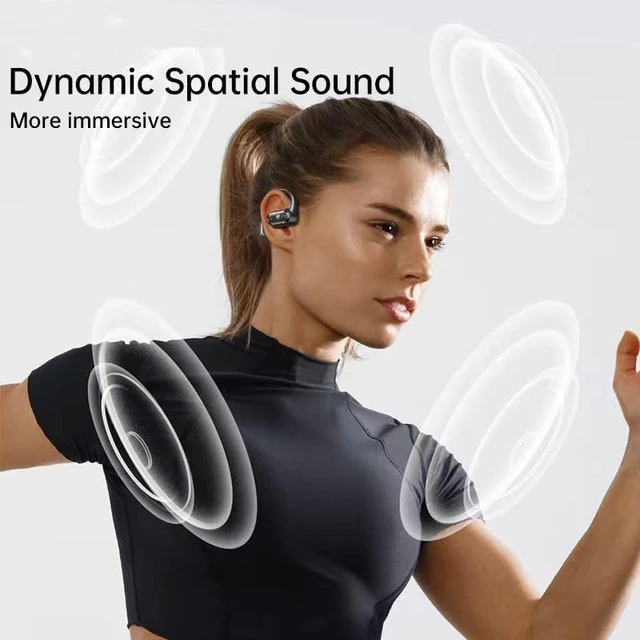
KENKUO T93 AI Translation Earbuds Real time quickly view: Touch ControlAuto-Pairing350mAh Long Battery Life8~9hours talking/Listening timeHD Stereo SoundIPX6 waterproofUSB-C Quick ChargeWide CompatibilityStylish and Comfortable to Wear.
Question: The earbuds not response when connected the device.
Answer: 1. Please make sure the both earphones have power. If they don't connect automatically, charge for charging case and earbuds first. 2. Then pick the them from the charging case and they will connect automatically.
Question: When the earbuds connected phone and if one of the earphones no sound? (Reset the earbuds
Steps) Answer: 1. Delete T93 from the Bluetooth device list on your phone. 2. Turn off the earbuds manually. 3. Put the earbuds back in the charging case and close the lid. 4. Take out the earbuds from the charging case.
Question: The left earbud disconnects from the right earbud.
Answer: Put the earbuds back in the charging case and close the lid. Then take out the earbuds from the charging case, the earbuds will sync.
Question: How to turn off your earbuds manually?
Answer: Tap and hold the touch control for 5 seconds until the LED indicator turns off.

Question: The earbuds not response when connected the device.
Answer: 1. Please make sure the both earphones have power. If they don't connect automatically, charge for charging case and earbuds first. 2. Then pick the them from the charging case and they will connect automatically.
Question: When the earbuds connected phone and if one of the earphones no sound? (Reset the earbuds
Steps) Answer: 1. Delete T93 from the Bluetooth device list on your phone. 2. Turn off the earbuds manually. 3. Put the earbuds back in the charging case and close the lid. 4. Take out the earbuds from the charging case.
Question: The left earbud disconnects from the right earbud.
Answer: Put the earbuds back in the charging case and close the lid. Then take out the earbuds from the charging case, the earbuds will sync.
Question: How to turn off your earbuds manually?
Answer: Tap and hold the touch control for 5 seconds until the LED indicator turns off.
Warranty & Returns
Warranty, Returns, And Additional Information
Warranty
- Please contact the Seller directly for warranty information. Warranty information may also be found on the Manufacturer's website.
- CONTACT
Return Policies
- Return for refund within: 30 days
- Return for replacement within: 30 days
- This item is covered by JMDesign Return Policy
Manufacturer Contact Info
- For a directory of all our manufacturers, please click below.
- Manufacturers Directory
LOADING...