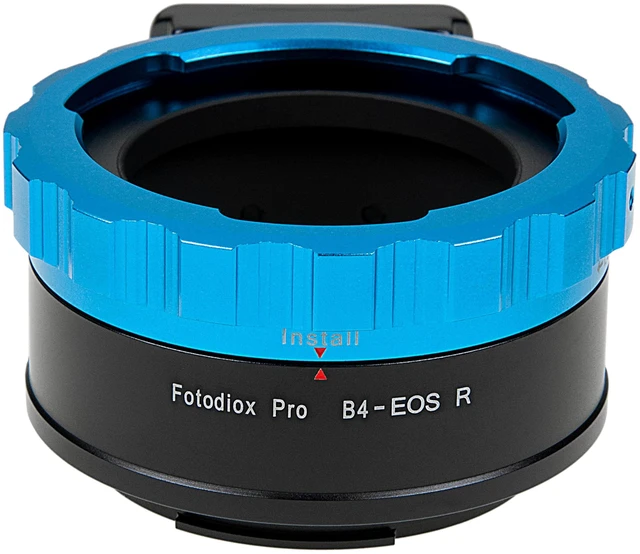
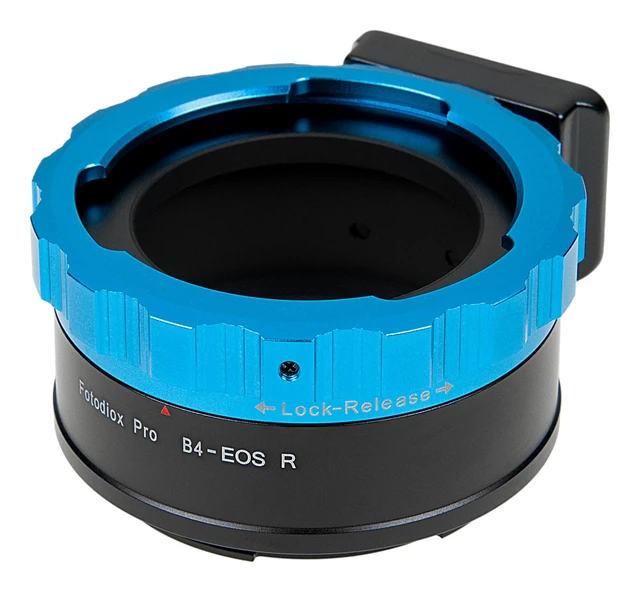
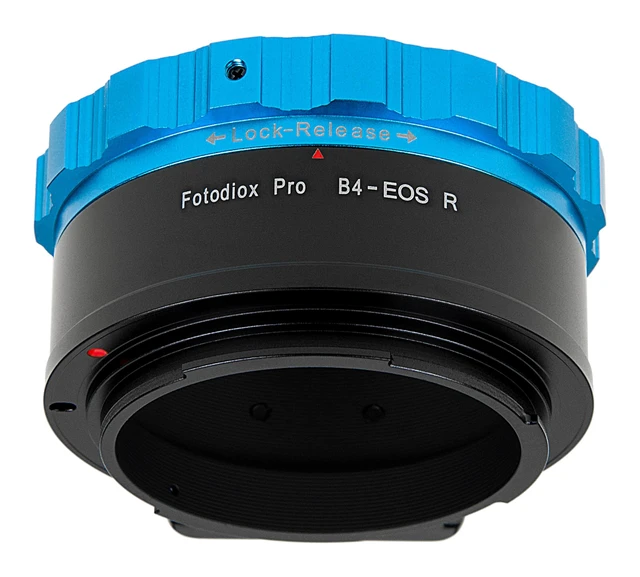
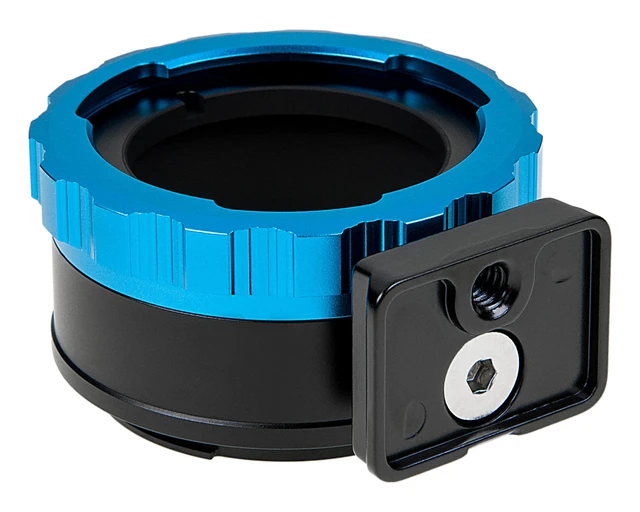
Whether you're shooting digitally or on film, Fotodiox offers the world's largest selection of lens adapters. Mix camera/lens platforms or reinvigorate vintage glass; Fotodiox has hundreds of ways to mount lenses onto your DSLR or SLR camera. Our adapters deliver infinity focus, manual aperture control, and a sturdy build for lasting quality. Fotodiox Pro adapters feature all-metal, no plastic construction to create a secure connection between your glass and camera that will not degrade over time, keeping the lens-camera connection secure with every use. We use chrome plated brass mounts for enhanced durability and reliability.
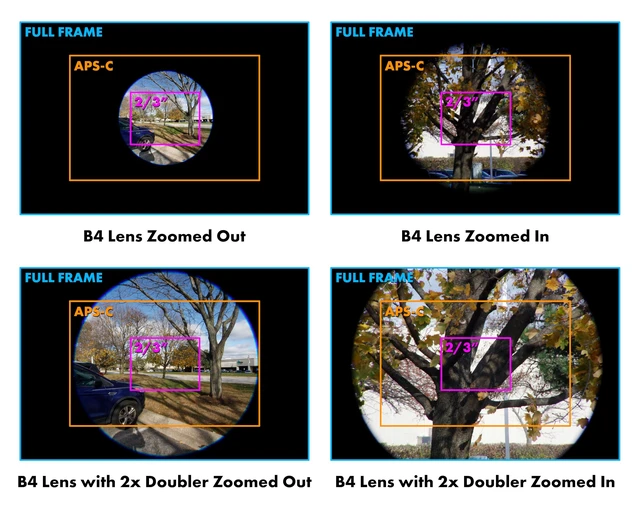
All Fotodiox products are backed by our 24-month Fotodiox Manufacturer Warranty. Compatible RF Mount Cameras (Popular models include): * EOS R, RP, Ra, R3, R5, R5 C, R6, R6 Mark II, R7, R8, R10, R50, R1000Notes: * B4 lenses were made for cameras with much smaller 2/3" sensors. Because of this, B4 lenses will heavily vignette when adapted to modern cameras with Full Frame or APS crop sensors. Zooming in, using a built-in doubler, shooting in crop mode or cropping in post are all ways to help reduce or remove this effect. * Some cameras need to be set a certain way to work with our adapters or you may get a message such as 'Error Lens Not Attached - Check lens'. Please check the support articles on the Fotodiox Knowledge Base for possible solutions on a variety of camera brands. * Set your exposure manually or meter using your camera's Aperture Priority (stop-down) mode. * All pictures are for illustration purposes only. Actual product may vary slightly due to ongoing improvements in design.




 here!