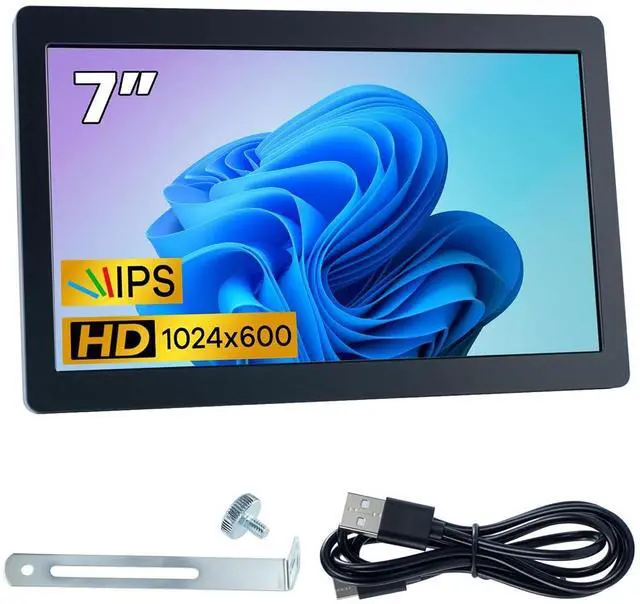
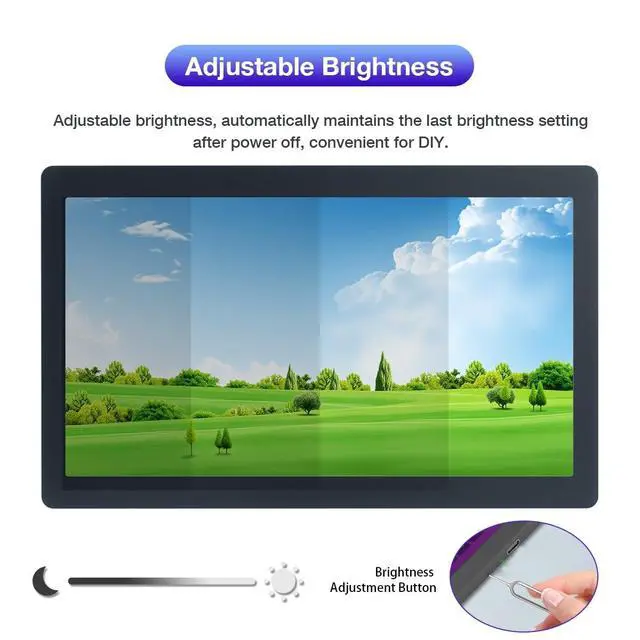
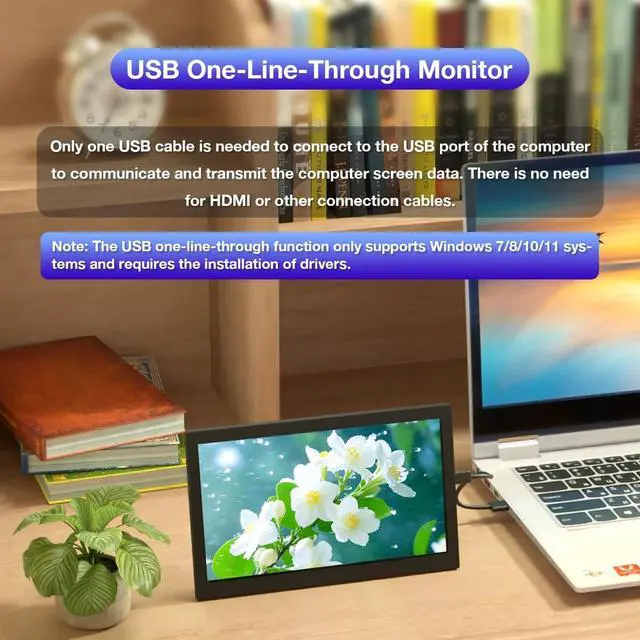
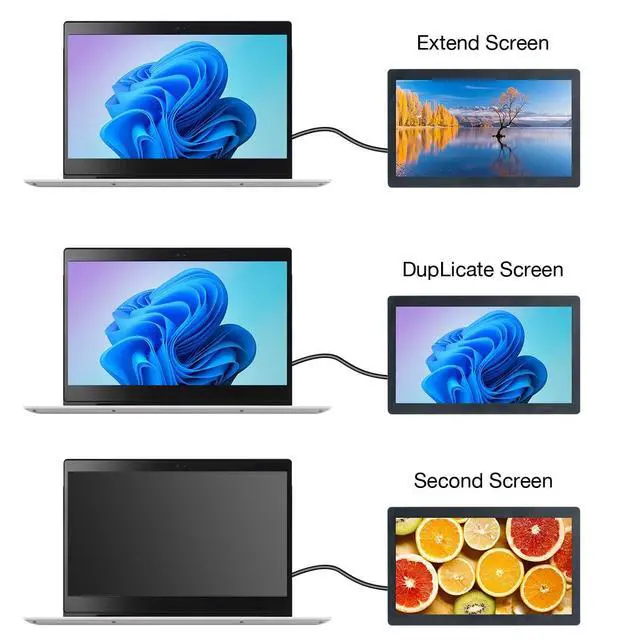
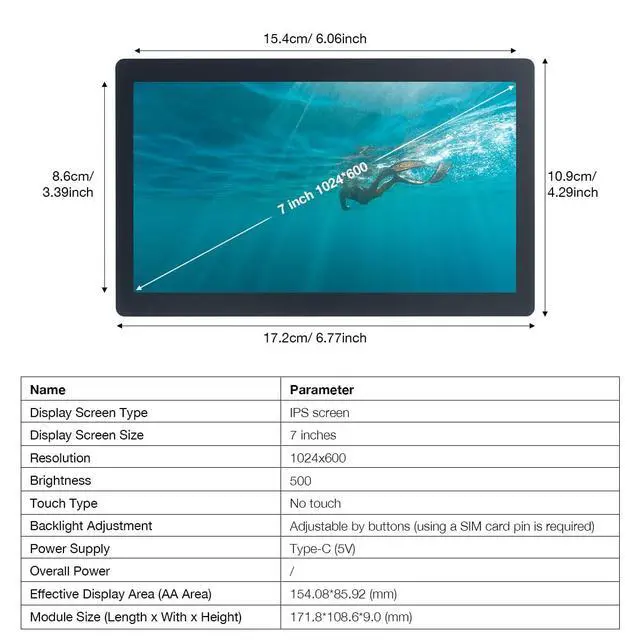
Note: This screen only supports the Windows system. The driver needs to be installed on the computer for the first use. ParametersDisplay TypeIPS ScreenDisplay Size7 inchesResolution1024x600Touch TypeNo TouchBacklight AdjustmentAdjustable via ButtonsPower SupplyType-C (5V) Module Size (Length x Width x Height) 171.8 * 108.6 * 9.0 (mm) Frequently Asked QuestionsFAQ 1. If you encounter problems such as a flower screen or a black screenSolutions: 1. When the screen is black, first check if the light is on; if the light is not on, replace the Type-C data cable/switch the USB port on the computer and then test. 2. Right-click on the desktop and check if the display is detected in the display settings; if not, replace the Type-C data cable/switch the USB port on the computer and then test. 3. Confirm whether it is in the duplicate mode in the display settings; if it is, change it to the extended mode. 4. Open the Task Manager, close the MS USB Display process in the processes, and then restart the program. 5. Confirm whether the config. int file has been replaced. FAQ 2. After reboot, why is the screen resolution 800x600 instead of 1024x600?
Solutions: 1. Please check if the "config. ini" file is installed in the "C: \Program Files\Win USB Display" directory. 2. After installation, restart your system to enable the 1024x600 resolution. FAQ 3. Why does the screen remain black after driver
installation?
Solutions: 1. Ensure that the USB 2.0 interface has sufficient power supply. It is recommended to connect the side monitor to the USB interface on the PC, or use the USB 3.0 interface. 2. Open "Display" setting, click "Detect". If the secondary screen is recognized, set it to "Extend these displays". 3. If the secondary screen isn't recognized, check if the "MS USB Display" driver is loaded correctly in the "Device Manager".





 here!
here!