

Your Browsing History

Meet Your Seller

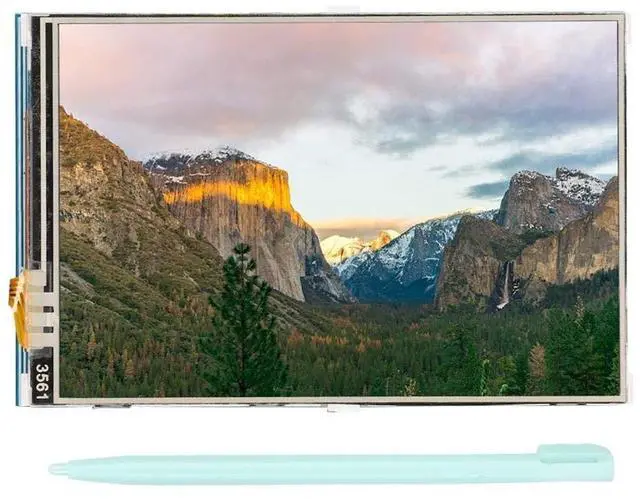
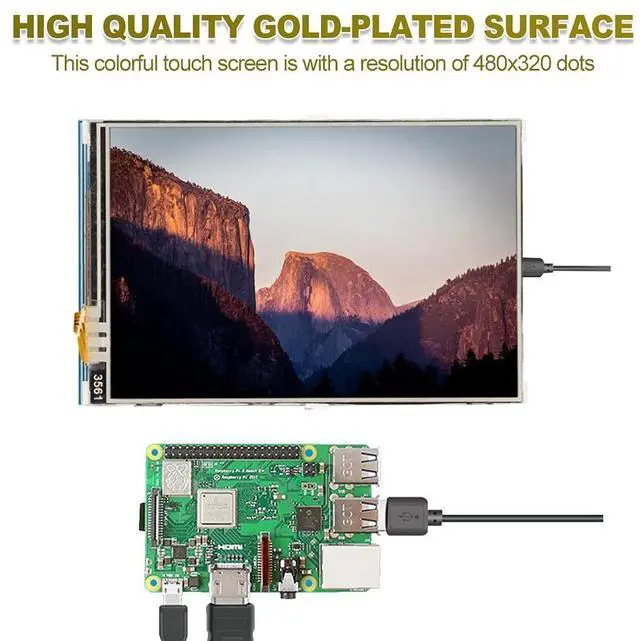


fo sa Monitor Display 3.5 Inch 480x320 TFT LCD Display Resistor for with Pen, Size 85.42 x 55.60 mm
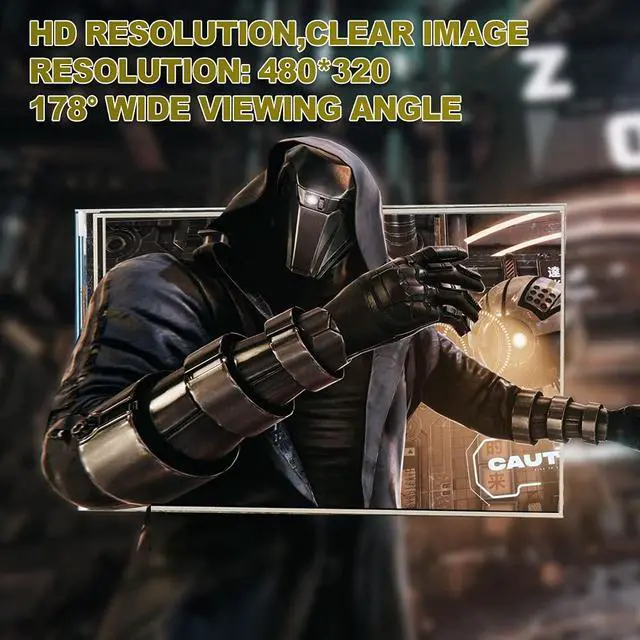
- HDMI DISPLAY SCREEN: 3.5 inch HDMI display screen with 480x320 colorful resolution, high resolution picture, time. 178 large wide viewing angle gives you a crystal-clear viewing experience of all your content
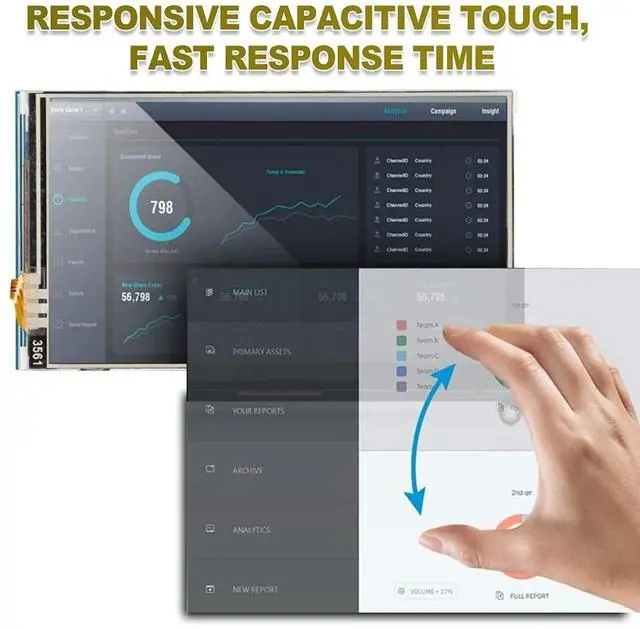
- TOUCHSCREEN MONITOR: It is a with , comes with a touch pen for convenient and easy to use. Compatible and can be plugged directly into all versions of motherboards. Built to strict quality control standards, design enhances durability
- FOR SCREEN: Used as a for display, it supports the custom installation of for Raspbian, for Ubuntu image, which can be fully driven in simple steps. Support standard HDMI interface input, compatible and can be directly inserted into the for
- FOR UNIVERSAL HDMI DISPLAY: The mini monitor can be used as a general purpose HDMI display, such as a computer HDMI as a secondary display. USB capacitive touch control, no driver needed, plug and play
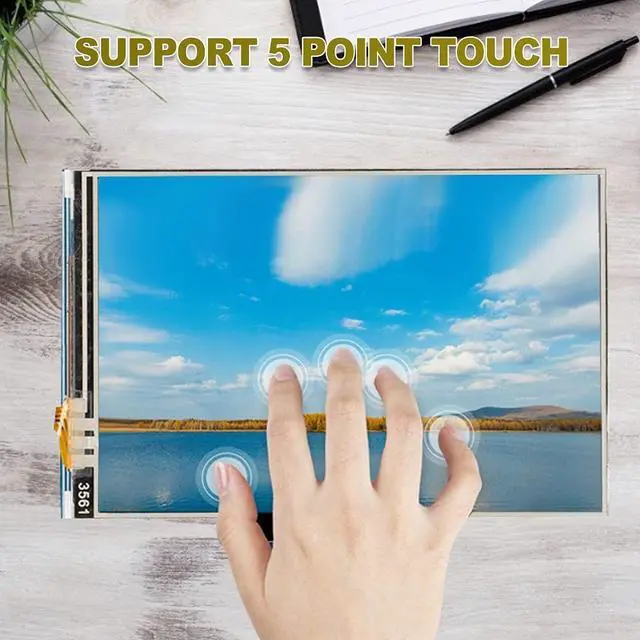
- FOR COMPUTER MONITOR: Used as a computer monitor, support for / / system 5 point touch (for and older
+
+
Overview
Specs
Reviews

Any questions? Our AI beta will help you find out quickly.
Try me now
Specification:
Type:
TouchscreenResolution: 480 x 320 (dots)
Touchscreen type:
Size: approximately 85.42 x 55.60 mm, 3.36 x 2.19 inchesPackage
List: 1
x1 xInstructions: This product supports the custom installation of Raspbian for Ubuntu Image, which can be completed in just two steps: Step
1: Install the official Raspbian image1) Download the latest Raspbian image from the official2) Format the TF card with SDFormatter. 3) Use 32DiskImager to burn the official image to the TF card.
Step 2: Install the LCD driver
Type:
TouchscreenResolution: 480 x 320 (dots)
Touchscreen type:
Size: approximately 85.42 x 55.60 mm, 3.36 x 2.19 inchesPackage
List: 1
x1 xInstructions: This product supports the custom installation of Raspbian for Ubuntu Image, which can be completed in just two steps: Step
1: Install the official Raspbian image1) Download the latest Raspbian image from the official2) Format the TF card with SDFormatter. 3) Use 32DiskImager to burn the official image to the TF card.
Step 2: Install the LCD driver
Warranty & Returns
Warranty, Returns, And Additional Information
Warranty
- Please contact the Seller directly for warranty information. Warranty information may also be found on the Manufacturer's website.
- CONTACT
Return Policies
- Return for refund within: 30 days
- Return for replacement within: 30 days
- This item is covered by DuronTechnologies Return Policy
Manufacturer Contact Info
- For a directory of all our manufacturers, please click below.
- Manufacturers Directory
LOADING...