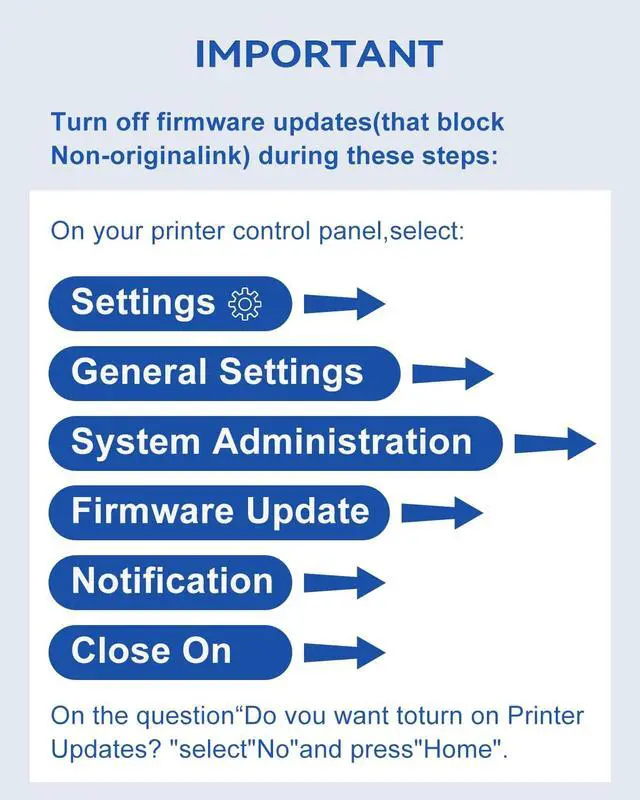
To avoid compatibility issues with non-OEM replacement for epson 822xl ink cartridges: disable automatic firmware updates in your printer settings: Go to [Settings] [Firmware Update] [Notification] and select [Off]. ^^ If your printer shows "cartridge not recognized" or incomplete ink level after installation, remove the replacement for epson 822 ink cartridges and gently wipe its chip contacts with a soft cloth. Reinstall it firmly into the correct color slot, ensuring it is compatible. If needed, restart the printer by unplugging it for 30 seconds and then turning it back on. ^^ For print quality issues like streaks or color errors: first remove the yellow seal tape completely from the new replacement for epson 822xl printer ink. Then run "Print Head Alignment" and "Print Head Cleaning" from your printer's Maintenance menu. Print a test page to check results. If problems remain, let the printer sit with cartridges installed for about 2 hours before retrying.
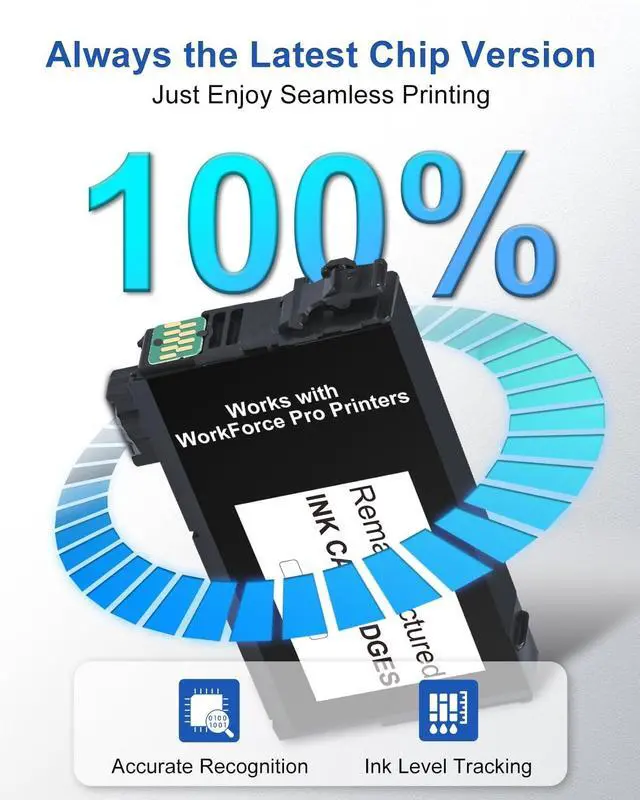
^^ User Guide: Avoid touching the replacement for epson 822 chip to prevent connectivity issues. Should your printer display a compatibility warning, please gently ignore it by pressing "OK", "Continue", or "" to continue. ^^ Engineered with smart chips for seamless integration with your replacement for 822 epson ink cartridges. This enables fast recognition, real-time ink level tracking and reliable, high-quality printing to fulfill all your tasks.
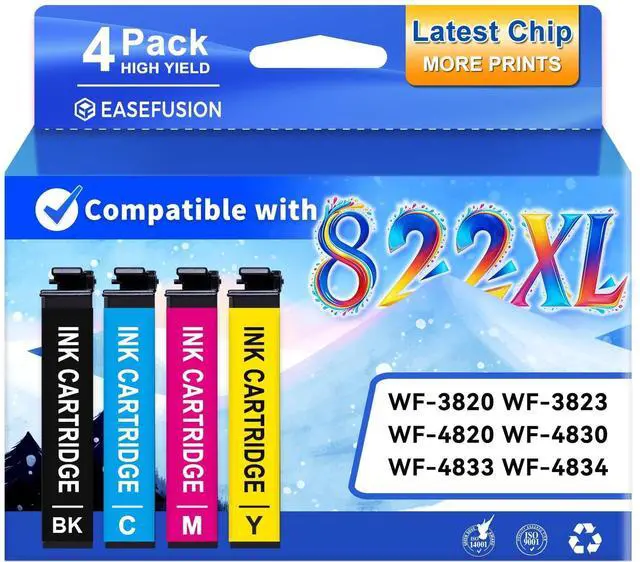
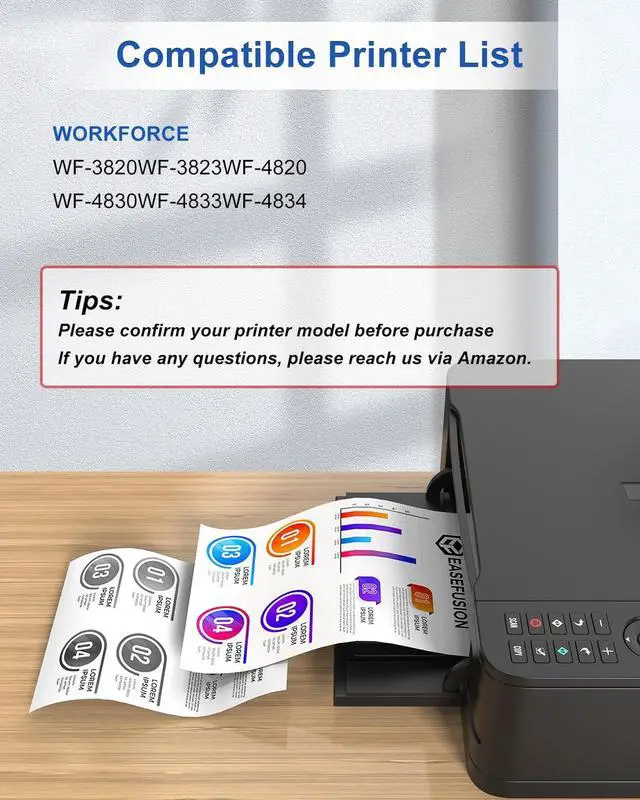
^^ Compatible Printers: replacement for epson ink 822 Works with WorkForce Pro WF-3820, WF-3823, WF-4820, WF-4830, WF-4833, WF-4834 ^^ Replacement for epson 822xl ink cartridges combo pack
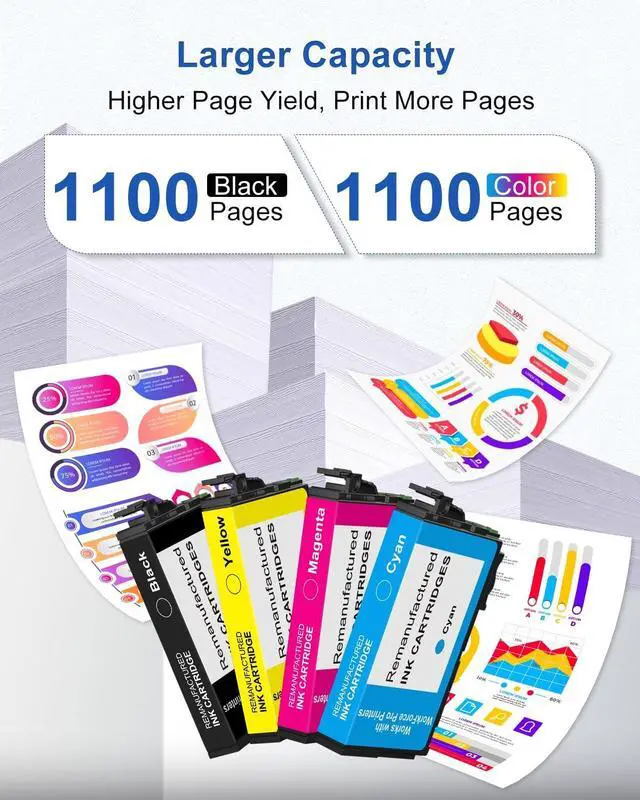
Printing Capacity: 1100 pages with each black ink; 1100 pages with each color ink (depends on printer and usage) ^^ Unlock brilliant, high-quality
prints: with our premium replacement for 822 xl epson ink cartridges. Engineered for easy installation and strong compatibility, they consistently produce vibrant colors and razor-sharp text, giving your documents and photos a professional finish.