Portable Printers Wireless for Travel [Compact
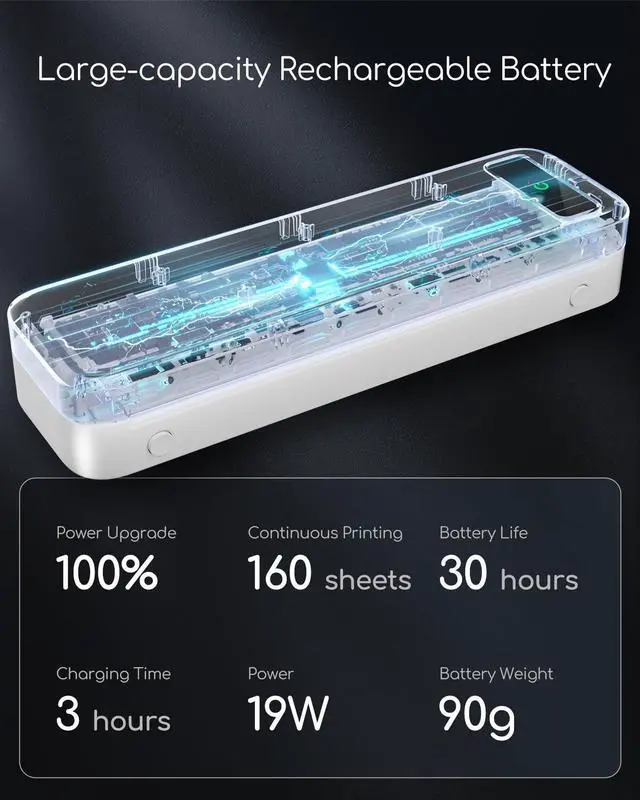
& Space-saving]: Portable printer built-in high-capacity rechargeable battery, print 160 sheets of 8.5 '' x 11'' thermal paper per charge. Weighs only 1.5 lb and is small in size. This inkless portable printer fits easily into a backpack or briefcase! Ideal for on-the-go printing during business travel, in car or truck, small office, construction site, school and home use. You can print documents, contracts, invoices, receipts and boarding passes anytime, anywhere ^^ Inkless Printer [Cost-Effective
& Inkless Printing]: The Bluetooth mobile printer adopt advanced thermal technology, no ink, toner, or ribbon required during printing, no clogging and cleaning problems! (Note: Only support the thermal paper, Not support regular copy paper. The print side of the thermal paper should be facing up. Only support black and white printing. ) ^^ Thermal Printer [Multi-Size
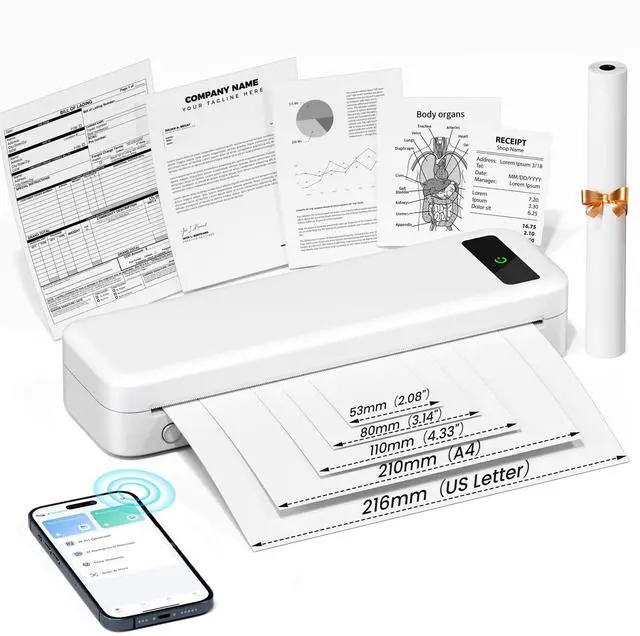
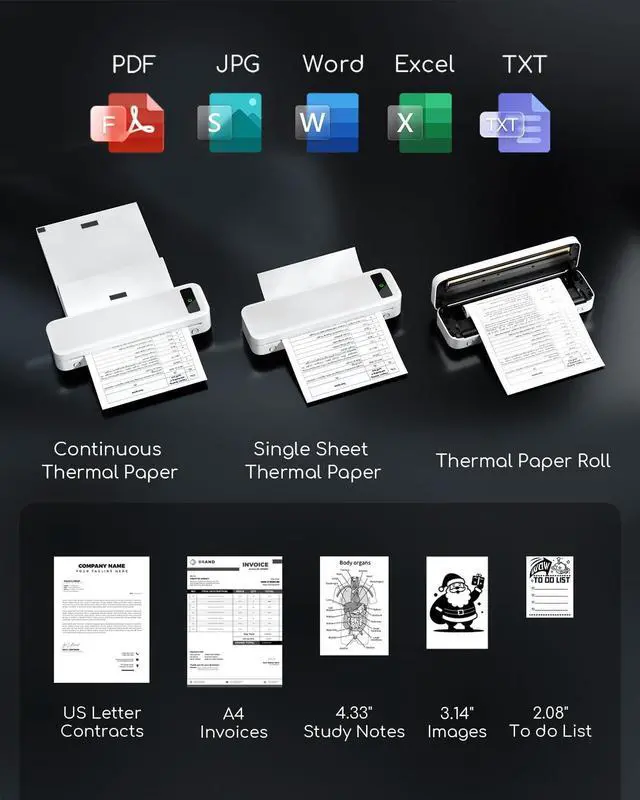
Printing]: The wireless portable printer with built-in paper bin, support thermal roll paper, continuous and single sheet thermal paper. This small wireless printer also supports 5 sizes of thermal paper: 8.5 X 11 US Letter, A4, 4.33 '' (110mm), 3.14 '' (80mm), 2.08 '' (53mm) width thermal paper, can meet most of your needs ^^ Wireless Bluetooth Printer [Strong
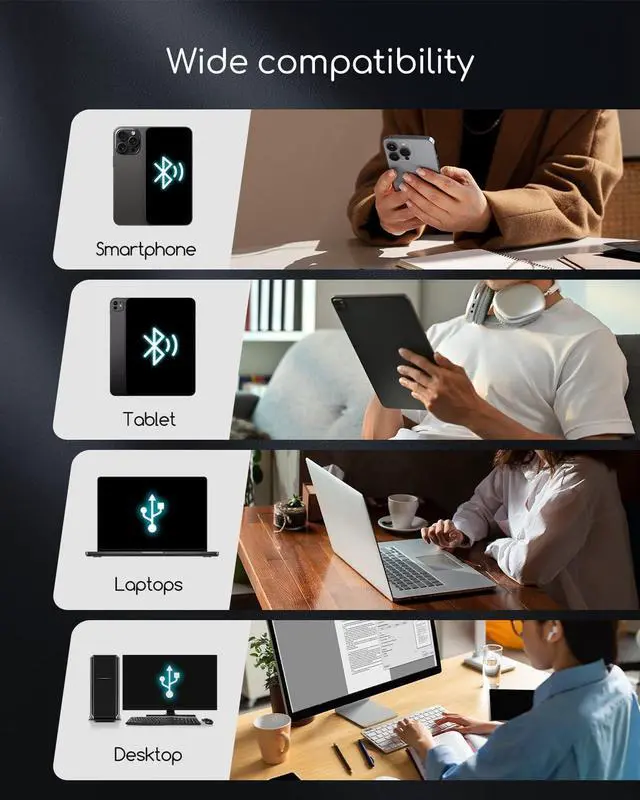
Compatibility]: The portable thermal printer compatible with iPhone, Android Phone, iPad, Tablet via Bluetooth. Print documents, photo, web pages from your phone anytime, anywhere. You can also use the USB-C cable to connect your laptop and computer for printing.
(Note: Laptop and computer only work with USB connection, need to download the driver first) ^^ Mobile Printer [High
Quality Printing]: The compact printer designed for people who work outside. A wireless inkless portable printer good for mobile notaries, truck drivers, business travelers, office workers, teachers and students.
Note: Charging with 5V 2A. Don't use the charger that output above 5V ^^ How to Connect Phone or Tablet to
Print: 1) Download the APP according to the user manual. 2) Turn on the printer and enable Bluetooth on your phone. 3) Click the "Printer" icon in the App to search for the A285M printer, connect printer via Bluetooth in the App, and select the thermal paper size and file type to start printing ^^ How to Connect Laptop or Computer to
Print: 1) Download and Install the driver for your computer system according to the user manual. 2) Turn on the printer and connect the printer to your laptop with USB-C Cable. 3) Open the document and select the A285M printer to print