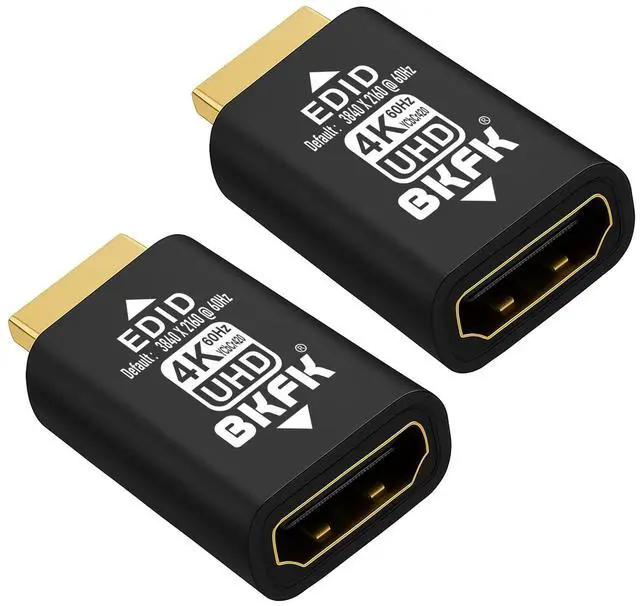
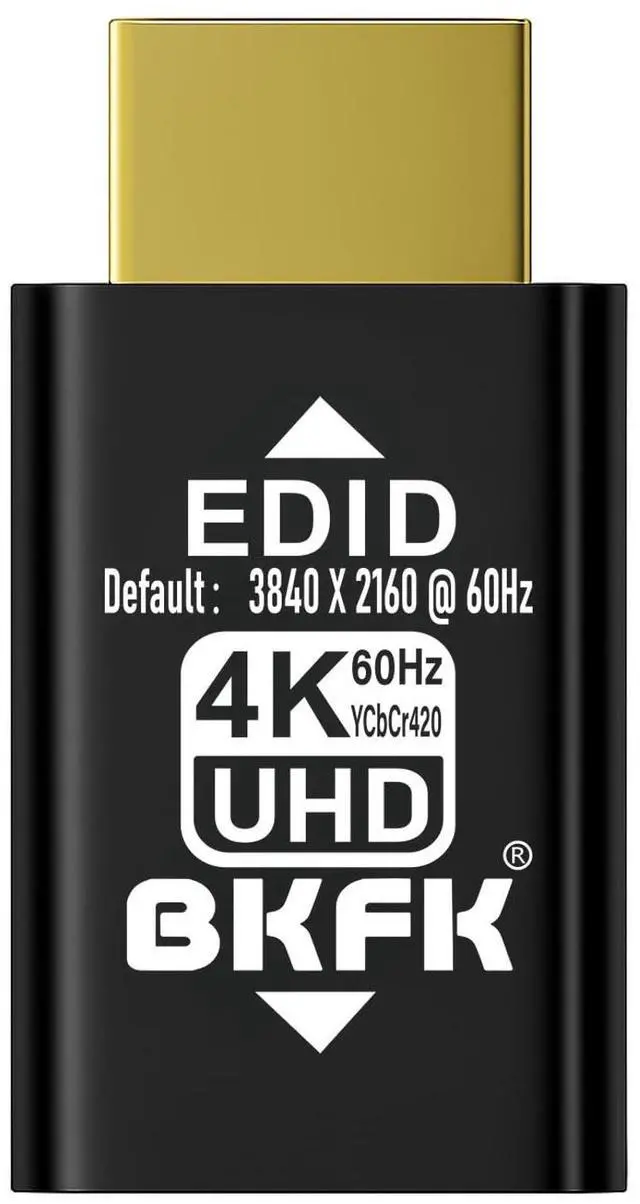
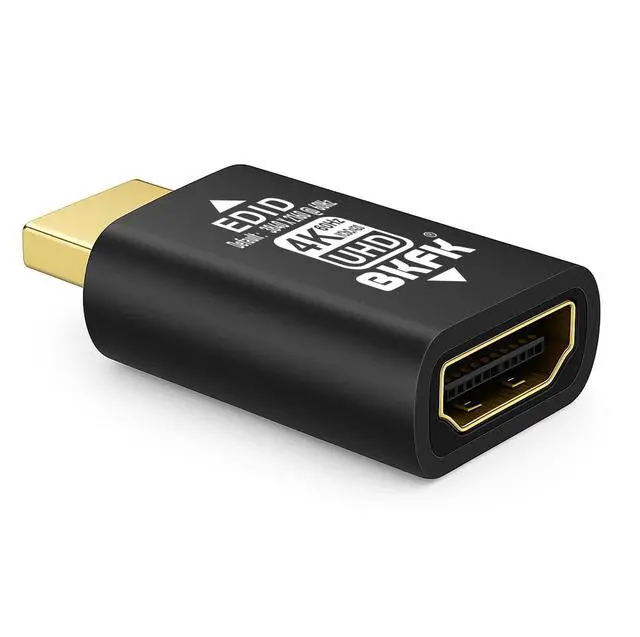
What is a BKFK HDMI EDID Emulator? A BKFK HDMI EDID Emulator is a device used in HDMI signal transmission, designed to address compatibility issues between HDMI signal source devices (such as DVD players, gaming consoles, PCs, etc. ) and display devices (such as TVs, projectors, monitors, etc. ). Its primary function is to simulate the EDID (Extended Display Identification Data) of a display, ensuring that the source device always detects a connected display and outputs the correct video and audio signal. 1 Main Functions and Working Principles of BKFK HDMI EDID EmulatorSimulate the EDID Information of a Display-EDID is a standardized data format that contains basic information about a display device, such as supported resolutions, refresh rates, color depth, and audio formats.
-The core function of the BKFK HDMI EDID Emulator is to simulate the EDID information of a display. Even when no display is physically connected, it provides virtual EDID data to the HDMI source device (such as DVD players, PCs, or gaming consoles). -When no display is connected, the source device may fail to detect EDID information, resulting in incorrect signal output or display errors. The BKFK HDMI EDID Emulator prevents this issue by maintaining stable video and audio signal transmission. 2. Solve Compatibility Issues Between Source and Display Devices-By simulating accurate EDID data, the BKFK HDMI EDID Emulator helps source devices adapt to different display capabilities.
This is especially useful for older displays or displays that do not support certain resolutions or refresh rates. -It ensures the source device outputs signals with proper parameters, avoiding issues such as resolution mismatch, blurry images, unsupported formats, or connection failures. 3. Maintain Signal Stability-In complex audio-visual systems, especially those involving multiple display devices, the BKFK HDMI EDID Emulator prevents signal loss caused by displays being powered off or disconnected. -The source device does not need to continuously re-read EDID information and can maintain uninterrupted signal output using the simulated EDID.
4. Prevent Device Auto-Switching-Some HDMI devices, such as AV receivers, HDMI switchers, or splitters, automatically adjust output signals based on detected EDID information. -The BKFK HDMI EDID Emulator provides stable and correct EDID data, preventing unnecessary input switching, signal drops, or incorrect signal processing. 5. Support High Resolution and Deep Color Formats-For displays that support high resolutions and deep color formats, the BKFK HDMI EDID Emulator can simulate EDID data compatible with these specifications. -For example, it can simulate 4K resolution and high refresh rates, ensuring clear, stable, and high-quality image transmission.
Typical Application Scenarios1. Home Theater SystemsIn home theater systems with multiple HDMI devices (AV receivers, Blu-ray players, gaming consoles, TVs, projectors), the BKFK HDMI EDID Emulator ensures stable signal transmission even when displays are turned off or disconnected. 2. Multi-Display Environments-In control rooms, conference rooms, or studios, a single source may need to output to multiple displays. -The BKFK HDMI EDID Emulator ensures stable output to all displays, even if some monitors are powered off. 3. Video Distributors and SwitchersWhen using HDMI splitters or switchers, the BKFK HDMI EDID Emulator ensures valid EDID data is always available, preventing inconsistent outputs or signal loss.
4. AV Receivers and Audio SystemsThe BKFK HDMI EDID Emulator ensures compatibility between AV receivers and connected audio/video devices, supporting correct audio formats and video resolutions. 5. Commercial Display and Digital Signage SystemsIn shopping malls, museums, exhibition halls, and other commercial display environments, the BKFK HDMI EDID Emulator maintains stable signal output even when some displays are not connected or powered on. 6. Compatibility with Older DevicesThe BKFK HDMI EDID E