

Your Browsing History

Meet Your Seller

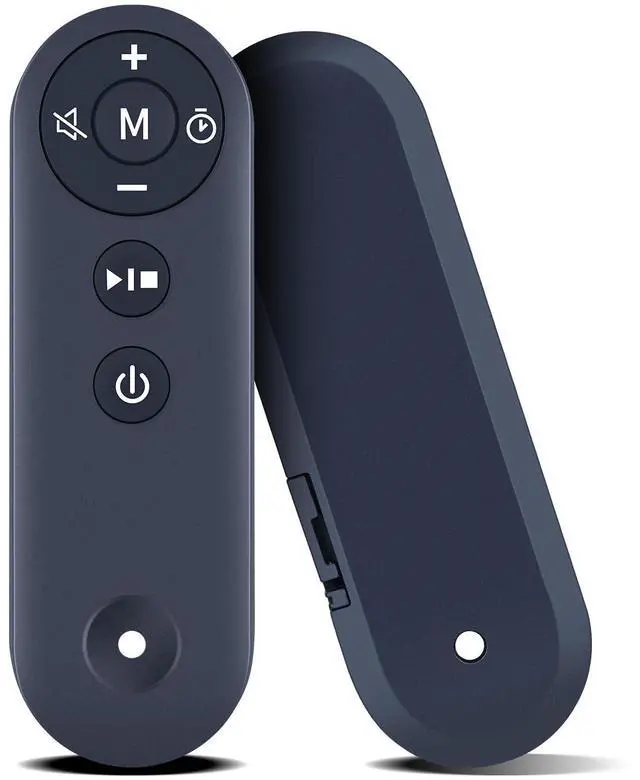
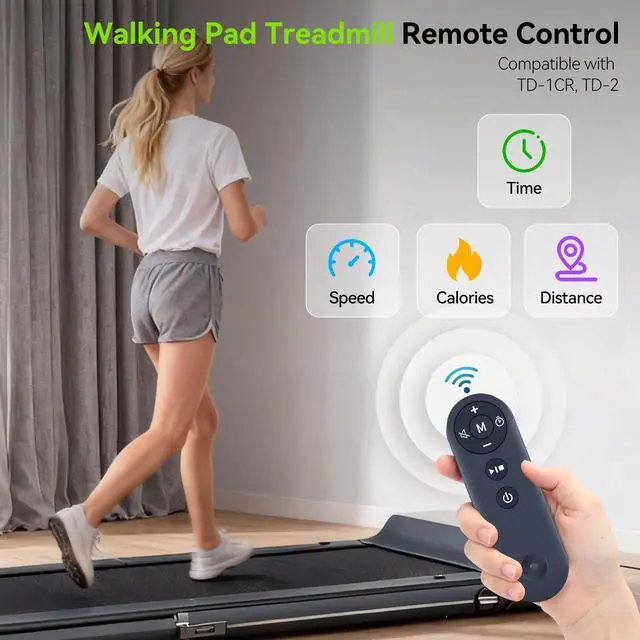


PZL Walking Pad Remote Control Replacement for TODO Under Desk Treadmill TD-1CR, for DAEYEGIM TD-2
Limited time offer, ends 07/06 By Bloomify
- Compatible Models: PZL replacement remote control for TODO under desk treadmill TD-1CR, for DAEYEGIM TD-2
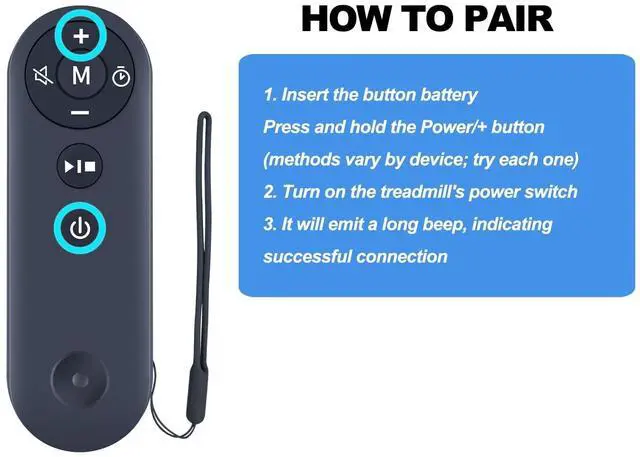
- How To Pair: 1)Insert the button battery, press and hold the Power/+ button (methods vary by device; try each one) 2)Turn on the treadmill's power switch 3) It will emit a long beep, indicating successful connection
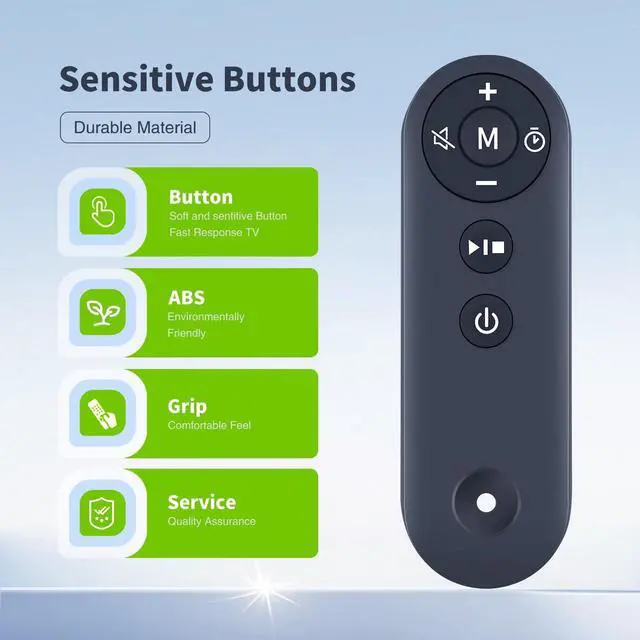
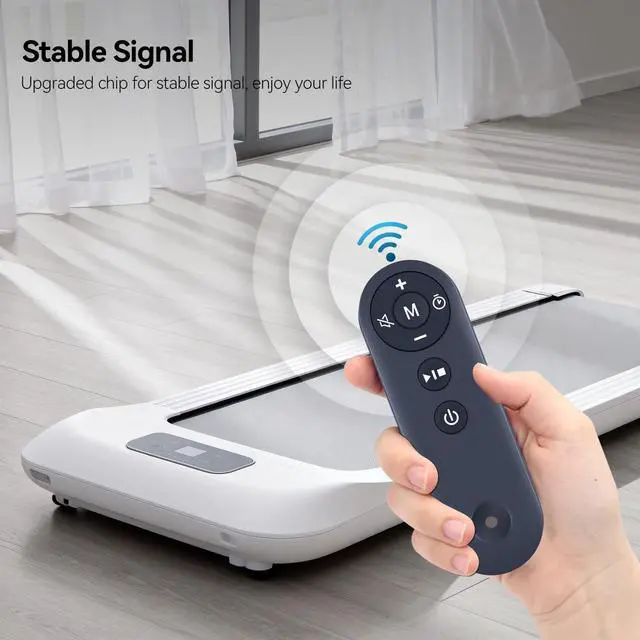
- Easy To Use: New ABS material, better craftsmanship, and ergonomic arc design ensure easy to hold. The keys are responsive and feel great to touch. With a control distance of over 26 feet and an angle of more than 120 degrees, you'll have a better and free remote control experience.
- Package Included: 1 x IR remote control (Batteries and Instructions are Not Included)
- After-sales Service: If you have any questions about your order or model, please let us know and we'll get back to you within 12 hours on weekdays.
+
+
Overview
Specs
Reviews

Any questions? Our AI beta will help you find out quickly.
Try me now
PZL Replacement Remote Control for
TODO Under Desk TreadmillPackage Included: 1 x Remote Control (Batteries and Instructions are Not Included). If the remote control does not work, please
try the following methods: First, ensure your battery is functioning properlypress any button and the indicator light should turn blue. Then, with the device powered off, press and hold the + button on the remote without releasing it. Next, turn on the device switch and hold it down until you hear a beep beep. This indicates your remote is now operational.
TODO Under Desk TreadmillPackage Included: 1 x Remote Control (Batteries and Instructions are Not Included). If the remote control does not work, please
try the following methods: First, ensure your battery is functioning properlypress any button and the indicator light should turn blue. Then, with the device powered off, press and hold the + button on the remote without releasing it. Next, turn on the device switch and hold it down until you hear a beep beep. This indicates your remote is now operational.
Warranty & Returns
Warranty, Returns, And Additional Information
Warranty
- Please contact the Seller directly for warranty information. Warranty information may also be found on the Manufacturer's website.
- CONTACT
Return Policies
- Return for refund within: 30 days
- Return for replacement within: 30 days
- This item is covered by Bloomify Return Policy
Manufacturer Contact Info
- For a directory of all our manufacturers, please click below.
- Manufacturers Directory
LOADING...