

Your Browsing History



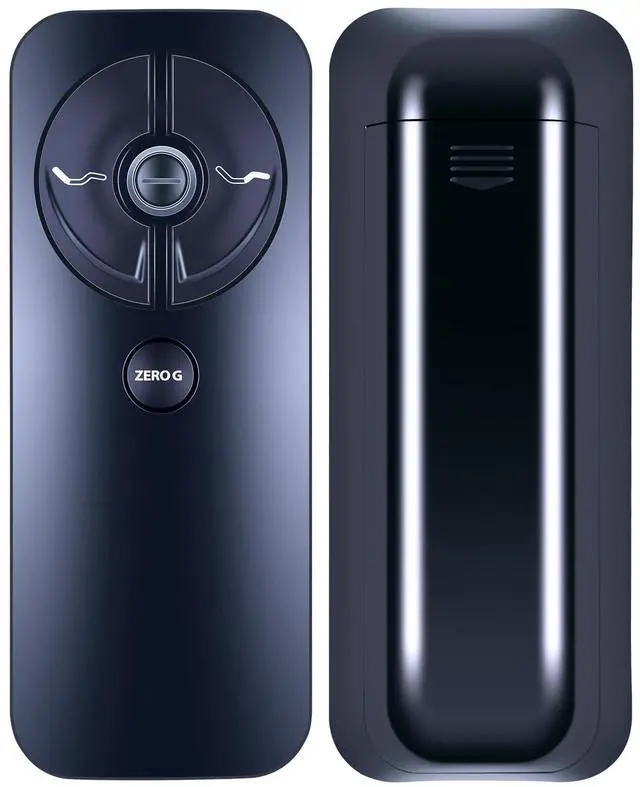
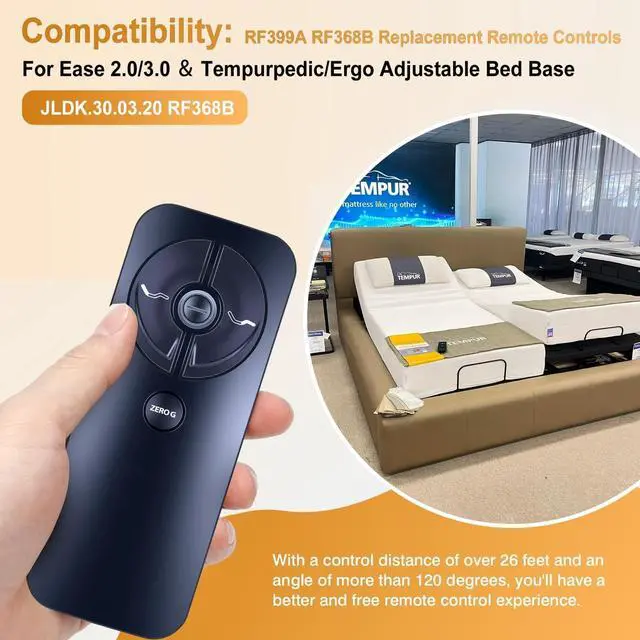
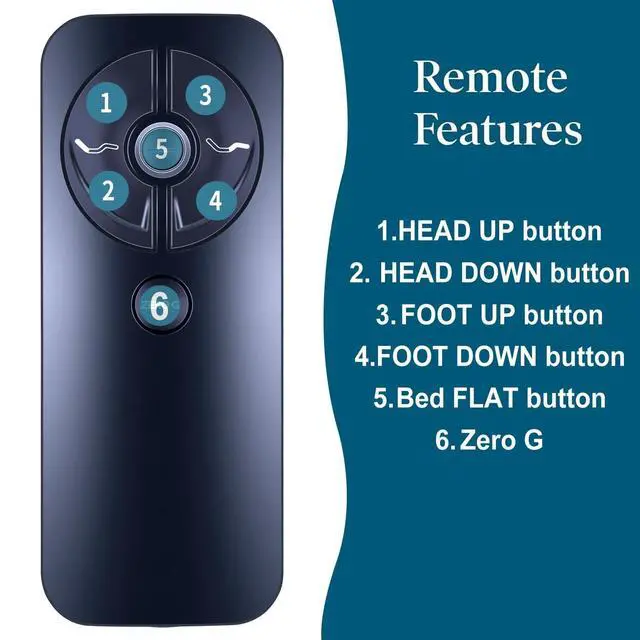


New RF399A RF368B Ease 2.0/3.0/4.0 Replacement Remote Control Compatible with Tempurpedic/Ergo Adjustable Bed Base JLDK.30.03.20
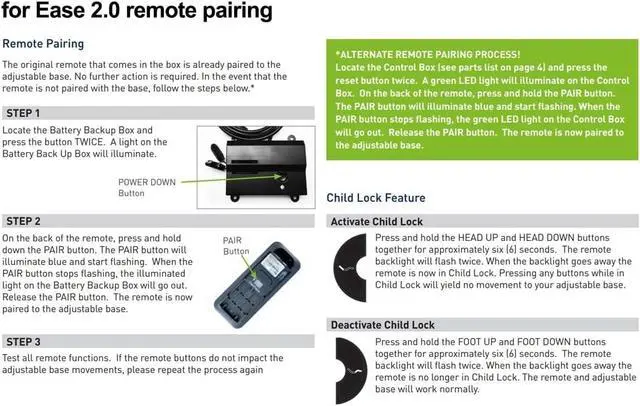
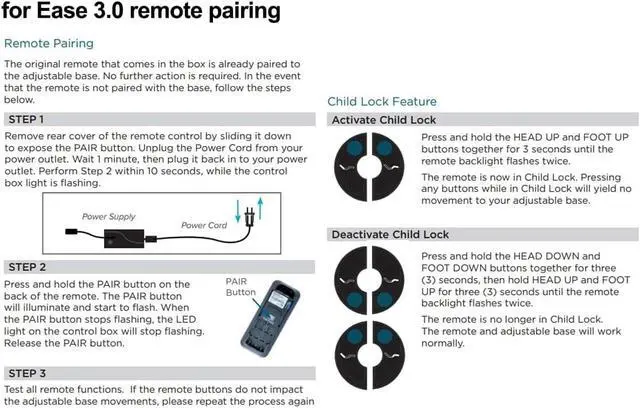
- Important Tips: If the remote control does not work, please check the following: 1) Ensure the batteries are installed correctly and do not need replacement. 2) Ensure the remote's child lock is not activated (different models have different methods to deactivate it). 3) Disconnect the device from power for one minute, then reconnect it before attempting operation.
- CompatiblityNew RF399A RF368B Ease 2.0/3.0/4.0 Replacement Remote Control Compatible with Tempurpedic/Ergo Adjustable Bed Base JLDK.30.03.20.
- How To PairLocate the battery backup box and press the button TWICE. A light on the battery back up box will illuminate. Remove the back cover of the remote, press and hold down the PAlR button. The PAlR button will illuminate blue and start flashing When the PAlR button stops flashing, the illuminated light onthe battery backup box will go out. Release the PAlR button.The remote is now paired to the adjustable base.
- Pair MethodsRemove rear cover of the remote control by slidi
+
+
Overview
Specs
Reviews

Any questions? Our AI mode will help you find out quickly.
Try me now
RETROSUN New RF399A RF368B Ease 2.0 / 3.0 / 4.0 Replacement Remote Control Compatible with Tempurpedic/Ergo Adjustable Bed Base JLDK. 30.03. 20.
Warranty & Returns
Warranty, Returns, And Additional Information
Warranty
- Please contact the Seller directly for warranty information. Warranty information may also be found on the Manufacturer's website.
- CONTACT
Return Policies
- Return for refund within: 30 days
- Return for replacement within: non-replaceable
- This item is covered by YunYunKeJiShiZhuangDian Return Policy
Manufacturer Contact Info
- For a directory of all our manufacturers, please click below.
- Manufacturers Directory
LOADING...
LOADING...