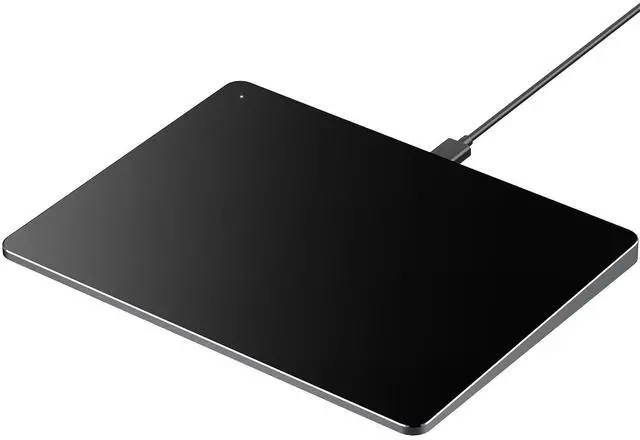
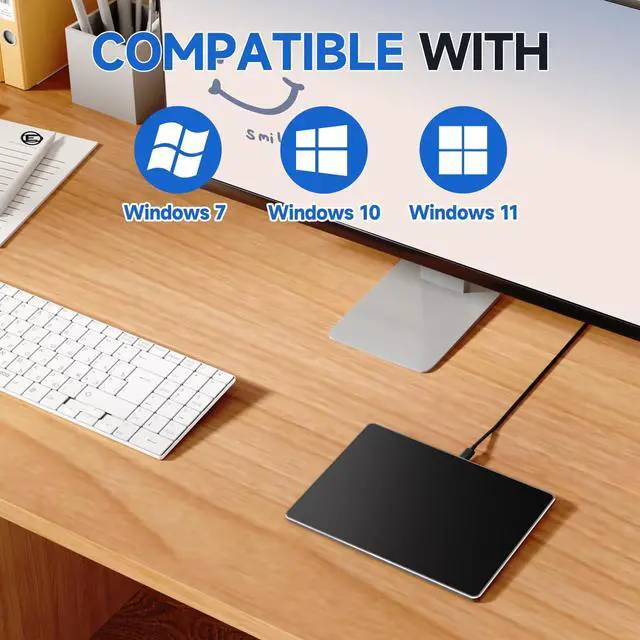
Wide Compatibility: The touchpad mouse is designed to seamlessly work with Windows 10/11, PCs, laptops, and desktops.
Please Kindly Note: Not compatible with Mac/Chrome/Linux OS devices. The touchpad DO NOT HAVE built-in left and right physical mouse buttons. ^^ How to
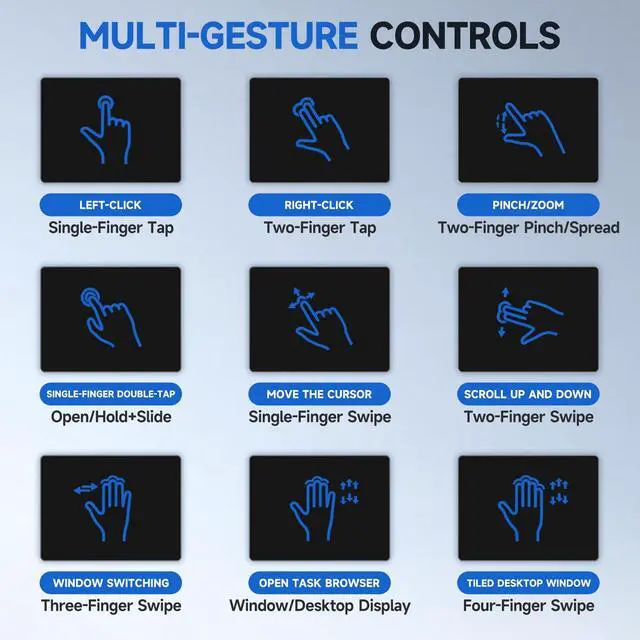
Drag Files & Select Text: Double Click with One Finger+Hold/Slide to drag files or select text. Please try quickly double-tapping the trackpad with one finger, then keep holding and sliding to drag files or select a paragraph of text or a row of cells. ^^ Plug & Play with
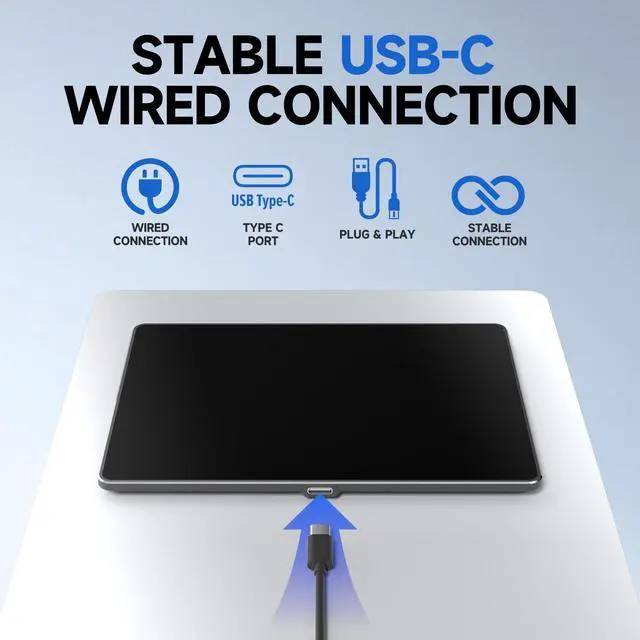
Stable Type-C Connection: Enjoy effortless setupjust plug the USB cable into your computer for instant use. The driver-free design ensures a stable connection without the need for batteries or additional software.
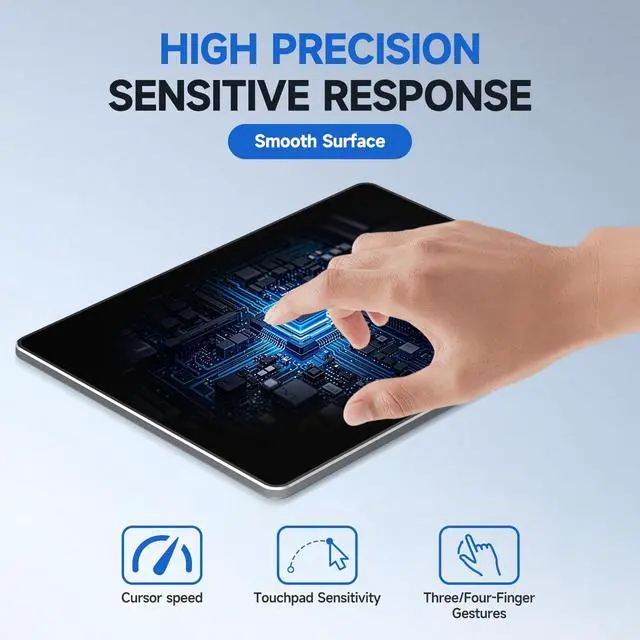
^^ High-precision Multi-Touch Control: The touchpad is much smoother than a laptop touchpad and supports up to four-finger gestures, Effortlessly navigate with smoothly clicking on the screen, scrolling up and down the page, pinching to zoom in on a photo, and access advanced functions with three and four fingers. ^^ Sleek &
Portable Travel Companion: Crafted with a durable surface and sleek metal back, this ultra-thin touchpad is perfect for on-the-go productivity. Its compact design saves space while reducing wrist strain, offering a healthier alternative to traditional mice.