

Your Browsing History
- Free 30-day Returns
$94.99


Meet Your Seller


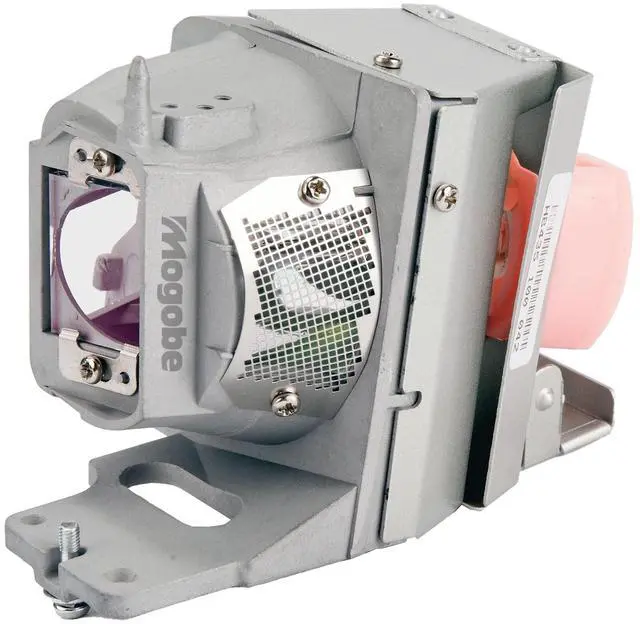
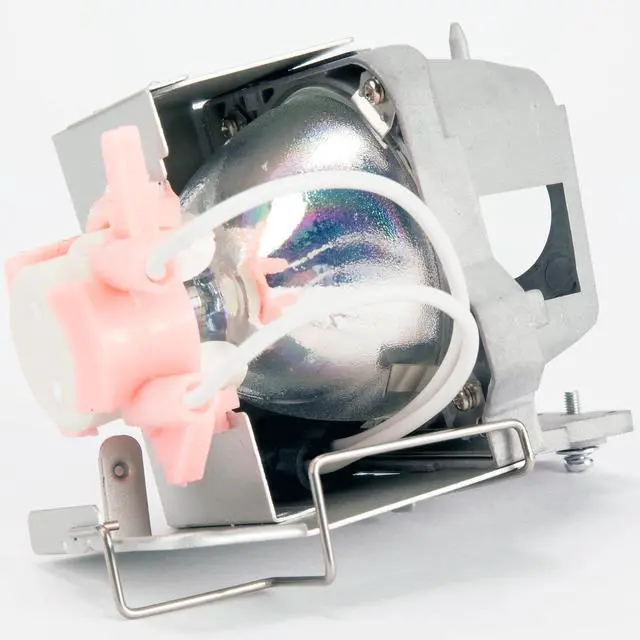
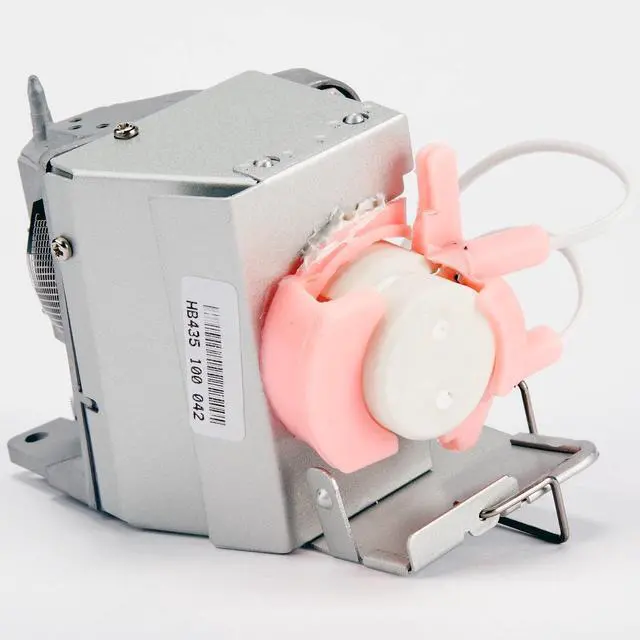
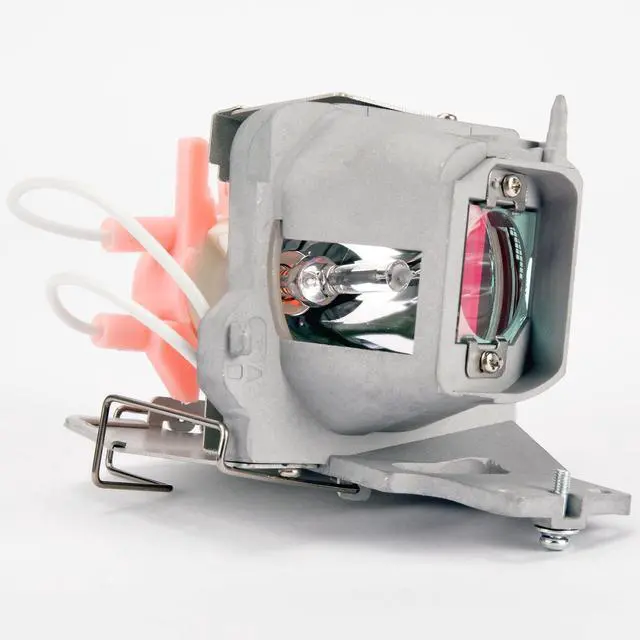
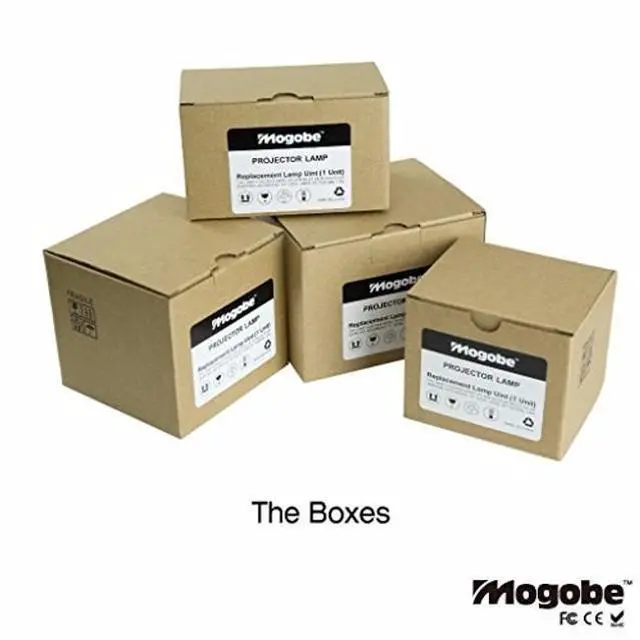


Mogobe for BL-FP240E Replacement Projector Lamp with Housing for UHD50 UHD60 UHD51/A UHD65 UHD40 UHD51 UHD300X UHD51ALVe UHD370X UHD550X
- Part Number: BL-FP240E
- Compatible for UHD300X UHD370X UHD40 UHD400X UHD50 UHD51 UHD51/A UHD51ALVe UHD550X UHD60 UHD65
- We promise: 30 days refund and 180 days replacement
- Mogobe is responsible for all the descriptions
+
+
Overview
Specs
Reviews

Any questions? Our AI mode will help you find out quickly.
Try me now
We Promise: 30 days refund and 180 days replacement.
How to replace the lamp: 1. Turn on the projector and unplug the power cord. 2. Wait one hour to allow it to cool thoroughly.
(Caution: Do not remove the lamp unit from the projector right after use. The lamp will be hot and may cause burn injury. )3. Turn the projector over. Open the lamp unit cover by loosening the screws with screwdriver. 4. Loosen the securing screws on the lamp with screwdriver. Hold the lamp unit well and put it out from the direction of the arrow. 5. Insert the new lamp until its securely in place. Tighten the screws. Fold the handle. 6. Connect the lamp connector and tighten the screws. 7. Close the lamp cover and tighten the screws. 8. Reset the Projector by following the Projector Operating Manual. How can I contact
Seller: Click Orders in in the upper-right corner, find your order in the list, and click Get help with order. How can
I get a refund: 1. Go to Your Orders. 2. Locate your order in the list and click Problem with order. 3. Select your problem from the list. 4. Select Request refund. 5. Enter your comments in the text box. 6. Select Submit.
Compatible model: UHD300X UHD370X UHD40 UHD400X UHD50 UHD51 UHD51/A UHD51ALVe UHD550X UHD60 UHD65
How to replace the lamp: 1. Turn on the projector and unplug the power cord. 2. Wait one hour to allow it to cool thoroughly.
(Caution: Do not remove the lamp unit from the projector right after use. The lamp will be hot and may cause burn injury. )3. Turn the projector over. Open the lamp unit cover by loosening the screws with screwdriver. 4. Loosen the securing screws on the lamp with screwdriver. Hold the lamp unit well and put it out from the direction of the arrow. 5. Insert the new lamp until its securely in place. Tighten the screws. Fold the handle. 6. Connect the lamp connector and tighten the screws. 7. Close the lamp cover and tighten the screws. 8. Reset the Projector by following the Projector Operating Manual. How can I contact
Seller: Click Orders in in the upper-right corner, find your order in the list, and click Get help with order. How can
I get a refund: 1. Go to Your Orders. 2. Locate your order in the list and click Problem with order. 3. Select your problem from the list. 4. Select Request refund. 5. Enter your comments in the text box. 6. Select Submit.
Compatible model: UHD300X UHD370X UHD40 UHD400X UHD50 UHD51 UHD51/A UHD51ALVe UHD550X UHD60 UHD65
Warranty & Returns
Warranty, Returns, And Additional Information
Warranty
- Please contact the Seller directly for warranty information. Warranty information may also be found on the Manufacturer's website.
- CONTACT
Return Policies
- Return for refund within: 30 days
- Return for replacement within: 30 days
- This item is covered by HAIZHILANSTORE Return Policy
Manufacturer Contact Info
- For a directory of all our manufacturers, please click below.
- Manufacturers Directory
LOADING...