Team Group T-FORCE VULCAN Z 2.5" 1TB SATA III 3D NAND Internal Solid State Drive (SSD) T253TZ001T0C101
  •  
  • $157.99 
  • $45.99
  • Sold by VersaCom

    Shipped by VersaCom

    Price alert
    Shop it at NeweggBusiness.

    Meet Your Seller

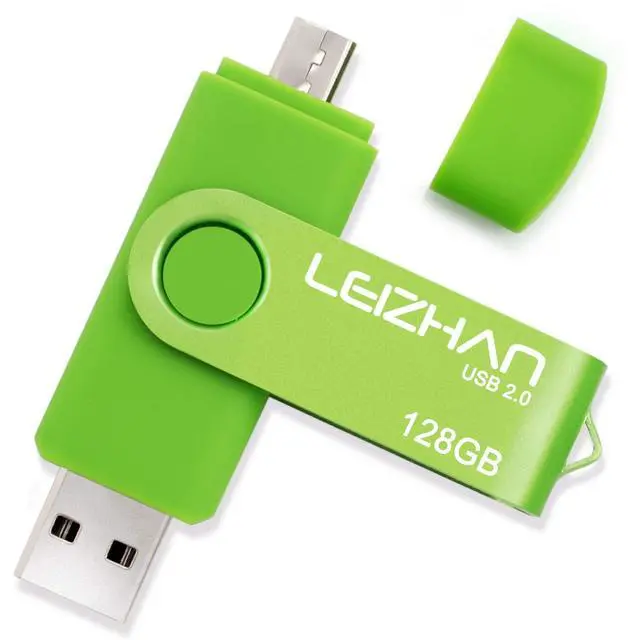
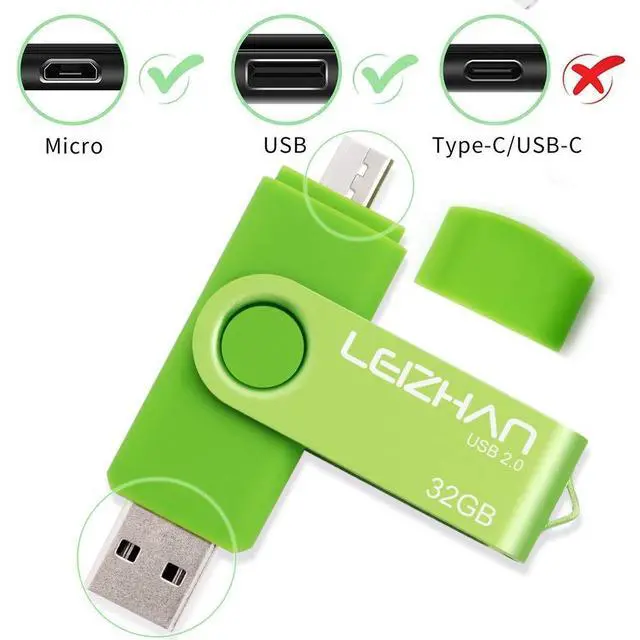
    LEIZHAN 128GB USB Flash Drive OTG Micro Memory Stick 128 gb Pen Drive USB 2.0 Android Phone Pendrive for Samsung Galaxy, Xiaomi,LG,Sony, One-Plus,HTC, Meizu Green

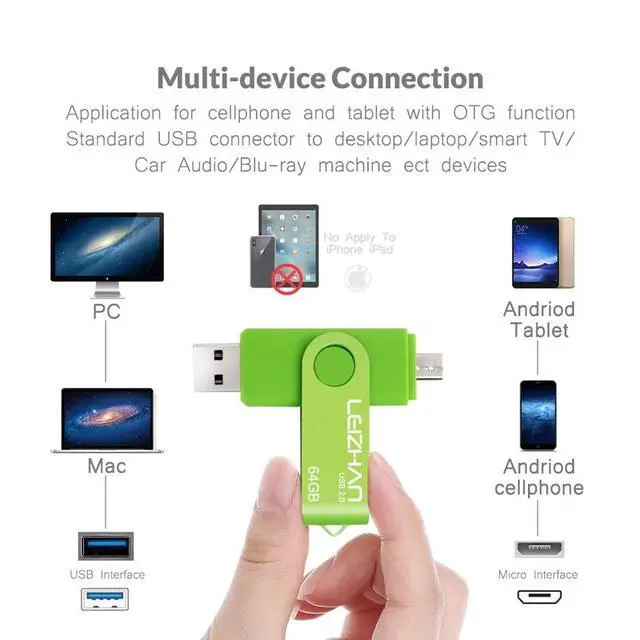
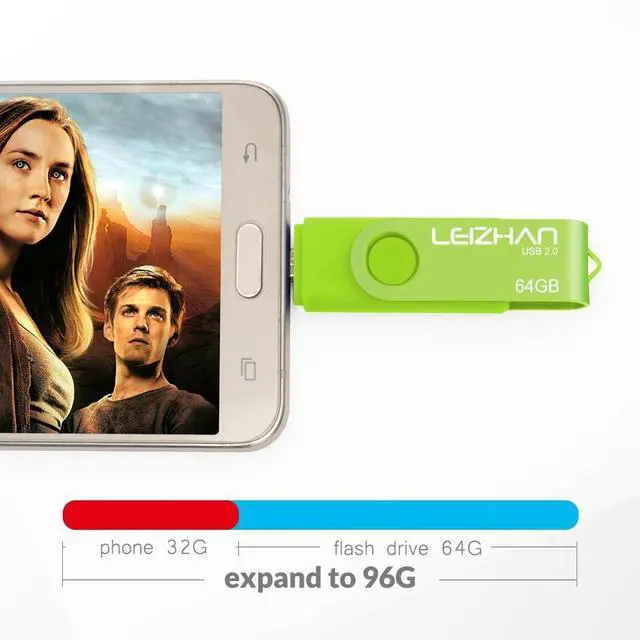
    • 128GB USB OTG Flash Drive,2 in 1 Micro USB and USB 2.0 connectors for easily transfer content between OTG enabled Android smartphones, tablets, computers,PC and Mac computers
    • This micro usb memory stick is compatible with all the micro USB smartphones and tablets with OTG function. Photo Stick for Samsung Galaxy/Xiaomi/Meizu
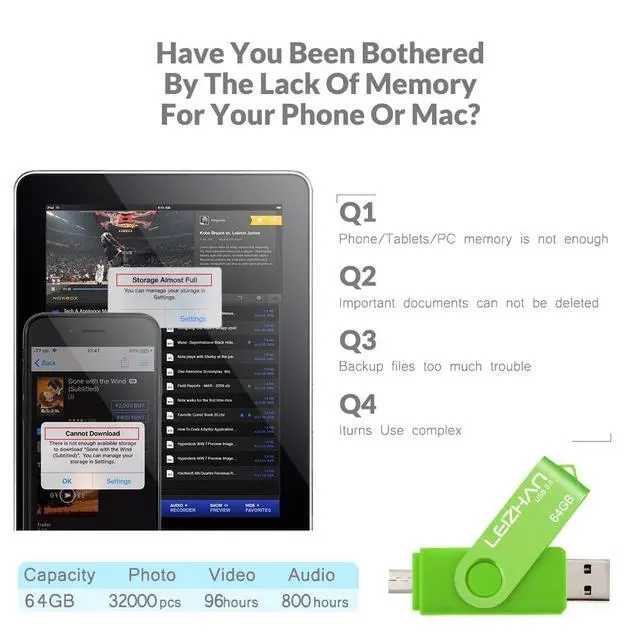
    • Our Pen drive can help extra storage for your mobile device for photos, music, videos and other files.If it as a gift, you can storage some pictues,music,movies and good memory into it before you give this gift to them.Give them a big surprise
    • A nice gift for your family and friends,Copy some videos and photos about him or her into the flash drive before give this to him or her, makes for a big surprise
    • Package Contents,128GB photo stick for android and our best wishes! Noted: instruction is on the package
    +
    +
    Overview
    Specs
    Reviews
    avatar

    Any questions? Our AI beta will help you find out quickly.

    Feature: 1.
    Interface: Micro and USB 2.01. How to connect to mobile phone? There are two ways to transfer data to this USB flash drive due to the different phones. Way 1:1. Connect the USB flash drive to your phone, and glide your finger downward on the phone's home screen to display the notifications panel. 2. Tap the information as "General USB Drive", USB storage or OTG alert, you will see some existing folders. 3. Click the folder to open the files, choose the files to copy to or move to the folder you want to. Glide your finger downward on the phone's home screen to display the notifications panel to back to the General USB Drive to eject or uninstall the flash drive. Way 2:1. After you plug it into your phone, look at the top of your phone for the USB symbol, it says USB storage connected. Go to "My Files" to select the videos, pictures or audios you will see your files there. 2. Click on Copy or Move by breaking down menu on the top right corner, then go to the folder you want to move your files to.

    At the top/bottom you will see 'Paste Here', once you do that, your files will be copied or moved to that folder. 3. Glide your finger downward on the phone's home screen to display the notifications panel to back to the General USB Drive to eject or uninstall the flash drive.

    Warranty & Returns

    Warranty, Returns, And Additional Information

    Warranty

    • Please contact the Seller directly for warranty information. Warranty information may also be found on the Manufacturer's website.
    • CONTACT

    Return Policies

    Manufacturer Contact Info

    LOADING...