Price alert
Shop it at NeweggBusiness.

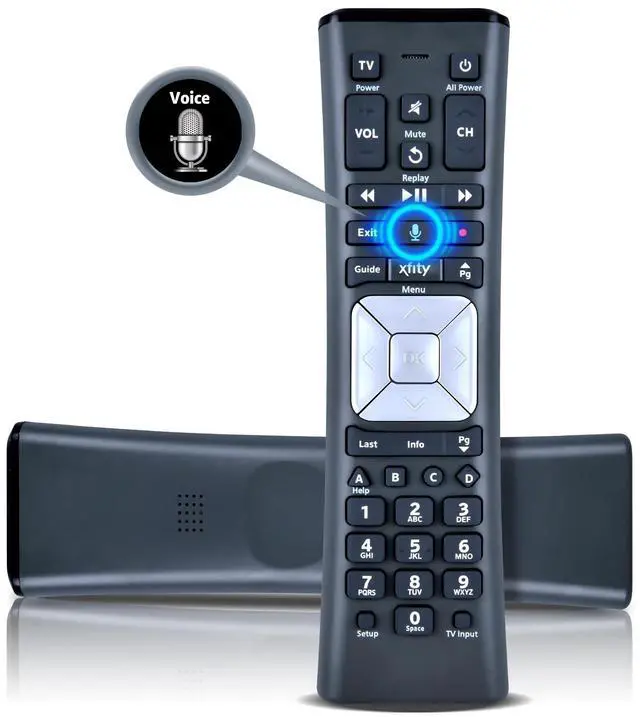
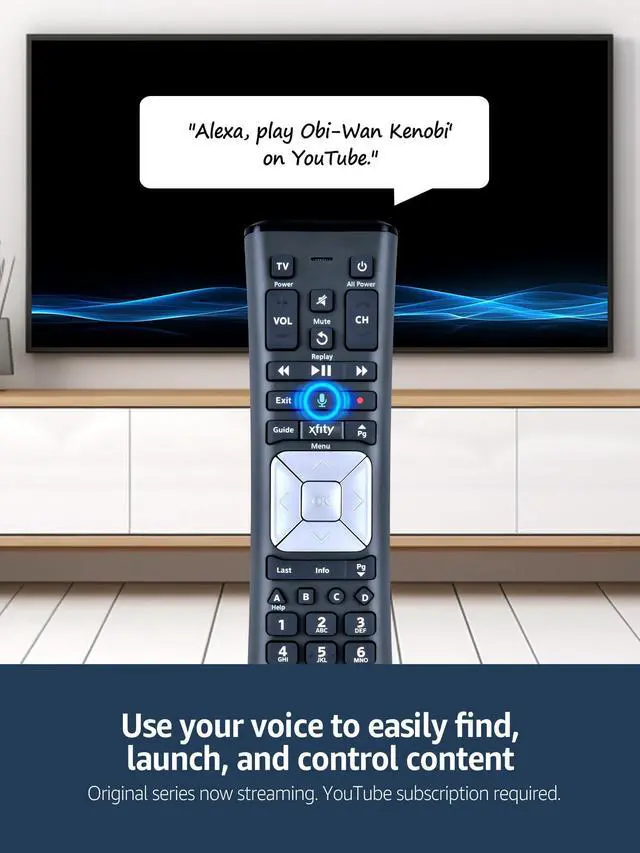
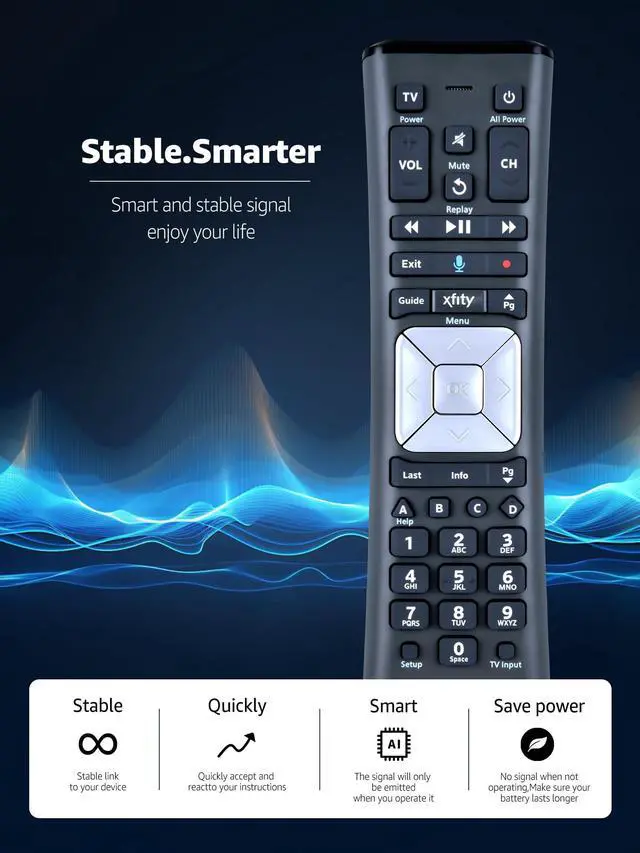
PZL XR11 Replacement Backlit Premium Voice Remote, for XFinity/Comcast Activated Cable TV Remote Control

Limited time offer, ends 05/21 By ChaoChaoChongWuShangDian

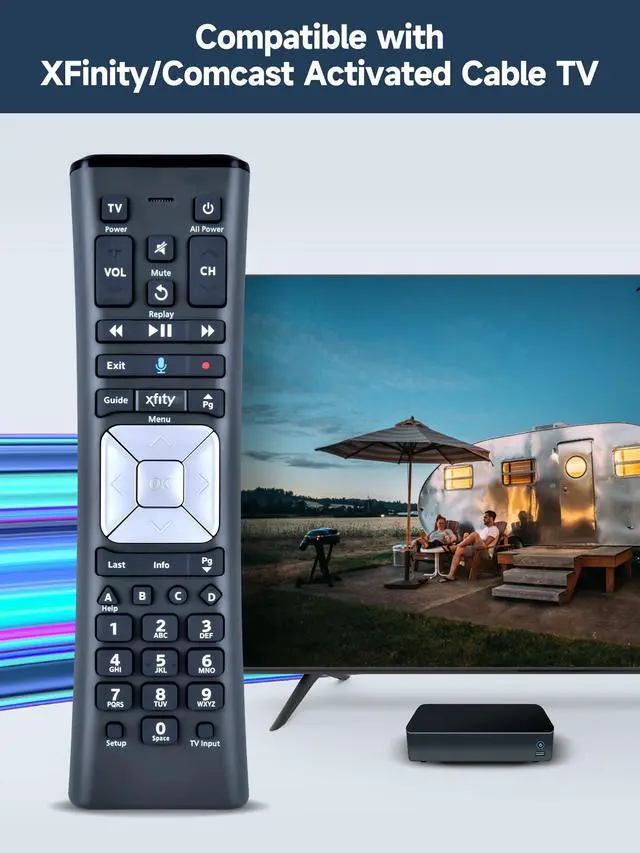
  • Compatible Models: XR11 Replacement Voice Backlit Remote Control for XFinity/Comcast Activated Cable TV
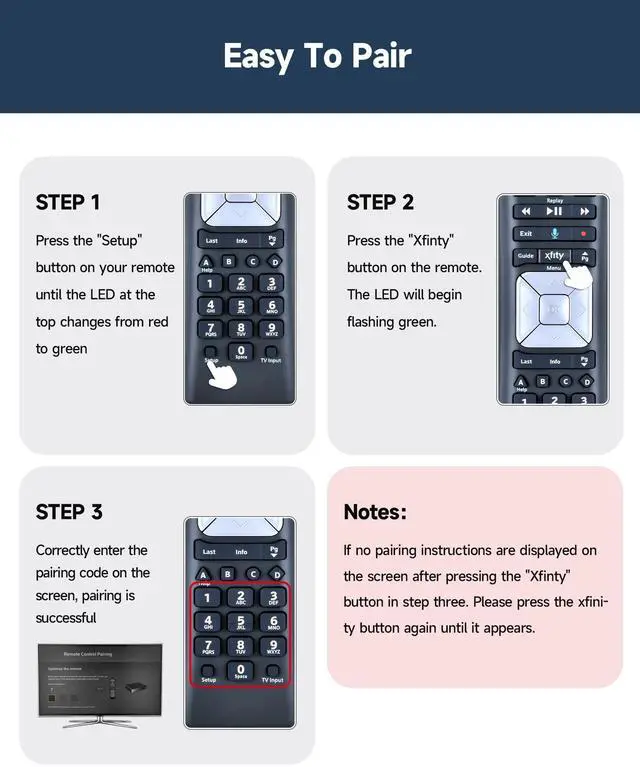
  • Pairing Method: 1.Set the TV input to the input connected to the TV Box. 2.Press the "Setup" button on your remote until the LED at the top changes from red to green. 3.Press the "Xfinty" button on the remote. The LED will begin flashing green. 4.After correctly entering the pairing code on the screen, your remote control is successfully paired with the TV box. (Note: If no pairing instructions are displayed on the screen after pressing the "Xfinty" button in step three. Please press the "Xfity" button again until it appears.)
  • Package Included: 1 * Voice remote control (2 AA Batteries are Not Included)
  • NOTE & After-sale Service: Provide return and refund service within 60 days. If your TV model is not on the compatible list, please feel free to contact us before ordering so we can check it for you

+
+
Overview
Specs
Reviews
avatar

Any questions? Our AI beta will help you find out quickly.

Compatible Models: XR11 Replacement Voice Backlit Remote Control for XFinity/Comcast Activated Cable TV ^^
Pairing Method: 1. Set the TV input to the input connected to the TV Box. 2. Press the "Setup" button on your remote until the LED at the top changes from red to green. 3. Press the "Xfinty" button on the remote. The LED will begin flashing green. 4. After correctly entering the pairing code on the screen, your remote control is successfully paired with the TV box.
(Note: If no pairing instructions are displayed on the screen after pressing the "Xfinty" button in step three. Please press the "Xfity" button again until it appears. )
^^ Package Included: 1 * Voice remote control (2 AA Batteries are Not Included) ^^
NOTE & After-sale Service: Provide return and refund service within 60 days. If your TV model is not on the compatible list, please feel free to contact us before ordering so we can check it for you


Warranty & Returns

Warranty, Returns, And Additional Information

Warranty

  • Please contact the Seller directly for warranty information. Warranty information may also be found on the Manufacturer's website.
  • CONTACT

Return Policies

Manufacturer Contact Info

LOADING...
LOADING...