Your Browsing History
Meet Your Seller
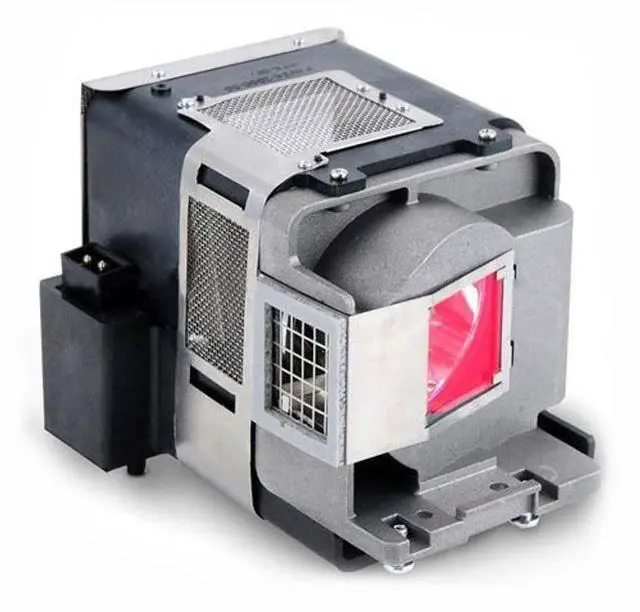
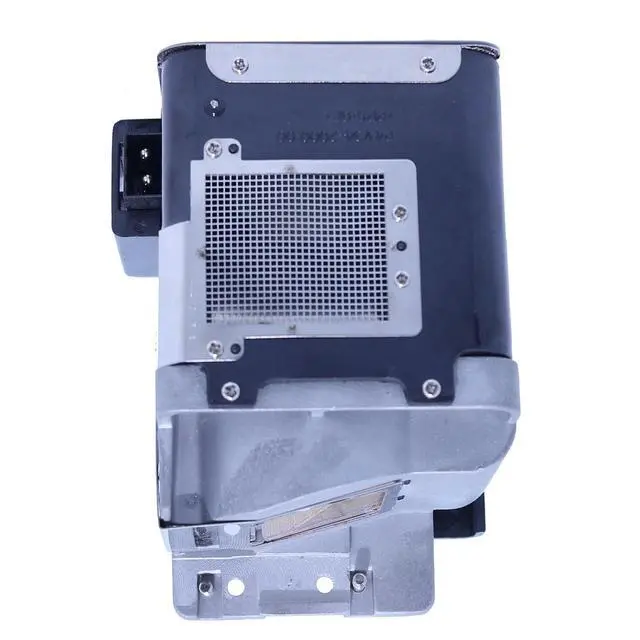
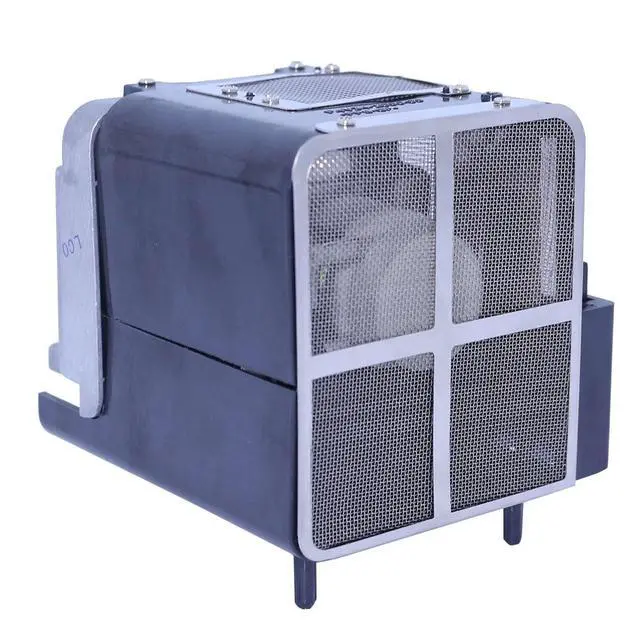
Supermait VLT-HC3800LP / 499B056O20 Replacement Projector Lamp with Housing for Mitsubishi HC3200 / HC3800 / HC3900 / HC4000
- Compatible Part Number: VLT-HC3800LP / 499B056O20.
- Compatible Models: Fit for MITSUBISHI HC3200 / HC3800 / HC3900 / HC4000 projector.
- Lamp Type: New Replacement / Compatible Projector Lamp with Housing.
- Lamp Lifetime: 2000 (normal) / 3000 (economy) hours. Warranty: 150 Days Warranty Included.
- Easy install: Housing included, minimize installation time to make sure your device is back in action.
+
+
Overview
Specs
Reviews
Any questions? Our AI beta will help you find out quickly.
Try me now
Supermait Replacement Projector Lamp with Housing.
Item model number: VLT-HC3800LP / 499B056O20.
Compatible Models: Fit for MITSUBISHI HC3200 / HC3800 / HC3900 / HC4000 projector. Installation1. Make sure the projector power off(if in using, please wait at least 10 minutes for the lamp cooling) and remove the power cable. Locate the lamp panel, once located, unscrew and remove the cover. 2. Unscrew the 2-3 screws holding the lamp in place and carefully slide the lamp out of the projector. 3. Get out the new lamp from its package. Make sure do not touch the lamp directly, only the housing. Then install the lamp correctly. 4. Insert and firm the screws on each side of the lamp holder. When replacing the housing, make sure the new housing is secured and seated completely before operation. Place the cover back on the unit and re-install the screws. Plug the projector back into the power supply and restart the projector.
Please refer the following considerations: 1. Make sure the conditions of the room is clean and ventilation. 2. Change or clean your projector air filter monthly. 3. Better let your projector rest for 15minutes per 4 hours running. 4. Do not unplug the power line before the cooling fan stop working.

Item model number: VLT-HC3800LP / 499B056O20.
Compatible Models: Fit for MITSUBISHI HC3200 / HC3800 / HC3900 / HC4000 projector. Installation1. Make sure the projector power off(if in using, please wait at least 10 minutes for the lamp cooling) and remove the power cable. Locate the lamp panel, once located, unscrew and remove the cover. 2. Unscrew the 2-3 screws holding the lamp in place and carefully slide the lamp out of the projector. 3. Get out the new lamp from its package. Make sure do not touch the lamp directly, only the housing. Then install the lamp correctly. 4. Insert and firm the screws on each side of the lamp holder. When replacing the housing, make sure the new housing is secured and seated completely before operation. Place the cover back on the unit and re-install the screws. Plug the projector back into the power supply and restart the projector.
Please refer the following considerations: 1. Make sure the conditions of the room is clean and ventilation. 2. Change or clean your projector air filter monthly. 3. Better let your projector rest for 15minutes per 4 hours running. 4. Do not unplug the power line before the cooling fan stop working.
Warranty & Returns
Warranty, Returns, And Additional Information
Warranty
- Please contact the Seller directly for warranty information. Warranty information may also be found on the Manufacturer's website.
- CONTACT
Return Policies
- Return for refund within: 30 days
- Return for replacement within: 30 days
- This item is covered by HyperCore Return Policy
Manufacturer Contact Info
- For a directory of all our manufacturers, please click below.
- Manufacturers Directory
LOADING...