Your Browsing History
Meet Your Seller
Sponsored Products
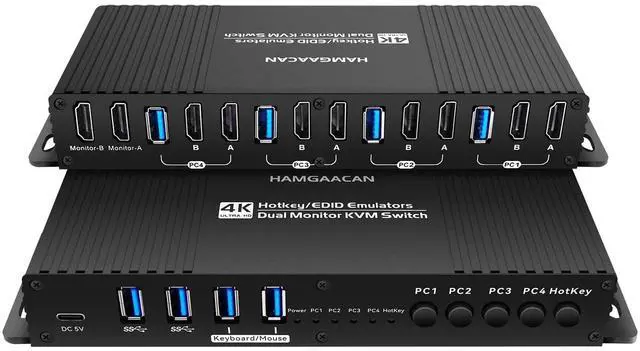
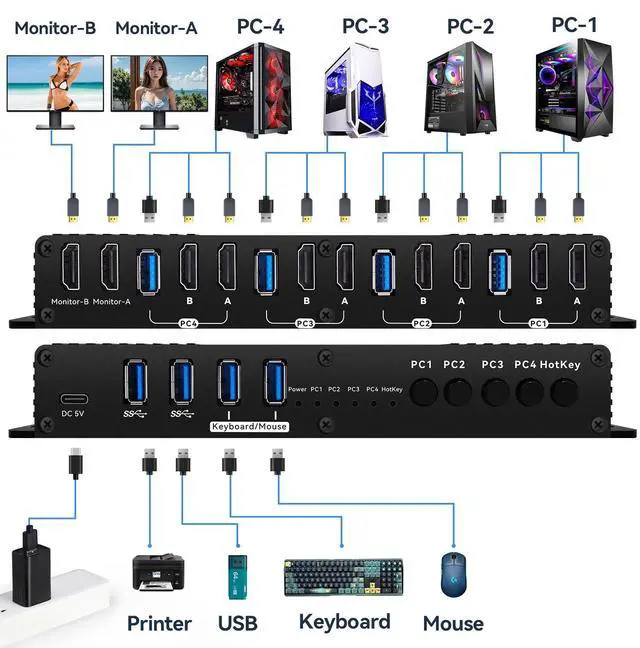
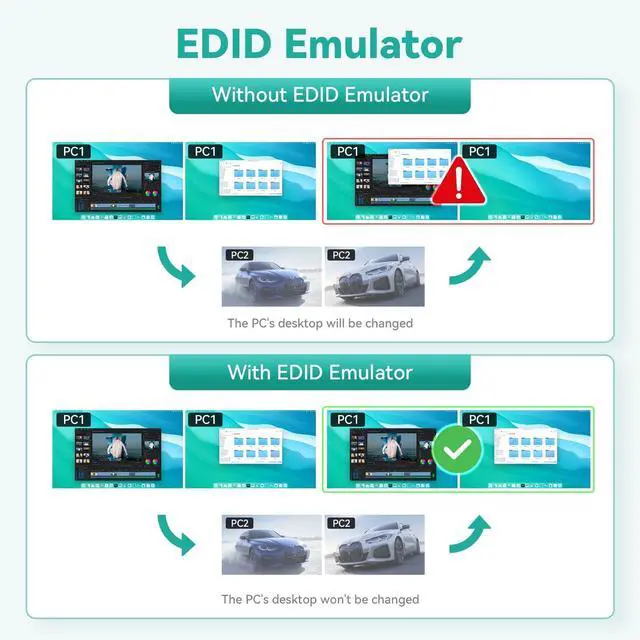
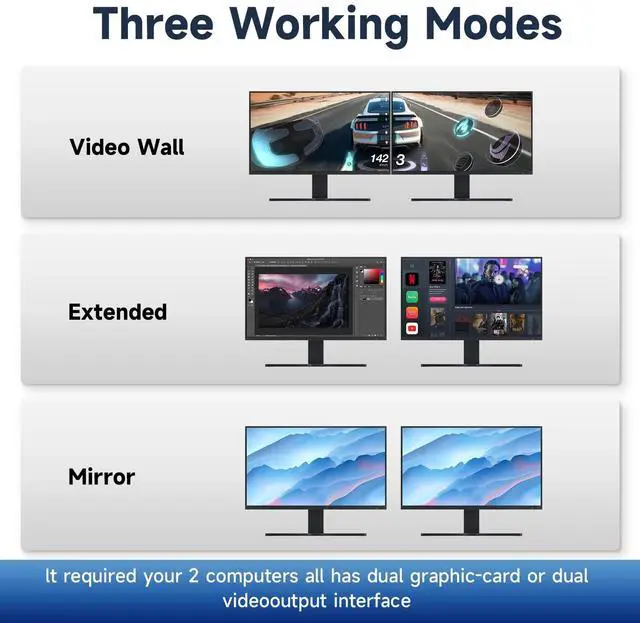
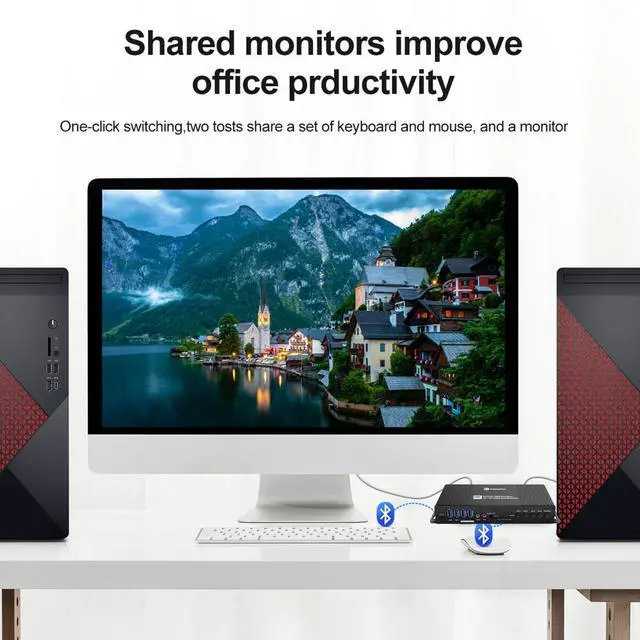
Kvm Switches Hdmi 2 Monitors 4 Computers 4K 60Hz EDID Emulator Hotkey Switching Kvm Switch hdmi 2 Monitors 4 Computers EDID Extended Display Dual Monitor 4 PC Hotkey Switching USB3.0
- kvm Switch 2 Monitors 4 Computers hdmi edid 4k 60hz :the hdmi kvm switch edid support hotkey switching , you can use hotkey to switch between 4 computers,Right Control two times and number 1 and EnterRight Ctrl+Right ctrl+1+Enteryou will switch to PC-1 and Right Ctrl+Right ctrl+2+Enter you will switch to PC-2. switch to PC-1 and Right Ctrl+Right ctrl+3+Enter you will switch to PC-3 switch to PC-4 and Right Ctrl+Right ctrl+4+Enter you will switch to PC-2You can use Keyboard Hotkey Right Ctrl+Right ctrl+B+Enter to turn off or turn on the Beep for the dual monitor kvm switch.
- kvm Switch hdmi 2 Monitors 4 Computers edid 2k 144hz Detailed Resolusion: The hdmi2.0 KVM switch 4 computers 2 monitors edid emulator 2K 144hz supports max. resolution of 4K@60Hz 4 computer 2 monitor, 4k 60Hz, 2k 120hz,2K 144Hz, 1080P 165hz ,1080@240Hz , 2560x1440@144Hz . Final resolution is also subject to graphic cards, monitors, cables and adapters and there work together;
- hdmi kvm Switch 2 Monitors 4 Comput
+
+
Overview
Specs
Reviews
Any questions? Our AI beta will help you find out quickly.
Try me now
Hdmi Kvm Switch 2 Monitors 4 Computers 4K 60Hz EDID Emulator Hotkey Switching Kvm Switch hdmi 2 Monitors 4 Computers EDID Extended Display Dual Monitor 4 PC Hotkey Switching USB 3.0
Warranty & Returns
Warranty, Returns, And Additional Information
Warranty
- Please contact the Seller directly for warranty information. Warranty information may also be found on the Manufacturer's website.
- CONTACT
Return Policies
- Return for refund within: 30 days
- Return for replacement within: 30 days
- This item is covered by kaipuda Return Policy
Manufacturer Contact Info
- For a directory of all our manufacturers, please click below.
- Manufacturers Directory
LOADING...