

Your Browsing History
- Free 30-day Returns
$37.99

Meet Your Seller


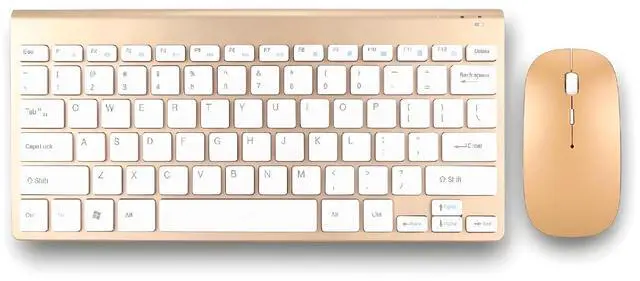
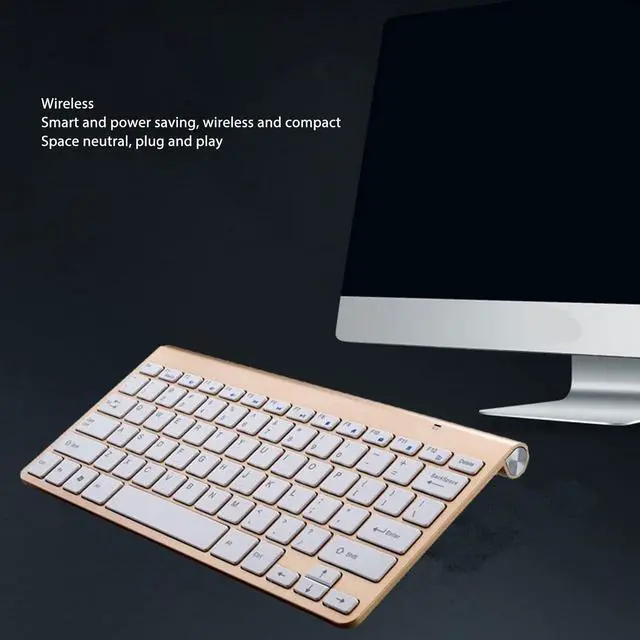
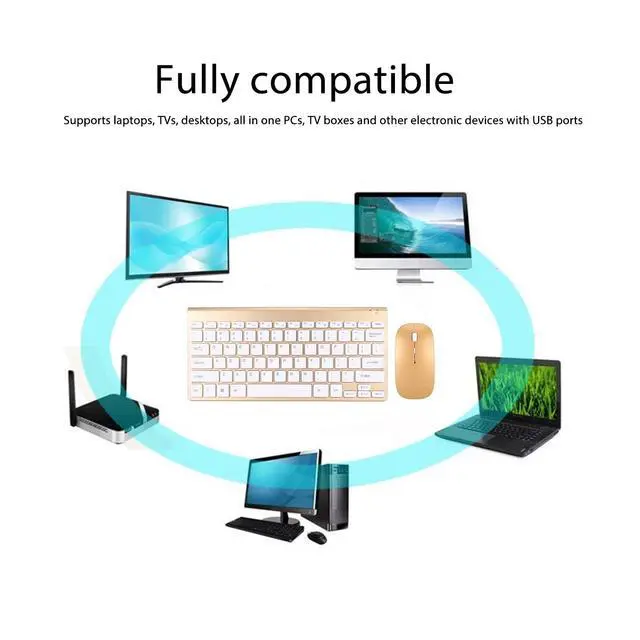
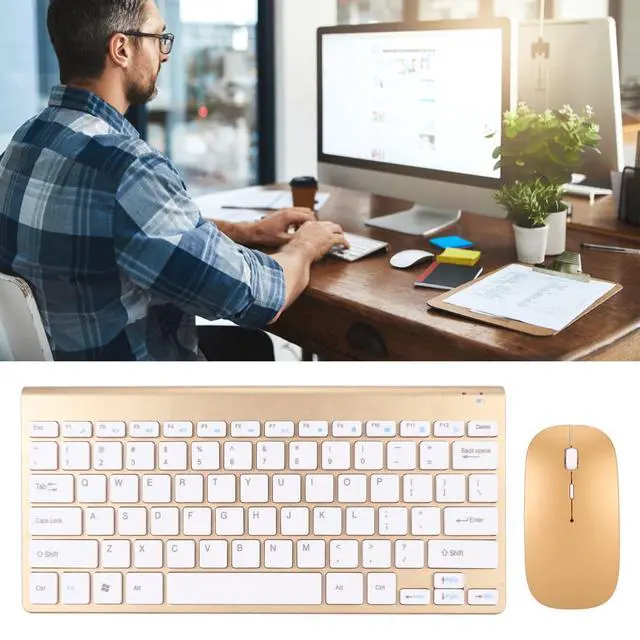


Zunate Keyboard and Mouse Combo, Ultra Slim Computer Keyboard, Ergonomic Silent Mouse, Compact USB Keyboard Mouse Set for PC, Laptop,Tablet (Gold)
- Intelligent Power Saving: keyboard mouse combo adopts low power saving technology, the keyboard automatically sleeps and saves power when there is no for 3 seconds, and the mouse automatically sleeps and saves power when there is no for 10 minutes.
- Keyboard: Smart keyboard can be connected to the usb receiver to the computer, check whether the computer can recognize it, then put the battery into the keyboard, turn on the power, put the keyboard close to the usb receiver, then press ESC and K at the same time and hold it for 1to 2 seconds to use.
- LED Indicator: keyboard mouse combo has an LED indicator that shows the remaining power in real time and flashes red when the power is too low to remind to replace the battery. Fashion pattern on both sides of the keyboard, stylish and beautiful, different.
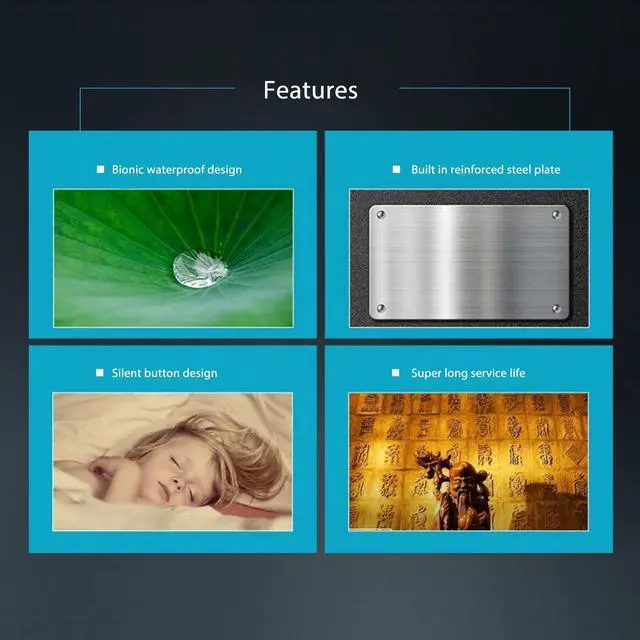
- Not Design: mouse does not at the bottom, so it will not disturb anyone at night. Adopt fully design. compact, does not take up space, ultra thin design, easy to carry. Easy to open
+
+
Overview
Specs
Reviews

Any questions? Our AI mode will help you find out quickly.
Try me now
Intelligent Power Saving: keyboard mouse combo adopts low power saving technology, the keyboard automatically sleeps and saves power when there is no for 3 seconds, and the mouse automatically sleeps and saves power when there is no for 10 minutes.
^^ Keyboard: Smart keyboard can be connected to the usb receiver to the computer, check whether the computer can recognize it, then put the battery into the keyboard, turn on the power, put the keyboard close to the usb receiver, then press ESC and K at the same time and hold it for 1to 2 seconds to use.
^^ LED Indicator: keyboard mouse combo has an LED indicator that shows the remaining power in real time and flashes red when the power is too low to remind to replace the battery. Fashion pattern on both sides of the keyboard, stylish and beautiful, different.
^^ Not Design: mouse does not at the bottom, so it will not disturb anyone at night. Adopt fully design. compact, does not take up space, ultra thin design, easy to carry. Easy to open battery cover for keyboard and mouse.
^^ Mouse: mouse also connect the usb receiver to the computer, check if the computer can recognize the usb receiver, then put the battery into the mouse, it is better to put more batteries, put the mouse close to the usb receiver, turn on the power to work. ^^ ^^ ^^ ^^ ^^
^^ Keyboard: Smart keyboard can be connected to the usb receiver to the computer, check whether the computer can recognize it, then put the battery into the keyboard, turn on the power, put the keyboard close to the usb receiver, then press ESC and K at the same time and hold it for 1to 2 seconds to use.
^^ LED Indicator: keyboard mouse combo has an LED indicator that shows the remaining power in real time and flashes red when the power is too low to remind to replace the battery. Fashion pattern on both sides of the keyboard, stylish and beautiful, different.
^^ Not Design: mouse does not at the bottom, so it will not disturb anyone at night. Adopt fully design. compact, does not take up space, ultra thin design, easy to carry. Easy to open battery cover for keyboard and mouse.
^^ Mouse: mouse also connect the usb receiver to the computer, check if the computer can recognize the usb receiver, then put the battery into the mouse, it is better to put more batteries, put the mouse close to the usb receiver, turn on the power to work. ^^ ^^ ^^ ^^ ^^
Warranty & Returns
Warranty, Returns, And Additional Information
Warranty
- Please contact the Seller directly for warranty information. Warranty information may also be found on the Manufacturer's website.
- CONTACT
Return Policies
- Return for refund within: 30 days
- Return for replacement within: non-replaceable
- This item is covered by SIMPLIZED Return Policy
Manufacturer Contact Info
- For a directory of all our manufacturers, please click below.
- Manufacturers Directory
LOADING...