

Your Browsing History

Meet Your Seller

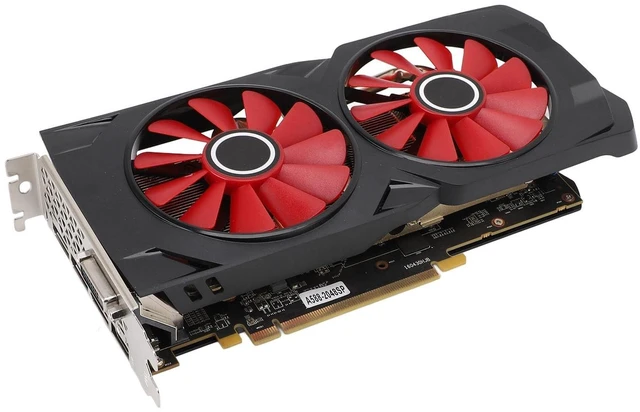
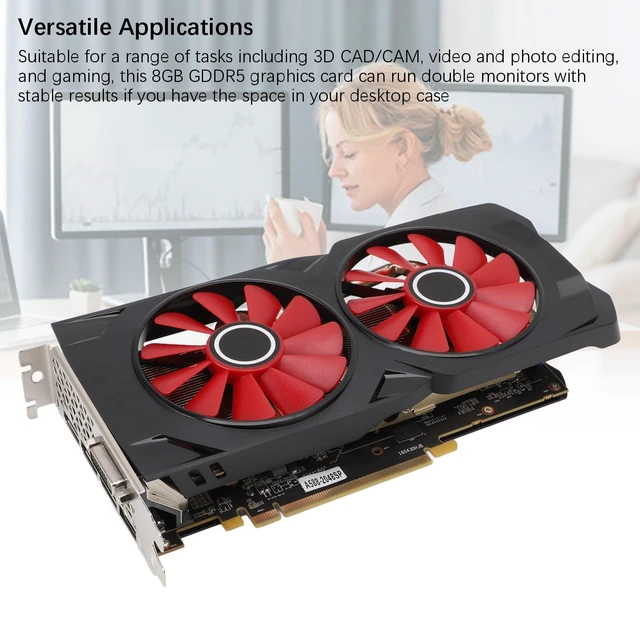
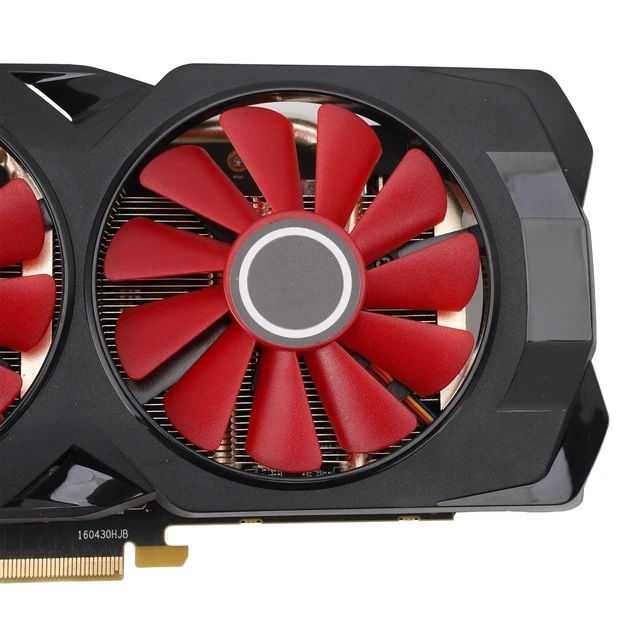


Denash 8GB GDDR5 Graphics Card Compatible with PCI Express 3.0 x 16,256Bit Computer Video Card with 2 Cooling Fans,Graphics Card for 4k Gaming PC 1080P 3A Games
- Powerful Performance: 8GB GDDR5 gaming graphics card, featuring powerful image processing capabilities, with a GPU speed of 1244MHz and high performance gaming memory speed reaching of up to 7000 MHz, ensuring a seamless experience for both gaming and applications
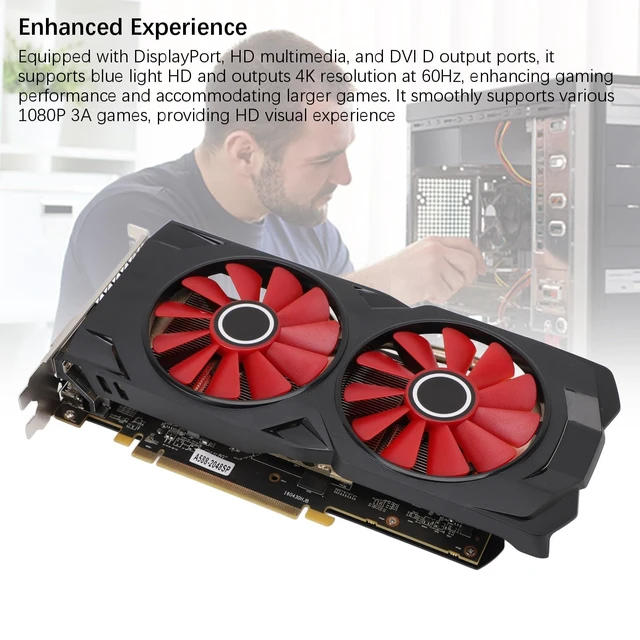
- Enhanced Experience: Equipped with DisplayPort, HD multimedia, and DVI D output ports, it supports blue light HD and outputs 4K resolution at 60Hz, enhancing gaming performance and accommodating larger games. It smoothly supports various 1080P 3A games, providing HD visual experience
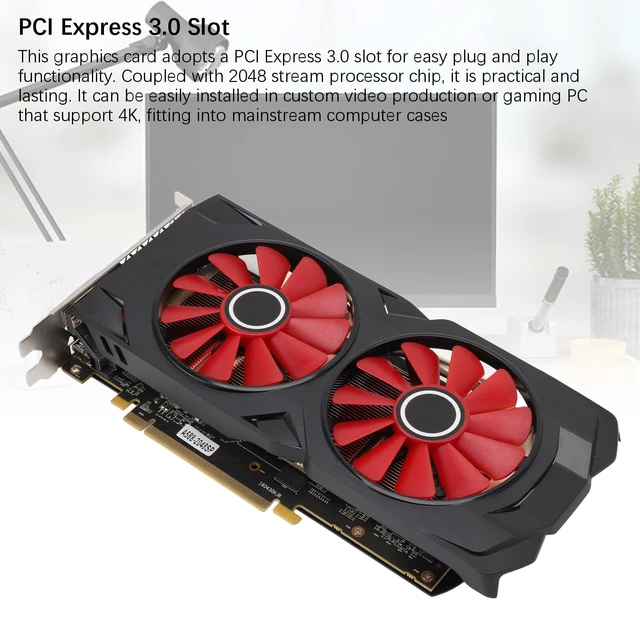
- PCI Express 3.0 Slot: This graphics card adopts a PCI Express 3.0 slot for easy plug and play functionality. Coupled with 2048 stream processor chip, it is practical and lasting. It can be easily installed in custom video production or gaming PC that support 4K, fitting into mainstream computer cases
- 2 Fan Cooling System: Featuring double cooling fans, this gaming graphics card facilitates increased airflow, providing a cool and quiet ga
+
+
Overview
Specs
Reviews

Any questions? Our AI mode will help you find out quickly.
Try me now
Spec: Product
Material: ABS, PCB, MetalCore Code and
Process: For
Ellesmere/14nmUnified Shader: 2048Core Frequency and
Memory Frequency: 1244/7000MHzMemory
Capacity and
Interfaces: DPx3 + HD Multimedia + DVI
Bus Interface: PCI-Express 3.0 x 16Cooling
Fan: 2 FansHow to
Use: Product Installation1. Turn off the power and unplug all connectors; open the main chassis. 2. If there are other display cards installed on the motherboard, please remove them first, then insert the new display card into the PCI Express X16 slot provided on the motherboard. 3. If the graphics card comes with additional power input interfaces, locate the corresponding plug on the main power supply and connect it to the graphics card, using these adapter plugs to provide sufficient power to the graphics card. 4. Tighten the fixing screws on the graphics card bracket to ensure the card is securely in place. 5. Close the chassis, reconnect all peripheral device connectors, and then plug the display connector into the corresponding interface on the graphics card.
Package List: 1 x Graphics Card1 x
User ManualNote: 1. Please make sure that the product is a renovated part before purchasing. 2. It is recommended to download the stable version of drivers for 10 64 bit version for 22.10. 3 Optional (WHQL) 3. The power supply adapted for the product needs to have a real power of over 350W to be able to use it; otherwise, it may cause recognition failure, unable to start, and other abnormalities.
Material: ABS, PCB, MetalCore Code and
Process: For
Ellesmere/14nmUnified Shader: 2048Core Frequency and
Memory Frequency: 1244/7000MHzMemory
Capacity and
Specifications
: 8G/256bit/GDDR5OutputInterfaces: DPx3 + HD Multimedia + DVI
Bus Interface: PCI-Express 3.0 x 16Cooling
Fan: 2 FansHow to
Use: Product Installation1. Turn off the power and unplug all connectors; open the main chassis. 2. If there are other display cards installed on the motherboard, please remove them first, then insert the new display card into the PCI Express X16 slot provided on the motherboard. 3. If the graphics card comes with additional power input interfaces, locate the corresponding plug on the main power supply and connect it to the graphics card, using these adapter plugs to provide sufficient power to the graphics card. 4. Tighten the fixing screws on the graphics card bracket to ensure the card is securely in place. 5. Close the chassis, reconnect all peripheral device connectors, and then plug the display connector into the corresponding interface on the graphics card.
Package List: 1 x Graphics Card1 x
User ManualNote: 1. Please make sure that the product is a renovated part before purchasing. 2. It is recommended to download the stable version of drivers for 10 64 bit version for 22.10. 3 Optional (WHQL) 3. The power supply adapted for the product needs to have a real power of over 350W to be able to use it; otherwise, it may cause recognition failure, unable to start, and other abnormalities.
Warranty & Returns
Warranty, Returns, And Additional Information
Warranty
- Please contact the Seller directly for warranty information. Warranty information may also be found on the Manufacturer's website.
- CONTACT
Return Policies
- Return for refund within: 30 days
- Return for replacement within: 30 days
- This item is covered by LingGo Return Policy
Manufacturer Contact Info
- For a directory of all our manufacturers, please click below.
- Manufacturers Directory
LOADING...