KVM Switch 2 Monitors 2 Computers
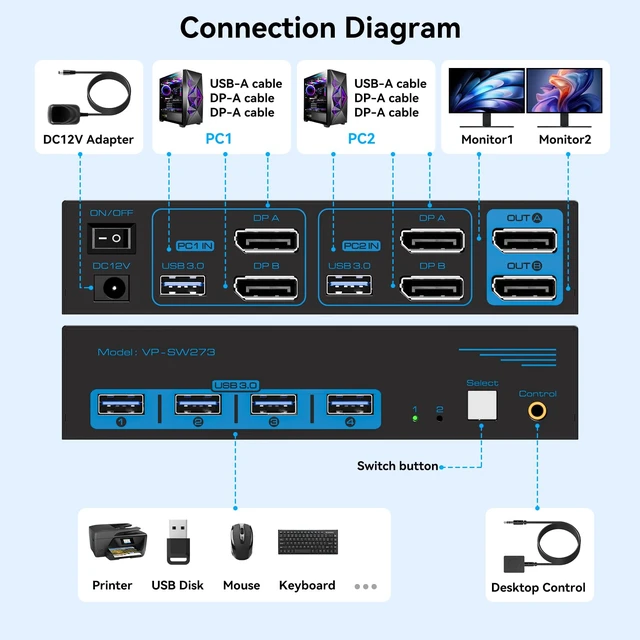
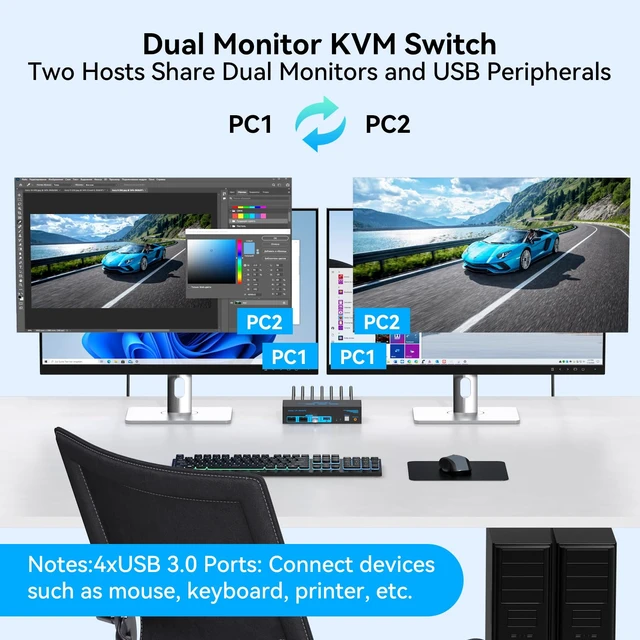
Display Port: Share two DisplayPort monitors, one keyboard, one mouse, and up to four USB peripherals between two computers with a single KVM switch. Each computer requires two available DP output ports and one USB-A connection to the KVM. Connect both DP A and DP B inputs to the same computer to enable dual-monitor switching. Direct DP connections are recommended; adapter cables are not recommended ^^ 8K@60Hz / 4K@144Hz Dual
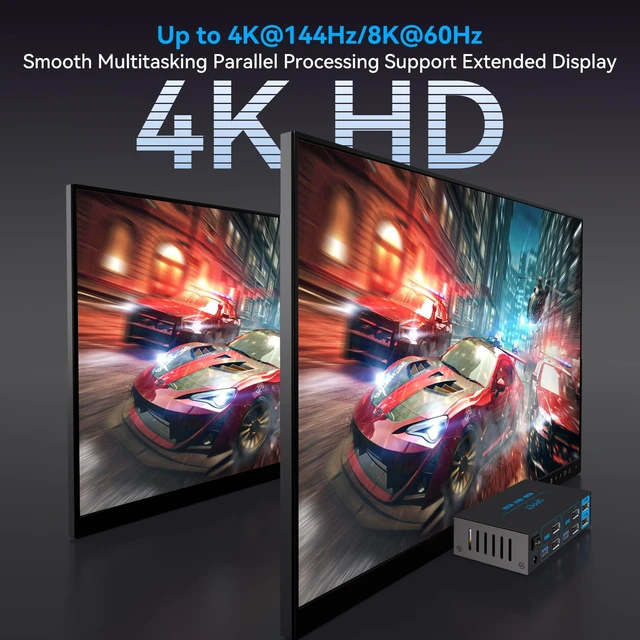
Monitor KVM Switch: Enjoy sharp details and smooth visuals with support for resolutions up to 8K@60Hz or 4K@144Hz. This dual monitor KVM switch also supports Extended Mode for working across two separate screens and Mirror Mode for duplicating the same content on both displays. Actual resolution and refresh rate depend on your computer's graphics card, monitors, and DisplayPort cables. For reliable performance, use compatible DisplayPort cables and check that your entire setup supports the desired display mode ^^
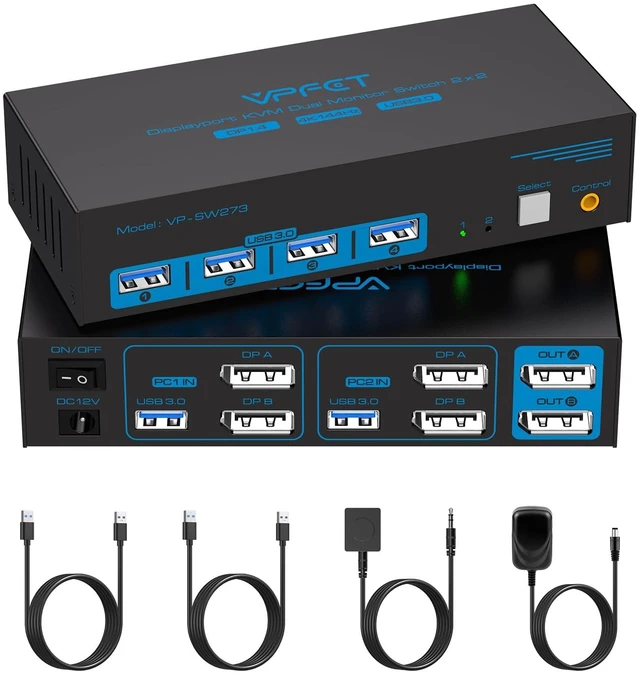
Two Switching Methods: Switch between two connected computers with the front-panel button or the included wired desktop controllerno software or driver installation required. The extension cable lets you place the controller within easy reach while keeping the KVM switch out of sight, helping maintain a cleaner, more organized desk.
Note: This KVM supports physical button and wired controller switching only; keyboard hotkey switching is not supported ^^ USB 3.0
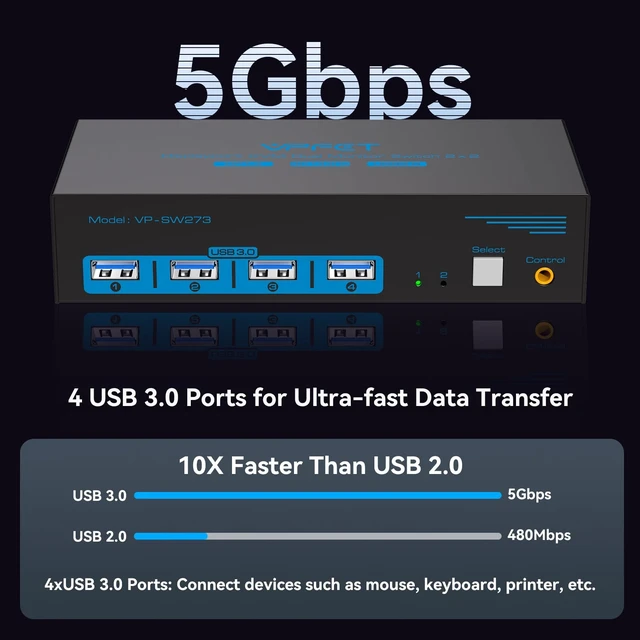
KVM Switch: Connect up to four USB peripherals, such as a keyboard, mouse, printer, or other compatible devices, and share them between two computers. USB 3.0 provides data transfer speeds up to 5Gbps and is backward compatible with USB 2.0 and USB 1.1 devices. Each computer must be connected to the KVM with its included USB 3.0 cable to enable USB device sharing. For specialized or high-performance USB devices, such as webcams, please confirm compatibility before purchasing ^^
Stable Operation: The included 12V DC power adapter supplies external power to the KVM, helping provide stable operation when switching computers and sharing connected USB peripherals. Package includes 1 DisplayPort KVM switch, 1 wired desktop controller, 2 USB 3.0 cables, 1 12V DC power adapter, and 1 user manual.
Note: DisplayPort video cables are not included and must be purchased separately. If you need setup assistance, our technical support team is available to help




 here!