
Your Browsing History





Any questions? Our AI beta will help you find out quickly.
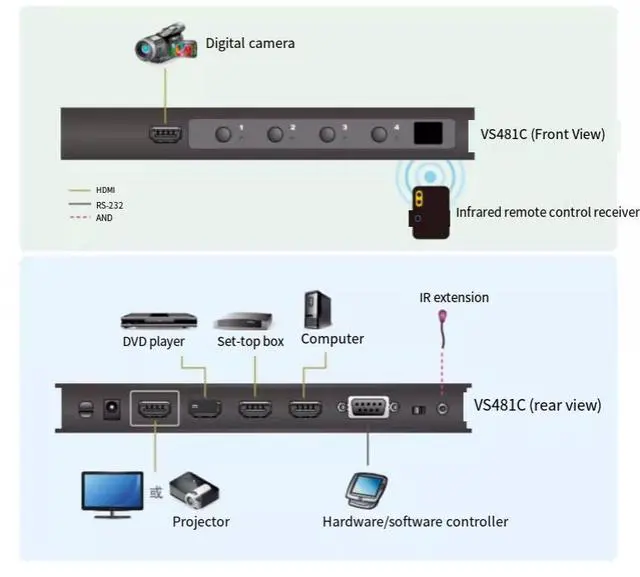
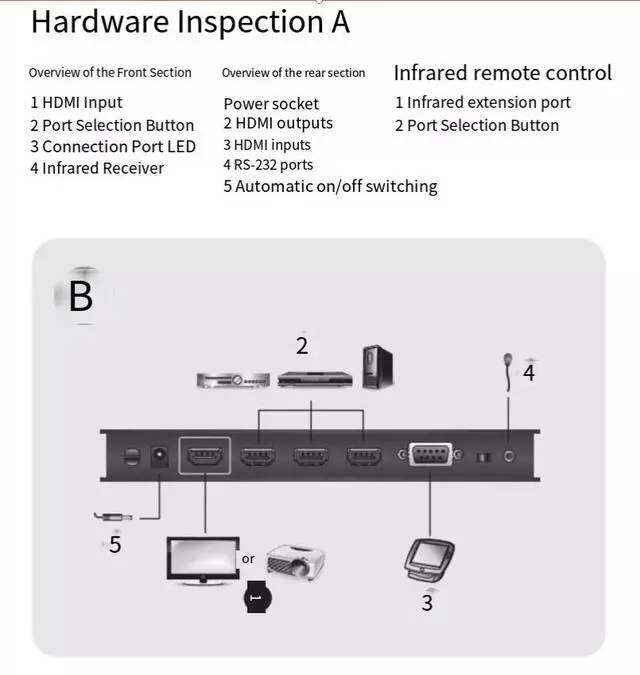
Connect the HDMil input port of the video display to the HDMl output port of the VS481C using a single HDMl cable.
2 Connect the HDl output port of the input source device to the HDMl input port of the VS48lC using a single HDMl cable.
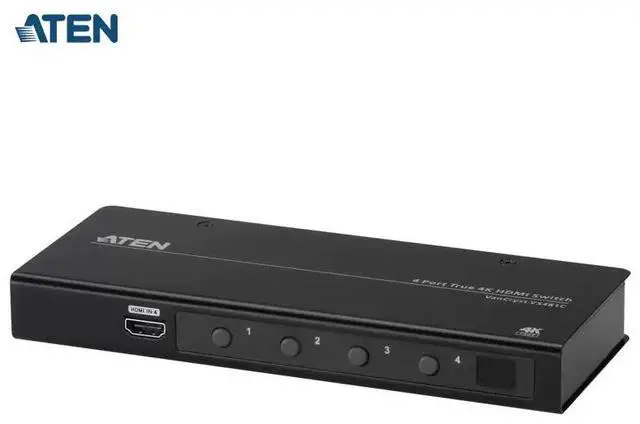
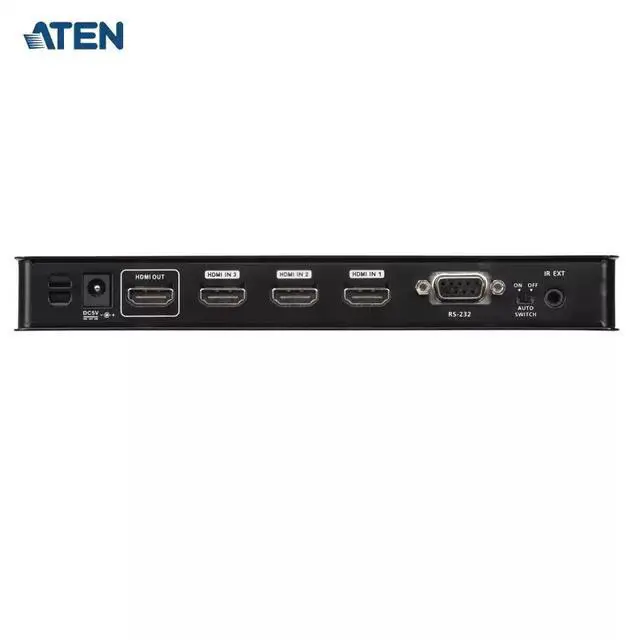
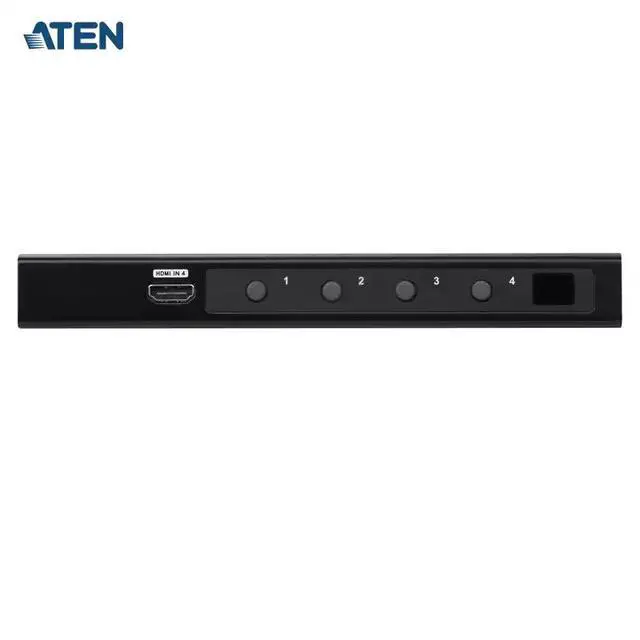
The device, VS481C, can connect up to 4 HDMl input sources. Three HDMil inputports are located on the rear panel,and one is at the front.
3(Optional) If you want to configure the VS481C system settings using RS-232commands, you need to connect a hardware/software controller to the RS-232 port.4 (Optional) Insert the infrared extension cable into the VS481C device. 5. Insert the power adapter cable into the power socket.
Note: An additional infrared receiver needs to be purchased. ATEN recommends usingthe2XRT-0003G infrared receiver. For detailed information, please visit the ATENofficial website.
Operation
Using the VS481C HDMl switcher, you can easily and flexibly select the input source device invarious ways, including front panel buttons,infrared remote control, and RS-232 commands.
Use the button
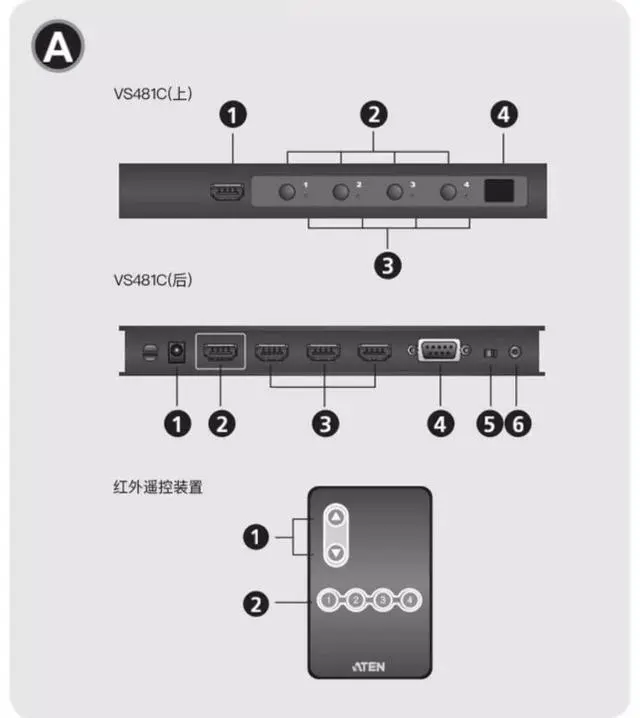
Whenchoosing the display input source, you can press the corresponding port selection button, The LED ofthe corresponding port will ight up green.
Use an infrared remote control When choosing the display input source, you can press the corresponding port selection button.The corresponding port's LED will show green. Additionally, you can press the port +/- button tocycle through the available input sources. Use the port + button to select the next available port(from port 1 to port 4) in ascending order, and vice versa.
Use RS-232 commands
The VS481Cisequipped with a bidirectional RS-232 serial interface, which can be controlled by a high-end controller (such as a computer).