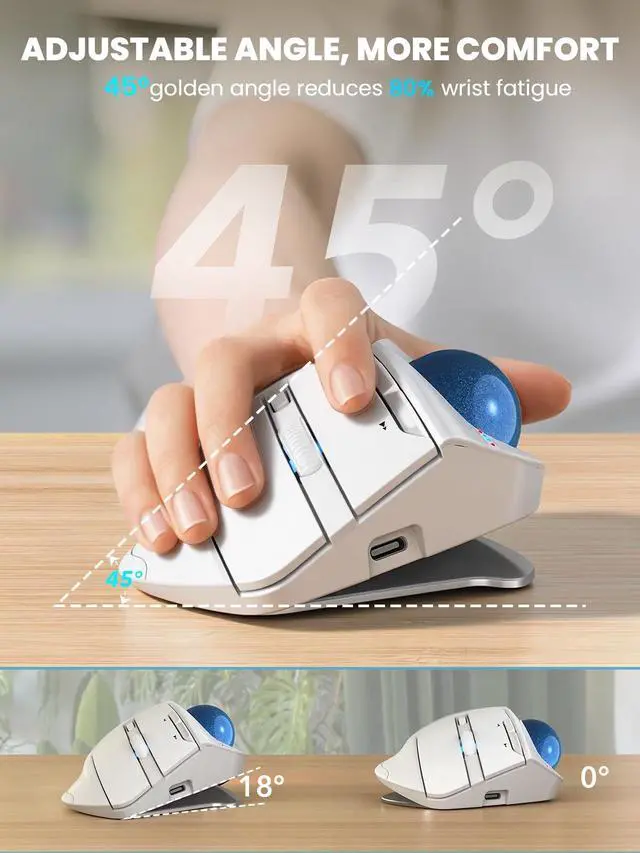
Ergonomic Angle Comfort: The adjustable 0/18 ergonomic design allows you to choose the most natural hand position, with the 18 tilt matching the wrists natural drop when seated, helping reduce wrist and forearm muscle strain and keeping your hand comfortable during long hours of work, study, or computer use ^^
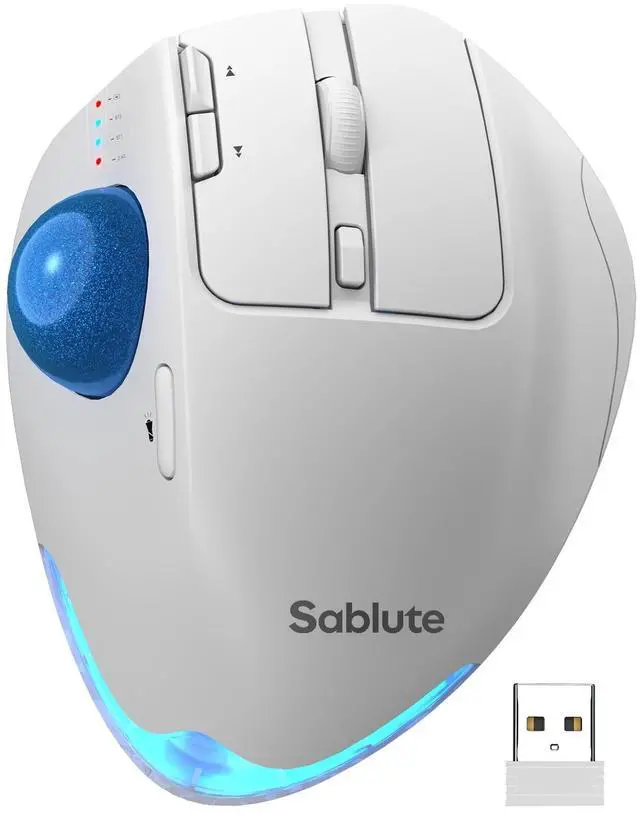
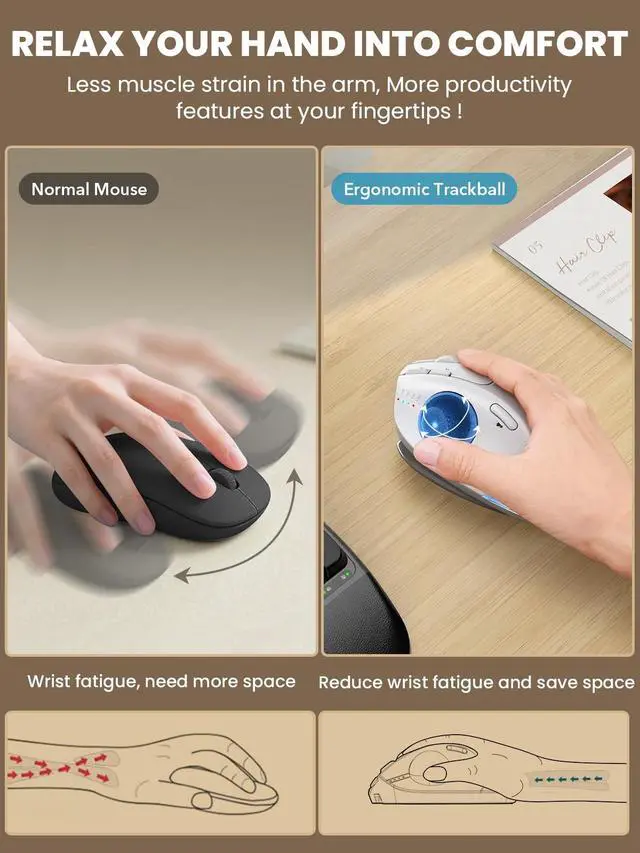
Thumb Trackball Control: Control the cursor smoothly with your thumb instead of moving your arm across the desk, reducing wrist and shoulder fatigue caused by repetitive motion while maintaining precise control, making it ideal for small desks, limited spaces, and long daily use ^^
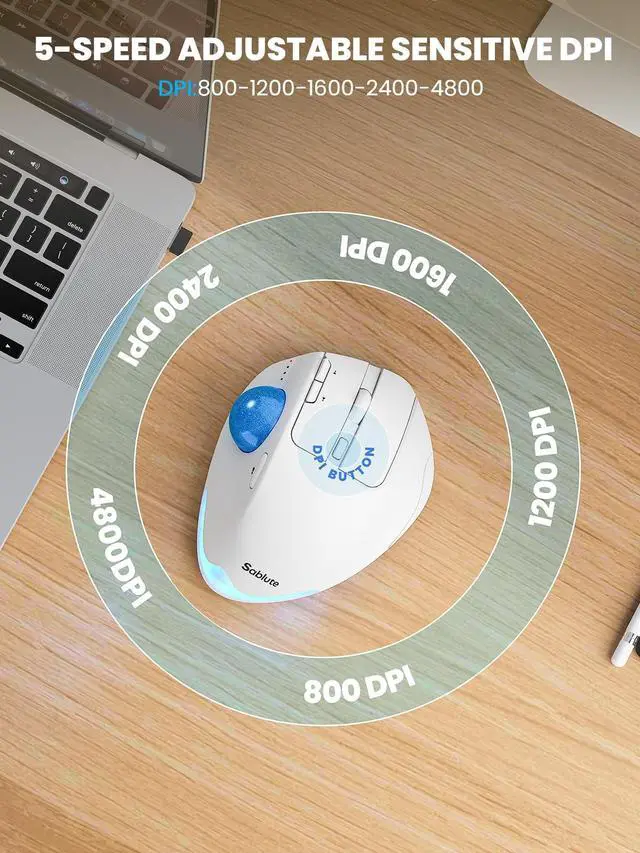
Precise & Silent Use: 5 adjustable DPI levels from 800 to 4800 allow you to match cursor sensitivity to different tasks and screen sizes, delivering smooth and accurate tracking, while the 95% reduced click noise helps you stay focused without disturbing others around you ^^
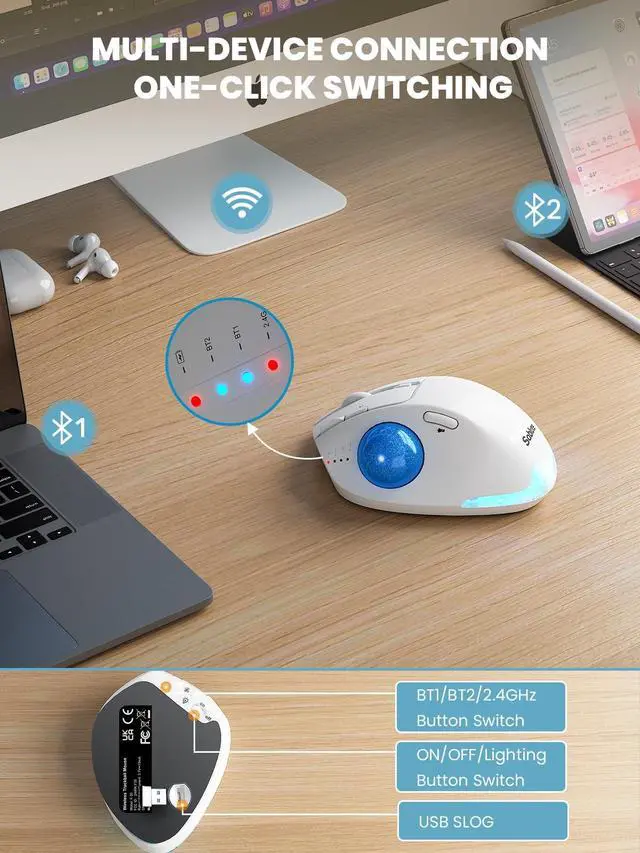
Multi-Device Switching: Connect up to three devices simultaneously via Bluetooth and USB receiver, then switch between your PC, laptop, or iPad with one click, delivering a stable, lag-free connection without repeated pairing and improving efficiency for multi-device workflows ^^
Rechargeable with Backlight: The built-in rechargeable battery eliminates the need for disposable batteries, while the ambient backlight can be turned on or off depending on your environment, offering multiple breathing light modes that enhance your desktop without distracting you during focused work ^^
Comfortable Daily Use: The smooth, skin-friendly UV-coated surface feels comfortable even during extended use, and the intuitive design makes it easy to learn for students, office workers, and first-time trackball users, making it suitable for both study and professional work ^^
Warm Tips: If you are using a trackball mouse for the first time, it may take some time to get used to its operation. We recommend that you spend 1-2 weeks to adapt, as many users find that this helps reduce the pressure and pain on the wrist caused by long-term use of the mouse and improves comfort