
Your Browsing History






Any questions? Our AI beta will help you find out quickly.
Specifications
:
1.
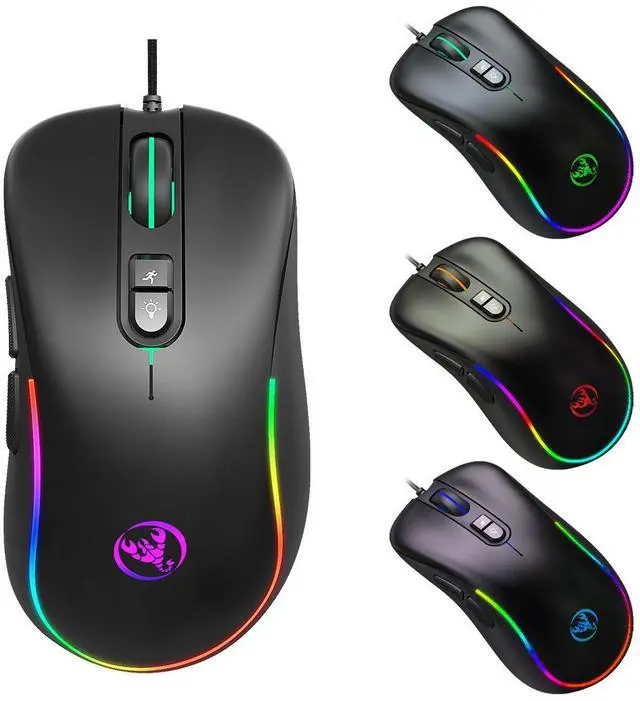
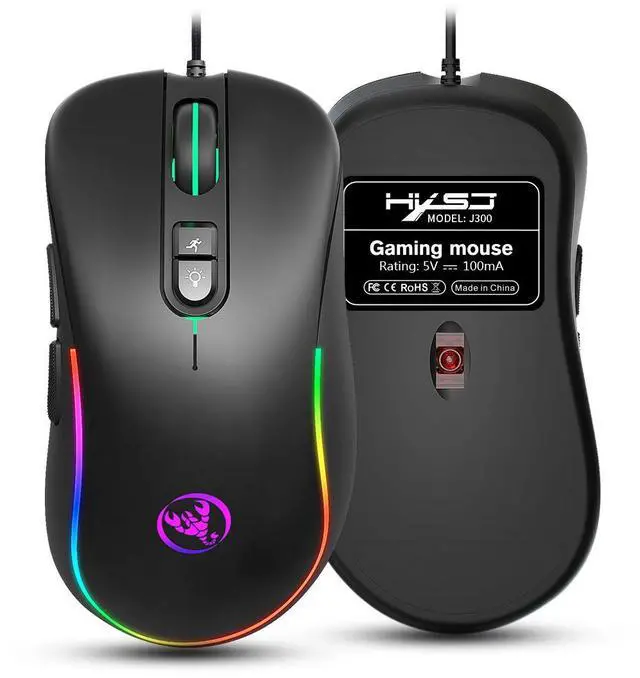
Product model: RGB Lighting Programmable Gaming Mouse
2. 100% new mouse game
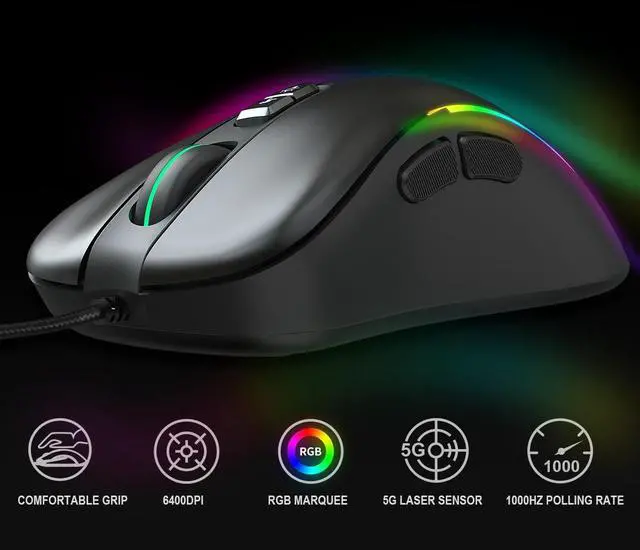
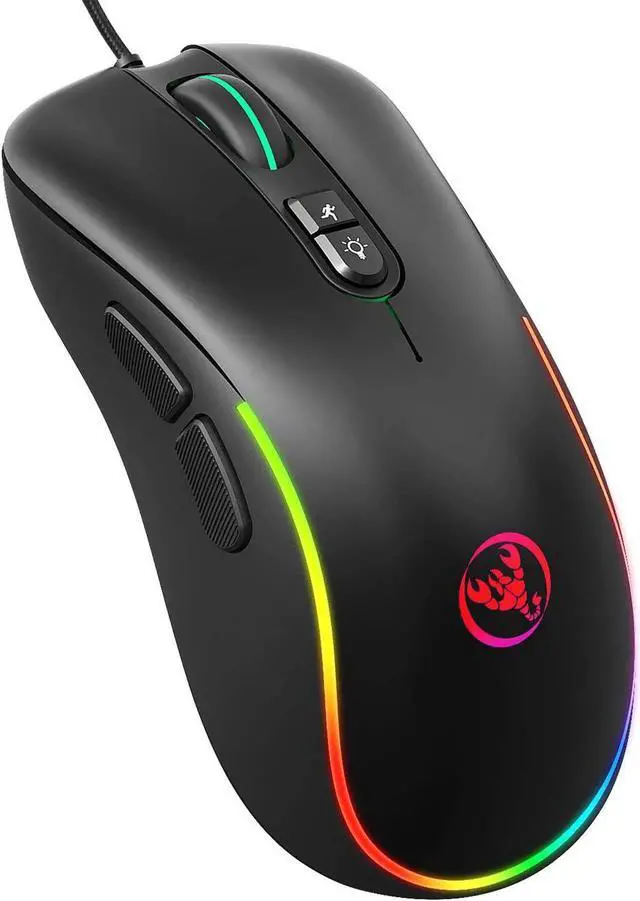
3. Human body engineering design, Comfortable grip
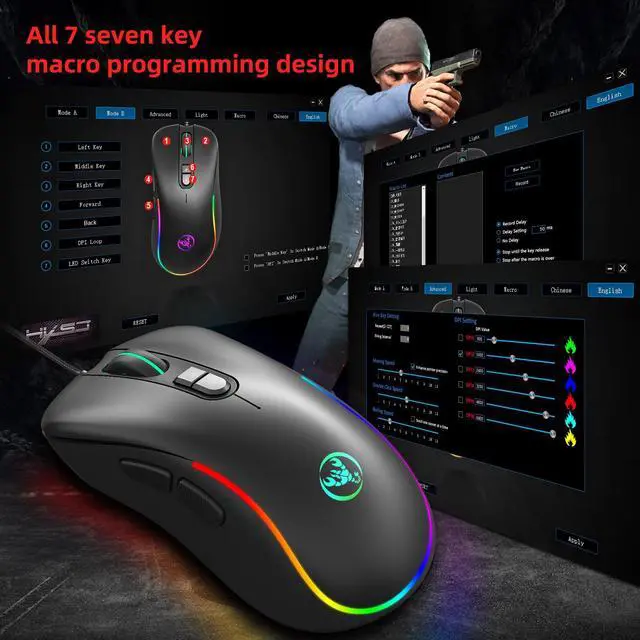
4. 7 buttons ( programmable)
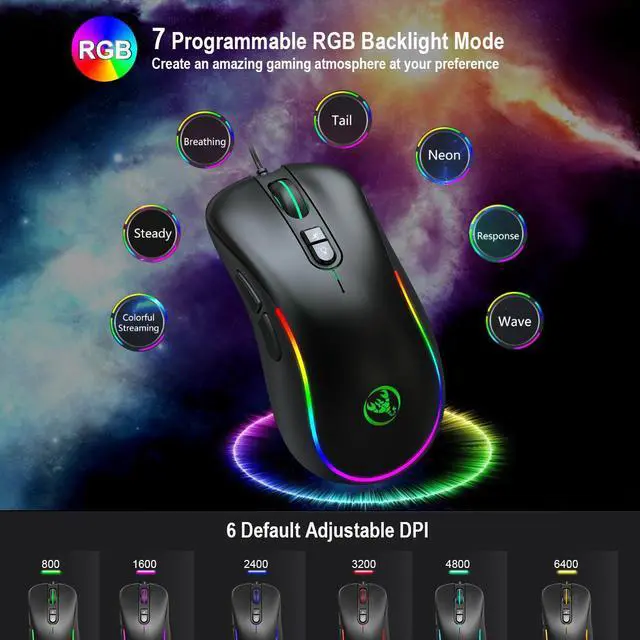
5. 6 RGB lighting modes, can turn off the light
6. 6-level adjustable DPI, Max. 6400 DPI
7.
Voltage rating / electric current: DC 5V / 100mA
8. USB plug and play
9.
Switch life: 20million cycle
10.
Cable length: 150cm
11. Support Windows 2000 / XP / win7 / win8 /win10 Vista 32bit IOS or latest.
Packing list:
1 x gaming mouse
1 x User manual
How to use:
1. Download the macro programming software through the web site provided by us.
2. After downloading, open it directly and use the buttons to customize programming.
3. When the mouse is successfully connected and used normally, Open the J300 macro programming software directly to use the macro programming function.
4. Adop professional game chip, using high-performance program control decoder chip for smooth motion and precise control.
5. Button settings For the 1-7 button (as shown), the drive supports custom settings.
6.
DPI setting: default 1000/1600/2400/3200/4800/6400 the Six-segment DPI value can be any section.
7.
Light mode: RGB marquee effect, Up to 6 lighting pattern designs, The light can be turned off.
8.
Mouse parameters: You can set the pointer precision, wheel speed and double click speed.
9.
Custom Settings: Custom macro editing that supports game effects.
10. When the settings are complete, click Applications and then click Save Configuration.