 4 Port 4K@60Hz Dual Monitor DisplayPort KVM Switch (DP+ DP+DP+DP)
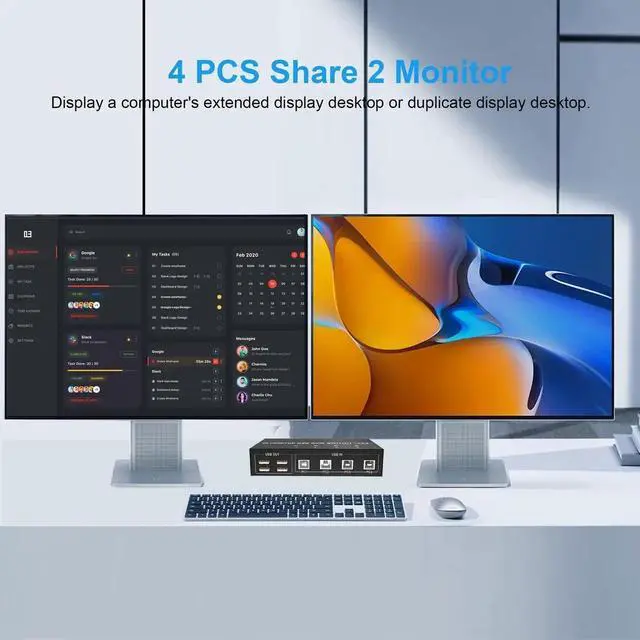
- * This DisplayPort KVM Switch 4-Port, you can easily control 4 signal sources at the same time, share the same keyboard and mouse, and share 2 monitors.
- You can toggle and control any input device at any time with a button switch.
Feature:
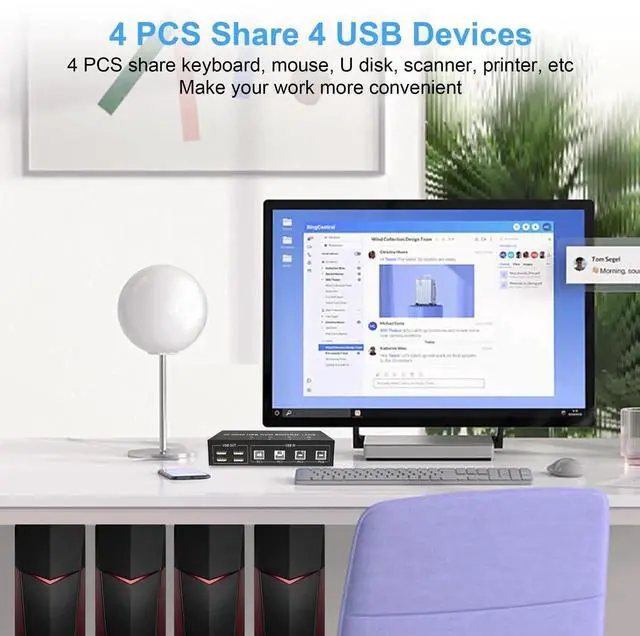
- 1. 4 computers share one set of keyboard, mouse and 2 monitors, and other USB devices.
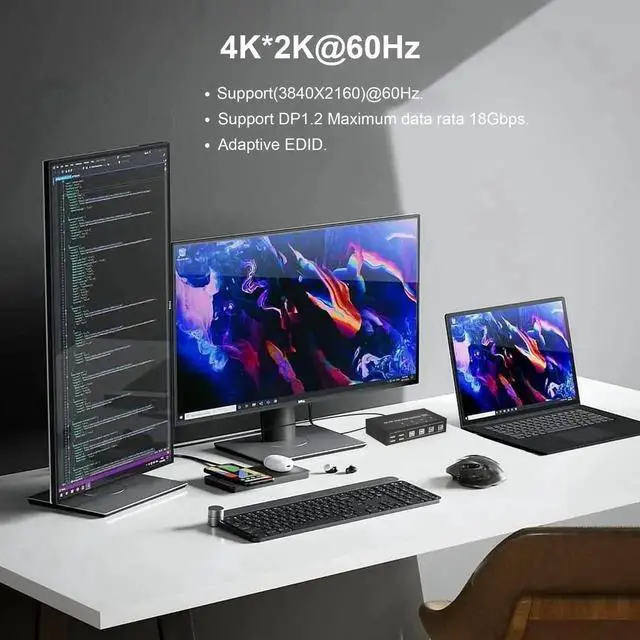
- 2. This dual monitor DisplayPort KVM switch supports up to 4K@60Hz. It offers an ultra-high definition visual experience.
- 3. Supports DP1.2 with a transfer rate of 18Gbps.
- 4. Dual monitors output support extended and mirrored display.
- 5. Compatibility with all computers and other devices with DP ports.
- 6. Adaptive EDID can adapt to a variety of complex application environments.
- 7. Compatible with Windows 10/7/2000/XP/Vista, Linux, UNIX, Ubuntu, Fedora, and other systems.
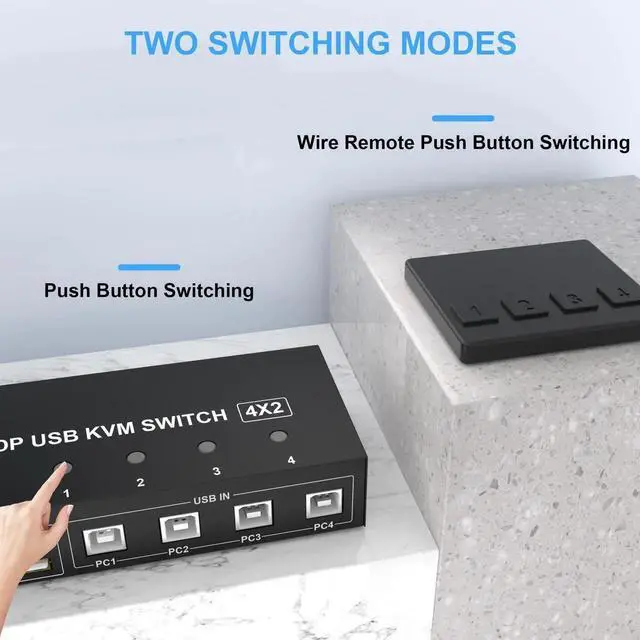
- 8. Switching modes: Button switch and wired remote.
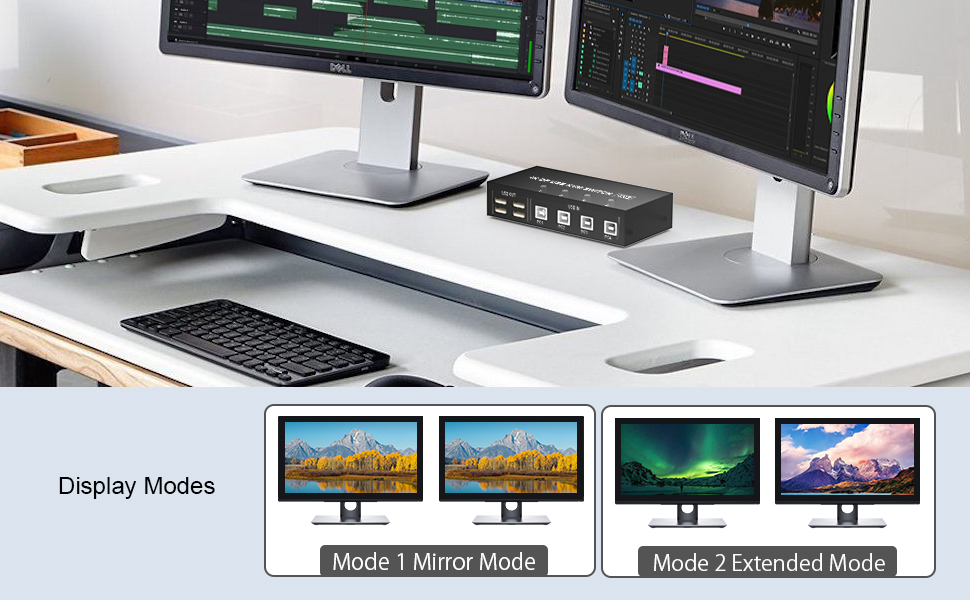 This dual monitor KVM Switch Supports Two Mode Switching (Mirror Mode or Extended Mode)
- 1. Extended mode can output two different screens and mirror mode can output two identical screens.
- 2. The requirement for this KVM to achieve a dual-screen display is that each PC you connect to has the capability to support a dual or multi-screen display. This has nothing to do with KVM. Detection method: You can connect the computer to 2 monitors directly (not via KVM). If both monitors have an on-screen display, the computer supports a multi-monitor display.
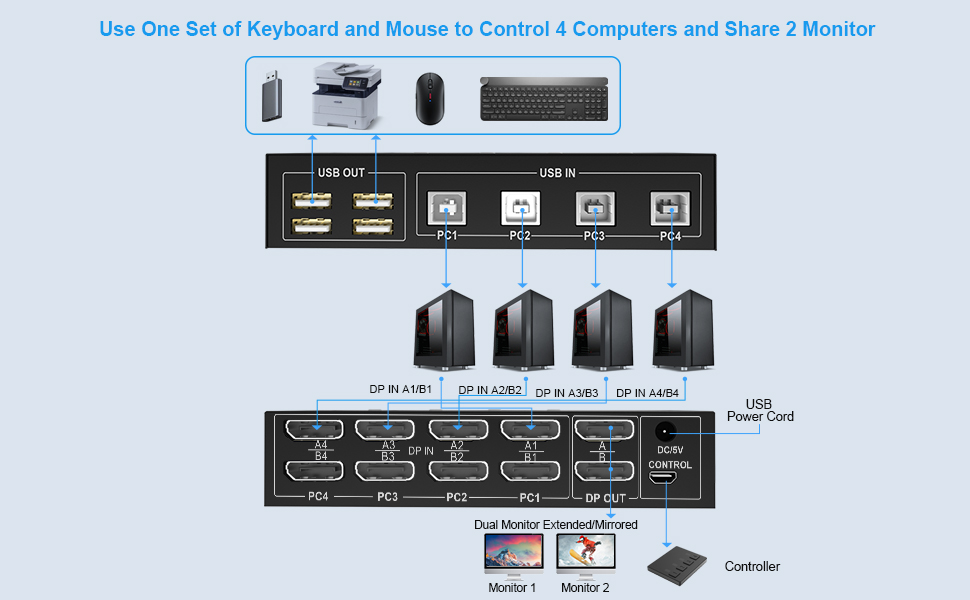 Connection steps:
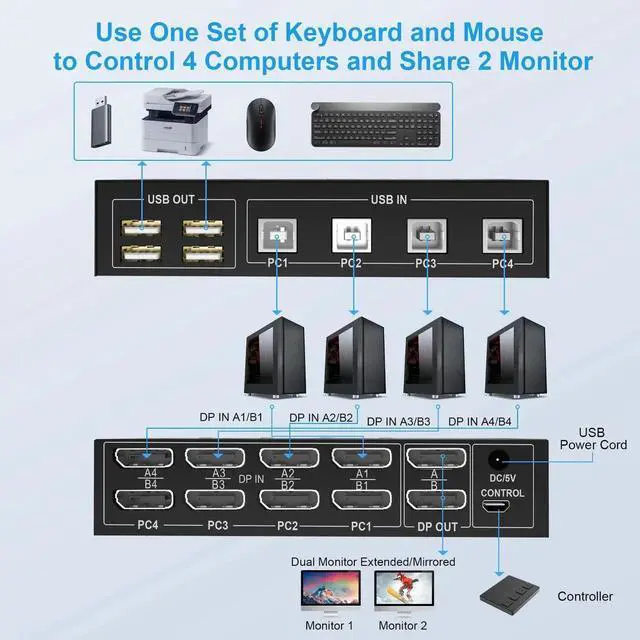
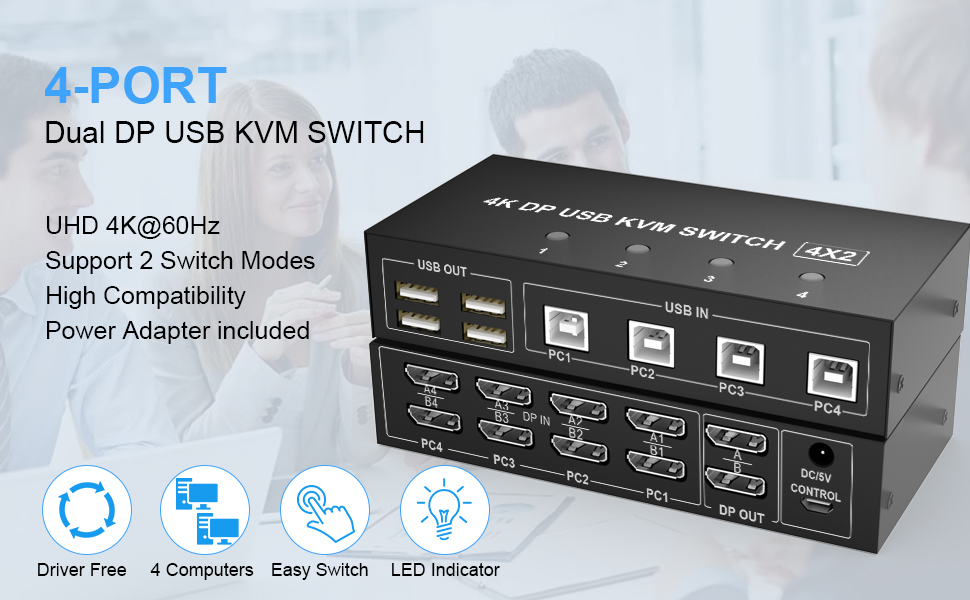
- Step 1. Connect the power adapter into the "DC/5V" to the Dual Monitor DP KVM Switch, and the KVM to ensure power supply.
- Connect 2*DP cables+1*USB-B cable between computer 1 and KVM (PC1, DP IN A1, DP IN B1).
- Step 2. Connect 2*DP cables+1*USB-B cable between computer 2 and KVM (PC2, DP IN A2, DP IN B2).
- Step 3. Connect 2*DP cables+1*USB-B cable between computer 3 and KVM (PC3, DP IN A3, DP IN B3).
- Step 4. Connect 2*DP cables+1*USB-B cable between computer 4 and KVM (PC4, DP IN A4, DP IN B4).
- Step 5. Connect 2*DP cables between the KVM (DP OUT A, DP OUT B) and the monitors.
- Step 6. Connect the keyboard, mouse, and USB devices to the USB 2.0 ports on the KVM.
- Step 7. Insert the desktop controller into the "PC1, PC2, PC3,PC4" port to remotely switch between PC1, PC2, PC3, and PC4. Or press the switch button (1, 2, 3, 4)on the KVM to switch.
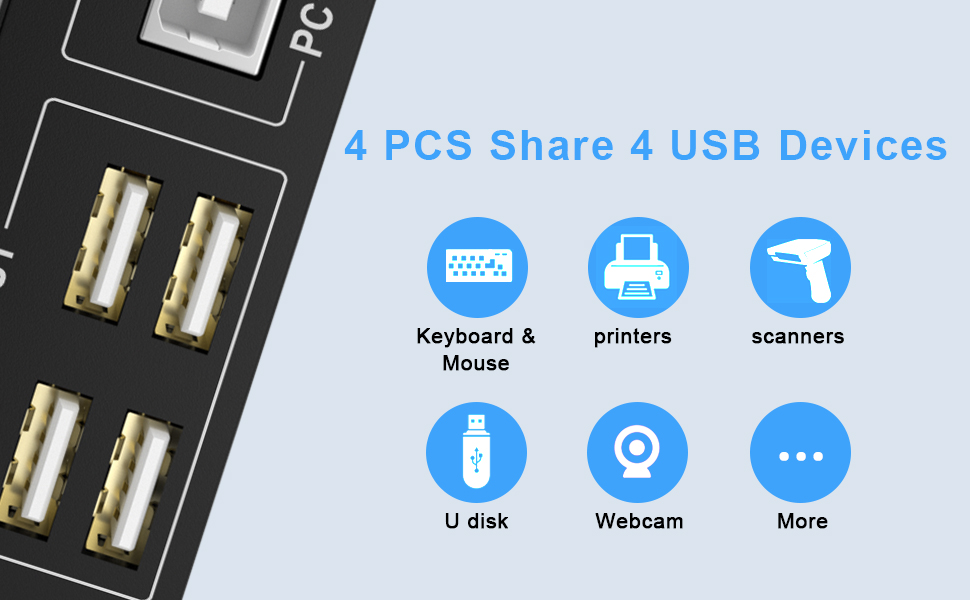 With 4 USB2.0 ports
Share USB2.0 devices such as scanners, printers, flash drives, etc.
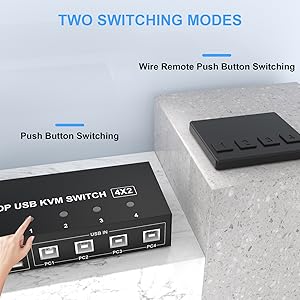
Two Switching Methods
- Quickly switch between the 4 computers with just one click of the switch button and no extra operations.
- A button-controlled switch extension cord is presented, so you dont have to get up and switch easily when you use it.
- Do not support keyboard switches, avoid hotkey conflicts.
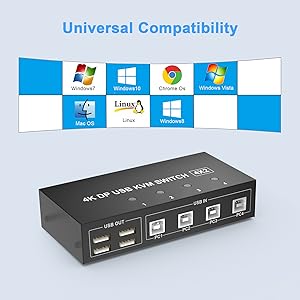
Universal CompatibilityCross support most major OS including
Windows, Linux, Mac, and more.
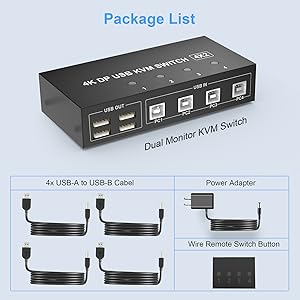
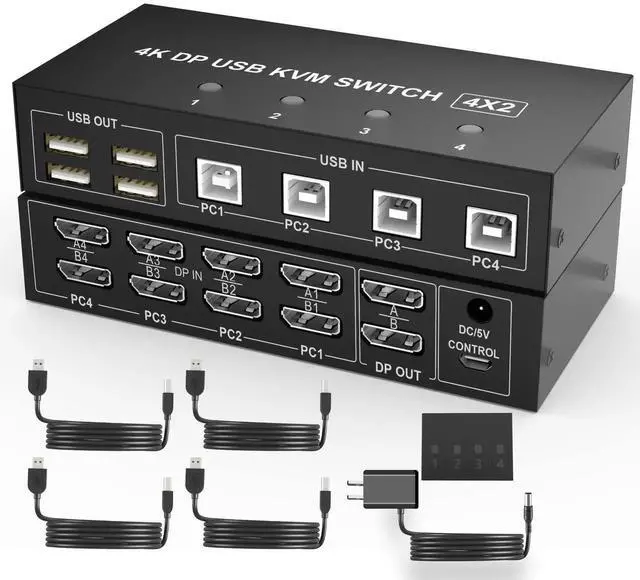
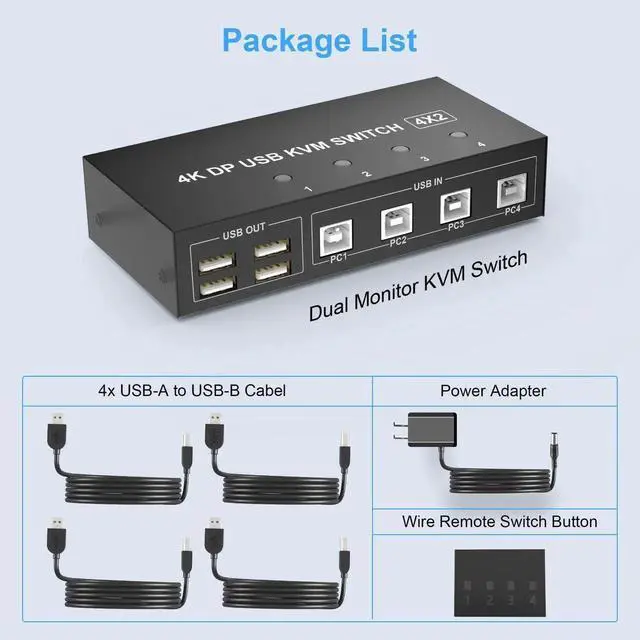
What's in the box(1)4 port USB DP KVM Switch Dual Monitor
(2) 4x USB A-USB B Cables
(3) 1x Switch Button extension cord
(4) 1x Power Adapter
(5)1x Manual
4 Port 4K@60Hz Dual Monitor DisplayPort KVM Switch (DP+ DP+DP+DP)
* This DisplayPort KVM Switch 4-Port, you can easily control 4 signal sources at the same time, share the same keyboard and mouse, and share 2 monitors. You can toggle and control any input device at any time with a button switch.
Feature:
1. This dual monitor switch used in 4 computers share one set of keyboard, mouse and 2 monitors, and other USB devices.
2. This dual monitor DisplayPort KVM switch supports up to 4K@60Hz. It offers an ultra-high definition visual experience.
3. Supports DP1.2 with a transfer rate of 18Gbps.
4. Dual monitors output support extended and mirrored display.
5. Compatibility with all computers and other devices with DP ports.
6. Adaptive EDID can adapt to a variety of complex application environments.
7. Compatible with Windows 10/7/2000/XP/Vista, Linux, UNIX, Ubuntu, Fedora, and other systems.
8.Switching modes: Button switch and wired remote.
This dual monitor KVM Switch Supports Two Mode Switching (Mirror Mode or Extended Mode)
1. Extended mode can output two different screens and mirror mode can output two identical screens.
2.The requirement for this KVM to achieve a dual-screen display is that each PC you connect to has the capability to support a dual or multi-screen display. This has nothing to do with KVM. Detection method: You can connect the computer to 2 monitors directly (not via KVM). If both monitors have an on-screen display, the computer supports a multi-monitor display.
Product information| Operation Mode | Automatically |
| Contact Type | Normally Open |
| Connector Type | Usb |
| Brand | Arkidyn Plus |
| Terminal | Quick-connect |
| Circuit Type | 4-way |
| Mounting Type | Panel Mount |
| Actuator Type | Push Button |
| Contact Material | Stainless Steel |
| International Protection Rating | IP54 |
| Package Dimensions | 9.17 x 6.73 x 2.28 inches; 1.92 Pounds |
| Item model number | DP402A-B-H |
| Date First Available | August 23, 2022 |
| Manufacturer | Arkidyn Plus |
Additional Features- [Support 2 Mode Switching]1. Buttons switching, just need one click switch to the designated computer2.Wired remote switch (included in the package). LED indicates the active computer. The package comes with an external power adapter, don't need to worry about the low power.
- [Important notes]Only when your computer supports dual display or multi-display, you can use this product to achieve 4 computers to share two monitors, extended mode or copy mode. If your computer only supports a single display, then this product cannot help you get a dual display function. Package includes 1 x 4 port Dual Monitor KVM Switch, 1 x Power adapter, 1 x Wired Remote Switch, 4 x USB Type-A to B cable, and 1 x User Manual. We offer a 2-year warranty.