
Your Browsing History




Any questions? Our AI beta will help you find out quickly.
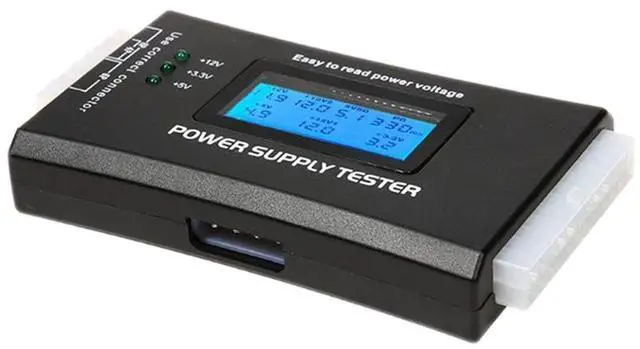
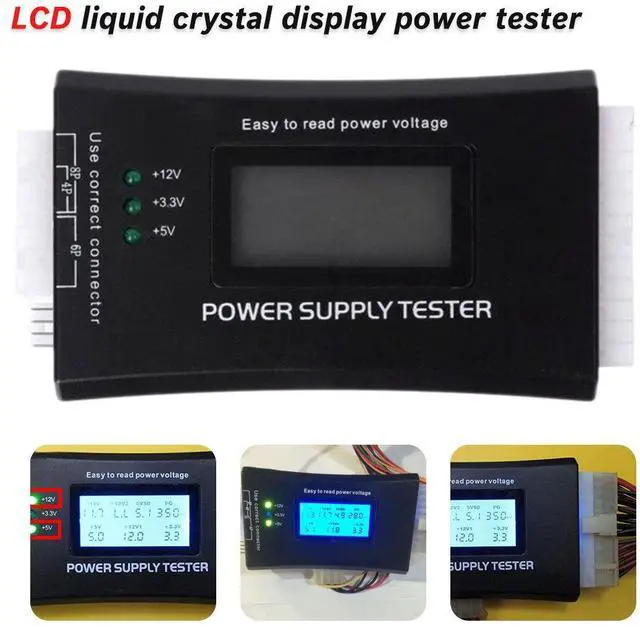
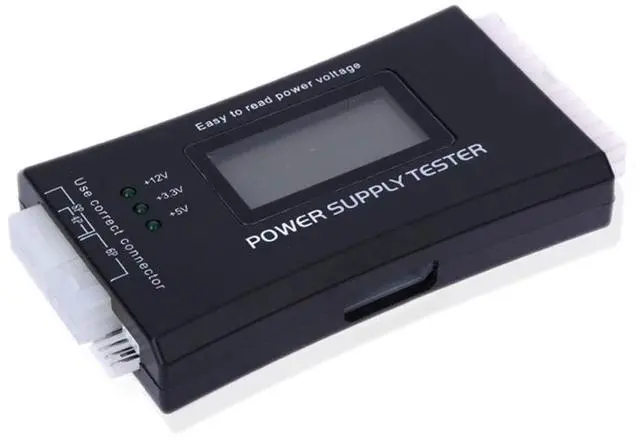
It can also measure the output cables P4/P6/P8/SATA/IDE. The external DIE/SATA/P6/P8 uses light display, while there is no LCD display voltage. Only when connected to a 24-pin or 20-pin connector will there be LCD display voltage.
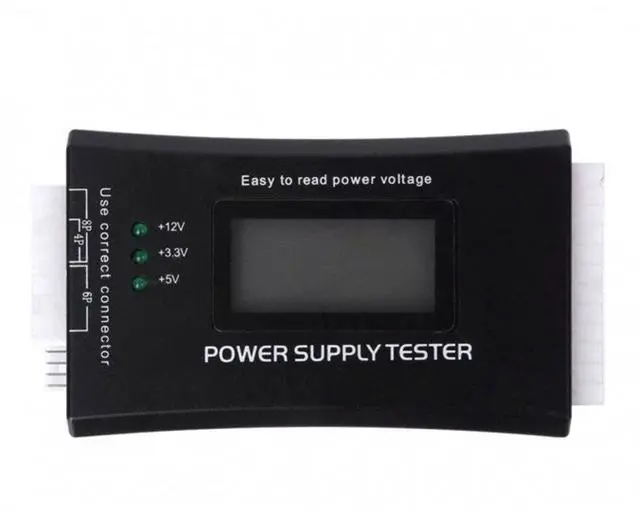
The compact and practical power supply tester now offers an increasing number of power output groups. If any one of these groups malfunctions, the hardware of the computer system may malfunction or even be damaged. To measure the stability of the power supply's output voltage, players usually use a multimeter. However, it is still a bit troublesome for ordinary users. We have developed a portable computer power supply tester for the power supply sales market, where there is no way to determine the quality of the power supply. It features an LCD that displays the voltage (+/-0.01V) in a clear and precise manner, automatic fault alarm, complete test interfaces, a compact and attractive design, and multiple testing functions. It is a quick way to test the PC power supply. It is your most reliable helper. The number of output groups is increasing. If any one of them malfunctions, the hardware of the computer system may malfunction or even be damaged. Measuring whether the power supply's output voltage is stable usually requires the use of a multimeter, but it is still a bit troublesome for ordinary users. This power supply tester can simply and intuitively know whether the output of each group of the power supply is normal by connecting the ATX connector of the power supply. The PowerStar power supply tester is a powerful power supply testing device that can detect ATX, BTX, ITX, and TFX computer power supplies, and can display the voltages of each group and the PG value in liquid crystal form. It quickly tests the computer power supply and is convenient for the instrument.
Supports 20Pin and 24Pin ATX power supply
Supports SATA power supply
Supports 4Pin and 8Pin interfaces for P4
Supports 6Pin power interface for PCI-E graphics card
Supports molex/Xeco power interface
Supports floppy drive power interface
Supports standard 4Pin power interface and SATA interface
Test voltages include +3.3V, -12V, +5VSB, +12V1, +12V2, +5V
Material: Aluminum
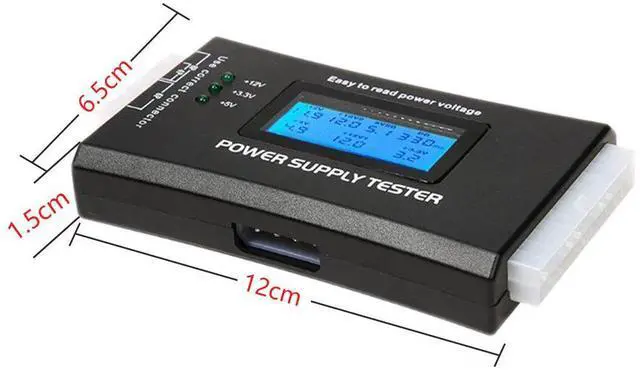
Size: 89x63.7x17.5mm
Features: Automatic PG alarm, LCD display of each voltage situation
Operation method:
A. Insert the 20-pin or 24-pin power connector and the P4, P6 or P8 plugs into the corresponding positions of the power tester. (If the 20-pin or 24-pin tester triggers an alarm and displays "LL", then you need to insert the 4-pin plug. Please make sure to insert the 4-pin plug into the 4-pin position!)
B. Turn on the power supply. At the same time, there will be two "beep" sounds indicating the power-up. If none of the values in each group are flashing, it indicates that the power supply is operating normally.
C. If the voltage signal of a certain circuit is not detected (such as 20PIN or 24PIN connectors) or the detected voltage exceeds the normal range, the buzzer will continuously emit a "beep beep" warning sound, and the corresponding voltage or PG value display status will be in a flashing state. This indicates that this power supply is a faulty power supply!
Specification:
Voltage Input: 20/40PIN (ATX power supply)
Voltage Detection: +12V -12V +5V -5V +3.3V 5VSB 12VPG
Connection Ports: Floppy HDD COROM SATA 4pin (P4) 8pin (Dual-CPU) 6pin (PCI-E)
Note: Some customers have reported that when the +3.3V indicator light of the tester with SATA interface is plugged in, it does not light up. This is because the SATA interfaces of power supplies on the market now come in 4-wire and 5-wire versions! First, you need to confirm whether your power SATA interface is 4-wire or 5-wire. If it is 4-wire, there will be no +3.3V output; only the 5-wire version has +3.3V output.
Special reminder: Do not hot-plug during use! This is a basic rule, please remember it!
Any issues with the voltage of the power supply or the PG system will trigger an alarm and display the voltage value. This solves the problem of some groups of voltages being too low and unable to be tested with the first-generation tester! It is extremely convenient and is an invaluable testing tool for power sales personnel and merchants!