• $30.99
  • Free 30-day Returns
  • Ships from China.
    Price alert
    Shop it at NeweggBusiness.

    Meet Your Seller

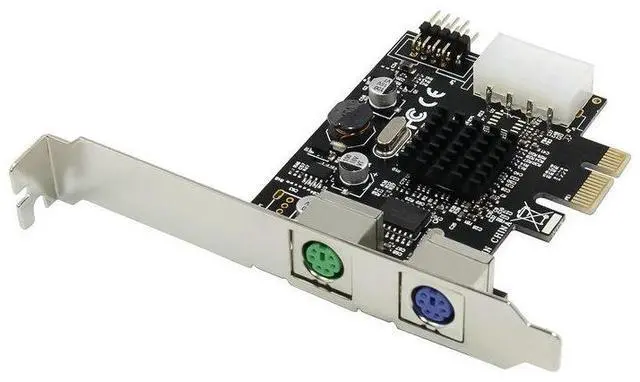
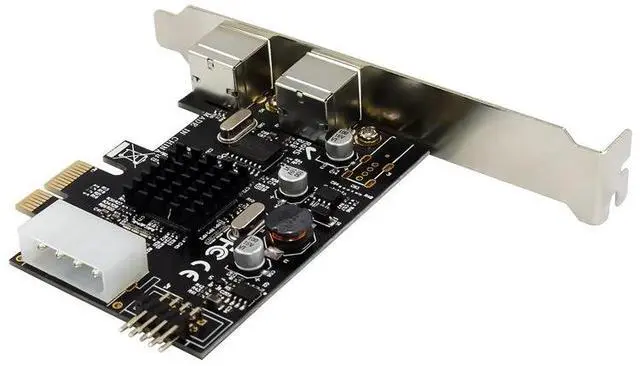
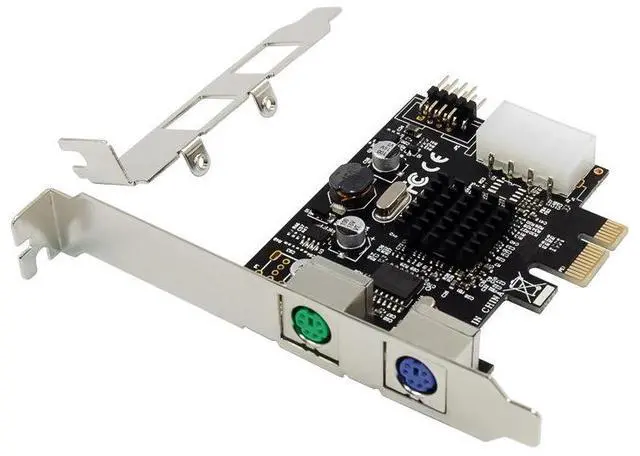
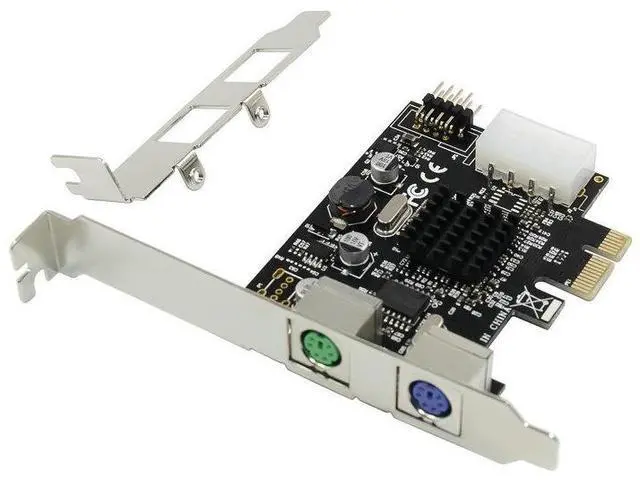
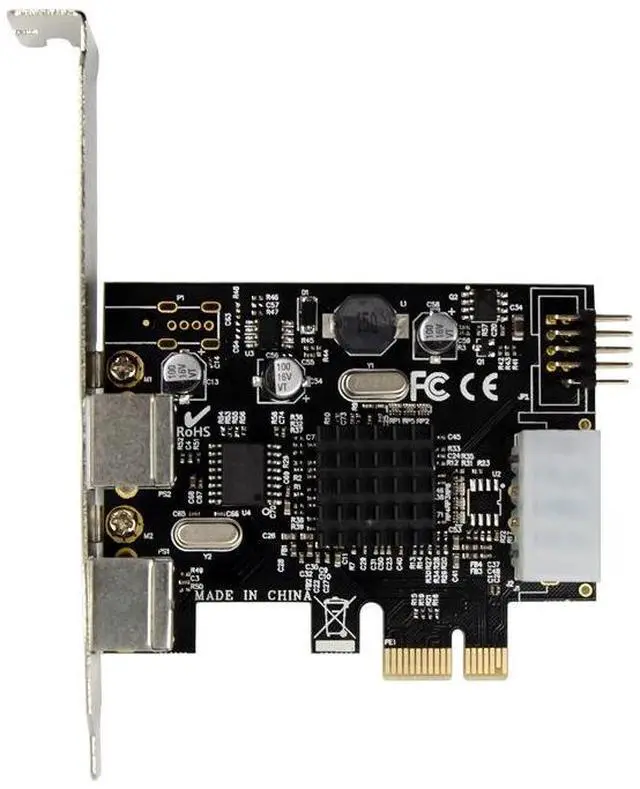
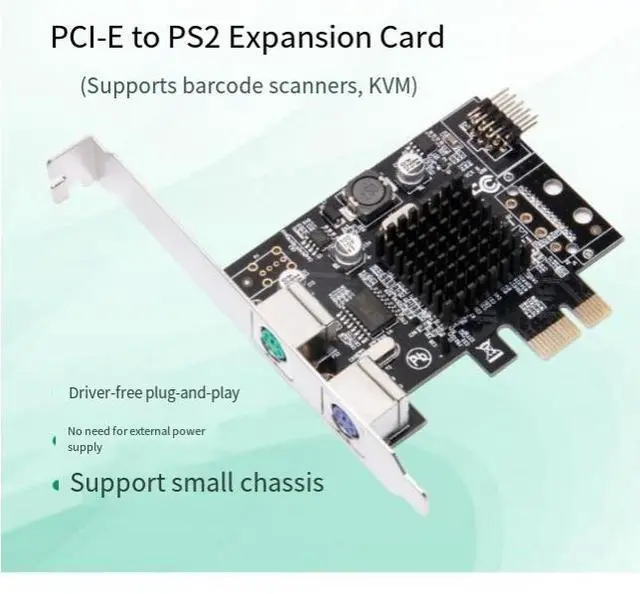
    PCI-E to PS/2 Adapter Card, PCIe PS/2 Round Port Keyboard Mouse Expansion Card, Plug & Play No Driver Required, MCS9990

    • PCIe to PS/2 Adapter: Add legacy PS/2 ports to modern motherboards support old round-port keyboards, mice, scanners.
    • Genuine MCS9990 Chipset: High compatibility, excellent driver support, stable performance.
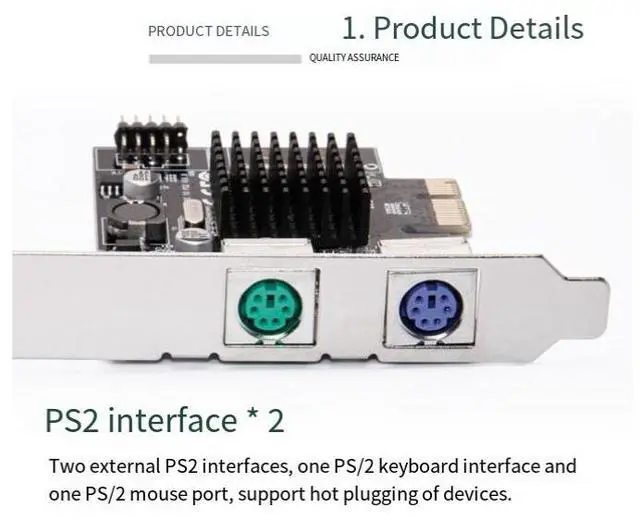
    • Dual PS/2 Ports: Green (mouse) and purple (keyboard) standard PS/2 ports connect both keyboard and mouse.
    • Plug & Play No Driver Required: Auto-detected by system ready to use instantly.
    • Wide OS Support: Windows, Linux compatible with desktop PC, industrial motherboard, server.
    +
    +
    Overview
    Specs
    Reviews
    avatar

    Any questions? Our AI beta will help you find out quickly.

    1. PCI-E to PS/2 conversion, addressing the issue of missing interfaces
    2. Modern motherboards (Intel 100 series and later, AMD AM4, etc.) have gradually phased out the PS/2 interface.
    3. This adapter card enables you to continue using PS/2 interface devices on the new motherboard.
    4. Save costs and avoid redundant investments
    5. 2. Original MCS9990 chip, stable and reliable
    6. Chip characteristics Explanation
    7. Chip model MCS9990 (original)
    8. Compatibility Compatible with mainstream operating systems, with complete drivers
    9. Stability Industrial-grade design, no packet loss during long-term operation
    10. Power consumption Low power consumption design, no need for external power supply
    11. 3. Dual PS/2 interfaces, dual-purpose for keyboards and mice
    12. Green interface: PS/2 mouse interface
    13. Purple interface: PS/2 keyboard interface
    14. Support simultaneous connection of keyboard and mouse without any interference.
    15. It is also compatible with PS/2 interface scanning guns, card readers, industrial control equipment, etc.
    16. 4. Plug-and-play, ready-to-use
    17. No need to install any drivers
    18. Insert the PCI-E slot and you can use it immediately after powering on.
    19. The system automatically identifies it as a standard PS/2 device.

    Warranty & Returns

    Warranty, Returns, And Additional Information

    Warranty

    • Please contact the Seller directly for warranty information. Warranty information may also be found on the Manufacturer's website.
    • CONTACT

    Return Policies

    Manufacturer Contact Info

    LOADING...