
Your Browsing History

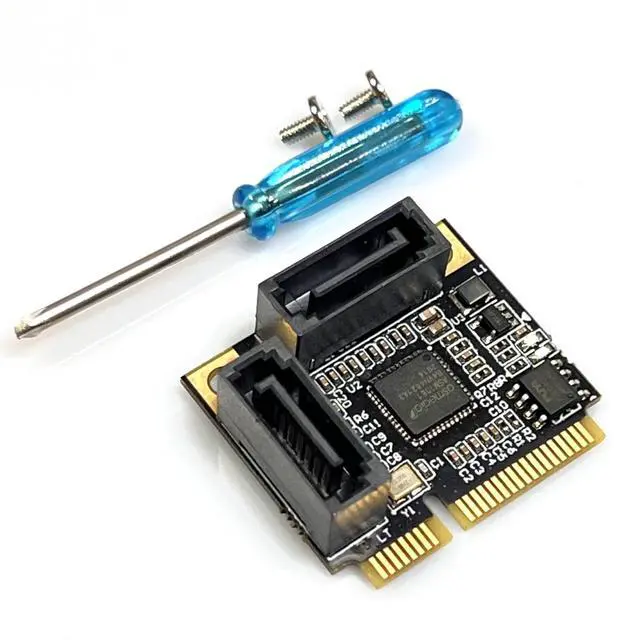
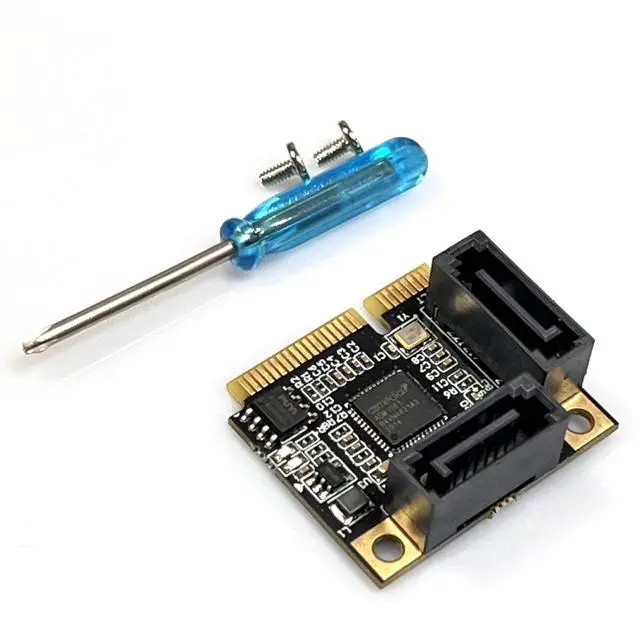
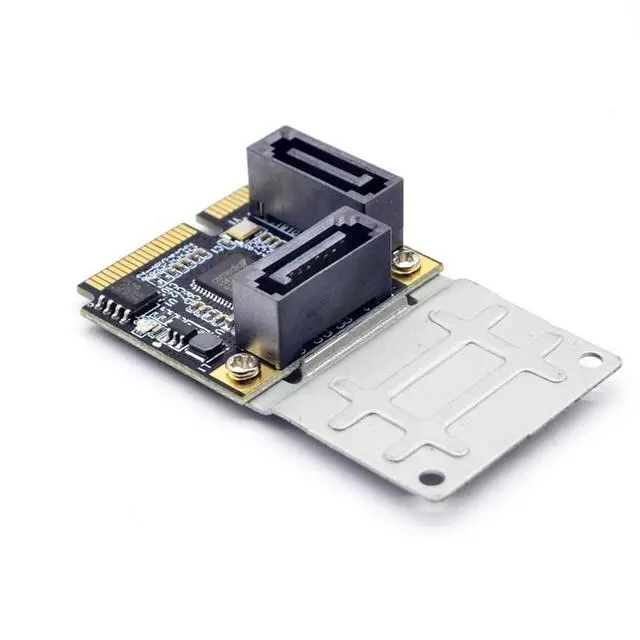
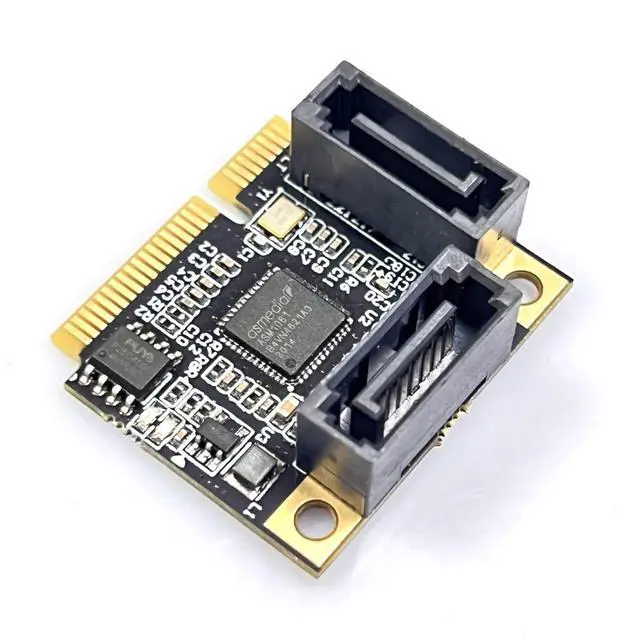



Any questions? Our AI beta will help you find out quickly.
Important Notice: The speed is influenced by multiple factors: computer configuration, slot bandwidth, hard drive itself, platform environment, and the speed testing software. This store guarantees no specific speed can be achieved during actual use for all the expansion cards. If you want so-called high speed, simply replace the motherboard.
1. To achieve the best performance, use a SATA 3.0 data cable.
2. For PCI-E, a slot with version V2.0 (GEN2) or above is required. If it is V1.0 (GEN1), the speed will be between 140M - 200M. For PCI-E, whether it is X1 or X16, as long as it is version V2.0, it can be directly inserted into the X16 slot. If there is an available X16 slot, just insert the X16 slot.
For motherboards below H81, only the 16X is GEN2, while the 1X is GEN1. For high-speed performance, please insert it into the X16 graphics card slot.
3. BIOS settings for the motherboard: The SATA mode should be changed to AHCI. Some motherboards, although their PCIE is version V2.0, the BIOS default does not enable the high-speed transmission mode (i.e., (gen2 high speed mode)), so it needs to be manually enabled.
Caution: Due to the shielding of the BIOS interface of Lenovo and Dell computers for third-party array cards, it may cause unpredictable compatibility issues. Please be cautious when placing orders for array cards if you are a user of Lenovo or Dell computers. Thank you for your cooperation!