
Your Browsing History




Any questions? Our AI beta will help you find out quickly.
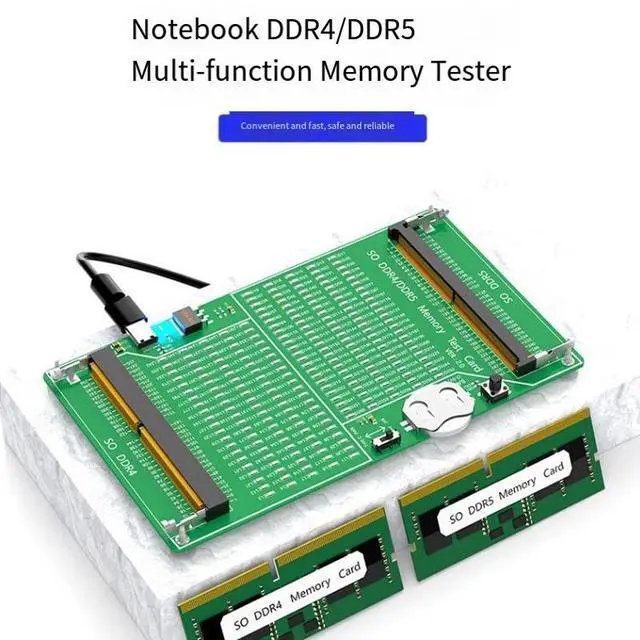
Notebook DDR4/DDR5 Memory Testing Steps
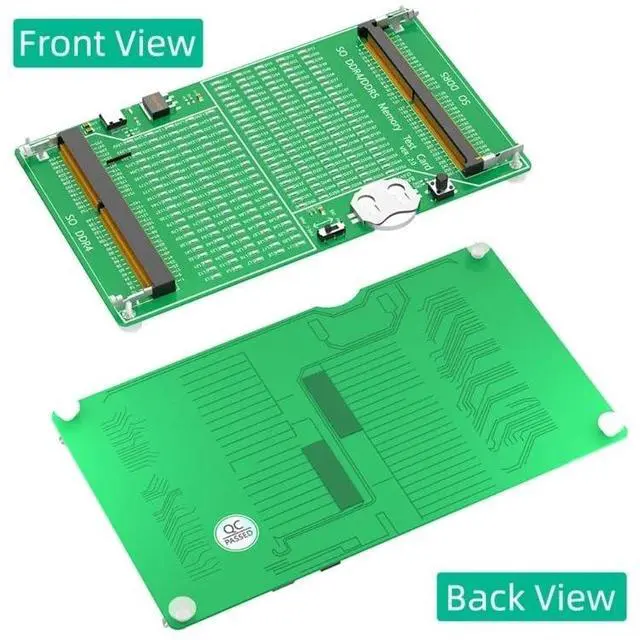
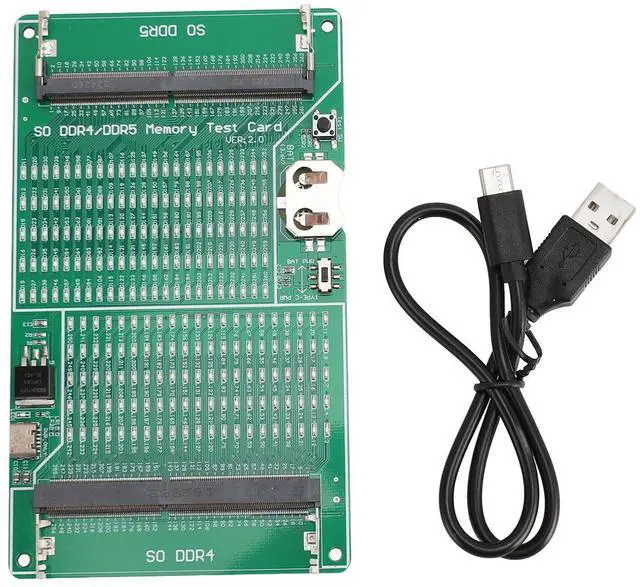
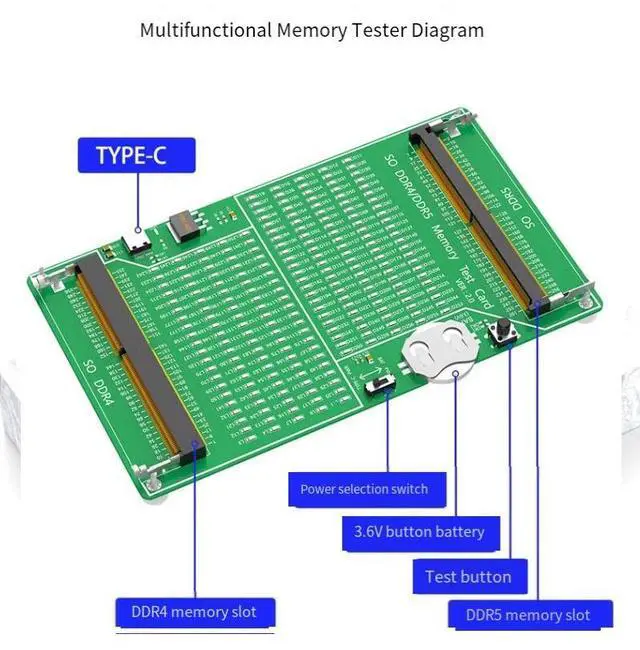
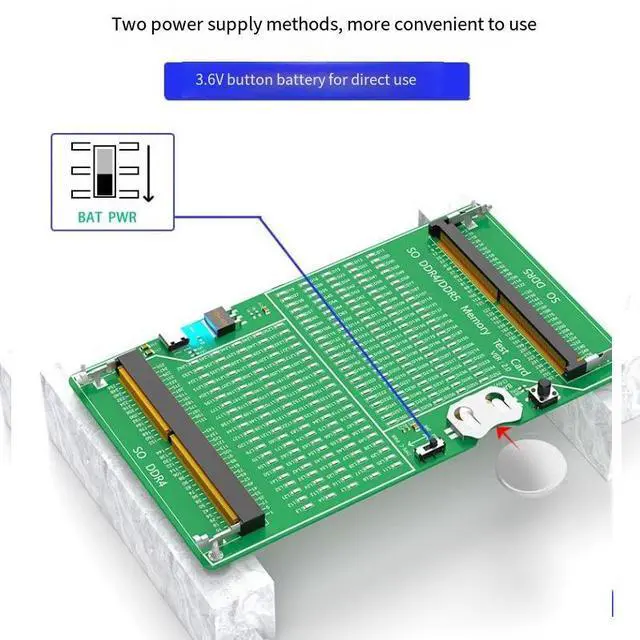
1. Take out the CR2032 button battery from the shipping accessory package and install it horizontally into the battery slot on the test card. Make sure the side with the printed pattern is facing upwards (it must not be installed upside down).
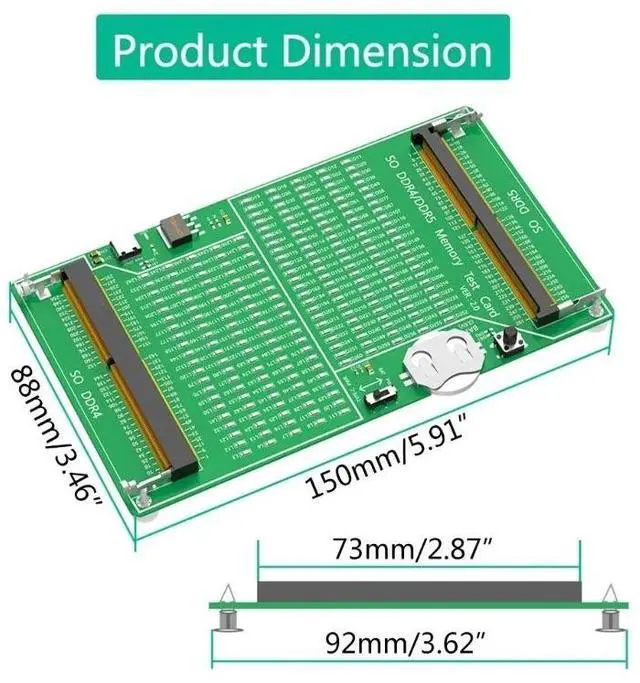
2. According to the specification and model of the memory module (the U-shaped notch in the middle of the DDR4/DDR5 pins is different), insert the memory module at a 45-degree angle into the black slot. Insert it all the way in and press it down to make the silver metal tabs of the memory module catch the slot.
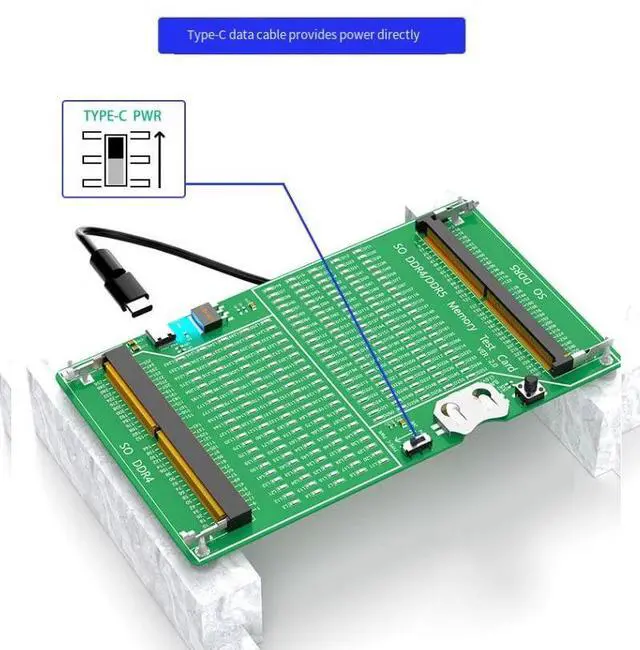
3. Select the voltage switch position. One side is powered by the CR2032 button battery, and the other side is powered by an external TYPE-C port (a TYPE-C data cable needs to be connected).
4. Then press the black button on the test card (Test SW). If the memory module is a good product, all the LEDs on the test card will light up. If the memory module is a defective product, the corresponding LED will not light up. According to the number on the unlit LED, you can find the defective position of the memory module pins.
5. When the test is completed, release the black button. At the same time, use both hands to gently pull apart the silver metal tabs of the memory slot outward and pull out the memory module at a 45-degree angle.