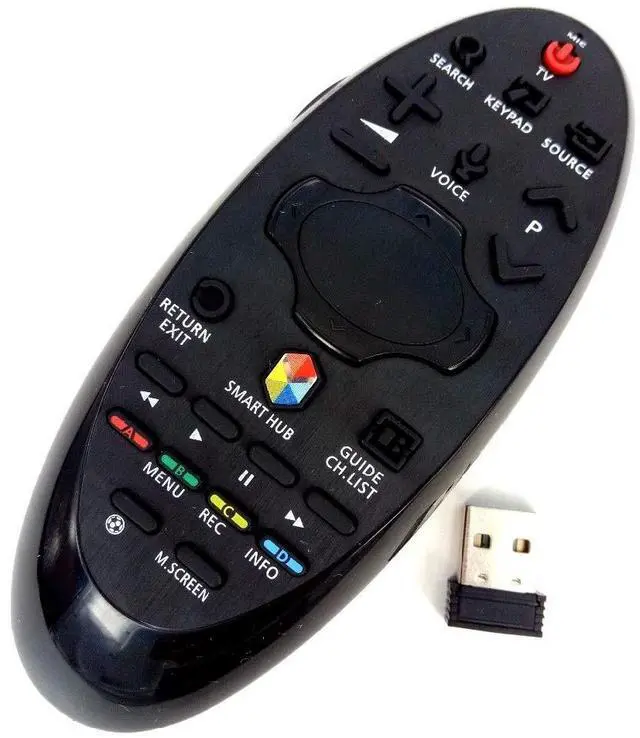
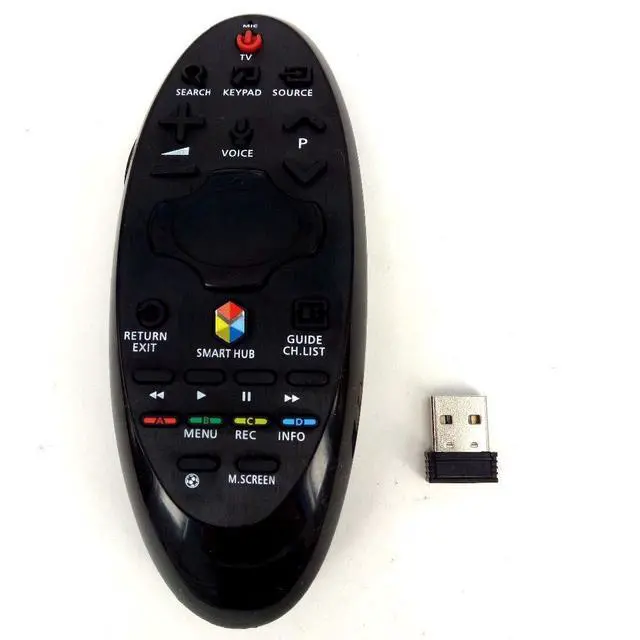
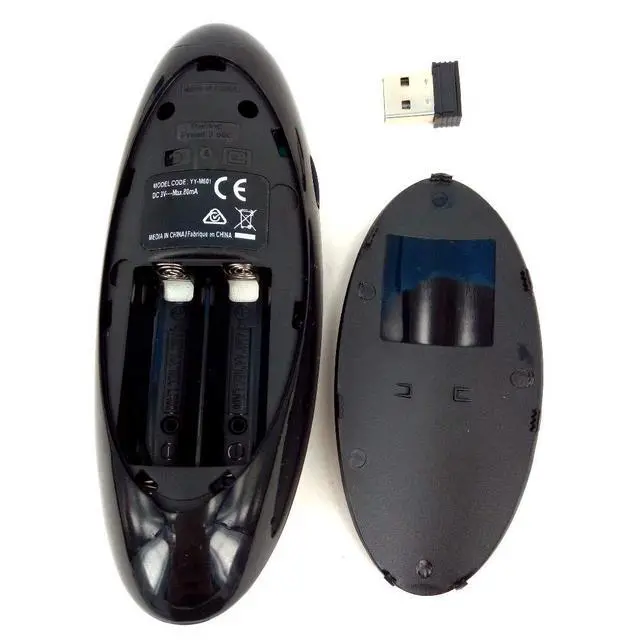
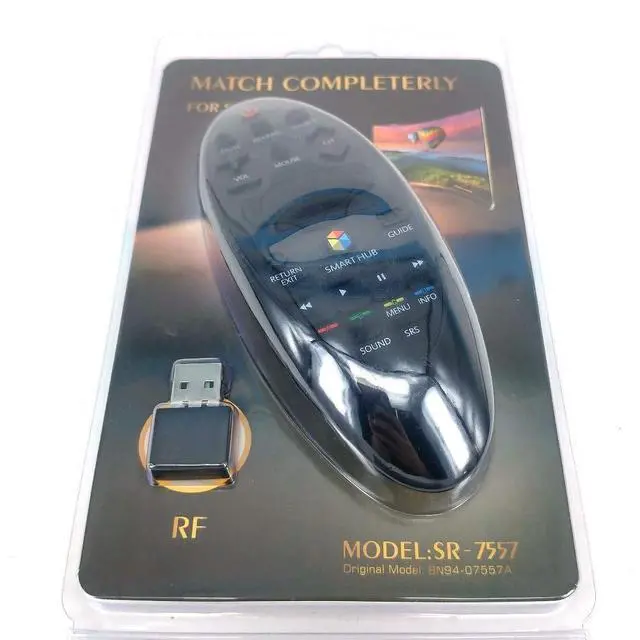
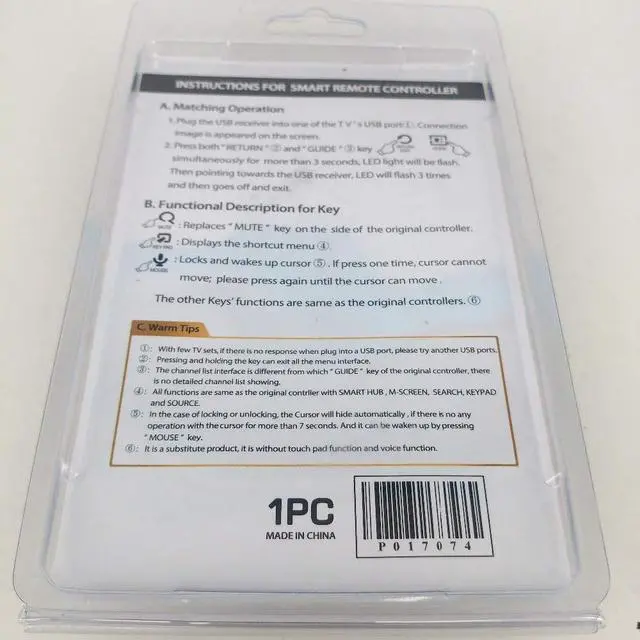
INSTRUCTIONS FOR SMART REMOTE CONTROLLERA Matching Operation1. Plug the USB receiver into one of the Tv's USB port D, Connectionimage apeares on the screen. 2 Press both"RETURN" and"GUIDE' KEYsimultaneously for more than 3 seconds, LED light will flashThen pointing towards the USB receiver, LED will flash 3 times and then go off and exit. B Functional
Description for KeyMUTE: Replaces"MUTE"key on the side of the original controller.
KEY PAD: Displays
the shortcut menuMOUSE: Locks and wakes up cursor, If press one time, cursor
cannotmove: please press again until the cursor can moveThe other Keys functions are same as the original controllersC
Warm Tips1: With few TV sets, there is no response when plug into a USB port, please try another USB ports. 2. Pressing and holding the key can exit all the menu interface3: The channel list interface is different from which"GUIDE"key of the original controller, there is no detailed channel list showing.
4: All functions are same as the original controller with SMART HUB, M-SCREEN, SEARCH, KEYPAD and SOURCE.
5: In the case of locking or unlocking, the Cursor will hide automatically, if there is no any operation with the cursor for more than 7 seconds. And it can be waken up by pressing"MOUSE" key.
6: It is a substitute product, it is without touch pad function and voice function.