Your Browsing History
Meet Your Seller
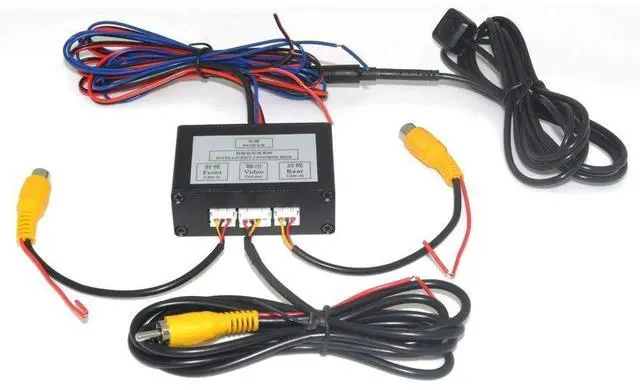
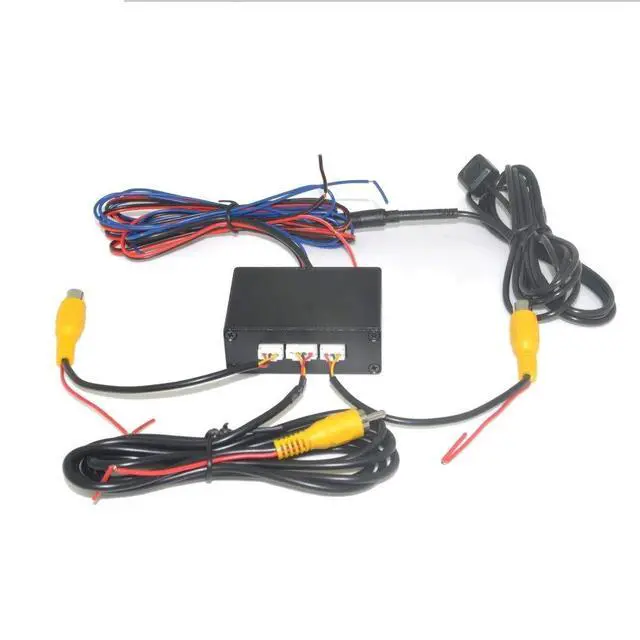
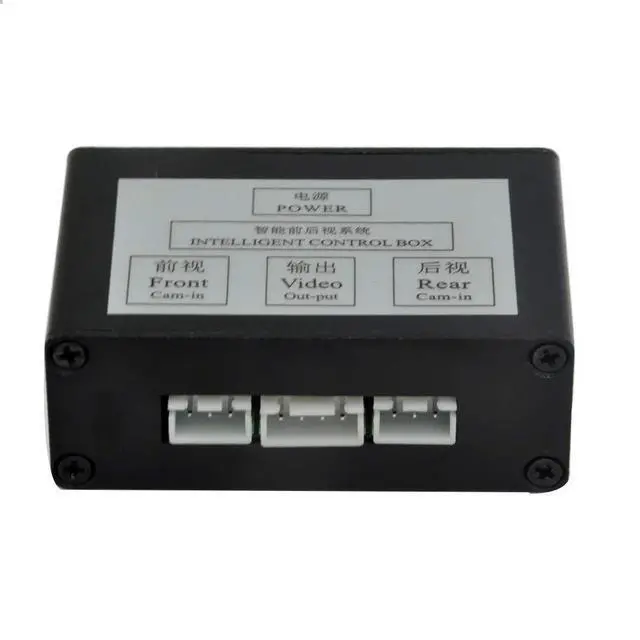
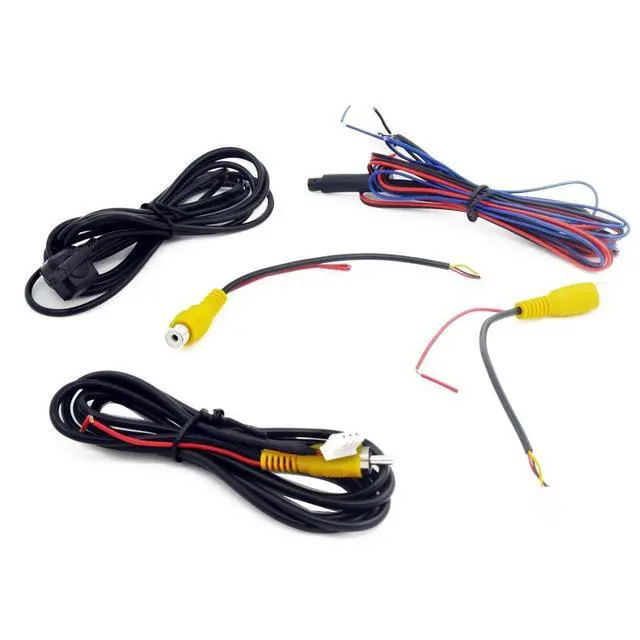
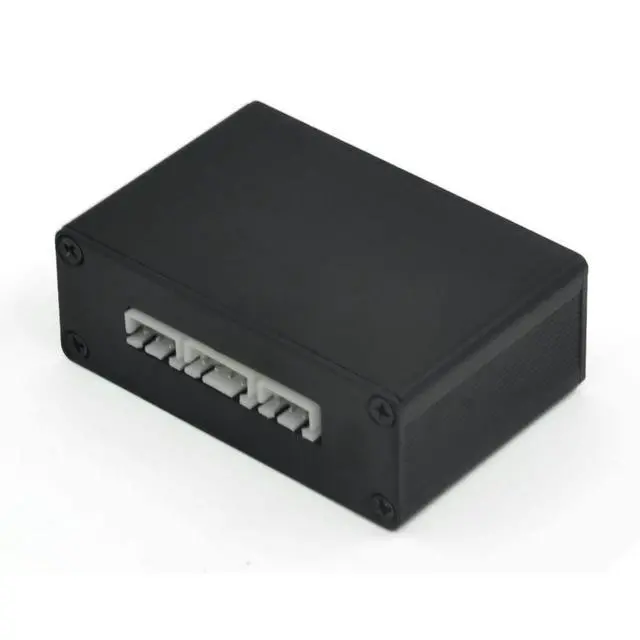
Auto Wayfeng WF Car 2 Cameras Switch Control Box 2 Way Channel for Front/Rear/Right/Left View Parking Camera System Video Control to LCD/DVD/DVR...
- Can support 2 car cameras
- Switch the video channel via the control button
- Before connecting, please be sure the two cameras are the same system.Either both are NTSC, or both are PAL.If one is NTSC and another one is PAL, the system will not work.
+
+
Overview
Specs
Reviews
Any questions? Our AI beta will help you find out quickly.
Try me now
Car parking camera video channel converterThanks for purchasing our product.
Functions: 1.
Automatic front view: When the engine is started, the system activates the monitoring machine and the front camera to check the front view for 8 seconds - then turn it off. 2.
Automatic rear view: When you pull away in reverse, the system is activated by the monitor as is the rear view camera. It then switches to the front view of the video camera in 15 seconds, then stops. 3. The front view always activates the mode: -Push the control switch to enter the front mode. -In this mode, the system will monitor and activate the front of the camera at all times. -Exit the mode by pressing the control switch again.
-Working priority: rear
view > front viewOptions:
Power:
max: 50ma, 12v.
System signal: PAL / NTSC (Both cameras need to be the same system.
)Operating temperature: -
20-80Description: Front
view camera: presented by the remote control system.
Rear view camera: submitted by the control system or can be activated by being in reverse.

Functions: 1.
Automatic front view: When the engine is started, the system activates the monitoring machine and the front camera to check the front view for 8 seconds - then turn it off. 2.
Automatic rear view: When you pull away in reverse, the system is activated by the monitor as is the rear view camera. It then switches to the front view of the video camera in 15 seconds, then stops. 3. The front view always activates the mode: -Push the control switch to enter the front mode. -In this mode, the system will monitor and activate the front of the camera at all times. -Exit the mode by pressing the control switch again.
-Working priority: rear
view > front viewOptions:
Power:
max: 50ma, 12v.
System signal: PAL / NTSC (Both cameras need to be the same system.
)Operating temperature: -
20-80Description: Front
view camera: presented by the remote control system.
Rear view camera: submitted by the control system or can be activated by being in reverse.
Warranty & Returns
Warranty, Returns, And Additional Information
Warranty
- Please contact the Seller directly for warranty information. Warranty information may also be found on the Manufacturer's website.
- CONTACT
Return Policies
- Return for refund within: 30 days
- Return for replacement within: 30 days
- This item is covered by HyperCore Return Policy
Manufacturer Contact Info
- For a directory of all our manufacturers, please click below.
- Manufacturers Directory
LOADING...