Your Browsing History
Meet Your Seller
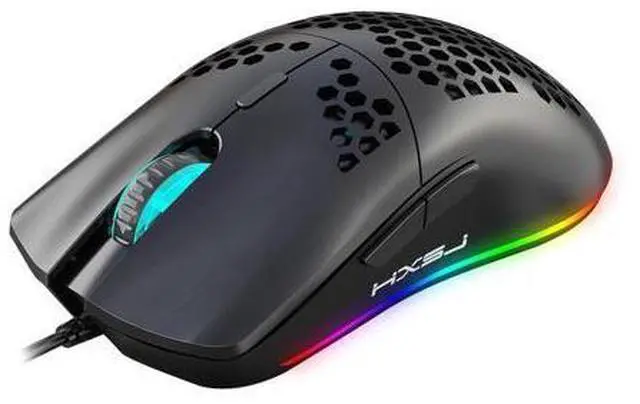
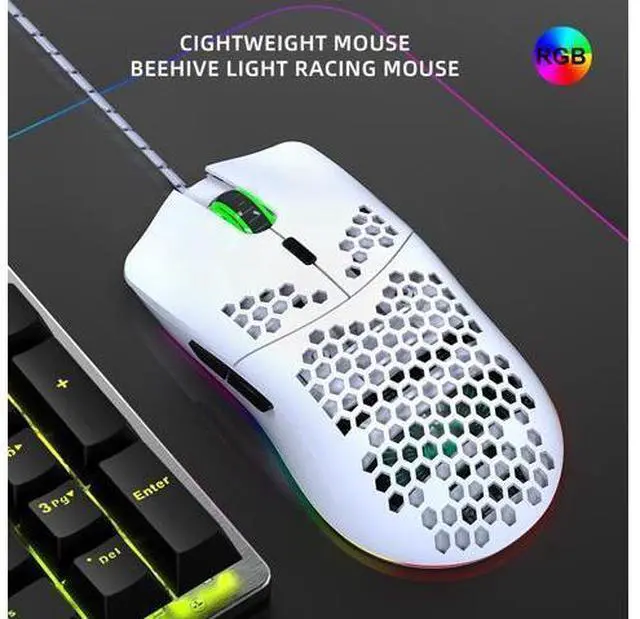
Lightweight gaming mouse, hollowed-out gaming computer, wired and illuminated mouse suitable for laptops and desktops T66W black rechargeable wireless
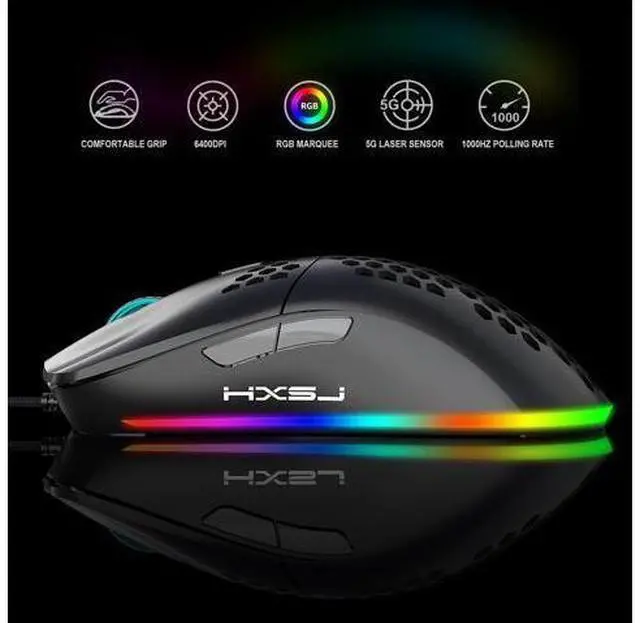
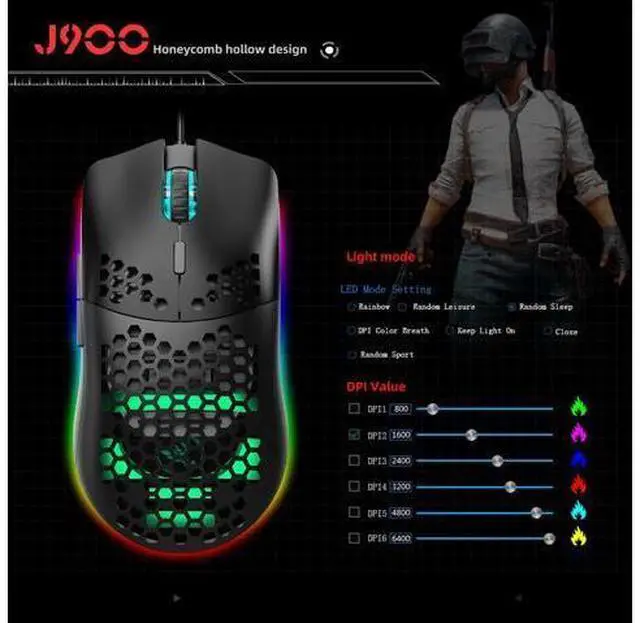
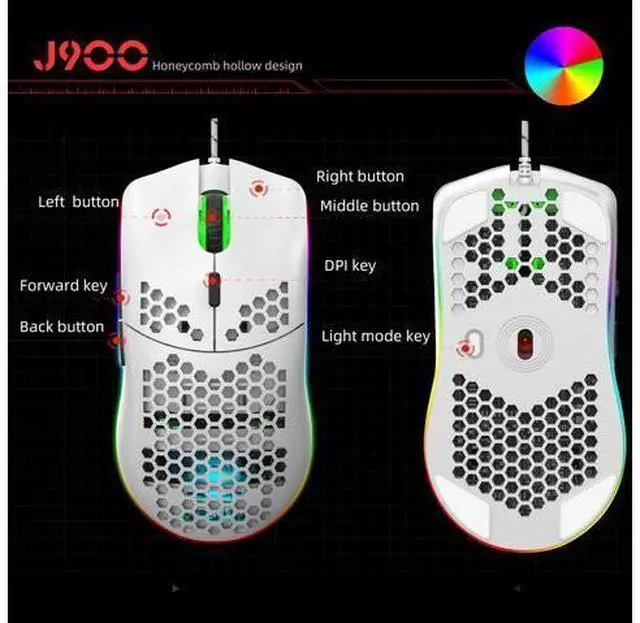
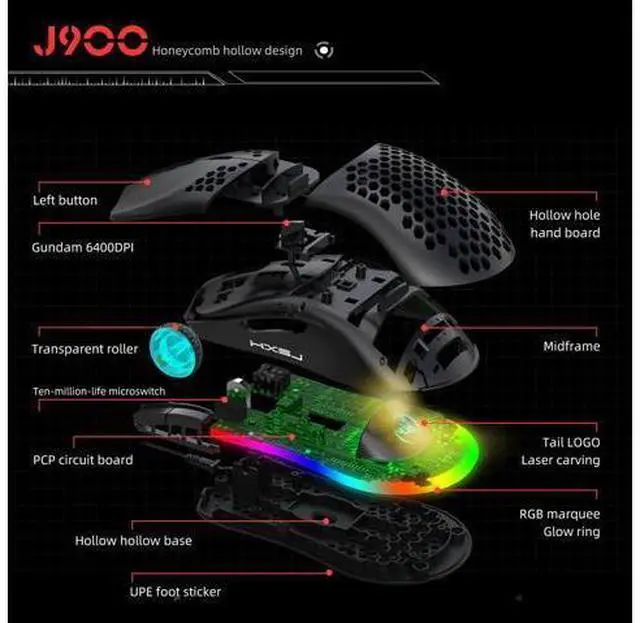
- Specifications:; Product model: J900 RGB Lighting Programmable Gaming Mouse; Rate of return: 125HZ; Moving speed: 28IPS; Rate: 4000FPS; Acceleration: 10G; Human body engineering design ,Comfortable grip,Hollow design, more fashionable.; 6 buttons ( programmable); 6 RGB lighting modes, can turn off the light; 6-level adjustable DPI, Max.6400 DPI; Voltage rating / electric current: DC 5V / 100mA; USB plug and play; Switch life:20million cycle; Cable length: 150cm; Item Weight:96g; Item Size:13*6.7*3.8 cm(L * W * H); Package Weight:147g; Package Size:15*9.8*5cm; Support Windows 2000 / XP / win7 /win8 /win10 Vista 32bit IOS or latest.
+
+
Overview
Specs
Reviews
Any questions? Our AI beta will help you find out quickly.
Try me now
Packing list: 1 x gaming mouse 1 x User manual
How to use:
1. Download the macro programming software through the website provided by the seller. 2. After downloading, open it directly and use the buttons to customize programming. 3. When the mouse is successfully connected and used normally, Open the J300 macro programming software directly to use the macro programming function.
4. Adop professional game chip, using high-performance program control decoder chip for smooth motion and precise control.
5. Button settings For the 1-6 button (as shown), the drive supports custom settings. 6.
DPI setting: default 1000/1600/2400/3200/4800/6400 the Six-segment DPI value can be any section.
7.
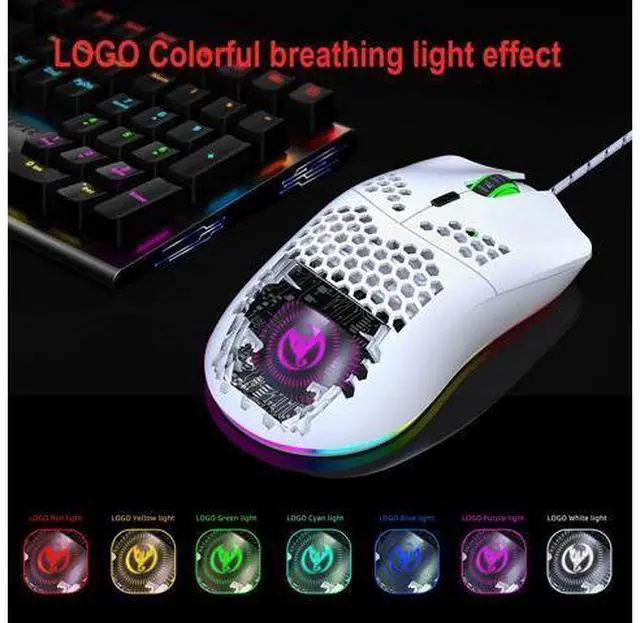
Light mode: RGB marquee effect, Up to 6 lighting pattern designs, The light can be turned off.
8.
Mouse parameters: You can set the pointer precision, wheel speed and double click speed.
9.
Custom Settings: Custom macro editing that supports game effects.
10. When the settings are complete, click Applications and then click Save Configuration. You should start the driver again the next time you use it so that you can use all customizations Features.

How to use:
1. Download the macro programming software through the website provided by the seller. 2. After downloading, open it directly and use the buttons to customize programming. 3. When the mouse is successfully connected and used normally, Open the J300 macro programming software directly to use the macro programming function.
4. Adop professional game chip, using high-performance program control decoder chip for smooth motion and precise control.
5. Button settings For the 1-6 button (as shown), the drive supports custom settings. 6.
DPI setting: default 1000/1600/2400/3200/4800/6400 the Six-segment DPI value can be any section.
7.
Light mode: RGB marquee effect, Up to 6 lighting pattern designs, The light can be turned off.
8.
Mouse parameters: You can set the pointer precision, wheel speed and double click speed.
9.
Custom Settings: Custom macro editing that supports game effects.
10. When the settings are complete, click Applications and then click Save Configuration. You should start the driver again the next time you use it so that you can use all customizations Features.
Warranty & Returns
Warranty, Returns, And Additional Information
Warranty
- Please contact the Seller directly for warranty information. Warranty information may also be found on the Manufacturer's website.
- CONTACT
Return Policies
- Return for refund within: 30 days
- Return for replacement within: 30 days
- This item is covered by Kepler Forge Return Policy
Manufacturer Contact Info
- For a directory of all our manufacturers, please click below.
- Manufacturers Directory
LOADING...