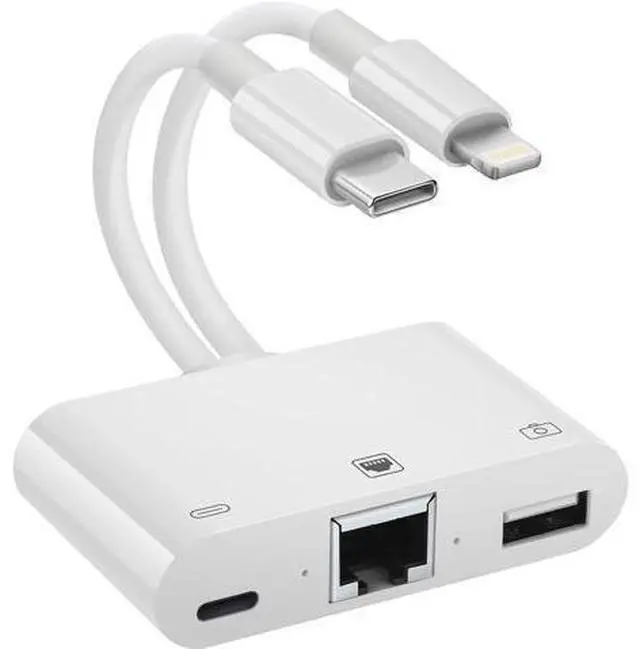
2 in 1 Lightning and Type C to RJ45 Ethernet Adapter Network Adapter with Charge Port and USB Port Support USB Flash Drive/Keyboard/Mouse/Came Plug and Play Supports 100Mbps Ethernet Network
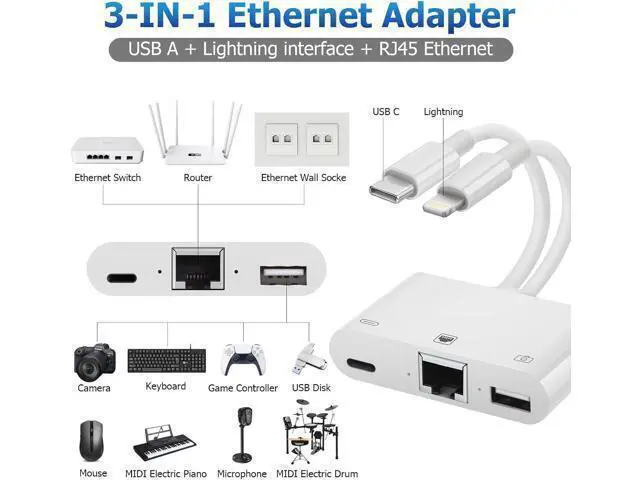
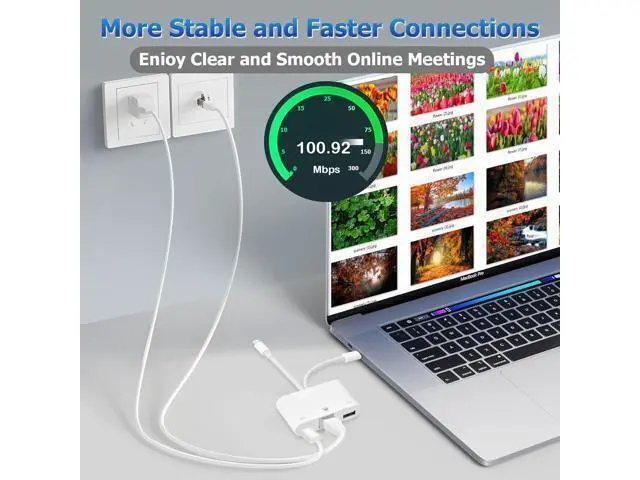
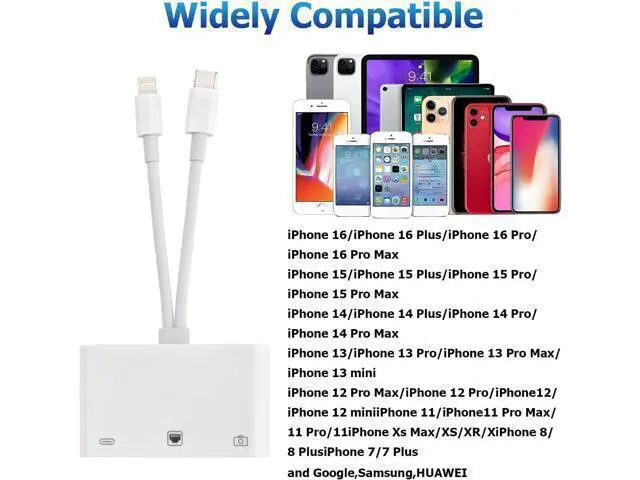
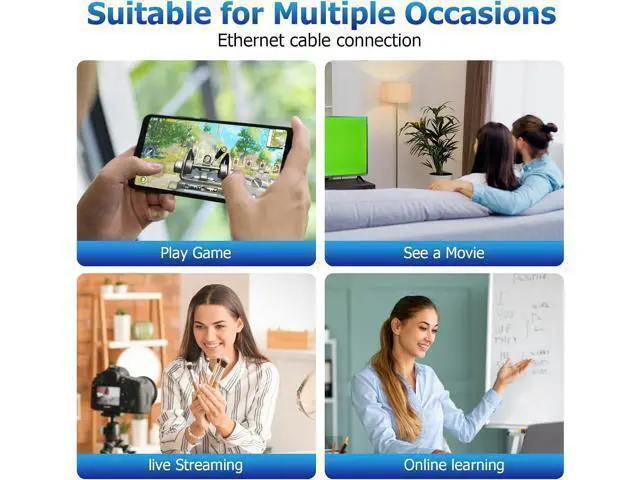
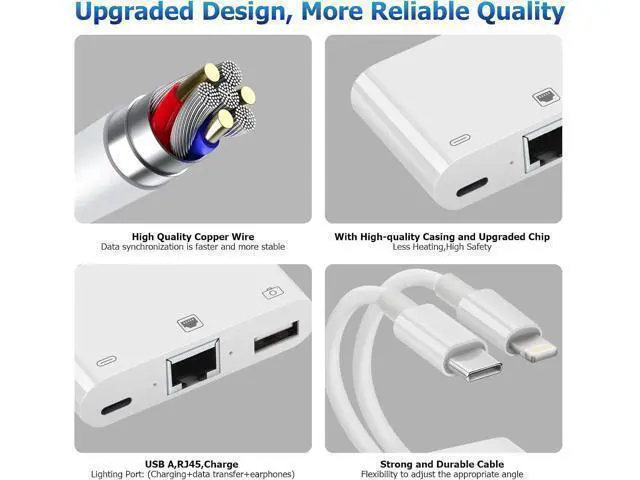
Plug & PlayThis lightning to ethernet adapter for iphone don't need APP and external power or plug in any software driver and USB power supply. Just plug then you can enjoy fast iPhone Ethernet Network and synchronous data speed up your work efficiency. Fast Ethernet NetworkWith the RJ45 port you can have 100mbps iPhone Ethernet LAN Wired Network the iPhone Ethernet adapter can connect your iPhone/iPad to bring faster and more stable network. Just need wait a few seconds to loading a large movie. USB Adapter Multiple Uses The lightning to usb adapter has a wide range of uses such as connecting MIDI keyboards USB microphones keyboards mice USB flash drives game pads etc. This can improve work efficiency and make you perform work easier and faster. External Charging PortThis ethernet to lightning adapter has a charging port which can charge your device while surfing on the Internet or viewing pictures or videos at the same time without worrying about potential power failures. You can also share battery power when your other devices battery power is low. 2 in 1 Muti-PerformanceThe card reader have 1 * RJ45 ethernet adapter 1 * lightning power supply port 1 * USB A slots. With the lighting charging port you will never worry about the power shortage when transferring photos. This adapter is perfect for a variety of devices like keyboards Mouse game Pad flash drives hard disk Type C smartphones iPhone iPad MacBook.
+
+
Overview
Specs
Reviews
Any questions? Our AI beta will help you find out quickly.
Try me now
2 in 1 Lightning and Type C to RJ45 Ethernet Adapter Network Adapter with Charge Port and USB Port Support USB Flash Drive/Keyboard/Mouse/Came Plug and Play Supports 100Mbps Ethernet Network
Learn more about the Detailed Specifications
Additional Information
First Listed on Newegg
June 29, 2026
There are no reviews yet.
Do you own this product?
Warranty & Returns
Warranty, Returns, And Additional Information
Warranty
Please contact the Seller directly for warranty information. Warranty information may also be found on the Manufacturer's website.